What is Zapier?
Zapier is a no-code automation platform that connects more than 9,000 apps so they can pass data and trigger actions without manual work. Its core building block is the Zap, a workflow that starts with a trigger in one app and then runs one or more actions in others. For example, a new form submission can create a CRM contact, send a Slack message and add a spreadsheet row.
Zapier has grown into a broader AI orchestration toolkit. Alongside Zaps, it includes Tables for storing data, Forms for collecting inputs, Agents for AI assistants that complete tasks, Chatbots for customer questions, Canvas for mapping processes and Zapier MCP for letting AI tools like Claude and ChatGPT use its app connections. Pricing is based on monthly tasks, with a free plan and paid tiers. Enterprise plans add unlimited users, advanced admin controls and observability.
Zapier at a glance
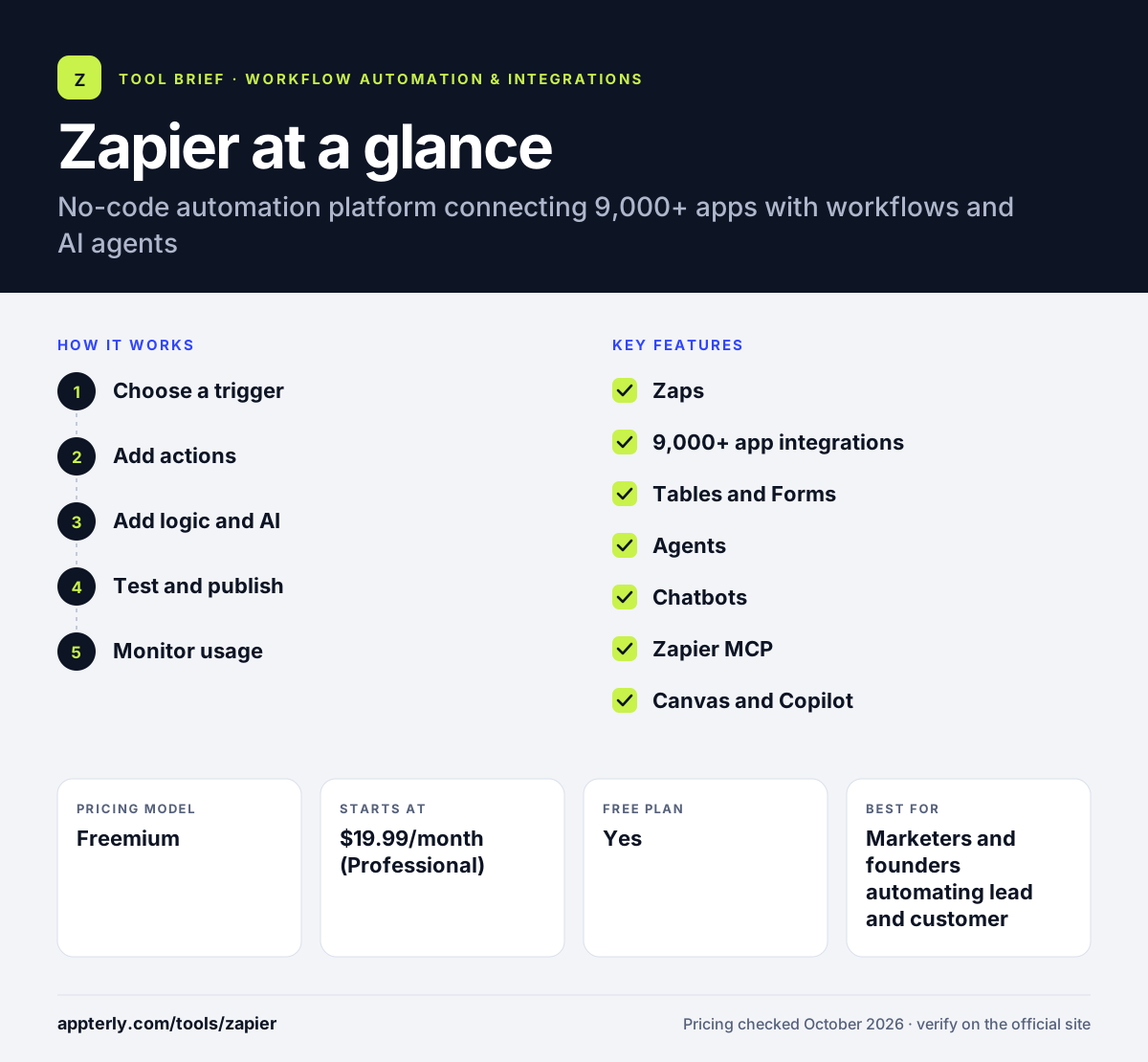
How does Zapier work?
- Choose a trigger
Pick the app and event that starts the Zap, such as a new lead in a form tool or a new order in Shopify.
- Add actions
Select what should happen next in other apps and map fields from the trigger into each action.
- Add logic and AI
Use filters, paths, formatters, code steps or AI steps to shape data and decide what runs.
- Test and publish
Test each step with sample data, then turn the Zap on so it runs automatically.
- Monitor usage
Review Zap history and task usage, and let Zapier's built-in AI flag and fix common errors.
Zapier key features
Zaps
Trigger-based workflows with multi-step actions, filters, paths and delays on paid plans.
9,000+ app integrations
One of the largest libraries of app connections, with tens of thousands of triggers and actions.
Tables and Forms
Built-in data storage and form pages that Zaps can read from, write to and trigger from.
Agents
AI assistants that can work across your connected apps to complete tasks, priced separately by activity.
Chatbots
AI chatbots trained on your content to answer customer questions and hand off data to workflows.
Zapier MCP
Connects AI tools such as Claude, ChatGPT and Cursor to Zapier's app actions.
Canvas and Copilot
Canvas maps processes visually, and Copilot helps build automations from plain-language requests.
Why use Zapier?
- The largest app library makes it likely your tools are already supported.
- A simple builder lets non-technical users launch automations quickly.
- AI agents, chatbots and MCP extend automation beyond fixed workflows.
- A free plan and 14-day Professional trial make it easy to start.
- Team plans add shared connections, SSO and priority support.
Who is Zapier best for?
A good fit for
- Marketers and founders automating lead and customer workflows
- Freelancers and small agencies connecting many SaaS tools
- Non-technical teams that value ease of use
- Companies adding AI agents to existing app stacks
- Operations teams that want shared workflows and app connections
Less suited to
- High-volume workflows where per-task pricing becomes expensive
- Teams that need self-hosting or on-premise deployment
- Developers who want detailed control over complex data transformations
Zapier pricing
| Pricing model | Freemium |
|---|---|
| Free plan | Yes |
| Free trial | 14 days (Professional) |
| Starting price | $19.99/month (Professional) |
Free covers 100 tasks per month and two-step Zaps. Professional and Team (from $69/month) scale by task volume with multi-step Zaps, faster polling and team features, yearly billing saves 33%, and Agents and Chatbots have separate plans.
Prices checked October 2026. Vendors change plans often, so confirm on the official Zapier pricing page before you buy.
Zapier pros and cons
Pros
- Huge integration library
- Very easy to learn
- Broad AI toolkit including agents, chatbots and MCP
- Reliable free plan for simple automations
Cons
- Costs rise quickly as task volume grows
- Free plan is limited to two-step Zaps
- Less control over complex logic than Make or n8n
Zapier integrations and platforms
Works with
Available on
Zapier alternatives
See the full shortlist in Best Zapier Alternatives.
Zapier FAQ
Is Zapier free?
Yes, Zapier has a free plan with 100 tasks per month, two-step Zaps and 15-minute update checks, plus access to Tables and Forms. New accounts also get a 14-day trial of the Professional plan. Multi-step Zaps and higher task limits require a paid plan, starting with Professional. Annual task limits are available on Enterprise.
What is Zapier used for?
Zapier is used to automate repetitive work between apps. Common uses include sending form leads to a CRM, notifying teams in Slack, syncing orders to spreadsheets, creating invoices and running AI steps to summarize or classify data. It also powers AI agents and chatbots that act on connected tools.
Is Zapier good for beginners?
Yes. Zapier is widely considered one of the easiest automation tools to learn. The step-by-step builder, large template library and AI help mean most people can launch a working Zap in minutes. Advanced features such as paths and code steps are available when needs grow.
Zapier vs Make: what's the difference?
Zapier prioritizes simplicity and has the larger app library, with linear workflows built step by step. Make uses a visual canvas with routers and detailed data mapping and is often cheaper for complex, multi-step workflows. Zapier suits speed and ease, while Make suits builders who want more control.
Does Zapier integrate with Shopify?
Yes. Zapier connects to Shopify, so new orders, customers or products can trigger actions in email tools, CRMs, spreadsheets, accounting software and messaging apps. This is a common setup for ecommerce stores that want to automate fulfillment updates and customer follow-ups.
Sources
This overview is based on Zapier's official website and documentation, checked October 2026.