What is Make?
Make is a visual automation platform that lets you build workflows, called scenarios, by dragging app modules onto a canvas and linking them together. Each scenario starts with a trigger and then moves data through actions, filters, routers and transformations. Make connects to more than 3,000 apps out of the box, and any service with an API can be added through HTTP or a custom app.
The platform sits between simple trigger-action tools and developer frameworks. It gives non-developers detailed control over data mapping, branching and error handling, while also allowing JavaScript or Python where needed. Recent releases add AI agents, an MCP server for running automations from AI assistants, and Make Grid, a map of how scenarios, apps and agents connect. Billing is based on credits, with most module actions using one credit.
Make at a glance
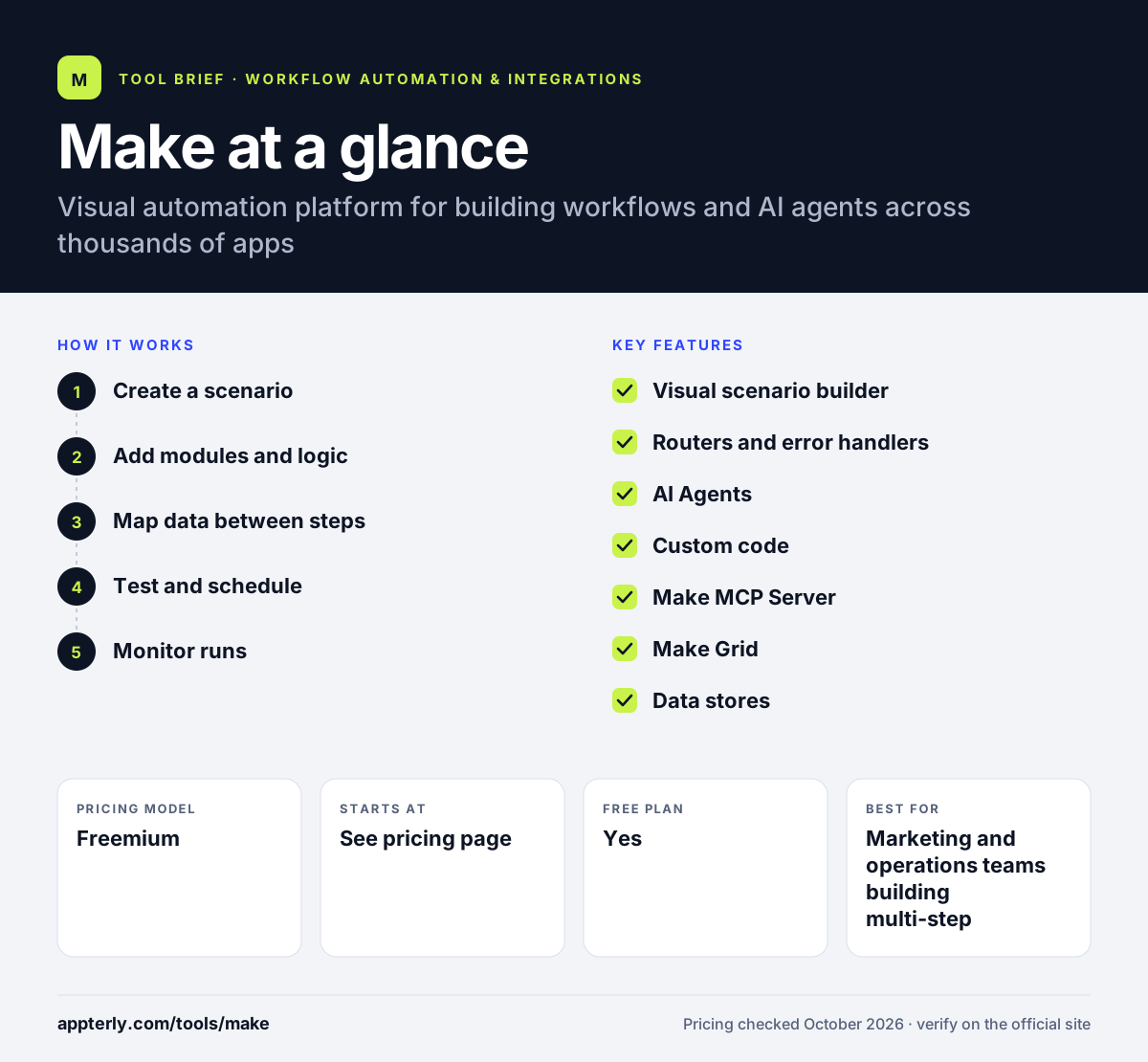
How does Make work?
- Create a scenario
Start on the visual canvas, from a template or by describing what you want in a prompt. Pick the app and event that will trigger the run.
- Add modules and logic
Chain actions from other apps, then add routers to split paths, filters to stop runs that do not qualify and functions to reshape data.
- Map data between steps
Drag fields from earlier modules into later ones so names, emails, order values and other data flow where you need them.
- Test and schedule
Run the scenario once to inspect each step's input and output, then set it to run instantly via webhook or on a schedule.
- Monitor runs
Use execution history, error handlers and observability views to find failures and fix them.
Make key features
Visual scenario builder
A drag-and-drop canvas that shows every step and branch of a workflow, which makes complex logic easier to follow.
Routers and error handlers
Split a workflow into parallel paths and define what happens when a step fails. Make says these modules do not consume credits.
AI Agents
Give an agent a goal, a set of tools and limits, then review its reasoning as it works through tasks.
Custom code
Run JavaScript or Python inside a scenario for transformations that built-in functions cannot handle.
Make MCP Server
Trigger and manage automations from AI assistants such as Claude, ChatGPT and Gemini.
Make Grid
A visual map of connected scenarios, apps and AI agents across an organization.
Data stores
Simple built-in storage for keeping records between runs without a separate database.
Why use Make?
- The visual canvas gives more control over branching and data mapping than basic trigger-action tools.
- A free plan with 1,000 credits per month allows real testing without a credit card.
- Credit-based billing tends to cost less than per-task pricing for multi-step workflows.
- Built-in AI agents and MCP support let teams mix fixed workflows with AI-driven steps.
- More than 3,000 native apps cover most marketing, sales and operations stacks.
Who is Make best for?
A good fit for
- Marketing and operations teams building multi-step workflows
- Small agencies automating client reporting and lead routing
- Users who have outgrown simple two-step automations
- Teams that want AI agents alongside visual workflows
Less suited to
- Complete beginners who want one-click templates with no setup
- Organizations that require self-hosting or on-premise deployment
- Teams that find credit-based usage hard to forecast
Make pricing
| Pricing model | Freemium |
|---|---|
| Free plan | Yes |
| Free trial | Not confirmed |
| Starting price | See the official pricing page |
The free plan includes 1,000 credits per month. Paid Core, Pro and Teams plans raise credit limits and add features, annual billing costs less than monthly, and Enterprise is sold through sales; check the official pricing page for current dollar amounts.
Prices checked October 2026. Vendors change plans often, so confirm on the official Make pricing page before you buy.
Make pros and cons
Pros
- Powerful visual builder with routers, filters and error handling
- Generous free plan for testing
- Strong value for multi-step workflows
- Custom code and HTTP modules handle edge cases
Cons
- Steeper learning curve than Zapier or Integrately
- Credit consumption can be hard to estimate for busy scenarios
- No self-hosted version
Make integrations and platforms
Works with
Available on
Make alternatives
See the full shortlist in Best Zapier Alternatives.
Make FAQ
Is Make free?
Yes, Make has a free plan with no time limit and no credit card requirement. It includes 1,000 credits per month, a small data store and enough active scenarios to run real automations. Paid plans such as Core, Pro and Teams add more credits, faster scheduling and team features.
What is Make used for?
Make is used to automate work across apps without writing much code. Common uses include routing leads from forms to a CRM, syncing ecommerce orders to spreadsheets, building client reports, enriching data with AI and posting alerts to Slack. It also runs AI agents that can complete tasks using the tools you connect.
Is Make good for beginners?
Make is usable by beginners, especially with templates and prompt-based building, but it has a steeper learning curve than simpler tools. Concepts such as routers, iterators and data mapping take some time to learn. People who invest that time usually find it more flexible than basic trigger-and-action tools.
Make vs Zapier: what's the difference?
Zapier focuses on ease of use and has a larger app library, with linear workflows that are quick to set up. Make offers a visual canvas with branching, error handling and detailed data control, and usually costs less for complex multi-step workflows. Make suits builders, while Zapier suits users who want the fastest setup.
Was Make previously called Integromat?
Yes. Make was originally known as Integromat and was rebranded as Make. The company is now part of Celonis, the process mining company. The product kept its visual scenario builder but has since added credit-based billing, AI agents, an MCP server and Make Grid.
Sources
This overview is based on Make's official website and documentation, checked October 2026.