What is IFTTT?
IFTTT is a no-code automation service that connects apps, websites and smart home devices so they work together automatically. The name stands for If This Then That, which describes how it works: when something happens in one service, IFTTT performs an action in another. These automations are called Applets, and the platform supports more than 1,000 services.
IFTTT is popular for personal productivity, social media posting and smart home control, and it is also used by small business owners for light workflows. Users can turn on ready-made Applets or build their own on the web or the iOS and Android apps. Newer features include Chat Create, which builds Applets from a prompt, and an MCP server that connects AI tools. Because each Applet follows the same trigger-and-action pattern, most people can set one up in minutes.
IFTTT at a glance
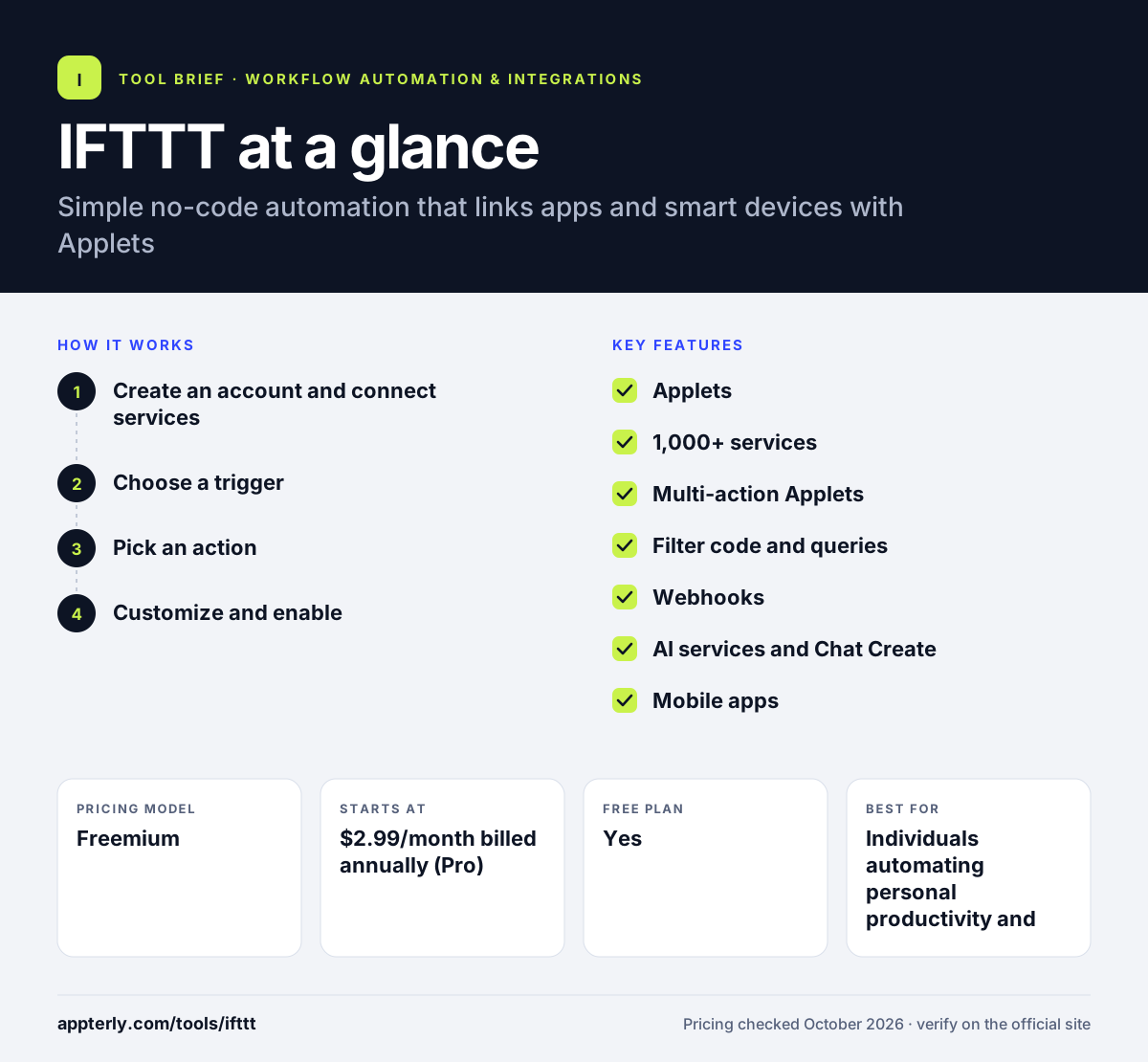
How does IFTTT work?
- Create an account and connect services
Sign up on the web or in the mobile app, then connect the services you use, such as Google, Slack or a smart home brand.
- Choose a trigger
Pick the event that starts the Applet, such as a new email, a calendar event, a location change or a new post.
- Pick an action
Select what should happen next, such as adding a spreadsheet row, sending a notification or turning on lights.
- Customize and enable
Adjust the details, add more actions on paid plans, and switch the Applet on. It then runs automatically in the background.
IFTTT key features
Applets
Simple automations that link a trigger in one service with one or more actions in others.
1,000+ services
Connections for apps such as Google Sheets, Slack, Notion, Spotify and YouTube, plus smart home brands like Philips Hue and iRobot.
Multi-action Applets
Paid plans let one trigger run several actions in different services.
Filter code and queries
Pro+ adds filter code and queries so Applets can apply conditions or pull extra data.
Webhooks
Send and receive web requests to connect services that do not have a native integration.
AI services and Chat Create
Build Applets from a plain-language prompt and use AI actions, with full AI services on Pro+.
Mobile apps
iOS and Android apps for managing Applets and using phone-based triggers like location and notifications.
Why use IFTTT?
- IFTTT is one of the simplest ways to automate tasks without technical skills.
- It covers smart home devices as well as web apps, which most business automation tools do not.
- Paid plans are inexpensive compared with business-focused automation platforms.
- Mobile apps make it easy to use phone triggers such as location and notifications.
- A large library of ready-made Applets helps you start quickly.
Who is IFTTT best for?
A good fit for
- Individuals automating personal productivity and smart home tasks
- Content creators cross-posting to social media
- Small business owners with simple, low-volume workflows
- Smart home users connecting devices from different brands
Less suited to
- Businesses that need complex, multi-step workflows with branching logic
- Teams that require collaboration features, detailed logs or admin controls
- High-volume data syncing between business systems
IFTTT pricing
| Pricing model | Freemium |
|---|---|
| Free plan | Yes |
| Free trial | Available for Pro and Pro+ (length not stated) |
| Starting price | $2.99/month billed annually (Pro) |
The free plan allows 2 Applets. Pro allows 20 Applets with multi-actions and faster runs, and Pro+ costs $8.99/month billed annually for unlimited Applets, filter code, AI services and multiple accounts per service. Monthly billing costs more than the annual rates shown.
Prices checked October 2026. Vendors change plans often, so confirm on the official IFTTT pricing page before you buy.
IFTTT pros and cons
Pros
- Very easy to learn and set up
- Strong smart home and consumer app coverage
- Low-cost paid plans
- Full-featured mobile apps
Cons
- Free plan is limited to two Applets
- Limited logic compared with business automation tools
- Not designed for team collaboration or high volumes
IFTTT integrations and platforms
Works with
Available on
IFTTT alternatives
See the full shortlist in Best Zapier Alternatives.
IFTTT FAQ
Is IFTTT free?
IFTTT has a free plan that lets you run up to two Applets, either published ones or your own. Paid plans add more. Pro costs $2.99 per month billed annually and allows 20 Applets with multi-actions, while Pro+ costs $8.99 per month billed annually and allows unlimited Applets plus filter code and AI services.
What is IFTTT used for?
IFTTT is used to automate everyday tasks between apps and devices. Common examples include saving email attachments to cloud storage, logging events to a spreadsheet, cross-posting to social media, getting custom notifications and controlling smart lights or thermostats based on location, time or weather.
Is IFTTT good for beginners?
Yes. IFTTT is one of the most beginner-friendly automation tools. Each Applet follows a simple pattern of one trigger and one or more actions, and you can switch on ready-made Applets in a few taps. The mobile apps make setup easy, and no coding is needed for basic automations.
IFTTT vs Zapier: what's the difference?
IFTTT focuses on simple automations for individuals and smart home users, with low-cost plans and strong mobile apps. Zapier is built for business workflows, with multi-step Zaps, branching, team features and a larger catalog of business apps. People automating personal tasks often choose IFTTT, while companies usually choose Zapier.
Does IFTTT work with Google Sheets?
Yes. Google Sheets is one of IFTTT's most used services. You can create Applets that add a row when something happens elsewhere, such as a new email, a completed task or a smart device event. It also connects with Gmail, Google Calendar and Google Drive.
Sources
This overview is based on IFTTT's official website and documentation, checked October 2026.