What is n8n?
n8n is a workflow automation platform that combines a visual node editor with the option to write code, and it can run on your own servers or in n8n's cloud. You build workflows by connecting nodes for triggers, apps, logic and AI models, then drop into JavaScript or Python when a step needs custom handling. It offers more than 500 native integrations and can call any API over HTTP.
The platform has become popular for building AI agents. You can connect any language model, give an agent tools, add human approval steps and evaluate its output. Because the source code is public on GitHub and a community edition can be self-hosted, n8n appeals to teams that care about data control. Cloud plans charge per workflow execution rather than per step, which keeps long workflows affordable. Business and Enterprise tiers add the controls larger organizations expect, such as SSO, Git-based version control and separate environments.
n8n at a glance
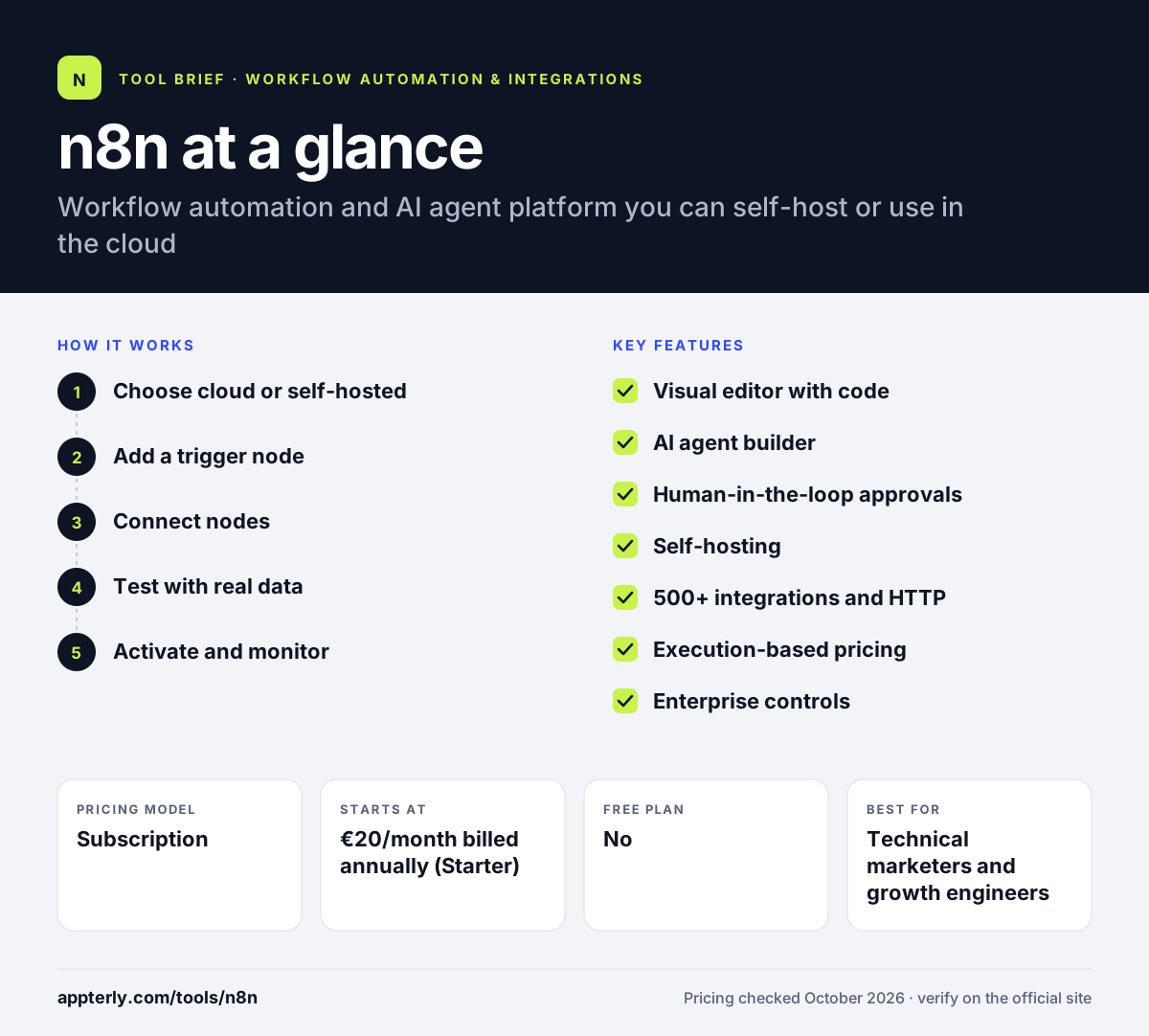
How does n8n work?
- Choose cloud or self-hosted
Sign up for n8n Cloud, or deploy the community edition with Docker or on your own infrastructure.
- Add a trigger node
Start a workflow from a webhook, schedule, app event, chat message or manual run.
- Connect nodes
Link app nodes, logic nodes, code nodes and AI agent nodes on the canvas, mapping data between them.
- Test with real data
Run each node and inspect its output, pin sample data and adjust before going live.
- Activate and monitor
Turn the workflow on, then use execution history, error workflows and insights to track runs.
n8n key features
Visual editor with code
Build workflows by connecting nodes and add JavaScript or Python steps wherever logic gets complex.
AI agent builder
Connect any model, give agents tools and memory, and add guardrails, structured outputs and evaluations.
Human-in-the-loop approvals
Pause a workflow until a person approves or edits an AI decision before it continues.
Self-hosting
Run n8n on-premise or in your own cloud to keep data inside your environment.
500+ integrations and HTTP
Native nodes for common tools plus an HTTP request node and MCP support for anything else.
Execution-based pricing
Cloud plans count a full workflow run as one execution, no matter how many steps it has.
Enterprise controls
Higher tiers add SSO, LDAP, role-based access, Git version control, environments and audit logging.
Why use n8n?
- Self-hosting gives full control over data and infrastructure.
- Per-execution billing keeps long, multi-step workflows cheaper than per-task tools.
- Code steps remove most limits that pure no-code tools impose.
- Strong AI agent features support production use with approvals and evaluations.
- All plans include unlimited users and workflows.
Who is n8n best for?
A good fit for
- Technical marketers and growth engineers
- Startups building AI agents into internal processes
- Teams with data privacy or residency requirements
- Agencies building complex automations for clients
Less suited to
- Non-technical users who want ready-made one-click automations
- Teams without anyone to maintain a self-hosted server
- Users who need thousands of native app connectors out of the box
n8n pricing
| Pricing model | Subscription |
|---|---|
| Free plan | No |
| Free trial | Free cloud trial, no credit card required |
| Starting price | €20/month billed annually (Starter) |
Cloud Starter includes 2,500 executions per month and Pro (€50/month billed annually) includes 10,000. Business (€667/month billed annually) is self-hosted with SSO and Git, Enterprise is custom, and the community edition can be self-hosted at no license cost.
Prices checked October 2026. Vendors change plans often, so confirm on the official n8n pricing page before you buy.
n8n pros and cons
Pros
- Self-hostable with public source code
- Excellent flexibility through code and HTTP nodes
- Cost-effective execution-based pricing
- Mature AI agent tooling
Cons
- Steeper learning curve for non-developers
- Self-hosting means you handle updates, security and uptime
- Smaller native integration library than Zapier or Make
n8n integrations and platforms
Works with
Available on
n8n alternatives
See the full shortlist in Best Zapier Alternatives.
n8n FAQ
Is n8n free?
The community edition of n8n is free to self-host, though you pay for your own server and maintenance. n8n Cloud does not have a permanent free plan, but it offers a free trial with no credit card required. Paid cloud plans start with Starter at €20 per month billed annually. It also offers a free cloud trial for testing workflows before choosing a plan.
What is n8n used for?
n8n is used to automate workflows across apps, databases and APIs, and increasingly to build AI agents. Teams use it for lead enrichment, support ticket triage, alert investigation, data syncs and internal tools. Its code steps and self-hosting make it popular with technical teams that need flexibility and data control.
Is n8n good for beginners?
n8n is usable by beginners with templates, but it is aimed at technical users. Understanding JSON data, APIs and expressions helps a lot. Non-technical users who only need simple app-to-app connections may find tools such as Zapier or Integrately quicker to learn.
n8n vs Make: what's the difference?
Both use visual canvases for multi-step workflows. Make is cloud-only, has more native app integrations and charges by credits per action. n8n can be self-hosted, leans further into code and AI agents, and charges per complete workflow execution, which is often cheaper for long workflows.
Can n8n be self-hosted?
Yes. n8n can be deployed on your own servers with Docker or on-premise, which keeps workflow data in your environment. The community edition is available on GitHub, and the paid Business and Enterprise plans add SSO, Git version control, multiple environments and other enterprise features for self-hosted setups.
Sources
This overview is based on n8n's official website and documentation, checked October 2026.