What is Userpilot?
Userpilot is a no-code product growth platform that helps SaaS companies onboard new users, drive feature adoption and understand how people use their product. It combines in-app guidance such as tooltips, checklists and modals with product analytics, in-app surveys and session replay. The idea is that product managers and growth teams can spot where users struggle and then fix it inside the product without waiting on engineering.
The platform covers both web and mobile apps, though mobile engagement sits on the Enterprise plan. Userpilot has also added AI features, including an agent called Lia that can analyze data and help build in-app experiences, and an MCP server that lets assistants like Claude or ChatGPT query Userpilot data. It is a paid tool aimed at funded B2B software teams rather than very small projects.
Userpilot at a glance
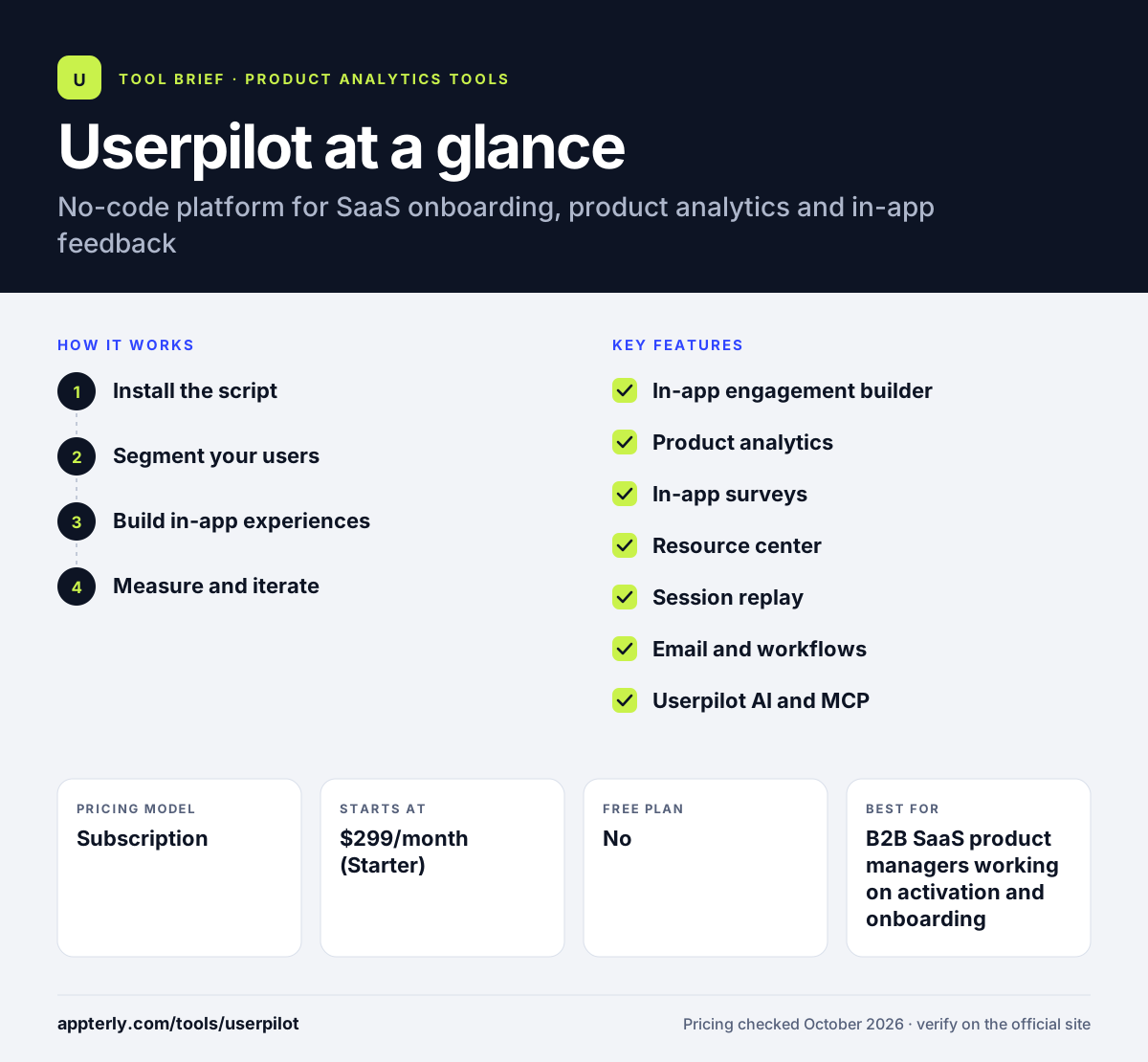
How does Userpilot work?
- Install the script
You add the Userpilot JavaScript snippet or SDK to your app and identify users with attributes such as plan, role or signup date. Event autocapture then starts recording clicks and page views.
- Segment your users
You build segments from user properties, behavior and company data. Segments decide who sees which flow, survey or banner.
- Build in-app experiences
Using a visual builder, you create onboarding flows, tooltips, checklists and resource centers directly on top of your live product, with no code.
- Measure and iterate
Funnels, paths, trends and retention reports show whether users complete key actions. You then adjust flows, run surveys or watch session replays to find friction.
Userpilot key features
In-app engagement builder
Create onboarding flows, tooltips, banners, spotlights and checklists without code. Each experience can be targeted to a specific segment.
Product analytics
Event autocapture feeds funnel, path, trend, cohort and retention reports, plus custom dashboards. Advanced analytics and autocapture are part of the Growth plan.
In-app surveys
Run NPS, CSAT and custom surveys inside the product, on mobile or by email, and analyze the responses alongside usage data.
Resource center
An in-app help widget that collects guides, videos and docs so users can find answers without leaving the product.
Session replay
Watch recordings of real user sessions with signals such as rage clicks and errors. Sensitive fields are masked automatically.
Email and workflows
Send behavior-triggered emails and combine them with in-app messages to build multi-channel onboarding sequences.
Userpilot AI and MCP
The Lia agent helps analyze data and draft engagement, while the MCP server connects Userpilot data to AI tools such as Claude, ChatGPT and Cursor.
Why use Userpilot?
- Product teams can launch and change onboarding without engineering sprints.
- Analytics and engagement live in one tool, so you can see whether a new flow actually changed user behavior.
- Targeting by segment means new users, power users and trial accounts each see relevant guidance.
- Built-in NPS and CSAT surveys connect user sentiment to what users did in the product.
- Data can be pushed to CRMs and warehouses so sales and success teams see product usage.
Who is Userpilot best for?
A good fit for
- B2B SaaS product managers working on activation and onboarding
- Growth teams running product-led growth motions
- Customer success teams that want in-app help and feature announcements
- Mid-size software companies that want analytics and guidance in one tool
Less suited to
- Early-stage startups with tight budgets, since paid plans start at several hundred dollars a month
- Teams that mainly need mobile app onboarding but are not ready for an Enterprise contract
- Companies that only need deep product analytics and no in-app guidance
Userpilot pricing
| Pricing model | Subscription |
|---|---|
| Free plan | No |
| Free trial | 14 days |
| Starting price | $299/month (Starter) |
Starter covers up to 2,000 monthly active users with 3 seats and core engagement features. Growth starts at $849/month and adds advanced analytics, autocapture, session replays and more seats, while Enterprise is custom priced and adds mobile, warehouse sync and premium CRM integrations.
Prices checked October 2026. Vendors change plans often, so confirm on the official Userpilot pricing page before you buy.
Userpilot pros and cons
Pros
- Combines onboarding, analytics, surveys and session replay in one platform
- No-code builder lets non-developers ship in-app experiences quickly
- Strong segmentation for targeting the right users
- Connects to common CRMs and analytics tools
Cons
- Entry price is high for small teams and side projects
- Mobile engagement and warehouse sync are limited to Enterprise
- Pricing scales with monthly active users, so costs rise as you grow
Userpilot integrations and platforms
Works with
Available on
Userpilot alternatives
See the full shortlist in Best Product Analytics Tools.
Userpilot FAQ
Is Userpilot free?
No. Userpilot does not offer a permanent free plan. It offers a 14-day free trial with no credit card required, and paid plans start at $299 per month for the Starter tier, which covers up to 2,000 monthly active users. Growth starts at $849 per month and Enterprise pricing is quoted by sales.
What is Userpilot used for?
Userpilot is used by SaaS teams to improve user onboarding and feature adoption. Teams build in-app tours, checklists, tooltips and resource centers, then track whether users complete key actions with funnels and retention reports. It is also used to run NPS surveys, watch session replays and send behavior-based emails.
Is Userpilot good for beginners?
Userpilot is approachable for product managers without coding skills because experiences are built visually on top of your app. You still need a developer to install the script and pass user data at the start. Planning good segments and onboarding goals takes some product thinking, but day-to-day use does not require engineering help.
Userpilot vs Appcues: what's the difference?
Both tools build no-code in-app onboarding experiences for web and mobile products. Userpilot puts more weight on built-in product analytics, with autocapture, funnels, paths and session replay in the same platform. Appcues focuses mainly on in-app flows and messaging and usually relies more on connected analytics tools. The right choice depends on whether you want analytics bundled in.
Does Userpilot integrate with HubSpot and Salesforce?
Yes. Userpilot lists integrations with HubSpot and Salesforce, plus Segment, Mixpanel, Amplitude, Zendesk, Intercom and Google Analytics. Premium CRM integrations and data warehouse sync are listed as Enterprise features, so check which plan you need before relying on a two-way CRM connection.
Sources
This overview is based on Userpilot's official website and documentation, checked October 2026.