What is Countly?
Countly is a first-party product analytics and customer engagement platform that tracks how people use mobile, web and desktop apps, and lets teams act on that data with push notifications, surveys and in-app messages. It can run on your own servers or in a managed private cloud, so your data stays under your control. Countly is led by founder and CEO Onur Soner. It supports apps across mobile, web, desktop and connected devices through ten SDKs.
Countly groups its features into three suites. Advanced Analytics covers events, sessions, user profiles and dashboards. Adaptivity adds push notifications, A/B testing, journeys, surveys and remote config. Intelligence adds funnels, retention, flows, crash reporting and AI insights through an assistant called Cee. Countly supports compliance needs including GDPR, CCPA, COPPA and HIPAA, which suits regulated industries.
Countly at a glance
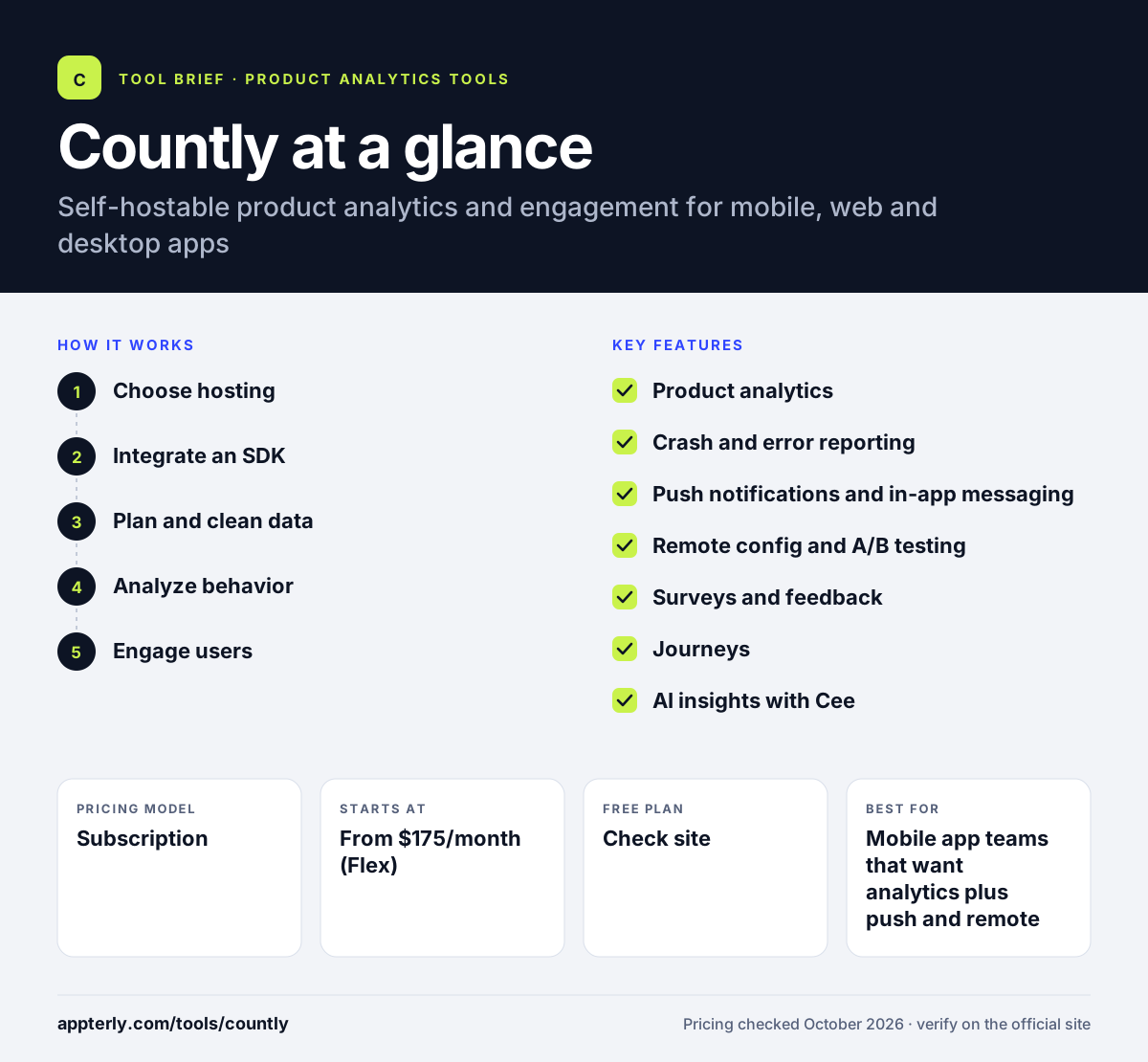
How does Countly work?
- Choose hosting
Start a 14-day trial of Flex in a managed private cloud, or book a demo for a self-hosted Enterprise setup.
- Integrate an SDK
Add one of Countly's SDKs for platforms such as Android, iOS, JavaScript, Flutter, React, Unity or Windows, or send data through the write API.
- Plan and clean data
Use data management tools to plan, validate, filter and transform events before they reach reports.
- Analyze behavior
Build dashboards, funnels, retention and cohort reports, and track crashes and errors.
- Engage users
Send push notifications, run surveys, trigger journeys and change app behavior with remote config without a new release.
Countly key features
Product analytics
Real-time event tracking, sessions, user profiles, cohorts, funnels and retention in one place. Dashboards and alerts help teams spot changes quickly.
Crash and error reporting
Track app crashes and errors alongside behavior data, included in the Intelligence suite.
Push notifications and in-app messaging
Reach users directly from the same platform that holds their behavior data.
Remote config and A/B testing
Change app features and messaging in real time and test variants without shipping a new build.
Surveys and feedback
Collect user feedback in context and tie it to product usage.
Journeys
Automate in-app messaging and workflows based on user actions.
AI insights with Cee
AI-assisted report and insight generation helps teams find patterns faster.
Broad SDK coverage
Ten SDKs cover mobile, web, desktop and connected devices, plus a write API for any system.
Why use Countly?
- Self-hosting gives full data ownership with no vendor access.
- Analytics and engagement tools live in one platform.
- Usage-based pricing on Flex is not tied to seats.
- It supports strict compliance rules like HIPAA and COPPA.
- SDKs cover mobile, desktop, web and connected devices.
Who is Countly best for?
A good fit for
- Mobile app teams that want analytics plus push and remote config
- Healthcare, finance and public sector apps with data sovereignty needs
- Companies that must keep analytics on their own infrastructure
- Product teams building for desktop, gaming or connected devices
Less suited to
- Marketers who only need basic website traffic stats
- Small teams with tight budgets, since paid Flex starts at $175/month
- Teams without engineers to integrate SDKs
Countly pricing
| Pricing model | Subscription |
|---|---|
| Free plan | Not confirmed |
| Free trial | 14 days (Flex) |
| Starting price | From $175/month (Flex) |
Flex is a usage-based, month-to-month managed private cloud plan with Advanced Analytics, with Adaptivity and Intelligence as add-ons. Enterprise is self-hosted, custom priced and billed annually, with all suites included. A separate Countly Lite edition is also offered.
Prices checked October 2026. Vendors change plans often, so confirm on the official Countly pricing page before you buy.
Countly pros and cons
Pros
- Self-hosted and private cloud options
- Analytics, engagement and crash reporting together
- Strong compliance coverage
- Wide SDK support
Cons
- Higher entry price than simple analytics tools
- Engagement features cost extra on Flex
- Setup requires developer work
Countly integrations and platforms
Works with
Available on
Countly alternatives
See the full shortlist in Best Product Analytics Tools.
Countly FAQ
Is Countly free?
Countly's paid Flex plan starts at $175 per month with a 14-day free trial, and Enterprise is custom priced. Countly also offers a separate Countly Lite edition, linked from its pricing page, for teams that want a lighter option. Check the Countly Lite page for its current terms before you choose.
What is Countly used for?
Countly is used to analyze how people use mobile, web and desktop apps and to engage them based on that behavior. Teams track events, funnels and retention, monitor crashes, run A/B tests, send push notifications and surveys, and change app features with remote config, all from one platform.
Can Countly be self-hosted?
Yes. Countly Enterprise runs on your own infrastructure with fully customer-defined data location and no vendor access to data. If you prefer not to manage servers, the Flex plan runs in a Countly-managed private cloud in the region you choose, while you still own the data. Both options keep data ownership with you rather than the vendor.
Countly vs Mixpanel: what's the difference?
Mixpanel is a cloud product analytics tool with a large free plan, session replay and experiments. Countly focuses on data ownership, offering self-hosting and private cloud options, and adds engagement tools like push notifications, surveys, remote config and crash reporting. Countly suits teams with strict data control needs.
Which platforms does Countly support?
Countly offers ten SDKs for mobile, web, desktop and connected devices, including Android, Apple platforms, JavaScript, Flutter, React, Unity, Windows, C++, Java and Node.js. A write API lets you send data from any other system, so you can unify analytics across all your apps.
Sources
This overview is based on Countly's official website and documentation, checked October 2026.