What is Kissmetrics?
Kissmetrics is a web and product analytics platform that connects every session and device to a single person, so you can see which campaigns brought in customers who actually paid and what they paid later. It has been around since 2008 and is aimed mainly at marketers and decision-makers rather than data analysts.
Kissmetrics tracks each customer from first click to payment and credits campaigns with first-touch or last-touch attribution in its Performance report. Other reports cover funnels, cohorts, revenue, paths, A/B tests and product usage. You can ask questions about your data in plain English, watch a live view of activity and see visitors coming from AI assistants. A free plan covers 100,000 events per month. Live view, dashboards and metrics give a quick daily snapshot, and an API lets you pull data into other tools.
Kissmetrics at a glance
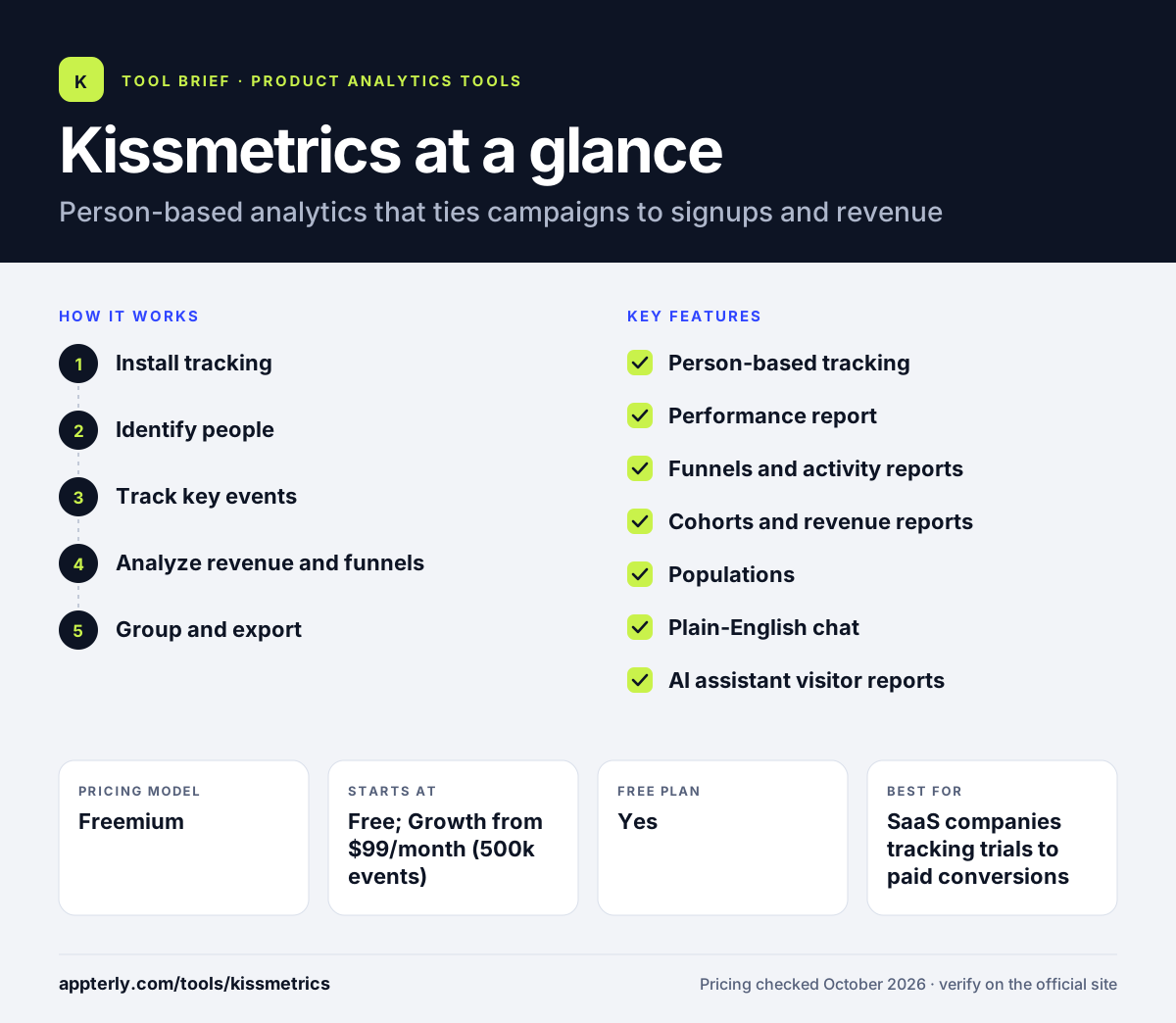
How does Kissmetrics work?
- Install tracking
Add the tracking code with AI-assisted install, or use the WordPress plugin or Shopify app.
- Identify people
Kissmetrics ties anonymous visits, devices and later logins to one person record.
- Track key events
Record pageviews, signups, purchases and clicks as events that build each customer's history.
- Analyze revenue and funnels
Use the Performance, Funnel, Cohort and Revenue reports to see which channels and steps drive paying customers.
- Group and export
Save Populations as reusable groups for filtering, and export any report and its data on Growth.
Kissmetrics key features
Person-based tracking
Every action is tied to an individual across sessions and devices, giving a full customer timeline. This matters for businesses with long sales cycles where people visit many times before buying.
Performance report
Links campaigns, signups and revenue to the same person, with first-touch or last-touch attribution.
Funnels and activity reports
See where people drop off in signup or checkout flows, available even on the free plan. Free users can use funnels to fix signup and checkout leaks before upgrading.
Cohorts and revenue reports
Measure who keeps coming back and how much revenue each group generates.
Populations
Create reusable groups of people to filter any report, on the Growth plan.
Plain-English chat
Ask questions about your data in everyday language instead of building reports manually.
AI assistant visitor reports
Track visitors arriving from AI assistants, available on the Growth plan.
Why use Kissmetrics?
- It shows which campaigns produce paying customers, not just clicks.
- Person-level data reveals each customer's full journey.
- The free plan includes funnels, dashboards and API access.
- Unlimited seats on Growth make it easy to share with the team.
- Live view shows who is on your site right now, which helps when testing new campaigns.
Who is Kissmetrics best for?
A good fit for
- SaaS companies tracking trials to paid conversions
- Ecommerce stores on Shopify measuring customer revenue
- Marketers who need campaign-to-revenue attribution
- Small teams starting on a free analytics plan
Less suited to
- Teams needing session replay or heatmaps
- Content sites that only want anonymous traffic stats
- Very high-volume products above 5 million events on a fixed budget
Kissmetrics pricing
| Pricing model | Freemium |
|---|---|
| Free plan | Yes |
| Free trial | Not confirmed |
| Starting price | Free; Growth from $99/month (500k events) |
Free covers 100k events, 3 seats and 3 integrations. Growth starts at $99/month for 500k events with unlimited seats, scales to $499/month at 5M events, and is 20 percent cheaper billed annually.
Prices checked October 2026. Vendors change plans often, so confirm on the official Kissmetrics pricing page before you buy.
Kissmetrics pros and cons
Pros
- Strong person-level revenue attribution
- Useful free plan
- Transparent event-based pricing
- Plain-English data questions
Cons
- Many reports require the Growth plan
- Free plan limits you to three active integrations
- No session replay or heatmaps
Kissmetrics integrations and platforms
Works with
Available on
Kissmetrics alternatives
See the full shortlist in Best Product Analytics Tools.
Kissmetrics FAQ
Is Kissmetrics free?
Yes. Kissmetrics has a free plan with 100,000 events per month, three seats and up to three active integrations. It includes tracking, funnels, activity reports, dashboards, live view, plain-English chat and API access. No card is required. Growth adds the Performance report, Populations, cohorts and more. It is a practical way to test person-based tracking on a real site before paying.
How much does Kissmetrics cost?
Kissmetrics Growth starts at $99 per month for 500,000 events, with unlimited seats and integrations. Pricing scales by events, reaching $499 per month at 5 million events, and annual billing saves 20 percent. Above 5 million events, pricing is custom. You can cancel anytime and fall back to the free plan.
What is Kissmetrics used for?
Kissmetrics is used to connect marketing activity to real customers and revenue. It tracks each person from first visit to payment, so teams can see which campaigns bring paying customers, where people drop off in funnels and how cohorts behave over time. It suits SaaS and ecommerce businesses.
Kissmetrics vs Mixpanel: what's the difference?
Both are event-based analytics tools. Kissmetrics focuses on marketers, with person-based tracking and a Performance report that ties campaigns to signups and revenue. Mixpanel focuses on product teams, with deeper product analysis plus session replay, experiments and feature flags. Mixpanel's free plan covers more events.
Does Kissmetrics integrate with Shopify?
Yes. Kissmetrics offers a Shopify app, so ecommerce stores can track visitors, purchases and repeat revenue at the person level. It also has a WordPress plugin. On the free plan you can have up to three integrations active at once, while Growth allows unlimited integrations. Setup can also be done with AI-assisted installation if you are not using either platform.
Sources
This overview is based on Kissmetrics's official website and documentation, checked October 2026.