What is Trello?
Trello is a visual work management tool from Atlassian that organizes tasks as cards on boards divided into lists. Teams move cards from one list to the next as work progresses, which makes status easy to see at a glance. Cards hold checklists, due dates, attachments, comments and custom fields, and boards can be shared with teammates or clients. Templates help new users set up boards for common workflows in minutes.
Beyond boards, Trello includes an Inbox that captures to-dos from email, Slack and other sources, and a Planner that syncs with your calendar to block time for work. Built-in automation handles repetitive steps, and Power-Ups connect boards to other apps. Paid plans add calendar, timeline, table, dashboard and map views, which makes Trello a popular choice for simple content calendars as well as project tracking.
Trello at a glance
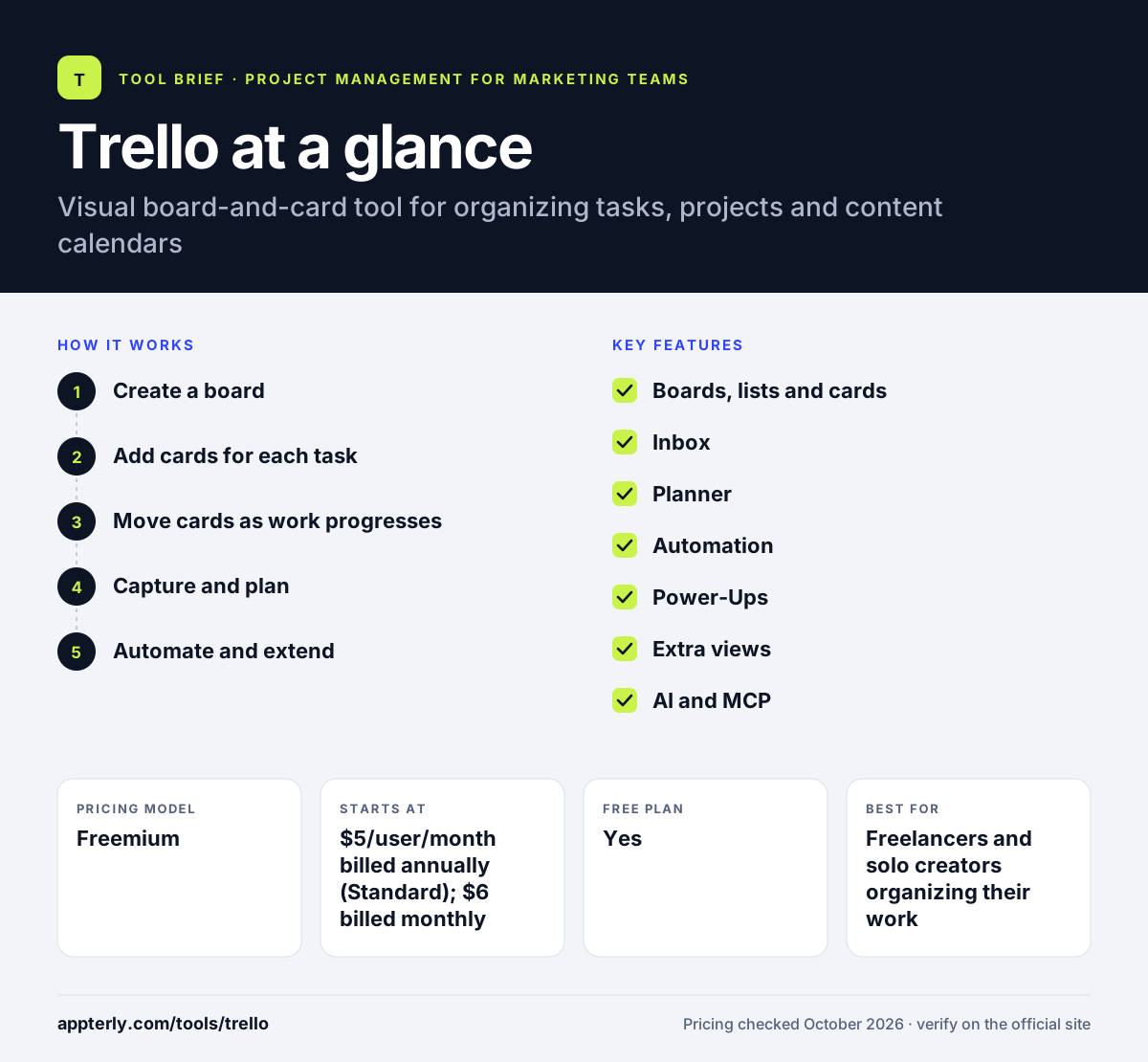
How does Trello work?
- Create a board
Start from a template or blank board and add lists such as Ideas, In Progress and Published. Invite teammates or guests to collaborate on the board.
- Add cards for each task
Each card gets a title, description, checklist, due date, members and labels.
- Move cards as work progresses
Drag cards across lists so everyone can see where each item stands.
- Capture and plan
Send tasks into the Inbox from email or Slack, then schedule focus time with Planner.
- Automate and extend
Set up rule-based automations and add Power-Ups to connect Trello with the rest of your tools.
Trello key features
Boards, lists and cards
The core Kanban layout is simple to learn and flexible enough for almost any workflow. Labels, checklists and due dates add detail without clutter.
Inbox
Captures tasks and details from email, Slack and other sources so nothing slips through.
Planner
Syncs with your calendar and lets you schedule time blocks for cards. It is included from the Standard plan.
Automation
Rules and commands handle repetitive actions, with monthly run limits on Free and Standard and unlimited runs on Premium.
Power-Ups
Add-ons connect boards with other apps, and the free plan allows unlimited Power-Ups per board.
Extra views
Premium adds Calendar, Timeline, Table, Dashboard and Map views, which suit content calendars and planning.
AI and MCP
Standard and above include AI features, and an MCP server connects Trello to AI assistants.
Why use Trello?
- It is one of the easiest project tools to learn, so teams adopt it quickly.
- The free plan is generous enough for individuals and small teams.
- Calendar view on Premium turns a board into a simple editorial or social content calendar.
- Power-Ups and automation let you add features only when you need them.
- Mobile and desktop apps keep boards available everywhere.
Who is Trello best for?
A good fit for
- Freelancers and solo creators organizing their work
- Small marketing teams planning content calendars
- Teams that want simple Kanban boards
- Personal task and side-project management
Less suited to
- Complex projects that need dependencies, resource planning or time tracking
- Large organizations needing detailed portfolio reporting
- Teams on the free plan who need more than 10 collaborators or 10 boards
Trello pricing
| Pricing model | Freemium |
|---|---|
| Free plan | Yes |
| Free trial | Premium trial available |
| Starting price | $5/user/month billed annually (Standard); $6 billed monthly |
Premium costs $10 per user per month billed annually ($12.50 monthly) and adds extra views and admin controls. Enterprise is $17.50 per user per month billed annually and adds organization-wide controls and SSO.
Prices checked October 2026. Vendors change plans often, so confirm on the official Trello pricing page before you buy.
Trello pros and cons
Pros
- Very easy to learn
- Generous free plan
- Low per-user prices
- Large Power-Up ecosystem
Cons
- Free plan limits workspaces to 10 boards and 10 collaborators
- Calendar and timeline views require Premium
- Not built for complex dependencies or resourcing
Trello integrations and platforms
Works with
Available on
Trello alternatives
See the full shortlist in Best Project Management Tools for Marketing Teams.
Trello FAQ
Is Trello free?
Yes. Trello's free plan supports up to 10 collaborators and 10 boards per workspace, with unlimited cards, unlimited Power-Ups and 250 automation runs per month. Paid plans start at $5 per user per month billed annually for Standard, which adds unlimited boards, custom fields, Planner and AI features. A trial of Premium is available for any workspace.
What is Trello used for?
Trello is used to organize tasks and projects on visual boards. People use it for to-do lists, team projects, sales pipelines, hiring, event planning and content calendars. Its card-based layout makes progress easy to see, and Power-Ups add extra capabilities such as integrations and reporting. It is owned by Atlassian, the company behind Jira and Confluence.
Can Trello be used as a content calendar?
Yes. Many marketers use Trello boards with lists for each stage, such as idea, draft, review and published, and give each card a due date. The Premium plan adds a Calendar view that shows cards by date, which turns a board into a working editorial or social media calendar.
Trello vs Asana: what's the difference?
Trello is centered on simple Kanban boards and is very quick to learn, which suits individuals and small teams. Asana offers more structure for larger teams, with goals, portfolios and stronger reporting. Teams with straightforward workflows often start with Trello and move to heavier tools as needs grow. Trello's low per-user price also makes it cheaper for small teams.
Is Trello good for beginners?
Yes. Trello is one of the most beginner-friendly project tools because the board, list and card model is intuitive. You can start from a template in minutes and add automation or Power-Ups later. Beginners rarely need training to use the basic features. Larger teams may eventually want more structure than boards provide.
Sources
This overview is based on Trello's official website and documentation, checked October 2026.