What is Asana?
Asana is a work management platform that helps teams plan projects, assign tasks, track deadlines and connect daily work to company goals. Work can be shown as a list, board, calendar, timeline or Gantt chart, and rules automate routine steps. Marketing teams often use Asana to run campaign plans, creative requests and editorial calendars in one shared space.
Asana now positions itself as a platform for teams of people and AI agents working together. AI Studio lets you build AI-powered workflows with a no-code builder, and AI Teammates act as prebuilt agents for roles such as project manager or content writer. Portfolios, goals and workload views help leaders see progress across many projects and balance who is doing what. Plans range from a free Personal tier for two people to Enterprise options with single sign-on and advanced admin controls.
Asana at a glance
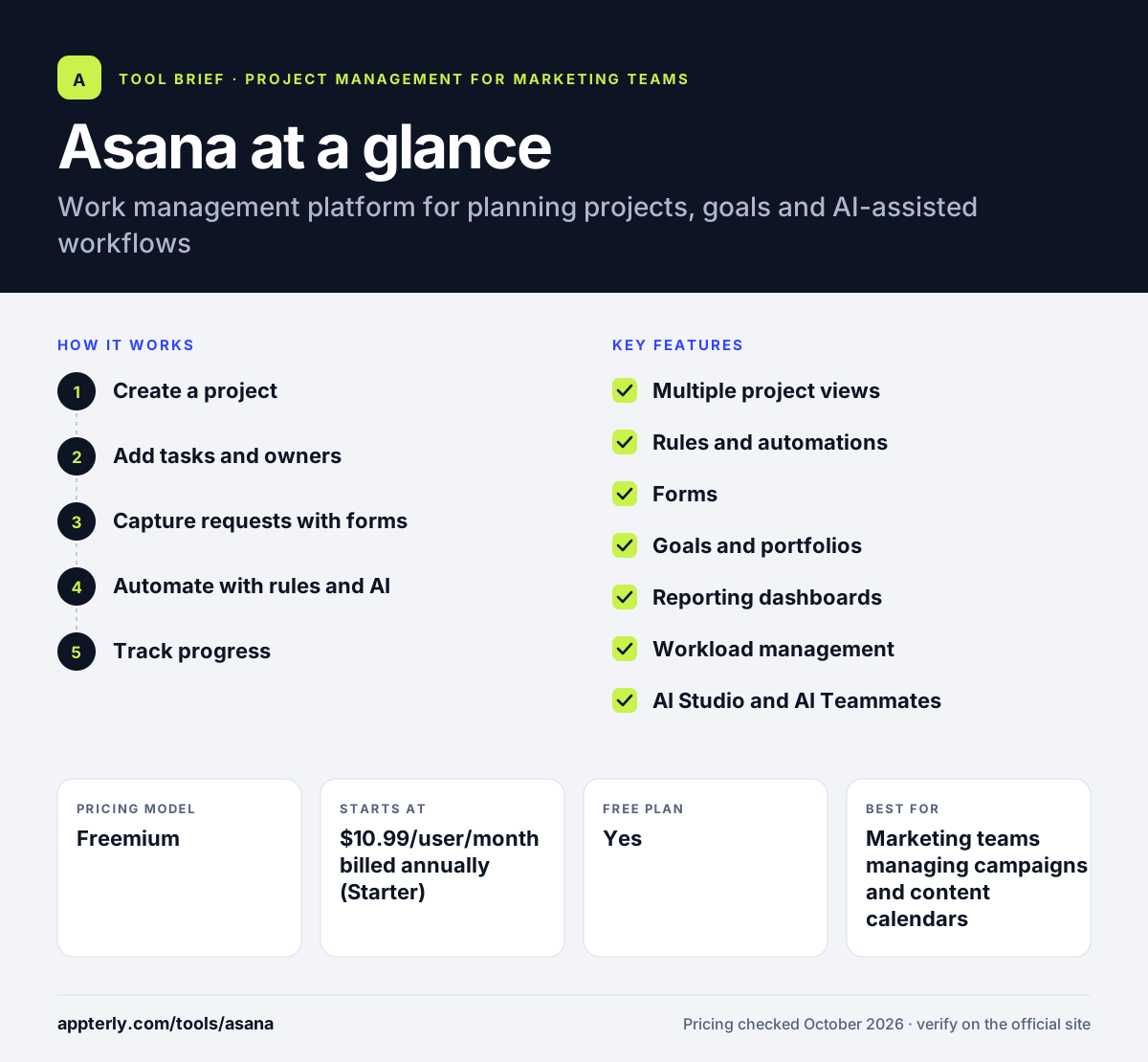
How does Asana work?
- Create a project
Start from a template or a blank project and choose a list, board, calendar or timeline layout. Templates cover common marketing workflows such as campaigns and editorial calendars.
- Add tasks and owners
Break work into tasks with assignees, due dates, custom fields and dependencies. Dependencies show which tasks are blocked by others.
- Capture requests with forms
Use forms so new briefs and requests arrive with the details the team needs.
- Automate with rules and AI
Set rules for routine steps and use AI Studio to add AI actions to workflows.
- Track progress
Follow status in dashboards, portfolios and goals, and rebalance work in the workload view. Leaders can spot slipping projects early.
Asana key features
Multiple project views
List, board, calendar, timeline and Gantt views show the same work in different ways.
Rules and automations
Automate routine handoffs and updates so tasks move without manual follow-up.
Forms
Standardize incoming requests so teams get complete information up front.
Goals and portfolios
Link projects to company objectives and monitor many projects in one place.
Reporting dashboards
Real-time charts show progress, workload and bottlenecks across teams.
Workload management
See how busy each person is and shift tasks to avoid overload.
AI Studio and AI Teammates
Build no-code AI workflows and use prebuilt AI agents that work inside your projects.
Approvals and proofing
On the Advanced tier, reviewers can approve work and leave feedback directly on creative assets.
Why use Asana?
- A free plan with unlimited tasks lets small teams start without cost.
- Several views make it easy for different roles to work the way they prefer.
- Forms and rules cut down on messy requests and manual updates.
- Goals and portfolios connect daily tasks to bigger business priorities.
- Wide integrations with tools like Slack, Google Drive and HubSpot reduce tab switching.
Who is Asana best for?
A good fit for
- Marketing teams managing campaigns and content calendars
- Cross-functional teams coordinating launches
- Growing companies that need goals and portfolio tracking
- Agencies handling creative requests and approvals
Less suited to
- Solo users who only need a simple to-do list
- Teams wanting built-in chat and docs in the same tool
- Budget-tight teams needing advanced features like portfolios
Asana pricing
| Pricing model | Freemium |
|---|---|
| Free plan | Yes |
| Free trial | Not confirmed |
| Starting price | $10.99/user/month billed annually (Starter) |
Starter is $13.49 billed monthly; Advanced is $24.99 annually or $30.49 monthly and adds portfolios, goals and time tracking. Enterprise is custom, and AI Studio credits grow with each tier.
Prices checked October 2026. Vendors change plans often, so confirm on the official Asana pricing page before you buy.
Asana pros and cons
Pros
- Polished interface with many views
- Strong forms, rules and request workflows
- Goals and portfolios for leadership visibility
- Large integration library
Cons
- Free plan allows only two collaborators
- Timeline, Gantt and dashboards require a paid plan
- Portfolios and goals sit on the pricier Advanced tier
Asana integrations and platforms
Works with
Available on
Asana alternatives
See the full shortlist in Best Project Management Tools for Marketing Teams.
Asana FAQ
Is Asana free?
Yes. Asana's Personal plan is free and lets up to two users collaborate with unlimited tasks and projects, files up to 100MB each, list, board and calendar views, and more than 100 integrations. Larger teams need the Starter plan or above for unlimited users, timeline and Gantt views, dashboards and automations.
How much does Asana cost?
Asana Starter costs $10.99 per user per month billed annually or $13.49 billed monthly. Advanced costs $24.99 per user per month billed annually or $30.49 billed monthly. Enterprise and Enterprise+ are custom priced. Annual billing saves up to 18 percent, and higher tiers include more AI Studio credits. Enterprise adds SSO and SCIM.
What is Asana used for?
Asana is used to plan and track projects, manage tasks and deadlines, collect work requests through forms, and connect team work to company goals. Marketing teams use it for campaign plans, editorial calendars and creative approvals, while operations and product teams use it for launches and cross-team processes. Its templates help teams set up common workflows quickly.
Asana vs ClickUp: what's the difference?
Asana focuses on clean project and work management with strong forms, rules, goals and portfolios. ClickUp packs more tools into one app, including docs, chat, whiteboards and time tracking, and has a larger free plan for teams. Asana is often simpler to roll out, while ClickUp suits teams that want everything in one place.
Does Asana integrate with Slack?
Yes. Asana integrates with Slack, so teams can create tasks from messages and get project updates in channels. It also connects with Google Drive, Gmail, Outlook, Microsoft Teams, Figma, HubSpot, Zoom and Jira, and the Advanced plan adds integrations with Salesforce, Tableau and Power BI. These connections help keep updates flowing between the tools your team already uses.
Sources
This overview is based on Asana's official website and documentation, checked October 2026.