What is Jira?
Jira is a project management and work tracking tool from Atlassian that helps teams plan work, track progress and move tasks through a defined workflow. It began as a tool for software teams and is now pitched to marketing, design, HR, operations and IT teams too. Work is organized into projects made of issues, which teams manage with sprints, boards and templates. Each issue carries an owner, a status and a history, so nothing gets lost between handoffs.
Recent versions of Jira lean heavily on AI. Rovo adds AI teammates that research, draft and act across connected tools, and paid plans include AI agents that help plan and track work. Jira connects to Confluence, Loom and Rovo as part of Atlassian's Teamwork Collection, and to coding agents such as Claude, Cursor and GitHub Copilot through MCP. A free plan is available, with paid tiers called Standard, Premium and Enterprise.
Jira at a glance
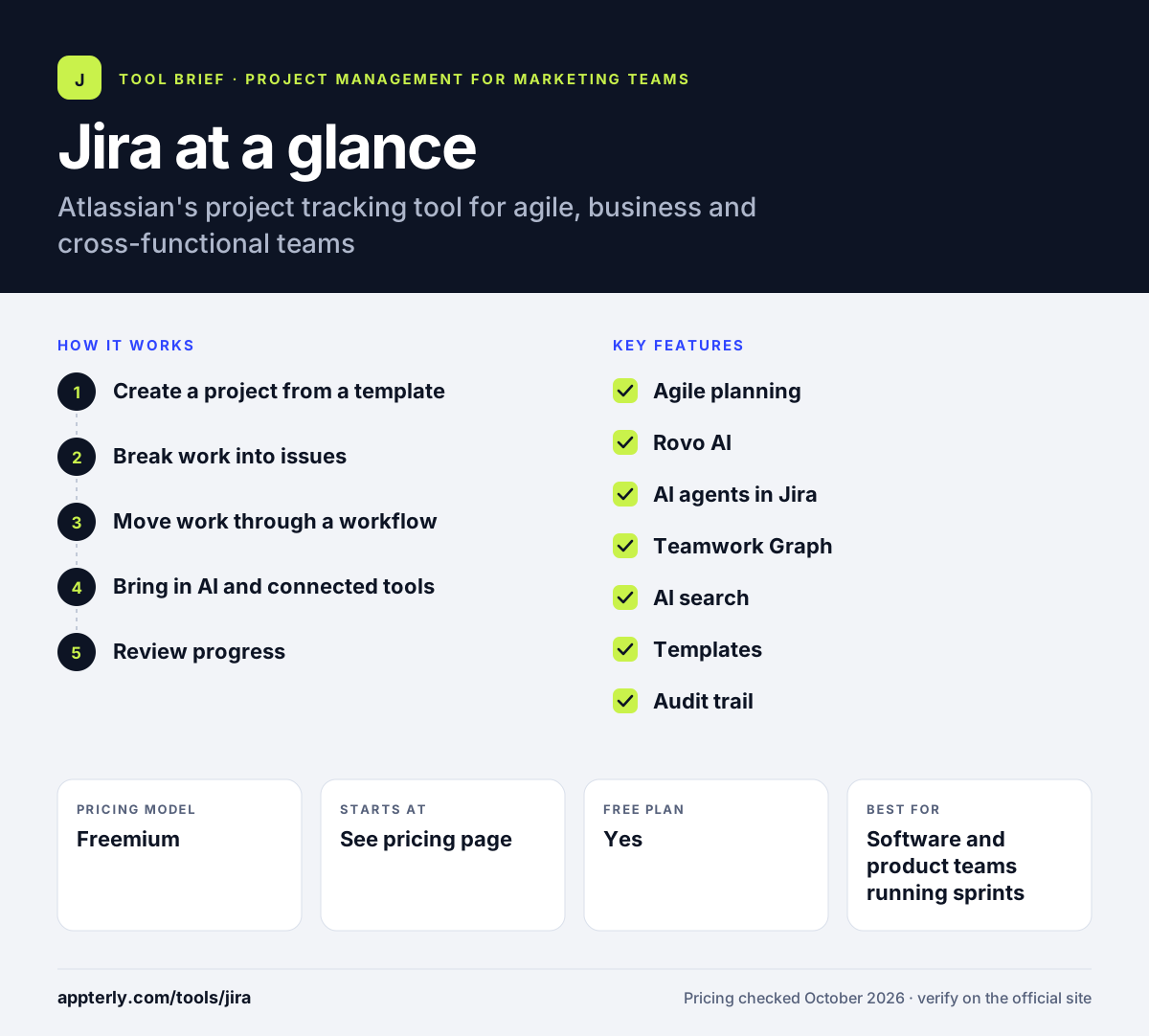
How does Jira work?
- Create a project from a template
Pick a template for your team type, such as software, marketing or service work, and invite your teammates.
- Break work into issues
Add tasks, bugs or requests as issues with assignees, priorities and due dates, then group them into sprints or phases.
- Move work through a workflow
Issues pass through statuses such as to do, in progress and done, so everyone can see where each item stands.
- Bring in AI and connected tools
Use Rovo and Jira's AI agents to draft, research and update work, and link coding agents or other apps through MCP.
- Review progress
Use the audit trail and AI search across Jira and Confluence to understand what people and agents have done.
Jira key features
Agile planning
Sprints and program management help teams plan in short cycles. Atlassian now offers sprints to business teams as well as engineering.
Rovo AI
Rovo provides AI teammates that can research, write and take actions across Jira and connected apps.
AI agents in Jira
Paid plans include agents that help plan and track work, and teams can assign tasks to coding agents.
Teamwork Graph
A context layer links data from your tool stack so AI features and search have the full picture.
AI search
Search runs across Jira, Confluence and connected apps from one place.
Templates
Ready-made project templates cover many team types and speed up setup.
Audit trail
A record of actions by people and agents helps managers keep work accountable.
Why use Jira?
- Jira is a long-standing standard for agile software teams, so many developers already know it.
- Tight links with Confluence, Loom and Rovo create a single Atlassian workspace.
- MCP support connects Jira to popular AI coding agents.
- A free plan lets small teams start without a credit card.
- Structured workflows make it clear who owns each piece of work.
Who is Jira best for?
A good fit for
- Software and product teams running sprints
- Companies already using Confluence or other Atlassian products
- IT and engineering teams working alongside AI coding agents
- Cross-functional teams that need defined workflows
Less suited to
- Freelancers or tiny teams who only need a simple to-do list
- Marketing teams that want a highly visual, low-setup content calendar
- Buyers who want transparent pricing without visiting a dynamic pricing page
Jira pricing
| Pricing model | Freemium |
|---|---|
| Free plan | Yes |
| Free trial | Not confirmed |
| Starting price | See the official pricing page |
Jira offers Free, Standard, Premium and Enterprise plans, and every paid plan includes AI agents. Exact per-user prices were not visible when checked, so confirm them on Atlassian's pricing page.
Prices checked October 2026. Vendors change plans often, so confirm on the official Jira pricing page before you buy.
Jira pros and cons
Pros
- Deep agile and sprint features
- Strong Atlassian ecosystem
- AI agents and MCP connections for coding tools
- Free plan available
Cons
- Can feel complex for non-technical teams
- Advanced setups often need an admin to configure
- Costs grow as you add Atlassian products and users
Jira integrations and platforms
Works with
Available on
Jira alternatives
See the full shortlist in Best Project Management Tools for Marketing Teams.
Jira FAQ
Is Jira free?
Yes. Atlassian offers a free Jira plan that you can start without a credit card. Larger teams and companies that need more control move to the paid Standard, Premium or Enterprise plans. Atlassian says every paid plan includes AI agents that help plan and track work, so check its pricing page for current per-user rates.
What is Jira used for?
Jira is used to plan, track and manage work. Software teams use it for sprints, bug tracking and releases, while marketing, HR, operations and IT teams use templates to manage campaigns, requests and projects. It also connects with Confluence and AI tools so work and documentation stay linked.
Jira vs Trello: what's the difference?
Both are Atlassian products. Trello is a simple, visual board tool that suits light task management and small teams. Jira is more structured, with workflows, sprints, issue types and AI agents built for larger or technical teams. Many companies use Trello for simple tracking and Jira for complex projects.
Is Jira good for non-software teams?
It can be. Atlassian now markets Jira to marketing, design, HR and operations teams and offers templates and sprints for business work. That said, Jira has more configuration than lighter tools, so non-technical teams may need some setup time or an admin to get the most from it. Starting from a business template and keeping workflows simple helps a lot.
Does Jira have AI features?
Yes. Jira includes Rovo, which provides AI teammates that research, draft and take action, plus AI search across Jira, Confluence and connected apps. Paid plans include AI agents, and Jira can hand work to coding agents like Claude, Cursor and GitHub Copilot through MCP.
Sources
This overview is based on Jira's official website and documentation, checked October 2026.