What is ClickUp?
ClickUp is an all-in-one work platform that combines tasks, docs, chat, whiteboards, dashboards and AI in a single workspace. It aims to replace several separate apps by keeping projects, knowledge and conversations together. Work can be viewed as a list, board, Gantt chart or calendar, and teams add custom fields, automations, forms, goals and time tracking to fit their process.
Its AI layer, Brain, uses your tasks, docs and conversations as context to answer questions and take action, and AI Agents can handle updates, handoffs and routine tasks. ClickUp offers a free plan with unlimited tasks and members, plus paid tiers that unlock more storage, automations, advanced views and AI credits. Apps are available for web, iOS, Android, macOS and Windows. Higher tiers add security features such as SSO, SCIM and audit logs for larger organizations.
ClickUp at a glance
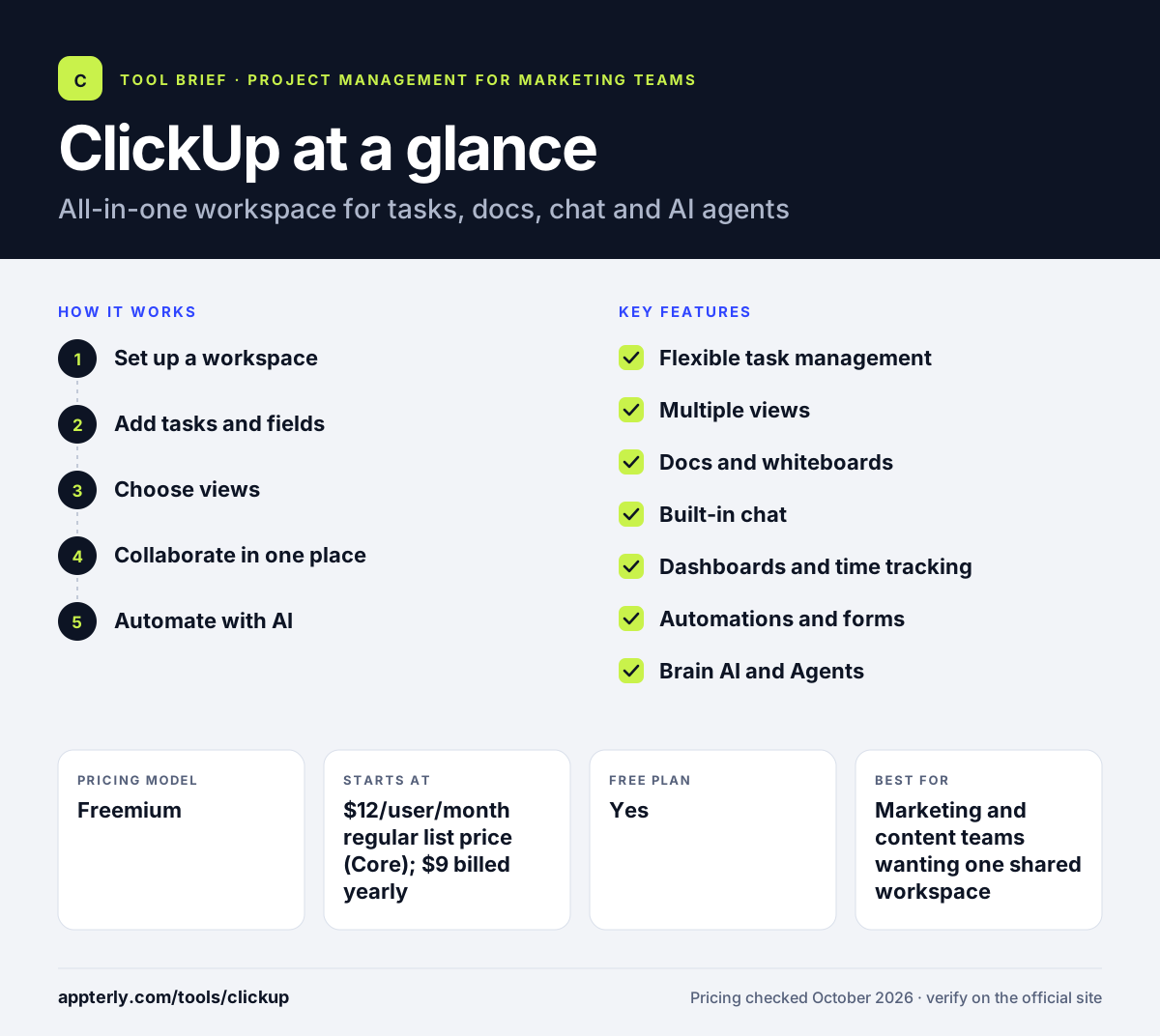
How does ClickUp work?
- Set up a workspace
Create Spaces for teams or clients, then organize work into folders and lists. Each Space can have its own statuses and settings.
- Add tasks and fields
Create tasks with assignees, due dates, priorities and custom fields that match your workflow.
- Choose views
Switch between list, board, Gantt and calendar views, and build dashboards for reporting.
- Collaborate in one place
Write docs, chat, sketch on whiteboards and track time without leaving ClickUp. Linking docs to tasks keeps context with the work.
- Automate with AI
Set automations and use Brain and AI Agents to summarize work, answer questions and handle routine updates.
ClickUp key features
Flexible task management
Tasks with custom fields, priorities, dependencies and sprints suit both simple and complex projects.
Multiple views
List, board, Gantt, calendar and Everything views show work across the whole workspace.
Docs and whiteboards
Write wikis and briefs or map ideas visually, linked directly to tasks.
Built-in chat
Team conversations sit next to the work they relate to.
Dashboards and time tracking
Track hours and build dashboards for workload, progress and reporting.
Automations and forms
Automate status changes and assignments, and collect requests through forms.
Brain AI and Agents
AI that understands your workspace, plus agents that carry out updates and handoffs.
Goals and mind maps
Set measurable goals for teams and use mind maps to plan projects before turning ideas into tasks.
Why use ClickUp?
- One tool can replace separate apps for tasks, docs, chat and whiteboards.
- The free plan includes unlimited tasks and members for getting started.
- Custom fields and views adapt to almost any marketing or agency workflow.
- Native desktop and mobile apps keep teams connected anywhere.
- AI that reads your own tasks and docs makes answers more relevant.
Who is ClickUp best for?
A good fit for
- Marketing and content teams wanting one shared workspace
- Agencies managing many clients and projects
- Startups replacing several tools with one
- Teams that like to customize workflows heavily
Less suited to
- Users who want a minimal, simple to-do app
- Teams that prefer fewer features and a short learning curve
- Organizations wanting only a few seats upgraded, since upgrades apply to the whole workspace
ClickUp pricing
| Pricing model | Freemium |
|---|---|
| Free plan | Yes |
| Free trial | Not confirmed |
| Starting price | $12/user/month regular list price (Core); $9 billed yearly |
Business lists at $25/user/month ($17 yearly), and Enterprise is custom. Paid tiers add storage, automations and AI credits, with Brain AI from $9/user/month; upgrades cover the whole workspace.
Prices checked October 2026. Vendors change plans often, so confirm on the official ClickUp pricing page before you buy.
ClickUp pros and cons
Pros
- Huge feature set in a single app
- Generous free plan with unlimited tasks and members
- Highly customizable views and fields
- Apps for desktop and mobile
Cons
- Learning curve is steep because of the many features
- Free plan limits storage to 60 MB and automations heavily
- AI usage depends on credits and add-ons that raise costs
ClickUp integrations and platforms
Works with
Available on
ClickUp alternatives
See the full shortlist in Best Project Management Tools for Marketing Teams.
ClickUp FAQ
Is ClickUp free?
Yes. ClickUp's Free Forever plan includes unlimited tasks and unlimited members, but it limits storage to 60 MB, allows five Spaces, one form and one wiki, and caps automations at five active rules and 100 executions. It also includes 500 AI credits per workspace. Paid plans remove most of these limits.
How much does ClickUp cost?
ClickUp's pricing page lists the Core plan at a regular price of $12 per user per month, shown as $9 when billed yearly, and Business at $25, shown as $17 billed yearly. Enterprise is custom priced. AI add-ons start at $9 per user per month, and upgrading applies to every member of your workspace.
What is ClickUp used for?
ClickUp is used to manage projects, tasks and team knowledge in one workspace. Teams plan campaigns and sprints, write docs and wikis, chat, track time, build dashboards and automate routine updates. Marketing teams use it for content calendars and approvals, while agencies use separate Spaces to manage each client. Its views let each role see work in the format that fits them.
ClickUp vs Asana: which is better?
It depends on how much you want in one app. ClickUp includes docs, chat, whiteboards, time tracking and dashboards alongside tasks, with a free plan that allows unlimited members. Asana is more focused on structured project management with polished forms, rules, goals and portfolios. Teams wanting simplicity often prefer Asana, while ClickUp suits heavy customizers.
Is ClickUp good for beginners?
ClickUp can be overwhelming for beginners because it offers so many features, views and settings. New users do best by starting with a single Space, one list and a board view, then adding docs, automations and dashboards gradually. Templates also help teams set up common workflows without building everything from scratch.
Sources
This overview is based on ClickUp's official website and documentation, checked October 2026.