What is Tally?
Tally is an online form builder that works like a text document, so you create forms by typing questions and inserting blocks instead of dragging fields around a canvas. Its free plan includes unlimited forms and unlimited submissions within fair use, which is rare among form tools. Features such as conditional logic, payments, file uploads and e-signatures are also available without paying.
Tally is made by Tally BV, a company based in Belgium, and it hosts data in Europe with a focus on privacy and GDPR compliance. Paid plans are mainly for teams and brands that want to remove Tally branding, use custom domains, track drop-offs and recover partial submissions. Because of its Notion-like editor and strong free tier, it is popular with startups, creators and no-code builders. Tally says it powers more than 2.5 million teams.
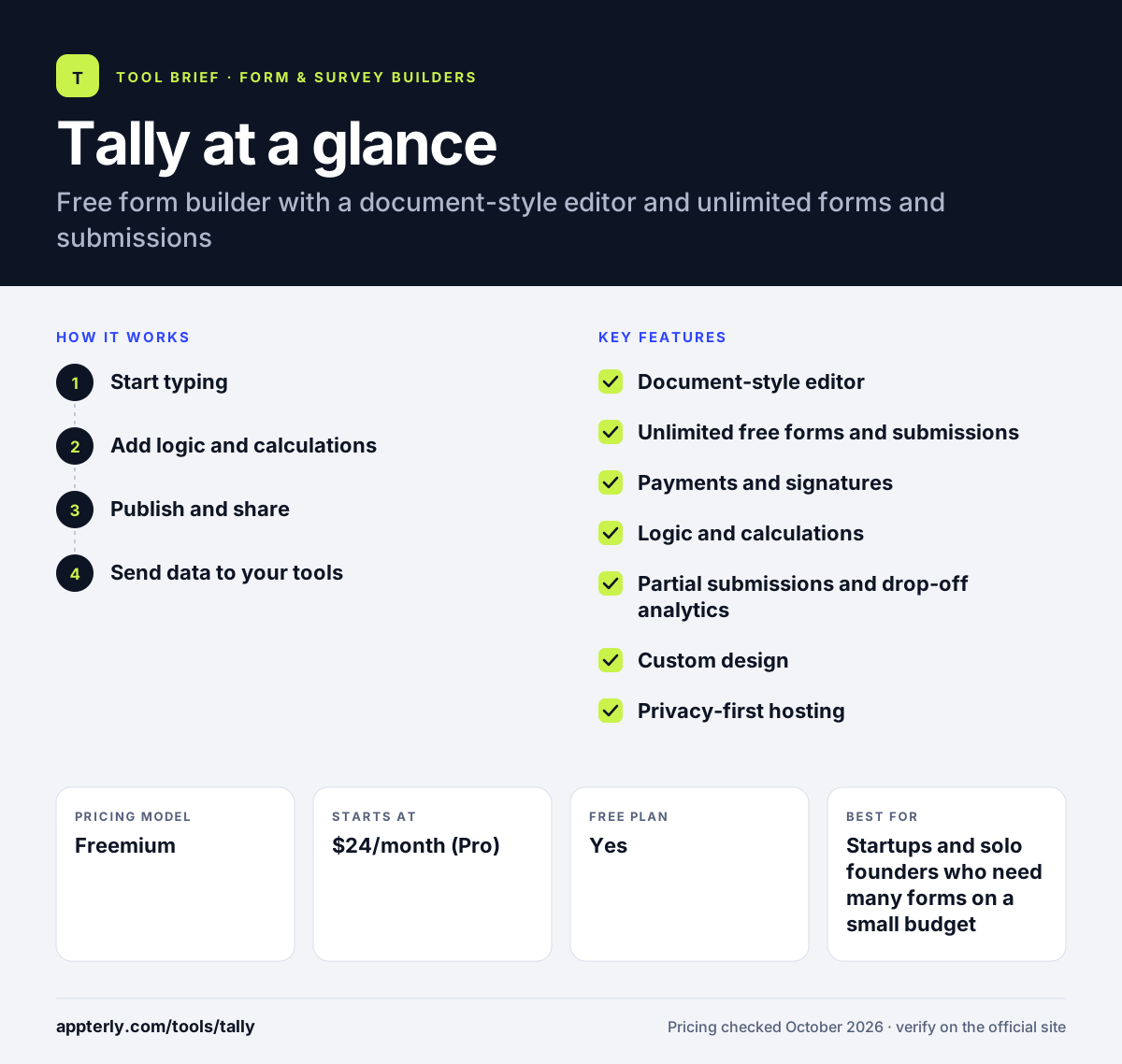
Tally at a glance
How does Tally work?
- Start typing
Open a new form and type your title and questions, inserting input blocks for text, choices, ratings, dates and more. You can start building before creating an account.
- Add logic and calculations
Set conditional logic, answer piping, hidden fields and a calculator for scores or prices.
- Publish and share
Share a Tally link, embed the form on your site or show it as a popup, optionally on a custom domain. Multi-page forms and redirects on completion are supported.
- Send data to your tools
Connect Notion, Google Sheets, Airtable, Slack or webhooks, or use Zapier and Make for other apps.
Tally key features
Document-style editor
Build forms by typing, similar to writing in Notion, with blocks for each input type.
Unlimited free forms and submissions
The free plan has no hard caps on forms or responses within fair use guidelines.
Payments and signatures
Collect payments and e-signatures directly inside a form.
Logic and calculations
Conditional logic, answer piping, pre-filled fields and a calculator for scores and totals.
Partial submissions and drop-off analytics
Pro plans capture unfinished responses and show where people leave the form.
Custom design
Themes, multi-page forms, column layouts, custom CSS and support for 50+ languages.
Privacy-first hosting
GDPR compliance, hosting in Europe, no cookie tracking and encryption in transit and at rest.
Native integrations
Direct links to Notion, Google Sheets, Airtable, Slack and Coda, plus Zapier, Make, Pipedream and webhooks.
Why use Tally?
- Tally has one of the most generous free plans among form builders.
- The typing-based editor makes building forms fast and intuitive.
- Core features like logic, payments and file uploads are not locked behind a paywall.
- European hosting and a privacy focus help with GDPR needs.
- Pro adds unlimited team members in shared workspaces at a flat price.
Who is Tally best for?
A good fit for
- Startups and solo founders who need many forms on a small budget
- Notion users who like a similar editing style
- Creators collecting sign-ups, applications or payments
- European businesses that care about data privacy
Less suited to
- Teams that need deep survey analysis or research tools
- Organizations needing native CRM connectors beyond the listed apps
- Users who prefer a drag-and-drop visual builder
Tally pricing
| Pricing model | Freemium |
|---|---|
| Free plan | Yes |
| Free trial | Not confirmed |
| Starting price | $24/month (Pro) |
Free covers unlimited forms and submissions. Pro removes branding and adds custom domains, partial submissions and team workspaces, while Business ($74/month) adds auto-deletion of data and email verification. Yearly billing gives two months off.
Prices checked October 2026. Vendors change plans often, so confirm on the official Tally pricing page before you buy.
Tally pros and cons
Pros
- Unlimited forms and submissions for free
- Fast, intuitive document-style editor
- Payments and logic included on the free plan
- Strong privacy and European hosting
Cons
- Tally branding stays on free forms
- Analytics are basic compared with survey platforms
- Fewer native integrations than larger form suites
Tally integrations and platforms
Works with
Available on
Tally alternatives
See the full shortlist in Best Form Builders.
Tally FAQ
Is Tally free?
Yes. Tally offers a free plan with unlimited forms and unlimited submissions, as long as you stay within its fair use guidelines. The free tier also includes payments, signatures, file uploads, conditional logic and integrations. Paid plans start at $24 per month for Pro, mainly to remove branding and add team and design features.
What is Tally used for?
Tally is used to build sign-up forms, surveys, waitlists, job applications, feedback forms, quizzes and simple order forms. Many startups and creators use Tally with Notion or Airtable to collect data, and its payment and signature blocks let it handle small transactions and agreements. Hidden fields and pre-filled answers make it useful for tracking campaigns as well.
Is Tally good for beginners?
Yes. Tally is very beginner friendly because you build forms by typing, much like writing a document. There is no complex canvas to learn, and you can start without signing up. Logic and calculations are available when you need them but stay out of the way for simple forms.
Tally vs Typeform: what's the difference?
Both make clean, modern forms. Tally offers unlimited forms and submissions for free and uses a document-style editor. Typeform focuses on conversational, one-question-at-a-time forms with stronger marketing and lead tools, but its plans cap monthly responses. Tally is usually the cheaper choice for high-volume, simple forms.
Does Tally integrate with Notion?
Yes. Tally has a native Notion integration that sends each submission into a Notion database. It also connects directly with Google Sheets, Airtable, Slack and Coda, and supports webhooks, Zapier, Make and Pipedream for other apps. Google Analytics and Meta Pixel tracking are available on paid plans.
Sources
This overview is based on Tally's official website and documentation, checked October 2026.