What is Paperform?
Paperform is an online form builder that helps small and growing businesses capture leads, take payments, onboard clients and run surveys from one editor. Forms can use a guided one-question-at-a-time layout or a classic page layout, and you can brand them with your own fonts, colors and custom domain. Conditional logic, calculations and pricing rules let a single form act as a quote tool or a simple order page.
Paperform sits inside a small product family. Papersign turns submission data into contracts and sends them for e-signature, and Stepper is a no-code, AI-native workflow builder for approvals, handoffs and syncing data between apps. AI features can draft a form from a description, suggest logic and scoring, and summarize responses. A free plan covers light use, while paid tiers remove branding and raise automation limits.
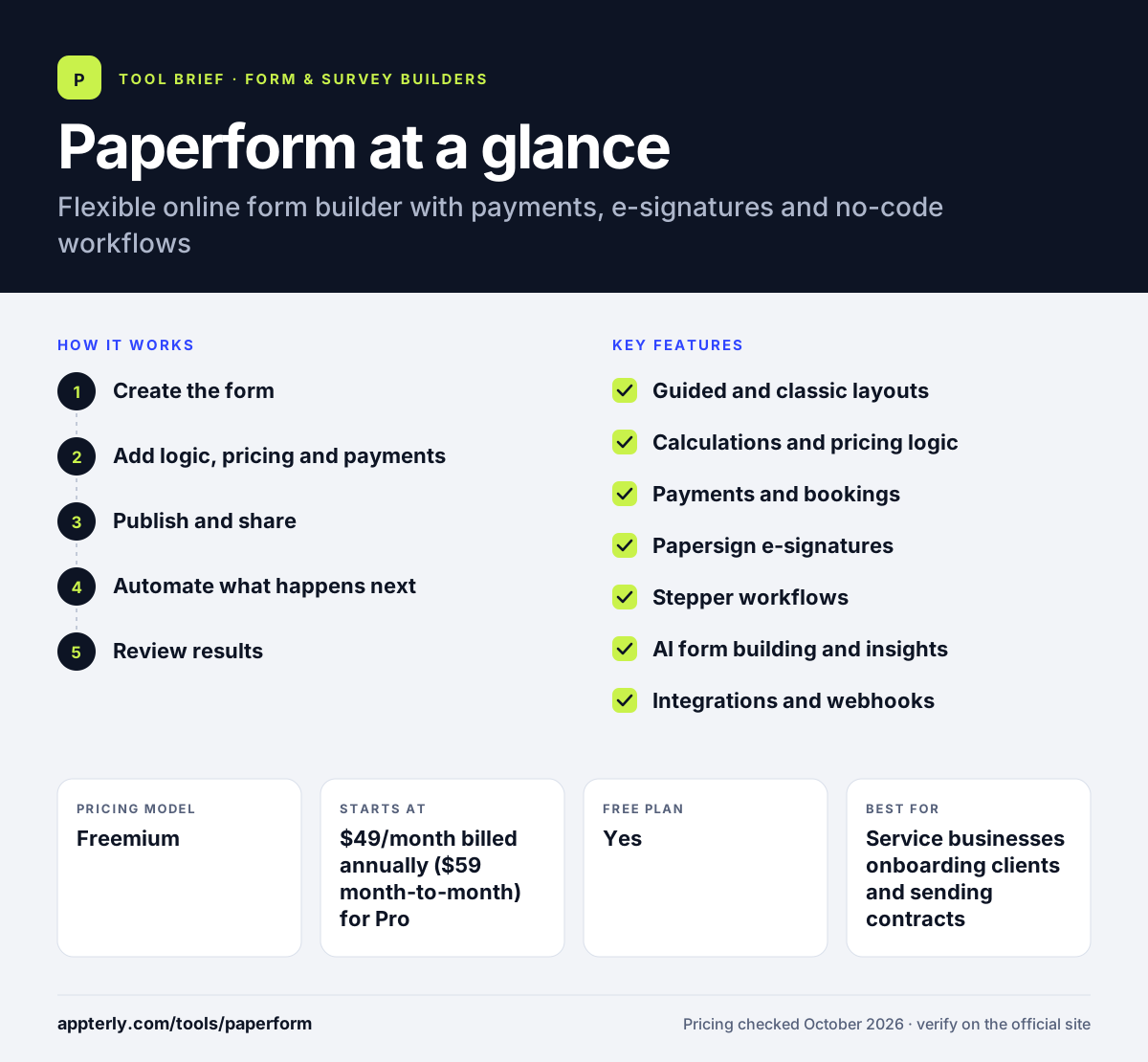
Paperform at a glance
How does Paperform work?
- Create the form
Start from one of more than 30,000 templates, describe your form for the AI builder, or build it from scratch.
- Add logic, pricing and payments
Set conditional logic, calculations, discounts and deposits, and connect a payment provider if you sell products or services.
- Publish and share
Embed the form on your site or share it as a standalone page, optionally on a custom domain. Custom domains are included on Business and available as an add-on on Pro.
- Automate what happens next
Send contracts with Papersign, trigger Stepper workflows, or push data to apps like Google Sheets, HubSpot or Slack.
- Review results
Use AI Insights to summarize responses and spot trends, then export or sync the data.
Paperform key features
Guided and classic layouts
Show one question at a time or a full page, with custom fonts, branding and domains.
Calculations and pricing logic
Build quotes, scores, discounts and deposits directly inside the form.
Payments and bookings
Take payments and handle bookings or deposits as part of a submission.
Papersign e-signatures
Generate contracts from form answers and collect signatures, linked back to the original submission.
Stepper workflows
A no-code automation builder for multi-step approvals, task handoffs and system syncs.
AI form building and insights
Create forms from a prompt, get suggested logic and scoring, and summarize responses with AI Insights.
Integrations and webhooks
Native connections to tools like Google Sheets, Mailchimp, HubSpot, Notion and Airtable, plus Zapier, Make and webhooks.
Security and admin
SOC 2 Type II and GDPR compliance, with SSO, roles and data residency controls on higher plans.
Why use Paperform?
- Paperform combines forms, payments, e-signatures and workflows, so fewer separate tools are needed.
- Calculations and pricing logic let one form handle quotes, orders and scoring.
- Forms look polished and can match your brand closely.
- A permanent free plan and a 7-day trial of paid tiers make testing easy.
- Paid plans include unlimited submissions under a fair use policy.
Who is Paperform best for?
A good fit for
- Service businesses onboarding clients and sending contracts
- Small online sellers taking orders and payments through forms
- Agencies and freelancers building branded lead forms
- Teams that want forms and approval workflows in one place
Less suited to
- Users who want a large free tier, since the free plan allows 30 submissions a month
- Very large enterprises that need a full survey research suite
- Budget-focused users who only need a basic contact form
Paperform pricing
| Pricing model | Freemium |
|---|---|
| Free plan | Yes |
| Free trial | 7 days |
| Starting price | $49/month billed annually ($59 month-to-month) for Pro |
Free allows 30 submissions a month with Paperform branding. Pro removes branding and adds custom code, Business ($124/month annually) adds SSO, roles and 10 workspaces, and Enterprise is a custom quote.
Prices checked October 2026. Vendors change plans often, so confirm on the official Paperform pricing page before you buy.
Paperform pros and cons
Pros
- Strong calculations and pricing logic
- Built-in e-signatures and workflow automation
- Polished, highly brandable forms
- Unlimited submissions on paid plans
Cons
- Free plan is limited to 30 submissions a month
- Paid plans cost more than many simple form builders
- Custom domains cost extra on the Pro plan
Paperform integrations and platforms
Works with
Available on
Paperform alternatives
See the full shortlist in Best Form Builders.
Paperform FAQ
Is Paperform free?
Yes. Paperform has a permanent free plan with 30 submissions a month, three signed documents and Paperform branding. New accounts begin on a 7-day trial of Pro with no credit card needed, and you can switch to Free at any time. Pro costs $49 per month billed annually or $59 billed monthly.
What is Paperform used for?
Paperform is used for lead capture, client onboarding, order forms, quotes, bookings, surveys and quizzes. Because it supports payments, calculations and e-signatures through Papersign, many service businesses use Paperform to take a client from first inquiry to signed agreement and payment in one flow.
Is Paperform good for beginners?
Yes. Paperform offers more than 30,000 templates and an AI builder that drafts a form from a short description, so basic forms are quick to make. Advanced features like calculations, pricing rules and Stepper workflows take more time to learn, but they are optional and you can add them later.
Paperform vs Typeform: what's the difference?
Both build attractive, branded forms. Paperform puts more weight on business operations, with calculations, payments, e-signatures and workflows built in, and unlimited submissions on paid plans. Typeform focuses on conversational forms and lead generation, and its plans are capped by monthly responses. Paperform suits service businesses, while Typeform suits marketing surveys.
Does Paperform integrate with HubSpot?
Yes. Paperform offers a native HubSpot integration, along with direct connections to Mailchimp, ActiveCampaign, Slack, Notion, Airtable and Google Sheets. For other apps, you can use Zapier, Make, webhooks or Paperform's own Stepper automation tool to move submission data where you need it.
Sources
This overview is based on Paperform's official website and documentation, checked October 2026.