What is StreamYard?
StreamYard is a browser-based live streaming and recording studio that lets you broadcast to platforms such as YouTube, LinkedIn, Facebook and Twitch and bring remote guests on screen without any software downloads. Guests join from a link on a computer or phone. Each participant is recorded locally on their own device, so the final recording stays sharp even when someone's connection is weak.
StreamYard also offers On-Air, a webinar product that can be embedded on your own website, along with branding tools for logos, overlays and intro videos, and AI clips for repurposing recordings. The service is operated by Bending Spoons. A free plan covers the core studio with StreamYard branding, and paid plans add more destinations, storage, higher quality and team features.
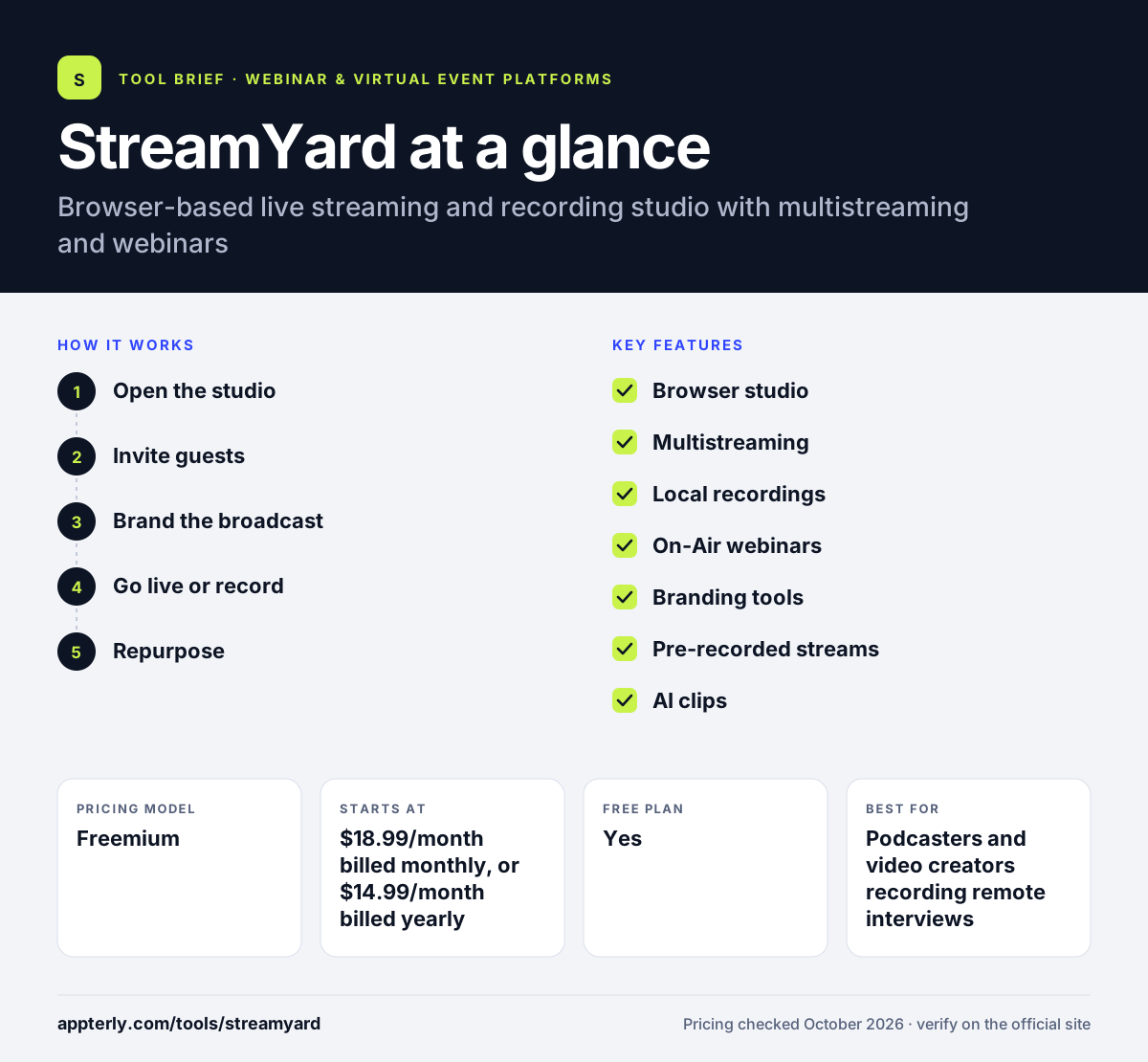
StreamYard at a glance
How does StreamYard work?
- Open the studio
Sign in and open the StreamYard studio in your browser, then add your camera, microphone and screen. Screen sharing lets you present slides or demos.
- Invite guests
Send a link so guests can join from a browser or phone, and keep extra people waiting backstage.
- Brand the broadcast
Add logos, colors, overlays, banners and intro or outro videos, and show viewer comments on screen.
- Go live or record
Stream to one or more destinations at once, or record a session with separate local tracks for each participant.
- Repurpose
Download recordings and transcripts, or generate AI clips for social media.
StreamYard key features
Browser studio
No downloads for hosts or guests, with up to 10 people on screen on paid plans.
Multistreaming
Stream to 2, 3 or 8 destinations at once depending on plan, plus custom RTMP on Core and above.
Local recordings
Each participant's audio and video are recorded on their device, with 4K local recording on Advanced.
On-Air webinars
Embeddable, white-label webinars for up to 100 viewers on the Advanced plan.
Branding tools
Custom logos, colors, overlays, fonts and intro or outro videos, without the StreamYard logo on paid plans.
Pre-recorded streams
Schedule pre-recorded videos to play as live streams, up to 2 or 4 hours by plan.
AI clips
Turn long recordings into short clips for social channels on Core and above.
Backstage and extra cameras
Keep up to 15 participants backstage and add an extra camera on the Advanced plan for more flexible productions. Viewer comments from connected platforms can be pulled onto the screen as banners.
Why use StreamYard?
- Guests can join in seconds from a link, which makes interviews easy.
- Local recordings protect quality for podcasts and video content.
- A free plan lets you test the studio before paying.
- Multistreaming grows reach across several platforms at once.
- Simple branding tools give streams a professional look without design skills.
Who is StreamYard best for?
A good fit for
- Podcasters and video creators recording remote interviews
- Marketers running live shows on LinkedIn and YouTube
- Coaches and small businesses hosting simple webinars
- Churches and communities streaming regular events
Less suited to
- B2B teams needing advanced registration, CRM sync and lead scoring
- Webinars with more than 100 viewers on On-Air without a custom plan
- Producers who need complex multi-camera switching and scenes
StreamYard pricing
| Pricing model | Freemium |
|---|---|
| Free plan | Yes |
| Free trial | 7 days |
| Starting price | $18.99/month billed monthly, or $14.99/month billed yearly (Essential) |
Core ($44.99/month) adds 3 destinations, cloud recording, 50 hours of storage and AI clips, and Advanced ($88.99/month) adds 8 destinations, 4K local recording and On-Air webinars for 100 viewers. Yearly billing lowers the monthly rate.
Prices checked October 2026. Vendors change plans often, so confirm on the official StreamYard pricing page before you buy.
StreamYard pros and cons
Pros
- Very easy for guests to join
- High-quality local recordings
- Free plan and 7-day trials on paid plans
- Clean branding and on-screen comment tools
Cons
- Free plan shows StreamYard branding and limits local recording
- Webinar features are basic compared with dedicated webinar platforms
- On-Air webinars require the Advanced plan
StreamYard integrations and platforms
Works with
Available on
StreamYard alternatives
See the full shortlist in Best Webinar Software.
StreamYard FAQ
Is StreamYard free?
Yes. StreamYard has a free plan with the core studio, up to 6 people on screen and 2 hours of local recording a month, but the StreamYard logo appears in your streams. Paid plans start with Essential at $18.99 a month billed monthly, or $14.99 a month billed yearly. Paid plans also remove the StreamYard logo from your broadcasts.
What is StreamYard used for?
StreamYard is used to live stream and record shows, interviews, podcasts, webinars and events from a browser. Creators and marketers use it to broadcast to YouTube, LinkedIn, Facebook and other platforms at once, bring on remote guests and add branding without technical setup. It is also popular for recording podcasts because each guest gets a separate local track.
StreamYard vs Restream: what's the difference?
Both offer browser studios and multistreaming. StreamYard is known for an easy guest experience and local recordings that keep quality high, which suits podcasts and interviews. Restream supports more destinations at once and adds Upload & Stream and a separate webinar add-on. Your recording needs and channel count usually decide.
Can you host webinars on StreamYard?
Yes. StreamYard On-Air is a webinar product that can be embedded on your website for a white-label experience. On the Advanced plan it supports up to 100 viewers. Teams that need large audiences, deep registration tools or CRM sync may prefer a dedicated webinar platform.
Is StreamYard good for beginners?
Yes. StreamYard is one of the easiest live streaming tools to learn, because it runs in the browser and guests join from a link. Beginners can start on the free plan, then upgrade to remove the logo and add destinations, storage and higher quality.
Sources
This overview is based on StreamYard's official website and documentation, checked October 2026.