What is Livestorm?
Livestorm is a browser-based webinar platform that helps marketing teams run live, on-demand and automated webinars and virtual events without asking anyone to download software. It covers registration pages, email reminders, engagement tools and analytics, and syncs attendee data to CRMs such as HubSpot and Salesforce. The platform is designed in Europe, hosted in the EU and certified to ISO 27001. Sales, customer success and HR teams use it as well.
Livestorm uses attendee-based pricing instead of charging per host. Teams buy a yearly pack of attendee credits, and one credit is used each time a unique person joins a session, while team members and no-shows are free. Add-ons include Livestorm AI Studio, live translations, restreaming and RTMP input. A limited free plan is available for evaluation.
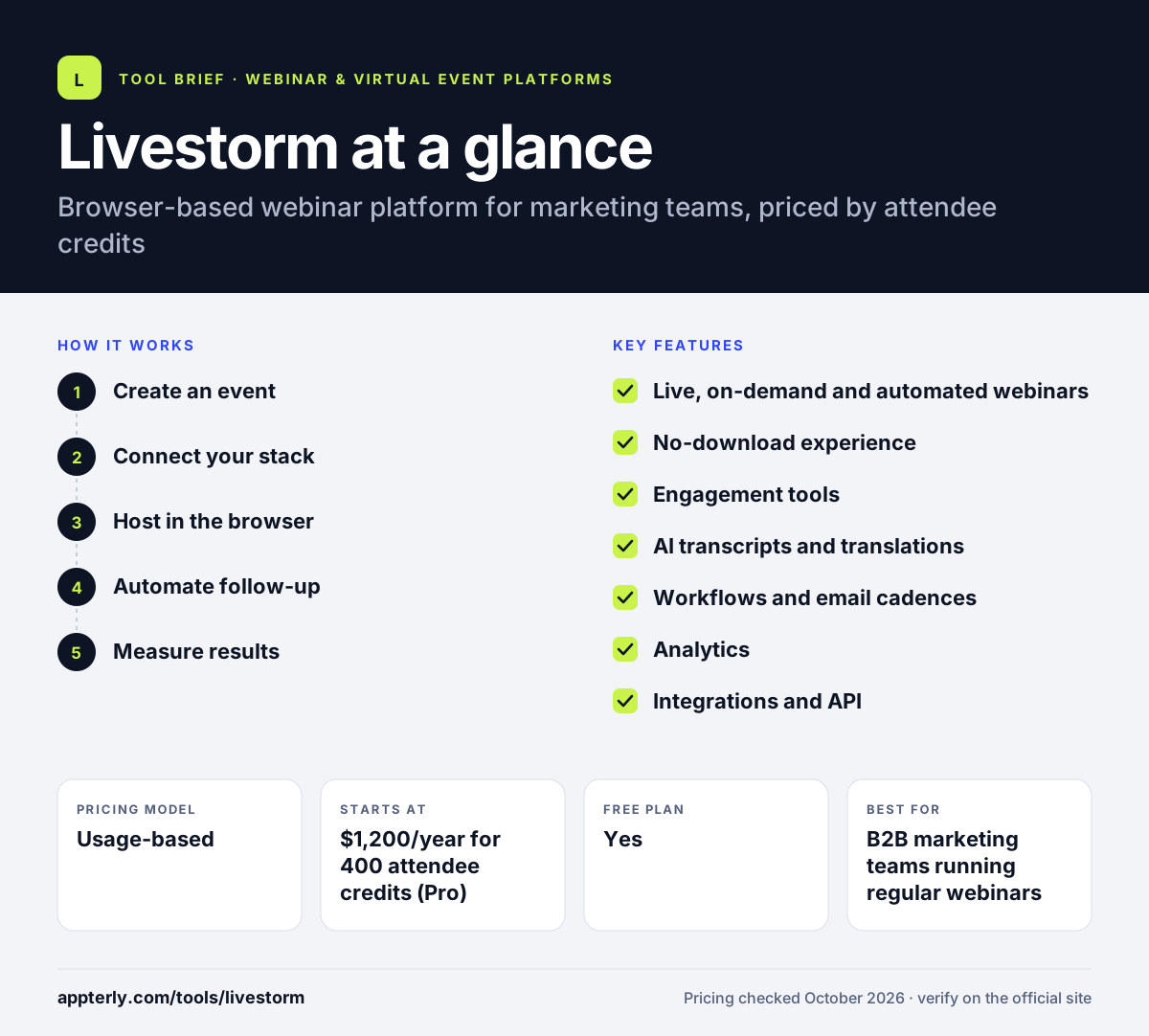
Livestorm at a glance
How does Livestorm work?
- Create an event
Choose a live, on-demand or automated webinar and set up a branded registration page and email cadence.
- Connect your stack
Link HubSpot, Salesforce, Marketo, Pardot or Zapier so registrations and attendance sync automatically.
- Host in the browser
Presenters and attendees join from a browser and interact through chat, polls, upvoted Q&A, reactions and breakout rooms. Sessions on Pro can run up to 4 hours with up to 3,000 live attendees.
- Automate follow-up
Workflows send replays and follow-up emails and update contacts based on attendance.
- Measure results
Review attendance rate, replay views, UTM sources and custom reports to judge each event.
Livestorm key features
Live, on-demand and automated webinars
Run sessions live, publish them on demand or schedule automated events with preset workflows.
No-download experience
Everything runs in the browser for hosts and attendees, which reduces join friction.
Engagement tools
Polls, chat, Q&A with upvotes, emoji reactions, raise hand, breakout rooms and screen sharing.
AI transcripts and translations
AI transcripts are built in, and Livestorm AI Studio and live translations are available as add-ons. Live translations require at least 1,000 credits.
Workflows and email cadences
Automate reminders, follow-ups and contact updates around each event.
Analytics
Attendance, replay analytics, UTM tracking, contact profiles and custom reports.
Integrations and API
Native CRM integrations, Zapier, a public API, a plugin SDK and a Livestorm MCP server. Restreaming and RTMP input let you send sessions to social platforms or bring in an external encoder feed.
Why use Livestorm?
- Credit-based pricing means you pay for people who actually show up, not for team seats or no-shows.
- Unlimited events, recordings and team members on the Pro plan.
- EU hosting and ISO 27001 certification help with European data requirements.
- Browser access raises attendance compared with download-based tools.
- Automated webinars let small teams run evergreen sessions.
Who is Livestorm best for?
A good fit for
- B2B marketing teams running regular webinars
- European companies that want EU-hosted data
- Customer success and HR teams hosting onboarding or internal sessions
- Teams with many presenters but moderate audience sizes
Less suited to
- Events with more than 3,000 live attendees
- Teams that need Salesforce or Marketo sync on a small budget, since these are Enterprise integrations
- Very large audiences where per-attendee credits become costly
Livestorm pricing
| Pricing model | Usage-based |
|---|---|
| Free plan | Yes |
| Free trial | Not confirmed |
| Starting price | $1,200/year for 400 attendee credits (Pro) |
Pro is sold as yearly attendee credit packs, with the per-credit price falling at larger volumes, and allows 4-hour sessions and 3,000 live attendees. Enterprise is quoted and adds 12-hour sessions, Salesforce and Marketo integrations and a dedicated success contact. Credits do not roll over between billing periods.
Prices checked October 2026. Vendors change plans often, so confirm on the official Livestorm pricing page before you buy.
Livestorm pros and cons
Pros
- Fully browser-based for everyone
- Unlimited team members and events on Pro
- Strong automation and analytics
- EU hosting and security certifications
Cons
- Credits expire at the end of each billing period
- Enterprise CRM integrations need a quoted plan
- Free plan is limited to 30-minute pre-recorded events
Livestorm integrations and platforms
Works with
Available on
Livestorm alternatives
See the full shortlist in Best Webinar Software.
Livestorm FAQ
Is Livestorm free?
Livestorm has a free plan meant for evaluation. It includes 30 attendee credits a year, events of up to 30 minutes and pre-recorded events only. Most teams move to the Pro plan, which starts at $1,200 a year for 400 attendee credits, or to a quoted Enterprise plan. Credits remaining when you upgrade carry over to the new plan.
How does Livestorm pricing work?
Livestorm charges by attendee credits rather than hosts. One credit is used when one person joins one session, whether live, replay or on demand. Registrations without attendance and team members do not use credits. Credits are bought yearly, and unused credits do not roll over.
What is Livestorm used for?
Livestorm is used for marketing webinars, product demos, customer onboarding, training and internal company events. Teams run live, on-demand or automated sessions in the browser and connect results to their CRM to follow up with leads and customers. Industries using it include healthcare, finance, technology, government and education.
Livestorm vs Demio: what's the difference?
Both are browser-based webinar tools aimed at marketers. Livestorm uses attendee credits with unlimited team members and offers a free evaluation plan. Demio charges per host with fixed room sizes and a 14-day trial. Teams with many presenters often prefer Livestorm, while small teams with steady audiences may prefer Demio.
Does Livestorm integrate with HubSpot?
Yes. HubSpot is included on the Pro plan alongside Zapier. Livestorm syncs registrants and attendance data so contacts can be updated and nurtured in HubSpot. Salesforce, Marketo, Pardot and Microsoft Dynamics are offered as Enterprise integrations. A public API and plugin SDK support custom builds.
Sources
This overview is based on Livestorm's official website and documentation, checked October 2026.