What is Restream?
Restream is a live video platform that lets you stream one broadcast to more than 30 destinations at the same time, such as YouTube, LinkedIn and Facebook. It includes Restream Studio, a browser-based production tool where you can bring on guests, add overlays and scenes, and record in high quality. You can also send a feed from your own encoder and let Restream distribute it. It is used by creators and businesses alike.
Over time Restream has added Upload & Stream for broadcasting recorded videos as live, AI Clips for turning recordings into short vertical videos, a unified chat panel and a Live Webinar add-on with registration and replays. A free plan covers two channels with Restream branding, and paid plans add more channels, higher quality, team seats and website embedding.
Restream at a glance
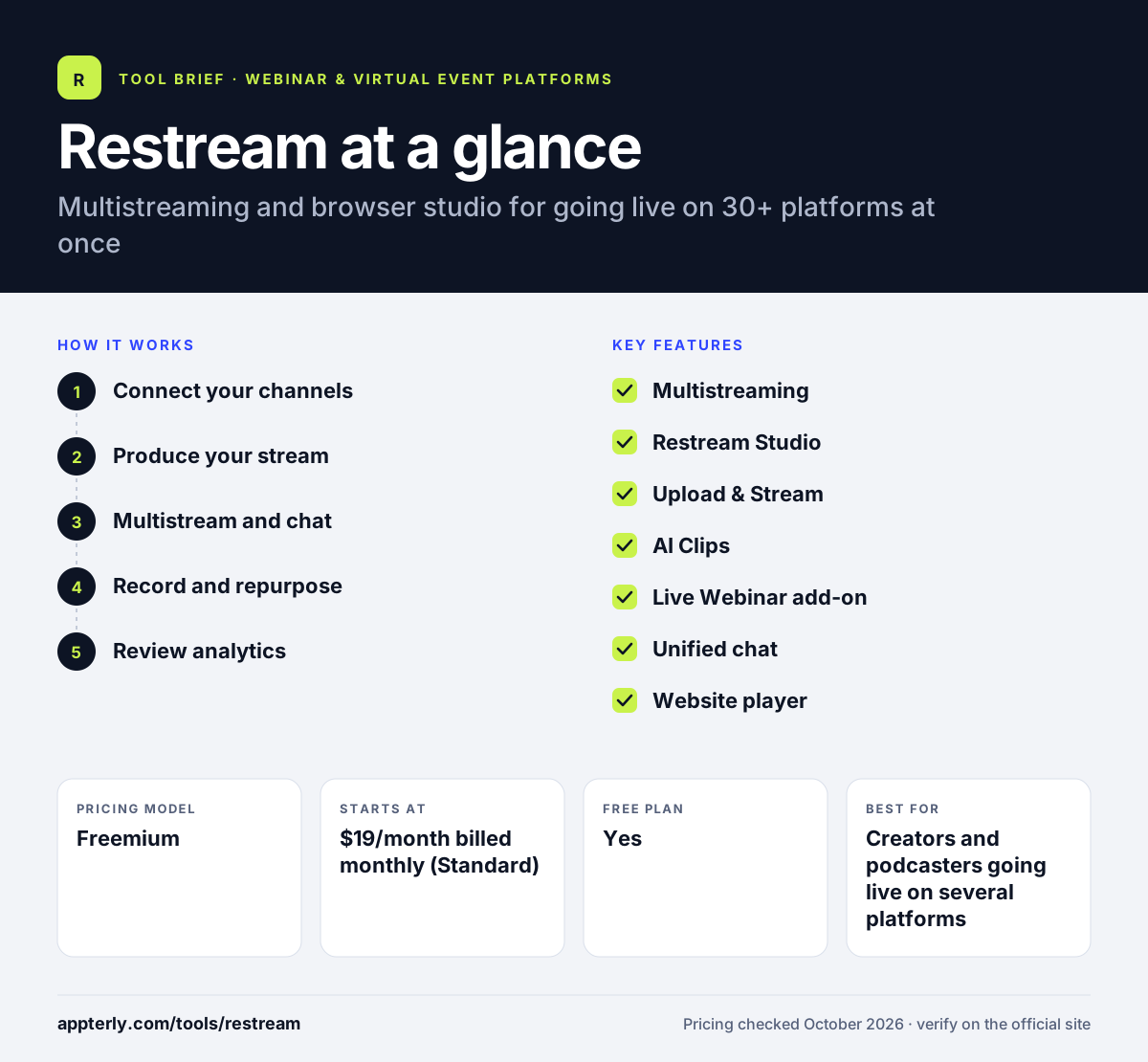
How does Restream work?
- Connect your channels
Link destinations such as YouTube, LinkedIn, Facebook or Twitch, or add custom RTMP targets.
- Produce your stream
Go live from Restream Studio in the browser with guests, layouts and branding, or stream from an external encoder. Professional and higher plans stream the studio in Full HD.
- Multistream and chat
Broadcast to all channels at once and read comments from every destination in one chat panel.
- Record and repurpose
Save cloud recordings and use AI Clips to create captioned vertical videos for Shorts, TikTok and LinkedIn.
- Review analytics
Check views, peak and average viewers and watch time for each destination.
Restream key features
Multistreaming
Send one live stream to 2 to 8 channels at once depending on plan, with custom limits on Enterprise. Multistreaming supports up to 4K output.
Restream Studio
A browser studio with guests on screen, scenes, overlays, logos and recording up to 4K on Professional and above.
Upload & Stream
Schedule pre-recorded videos to go out as live streams.
AI Clips
An add-on that turns recordings into captioned short clips for social platforms.
Live Webinar add-on
Registration, on-stage guest requests, chat, reactions and replays on one link, from 100 attendees.
Unified chat
Comments from every connected destination appear in one panel, and can be shown on screen.
Website player
Embed streams on your site for up to 1,000 concurrent viewers on paid plans.
Team workspaces
Business plans include two team seats, co-producer mode and shared workspaces, with SSO and multiple workspaces on Enterprise. Up to 10 people can appear on screen in the paid plans, which suits panels and interviews.
Why use Restream?
- Reaching several platforms at once grows live audiences without extra work.
- The browser studio removes the need for complex streaming software.
- AI Clips helps turn one live session into many short videos.
- A free plan makes it easy to test multistreaming.
- The webinar add-on keeps webinars and social streams in one tool with one recording library.
Who is Restream best for?
A good fit for
- Creators and podcasters going live on several platforms
- Marketing teams running live shows, launches and town halls
- Brands doing live shopping or product demos
- Gaming and fitness streamers
Less suited to
- B2B teams needing deep CRM integration for webinar leads
- Large virtual conferences with networking and booths
- Users who only stream to a single platform occasionally
Restream pricing
| Pricing model | Freemium |
|---|---|
| Free plan | Yes |
| Free trial | Not confirmed |
| Starting price | $19/month billed monthly (Standard) |
Professional ($49/month) adds 5 channels and 1080p Studio, and Business ($239/month) adds 8 channels, team workspaces and co-producer mode; Enterprise is quoted. Annual billing saves 20%, and AI Clips and webinars are paid add-ons.
Prices checked October 2026. Vendors change plans often, so confirm on the official Restream pricing page before you buy.
Restream pros and cons
Pros
- Simple multistreaming to many destinations
- Capable browser studio with guests
- Free plan available
- Unified chat across platforms
Cons
- Webinars and AI Clips cost extra on top of the plan
- Free plan includes Restream branding and only 2 channels
- Some webinar features such as polls and HubSpot sync were still listed as coming soon
Restream integrations and platforms
Works with
Available on
Restream alternatives
See the full shortlist in Best Webinar Software.
Restream FAQ
Is Restream free?
Yes. Restream has a free plan that lets you stream to two channels at once, with Restream branding on the stream. Paid plans start with Standard at $19 a month billed monthly, which removes branding and adds a third channel. Annual billing saves 20% on paid plans. Recordings can be downloaded with transcripts after each session.
What is Restream used for?
Restream is used to broadcast one live video to several platforms at the same time. Creators, brands and companies use it for live shows, podcasts, product launches, live shopping, town halls and webinars, then repurpose recordings into short clips.
Restream vs StreamYard: what's the difference?
Both offer browser studios and multistreaming. Restream emphasizes reaching more destinations at once, with up to 8 channels on Business and over 30 supported platforms, plus Upload & Stream. StreamYard focuses on an easy studio experience and local recordings. Price and the number of channels you need usually decide. Both offer free plans, so testing each with a short stream is easy.
Can Restream host webinars?
Yes, through the Live Webinar add-on on paid plans. It costs $99 a month for up to 100 attendees on Standard and Professional, or $299 a month for up to 500 on Business. It includes registration, on-stage guests, chat, reactions, cloud recording and replays on the same link.
Is Restream good for beginners?
Yes. Restream Studio runs in the browser, so beginners can connect channels and go live without installing encoding software. The free plan is a low-risk way to learn, and paid plans add quality and branding controls when you are ready to grow.
Sources
This overview is based on Restream's official website and documentation, checked October 2026.