What is Power Automate?
Power Automate is Microsoft's automation platform for building workflows across cloud apps, desktop software and business processes. It is part of Microsoft Power Platform alongside Power Apps and Power BI. Cloud flows connect services such as Outlook, SharePoint, Teams and Salesforce, while desktop flows use robotic process automation to click through older applications that lack an API.
The product is aimed at organizations already invested in Microsoft 365 and Dynamics 365. It includes more than 1,400 prebuilt connectors, Copilot for building flows from plain-language descriptions, AI models for documents and images, and process mining to find tasks worth automating. Pricing is per user for most features and per bot for unattended automation.
Power Automate at a glance
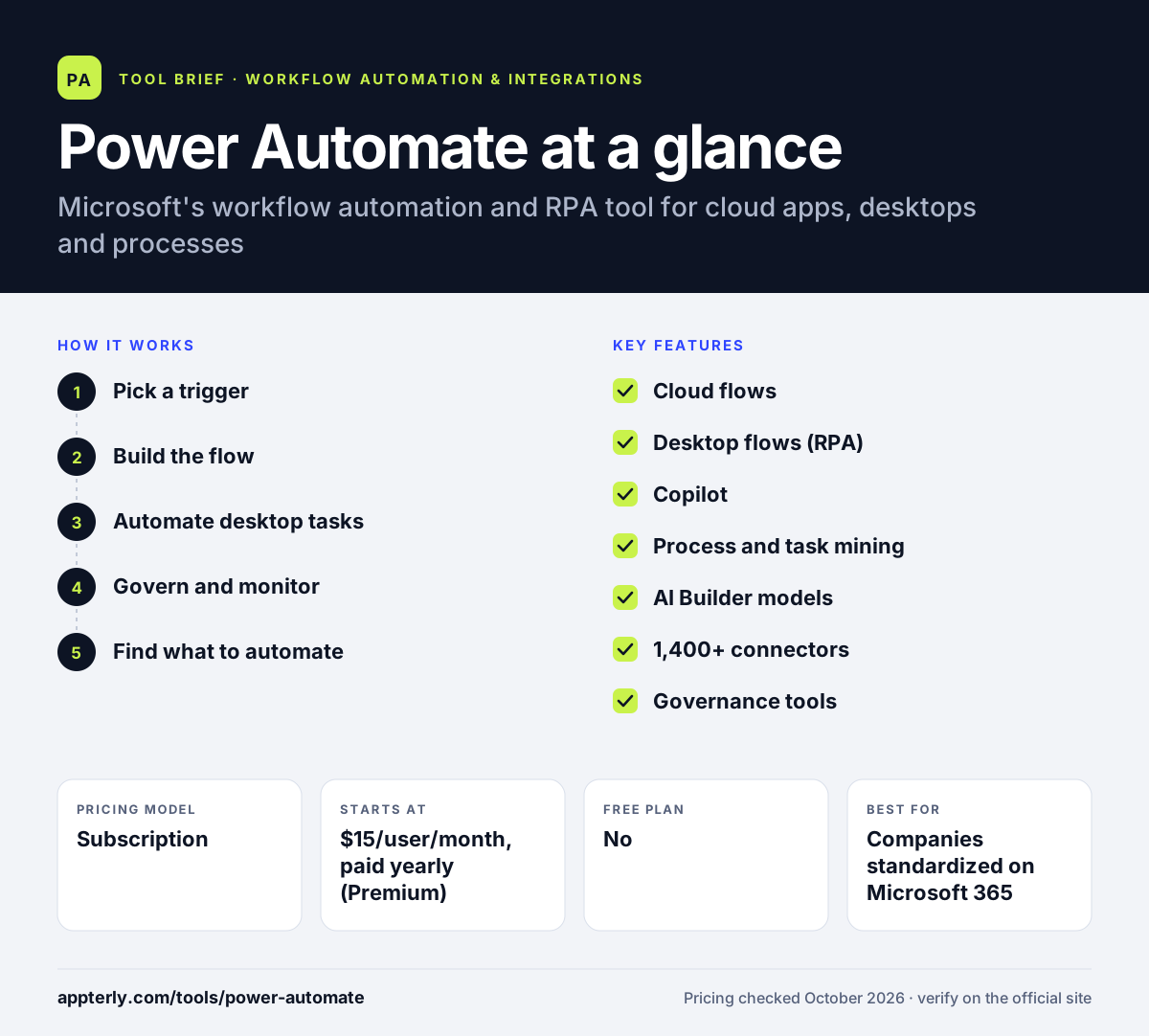
How does Power Automate work?
- Pick a trigger
Start a cloud flow from an event such as a new email, a SharePoint file or a Teams message, or run it on a schedule or by hand.
- Build the flow
Add actions from connectors, conditions and loops, either by hand, from a template or by describing the flow to Copilot.
- Automate desktop tasks
Use Power Automate for desktop on Windows to record or build UI steps for legacy apps, then run them attended or unattended.
- Govern and monitor
Admins apply data loss prevention policies, manage environments and track flow runs and failures.
- Find what to automate
Optionally run process or task mining on event logs and recorded desktop activity to see where time is lost, then prioritize those processes for new flows.
Power Automate key features
Cloud flows
Trigger-based workflows that connect cloud and on-premises services through connectors and an on-premises data gateway.
Desktop flows (RPA)
Automate legacy desktop and web interfaces with prebuilt or recorded UI actions, attended or unattended.
Copilot
Create and edit flows by describing what you want in natural language, in both the web and desktop builders.
Process and task mining
Analyze how work actually happens, view process maps and spot automation opportunities.
AI Builder models
Built-in AI for document processing, image recognition, predictions and generated text.
1,400+ connectors
Certified connectors for Microsoft and third-party services, plus custom connectors for your own APIs.
Governance tools
Managed Environments, data loss prevention policies and monitoring for IT teams.
Why use Power Automate?
- Deep integration with Outlook, Teams, SharePoint, Excel and Dynamics 365.
- Combines API-based automation and desktop RPA in one product.
- Enterprise governance and security that IT departments already understand.
- Process mining helps decide what to automate before building.
- A 30-day free trial lets teams test Premium features.
Who is Power Automate best for?
A good fit for
- Companies standardized on Microsoft 365
- Operations teams automating legacy desktop software
- Enterprises with IT governance requirements
- Finance, HR and back-office approval workflows
Less suited to
- Small teams that mostly use non-Microsoft SaaS tools
- Marketers who want a quick, simple setup without licensing questions
- Mac users who need desktop automation, since the desktop app runs on Windows
Power Automate pricing
| Pricing model | Subscription |
|---|---|
| Free plan | No |
| Free trial | 30 days |
| Starting price | $15/user/month, paid yearly (Premium) |
Premium covers cloud flows, attended desktop flows and process mining per user. Unattended bots cost $150 per bot per month (Process) or $215 per bot per month with a Microsoft-hosted machine (Hosted Process), both paid yearly.
Prices checked October 2026. Vendors change plans often, so confirm on the official Power Automate pricing page before you buy.
Power Automate pros and cons
Pros
- Native fit with Microsoft 365 and Dynamics 365
- Both cloud automation and RPA in one platform
- Strong admin and compliance controls
- Copilot speeds up flow building
Cons
- Licensing can be confusing across user, bot and add-on plans
- Builder feels heavier than simpler marketing-focused tools
- Desktop automation requires Windows
Power Automate integrations and platforms
Works with
Available on
Power Automate alternatives
See the full shortlist in Best Zapier Alternatives.
Power Automate FAQ
Is Power Automate free?
Power Automate offers a 30-day free trial covering cloud flows and standard connectors. Ongoing use of premium features requires a paid license, starting with the Premium plan at $15 per user per month paid yearly. Some basic automation experiences also appear inside Microsoft 365 apps such as Teams, Excel and SharePoint.
What is Power Automate used for?
Power Automate is used to automate business processes such as approvals, email handling, file routing, data entry and notifications. Organizations also use its desktop flows to automate legacy applications through the user interface, and its process mining to analyze how work moves through systems before automating it.
Is Power Automate good for beginners?
Simple flows built from templates are approachable, especially for people who already use Microsoft 365, and Copilot can draft flows from a description. More advanced work, such as expressions, desktop flows and licensing choices, has a real learning curve and often involves IT.
Power Automate vs Zapier: what's the difference?
Zapier focuses on fast, simple automation across thousands of SaaS apps and suits small teams. Power Automate is built around the Microsoft ecosystem, adds desktop RPA, process mining and enterprise governance, and is licensed per user or per bot. Microsoft-heavy companies usually lean toward Power Automate. It is a common choice for approval and document workflows in large organizations.
Does Power Automate work on Mac?
The cloud flow builder runs in browsers such as Edge, Chrome, Safari and Firefox, so Mac users can build and manage cloud flows. Power Automate for desktop, which handles RPA, is a Windows 10 and 11 application, so desktop automation needs a Windows machine.
Sources
This overview is based on Power Automate's official website and documentation, checked October 2026.