What is Pics.io?
Pics.io is an AI-powered digital asset management (DAM) platform for uploading, organizing, searching and sharing images, videos, audio and documents. Its standout trait is flexible storage: it can run directly on top of a company's own Google Drive or Amazon S3 account, or use Pics.io's own storage. That means teams can add a DAM layer without moving files into a closed system, which reduces lock-in.
On top of storage, Pics.io adds AI tools such as auto-tagging, description generation, face recognition, text-in-image search and speech-to-text transcription. It also covers version control, on-asset comments, approvals, rights management, branded sharing portals and inbox upload links for contributors. The product runs in the browser, with iOS and Android apps, and plans are published openly on its pricing page.
Pics.io at a glance
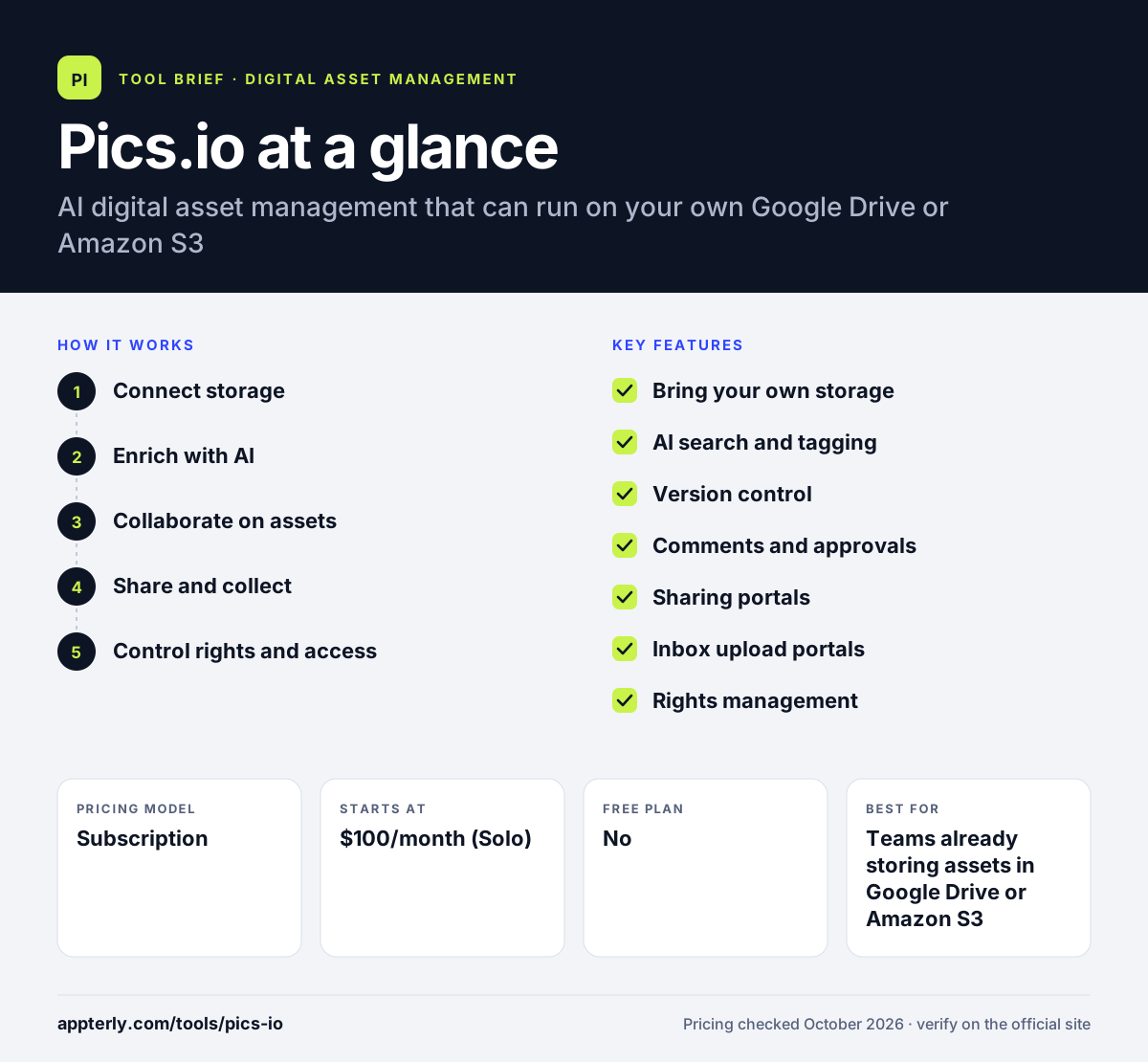
How does Pics.io work?
- Connect storage
Link your Google Drive or Amazon S3 account, or use Pics.io storage, so files stay where you choose.
- Enrich with AI
Auto-tagging, descriptions, face recognition and transcription make assets searchable in plain language.
- Collaborate on assets
Leave on-asset and time-coded video comments, set approval statuses and upload new versions while links stay active.
- Share and collect
Publish branded or password-protected portals, and use inbox links so contributors can upload files without an account.
- Control rights and access
Set roles and permissions, add usage terms and expiration dates, and review the audit trail to see who did what.
Pics.io key features
Bring your own storage
Run the DAM on Google Drive or Amazon S3, or use Pics.io storage, without vendor lock-in.
AI search and tagging
Natural-language search, auto-tags, descriptions, OCR and face recognition help find files fast.
Version control
Upload new versions, compare them side by side and roll back in one click while shared links keep working.
Comments and approvals
On-asset comments, time-coded video notes, mentions and approval statuses keep feedback in one place.
Sharing portals
Public or password-protected branded portals with expiring links, usage terms and format conversion on download.
Inbox upload portals
Contributors upload through a link without an account, with required metadata fields.
Rights management
Set expiration by date or campaign so access shuts off automatically, with audit trails.
Branding, watermarking and API
The Small plan adds custom branding, watermarking, metadata replication and API access for custom integrations.
Why use Pics.io?
- You can keep files in your own Google Drive or S3 account.
- Published pricing makes budgeting straightforward.
- AI search works across 236 file types with previews.
- Version control keeps shared links valid when files change.
- Integrations with Adobe, Figma, Slack and CRMs fit common workflows.
Who is Pics.io best for?
A good fit for
- Teams already storing assets in Google Drive or Amazon S3
- Creative agencies and in-house design teams
- Mid-size companies that want published DAM pricing
- Video teams that need time-coded comments
Less suited to
- Individuals looking for a free plan
- Small teams that need sharing portals on a tight budget, since portals start on Micro
- Enterprises that need complex marketing compliance workflows
Pics.io pricing
| Pricing model | Subscription |
|---|---|
| Free plan | No |
| Free trial | 7 days |
| Starting price | $100/month (Solo) |
Solo is $100/month for 1 user, Micro is $250/month or $225/month billed annually for 10+ users, and Small is $800/month or $680/month billed annually for 50+ users. AI intelligence kits are paid add-ons starting at $50/month.
Prices checked October 2026. Vendors change plans often, so confirm on the official Pics.io pricing page before you buy.
Pics.io pros and cons
Pros
- Works on top of Google Drive or Amazon S3
- Transparent, published pricing
- Strong version control and video commenting
- Mobile apps for iOS and Android
Cons
- No free plan, and the trial is only 7 days
- AI features are paid add-ons
- Sharing portals and 24/7 support start on the Micro plan
Pics.io integrations and platforms
Works with
Available on
Pics.io alternatives
See the full shortlist in Best Digital Asset Management Software.
Pics.io FAQ
How much does Pics.io cost?
Pics.io starts at $100 a month for the Solo plan with one user. Micro costs $250 a month, or $225 a month billed annually, for teams of 10 or more. Small costs $800 a month, or $680 a month billed annually, for 50 or more users. Enterprise is custom, and AI kits are extra.
Is Pics.io free?
No. Pics.io does not offer a free plan. It provides a 7-day free trial with unlimited access to all features and no credit card required. The pricing page notes that trials can be extended by contacting support, which helps teams testing a large library.
Does Pics.io work with Google Drive?
Yes. Pics.io can run directly on top of a Google Drive account, so your files stay in your own storage while Pics.io adds search, tagging, sharing and approvals. It can also run on Amazon S3 or on Pics.io's own storage, and it integrates with Google Docs, Sheets, Slides and Forms.
What is Pics.io used for?
Pics.io is used to organize and share digital assets such as photos, videos, audio files and documents. Teams use it to find files with AI search, manage versions, collect feedback and approvals, share branded portals with clients and control usage rights with automatic expiration. Pics.io also offers an image CDN in beta for teams using its own storage.
Pics.io vs Canto: what's the difference?
Both are DAM platforms with AI search and branded portals. Pics.io can run on your own Google Drive or Amazon S3 storage and publishes its prices openly. Canto uses its own storage, includes unlimited end users on every plan and prices by custom quote, with extra suites for retail and brand teams. Pics.io is often the simpler choice for teams that want to keep their existing cloud storage.
Sources
This overview is based on Pics.io's official website and documentation, checked October 2026.