What is Brandfolder?
Brandfolder is a cloud-based digital asset management (DAM) platform that helps marketing and creative teams store, organize, distribute and measure their brand assets. It gives a company one central library for logos, photos, videos and documents, with sharing controls for internal staff, agencies and partners. It is sold under the name Brandfolder by Smartsheet and can be paired with Smartsheet for content workflow management.
The platform covers the full life of an asset, from upload and tagging to distribution and reporting. AI features handle tagging, duplicate detection and similar-asset discovery, while analytics show how often files are viewed, downloaded and shared. Extra products include brand guidelines, portals, creative workflow and a Smart CDN for embedding assets across the web. Brandfolder serves both midsize businesses and large enterprises. Named customers on its site include Lyft, Kroger and P.F. Chang's.
Brandfolder at a glance
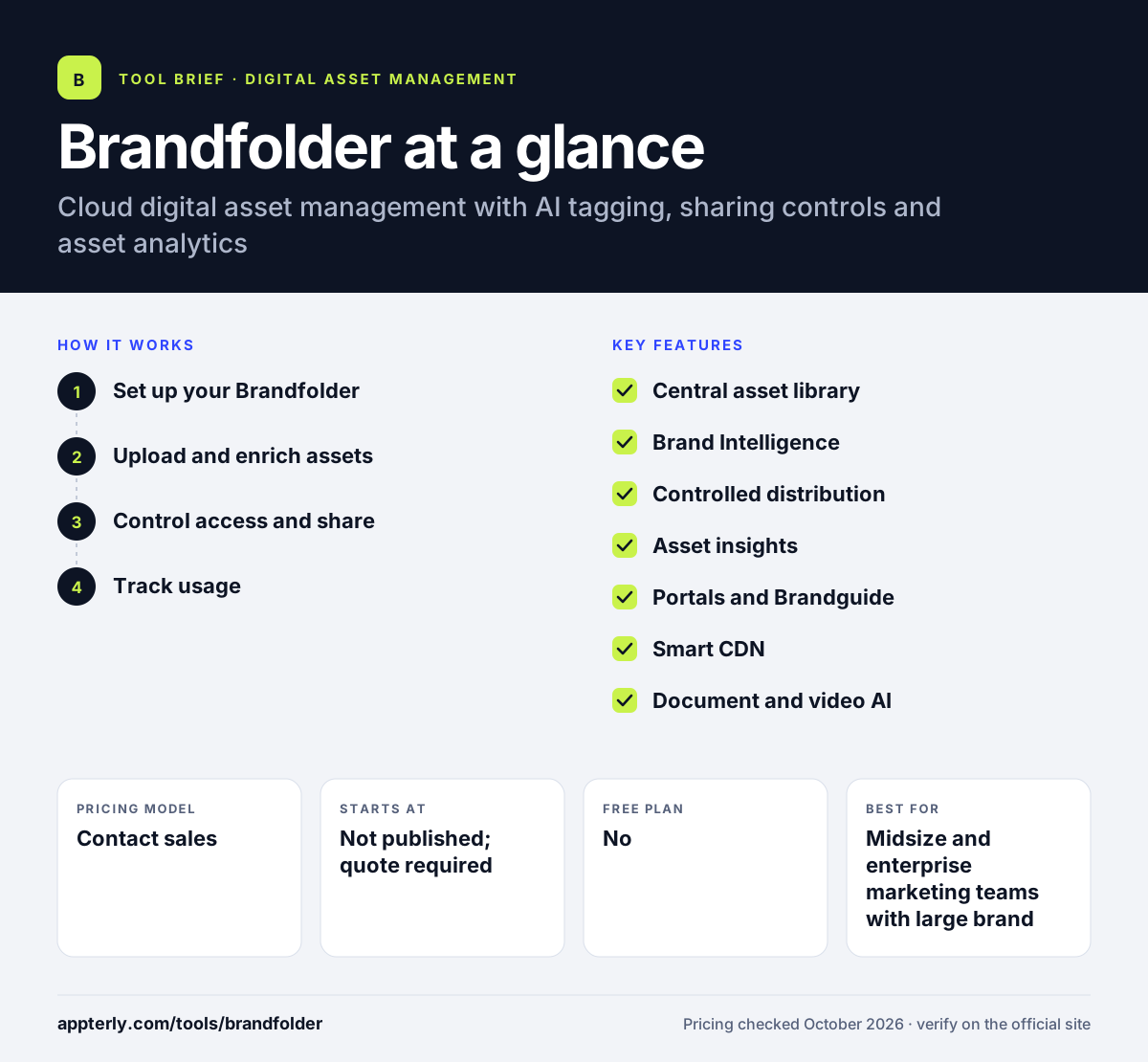
How does Brandfolder work?
- Set up your Brandfolder
Create a central library and organize assets into sections and collections that match brands, campaigns or regions.
- Upload and enrich assets
Add files in bulk and let Brand Intelligence apply AI tags, flag duplicates and suggest similar assets, while you add custom metadata.
- Control access and share
Share single assets, collections or whole libraries through links with public or private settings, expiration dates and user-level permissions.
- Track usage
Review views, downloads and shares to see which assets are used and which can be retired.
Brandfolder key features
Central asset library
Tagging, attachments, filters, sections and expired-asset tracking keep a large library tidy and searchable.
Brand Intelligence
AI-driven tagging, duplicate detection, similar-asset discovery, versioning and asset scoring reduce manual library upkeep.
Controlled distribution
Share links can be public or private, set to expire and limited by user permissions.
Asset insights
Reports show views, downloads and shares, and Enterprise adds a data connector for BI tools.
Portals and Brandguide
Portals give partners a curated entry point, while Brandguide presents brand guidelines alongside the assets they describe.
Smart CDN
Embed assets on websites and other channels from one source so updates flow through automatically.
Document and video AI
Premium adds OCR search inside documents and video AI for auto-tags, scene detection and transcription.
Enterprise controls
The Enterprise tier adds custom automation, editable metadata, colorspace conversion, controls for running several brands or teams independently and a custom vanity URL.
Why use Brandfolder?
- It gives every team and partner one approved source for brand files.
- AI tagging and duplicate detection save time on library upkeep.
- Link expiration and permissions reduce the risk of outdated or unlicensed assets being used.
- Usage analytics help teams understand which content earns its keep.
- Smartsheet users can connect asset management with project and content workflows.
Who is Brandfolder best for?
A good fit for
- Midsize and enterprise marketing teams with large brand libraries
- Franchises and retailers distributing assets to many locations
- Brand managers who need to control how partners use files
- Organizations already working in Smartsheet
Less suited to
- Freelancers or very small teams looking for a low-cost, self-serve tool
- Buyers who want to see prices or start a free trial without a sales call
- Teams that only need basic shared folders
- Teams that need desktop or mobile apps, which the site does not list
Brandfolder pricing
| Pricing model | Contact sales |
|---|---|
| Free plan | No |
| Free trial | Not confirmed |
| Starting price | Not published; quote required |
Brandfolder offers Premium and Enterprise plans, both priced by quote. Premium adds analytics, document intelligence, bulk updates, SSO and video AI, while Enterprise adds custom automation, finer permissions, multi-brand controls and a BI data connector.
Prices checked October 2026. Vendors change plans often, so confirm on the official Brandfolder pricing page before you buy.
Brandfolder pros and cons
Pros
- Strong sharing controls with permissions and link expiration
- AI tagging and duplicate detection reduce manual work
- Clear reporting on how assets are viewed and downloaded
- Tight connection with Smartsheet for workflow
Cons
- No public pricing, free plan or self-serve trial
- Several advanced features are limited to the Enterprise tier
- Likely more than a small business needs
Brandfolder integrations and platforms
Works with
Available on
Brandfolder alternatives
See the full shortlist in Best Digital Asset Management Software.
Brandfolder FAQ
Is Brandfolder free?
No. Brandfolder does not list a free plan or a free trial on its pricing page. It offers Premium and Enterprise plans, and both require you to book a demo or request a quote. Pricing depends on factors such as storage, users and how widely you distribute assets.
What is Brandfolder used for?
Brandfolder is used to store, organize, share and track brand assets such as logos, images, videos and documents. Marketing teams use it to give staff, agencies and partners one approved source of files, control who can access them, and see how often each asset is viewed, downloaded and shared.
Who owns Brandfolder?
Brandfolder is marketed as Brandfolder by Smartsheet, and its site links to Smartsheet's security and privacy policies. It is offered as a standalone DAM and as a combined package with Smartsheet's work management platform, which adds content workflow management to the asset library.
Brandfolder vs Bynder: what's the difference?
Both are enterprise DAM platforms with AI tagging and controlled sharing. Brandfolder stands out for its asset analytics and its tie-in with Smartsheet for workflow. Bynder offers a wider modular suite, including Studio for content creation and separate workflow modules. Neither publishes prices, so a demo is the best way to compare.
Does Brandfolder have an API?
Yes. Brandfolder provides a developer API for building custom integrations, along with CDN links for embedding assets on websites and other channels. This lets teams connect the asset library to their wider marketing technology stack instead of downloading and re-uploading files.
Sources
This overview is based on Brandfolder's official website and documentation, checked October 2026.