What is Pendo?
Pendo is a product experience platform that combines product analytics, in-app guides, session replay and user feedback so software teams can see what users do, hear what they say and act on it inside the product. It is installed with a lightweight snippet in web apps and also supports mobile apps. Pendo reports that more than 14,000 teams use it. It is mainly used by B2B software companies to raise feature adoption.
Pendo also offers Leo, an AI agent that answers natural-language questions about product data, and Headless Pendo with MCP support, which brings Pendo data into tools such as Claude and ChatGPT. Other modules include Listen for feedback, Roadmaps, Orchestrate for journeys and Data Sync for warehouses. A free plan covers up to 500 monthly active users, and paid plans are quote-based.
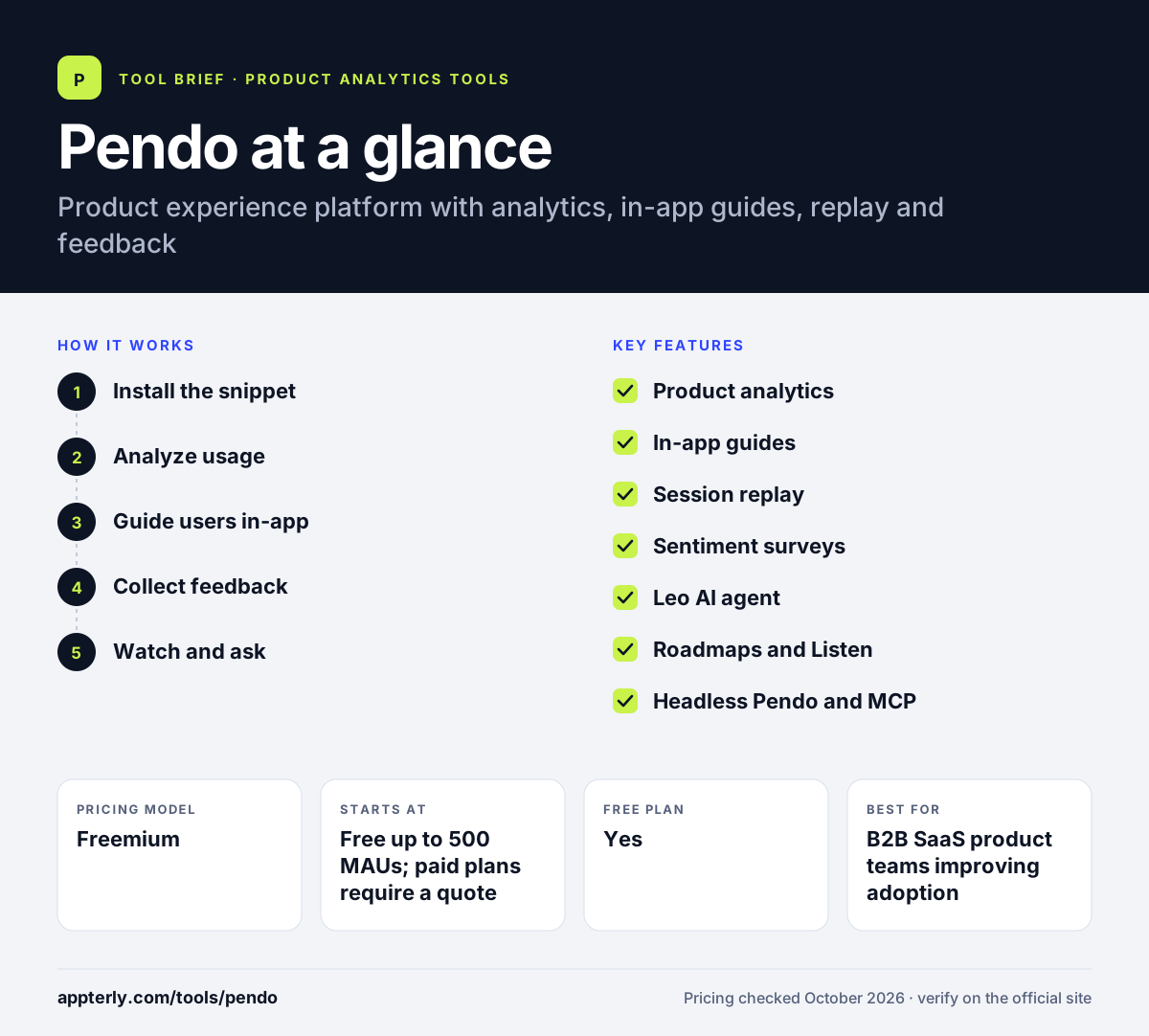
Pendo at a glance
How does Pendo work?
- Install the snippet
Add Pendo's lightweight snippet to your web app, or its SDK to your mobile app, to start capturing usage.
- Analyze usage
Use retroactive product analytics to see which features people use and where they get stuck.
- Guide users in-app
Build in-app guides, tooltips and nudges without engineering help to onboard users or announce features.
- Collect feedback
Run NPS and other surveys and gather feature requests to understand sentiment.
- Watch and ask
Review session replays and ask Leo questions in plain language to find causes and next steps.
Pendo key features
Product analytics
Retroactive analytics show how users and AI agents interact across your product, included on all plans.
In-app guides
Create walkthroughs, tooltips and announcements inside your app without writing code. Guides can target specific user segments based on their behavior.
Session replay
Watch real user sessions to see where people struggle. Included from the Core plan or as an add-on.
Sentiment surveys
Capture NPS, PMF and CSAT feedback in context on the Ultimate plan or as an add-on.
Leo AI agent
Ask natural-language questions about product data, available on all plans.
Roadmaps and Listen
Collect feedback and share product roadmaps; free users get Pendo-branded roadmaps and NPS.
Headless Pendo and MCP
Bring Pendo data into AI tools like Claude and ChatGPT and any MCP client.
Why use Pendo?
- Analytics and in-app guidance in one tool let you spot a problem and fix it.
- Product managers can launch guides without waiting on developers.
- Retroactive analytics means past usage is available when new questions come up.
- Built-in feedback tools connect what users do with what they say.
- A free plan lets small products start without a contract.
Who is Pendo best for?
A good fit for
- B2B SaaS product teams improving adoption
- Customer success teams onboarding users in-app
- Companies collecting NPS and feature feedback at scale
- Product-led growth teams running in-app campaigns
Less suited to
- Marketing websites that only need traffic analytics
- Small startups that outgrow 500 MAUs but have small budgets
- Buyers who want self-serve published pricing
Pendo pricing
| Pricing model | Freemium |
|---|---|
| Free plan | Yes |
| Free trial | 30 days (via sales) |
| Starting price | Free up to 500 MAUs; paid plans require a quote |
Base includes analytics and in-app guides, Core adds session replay, and Ultimate adds sentiment surveys, journey orchestration, Listen and Data Sync. Paid tiers are priced by monthly active users, and some modules are sold as add-ons.
Prices checked October 2026. Vendors change plans often, so confirm on the official Pendo pricing page before you buy.
Pendo pros and cons
Pros
- Combines analytics, guides, replay and feedback
- No-code in-app guides
- Free plan for small products
- AI agent included on all plans
Cons
- Paid pricing is not published
- Free plan capped at 500 MAUs
- Many modules can make setup and buying complex
Pendo integrations and platforms
Works with
Available on
Pendo alternatives
See the full shortlist in Best Product Analytics Tools.
Pendo FAQ
Is Pendo free?
Yes. Pendo Free is free forever for up to 500 monthly active users. It includes product analytics, in-app guides, Pendo-branded roadmaps and NPS surveys, and unlimited web and mobile app keys. Larger products move to Base, Core or Ultimate, which are priced on request, with a 30-day trial available through sales.
What is Pendo used for?
Pendo is used by software companies to understand and improve how people use their product. Teams track feature usage, guide users with in-app walkthroughs, watch session replays, run NPS surveys and collect feedback. It helps product, customer success and growth teams raise adoption and reduce churn.
Pendo vs Mixpanel: what's the difference?
Mixpanel focuses on deep product analytics, experiments and feature flags with published event-based pricing. Pendo combines analytics with in-app guides, feedback, NPS and roadmaps, so teams can act on insights inside the product. Pendo's paid plans are quote-based and priced by monthly active users.
Does Pendo work on mobile apps?
Yes. Pendo supports both web and mobile apps. Web apps are set up with a lightweight snippet, and the free plan includes unlimited web and mobile app keys. This lets you track usage and show in-app guides across your web and mobile products from one account. Mobile session replay and analytics are part of the wider Pendo Mobile product.
What is Pendo Leo?
Leo is Pendo's AI agent. It lets you ask questions about your product data in natural language, such as which features drive retention, without building reports by hand. Leo is included on all Pendo plans, and Pendo also offers MCP support to bring its data into AI tools like Claude and ChatGPT.
Sources
This overview is based on Pendo's official website and documentation, checked October 2026.