What is monday.com?
monday.com is a cloud work management platform that lets teams plan, track and automate work on customizable boards. Each board holds items in rows with columns for owners, dates, status and other data, and can be viewed as a table, Kanban, Gantt chart or dashboard. Teams use it for projects, campaigns, requests and operations, adding automations, docs, forms and AI agents without writing code.
The company sells several products on the same platform. Work management covers projects and tasks, and monday CRM is a separate product for sales and revenue teams, with pipelines, email sync, lead management and AI features such as a call notetaker and deal summaries. There are also products for service desks, software development and email campaigns. Pricing is per seat, with a free plan for up to two seats on work management.
monday.com at a glance
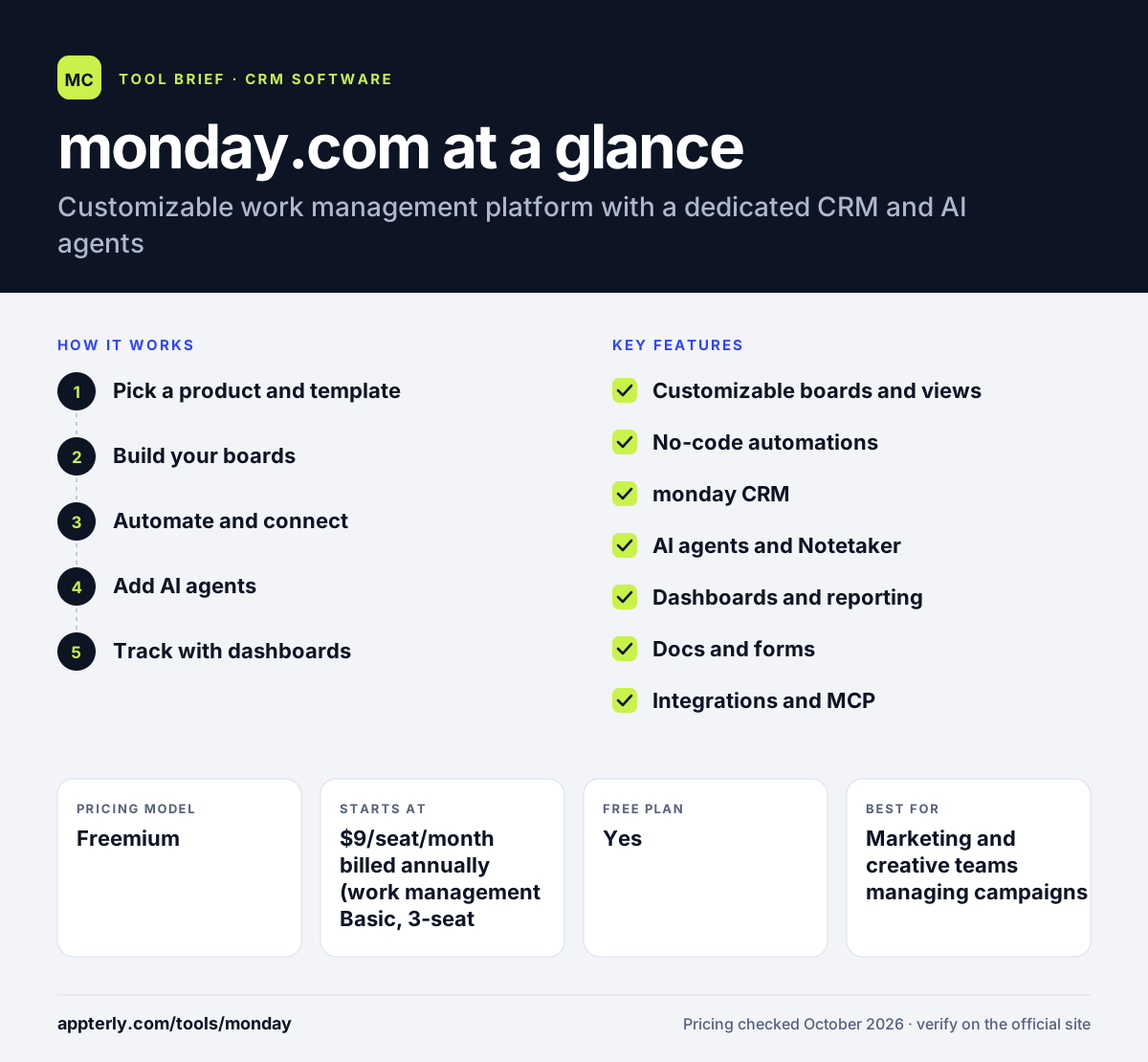
How does monday.com work?
- Pick a product and template
Start with work management or monday CRM and choose from more than 200 templates for common workflows. Templates cover projects, CRM, requests and more.
- Build your boards
Add columns for status, owners, dates and custom data, and switch between table, Kanban, Gantt and calendar views.
- Automate and connect
Set up automations and integrations with tools like Gmail, Outlook and Slack to move work forward automatically.
- Add AI agents
Use prebuilt or custom AI agents and the AI assistant to research, summarize, update items and handle routine steps.
- Track with dashboards
Combine data from multiple boards into dashboards to monitor progress, workload and pipeline.
monday.com key features
Customizable boards and views
Flexible boards with Kanban, Gantt, table and calendar views adapt to almost any process.
No-code automations
Rule-based automations handle notifications, status changes and handoffs between people and agents.
monday CRM
A dedicated CRM with sales pipelines, Gmail and Outlook sync, email tracking, lead management and revenue dashboards.
AI agents and Notetaker
An agent builder, prebuilt agents, an AI assistant and a meeting notetaker that writes transcripts and summaries.
Dashboards and reporting
Real-time dashboards summarize data across boards for managers and stakeholders.
Docs and forms
Collaborative documents and forms connect directly to boards so requests become trackable items.
Integrations and MCP
An app marketplace plus an MCP connection for AI tools such as Claude, ChatGPT and Copilot.
Why use monday.com?
- One platform can serve projects, sales and operations, which reduces tool sprawl.
- Boards are easy to customize without developers.
- Visual views and dashboards make status clear to the whole team.
- AI agents and automations take over repetitive updates.
- A free plan and a 14-day Pro trial lower the cost of trying it.
Who is monday.com best for?
A good fit for
- Marketing and creative teams managing campaigns
- Small agencies tracking client projects
- Sales teams that want a customizable CRM with monday CRM
- Operations teams that coordinate across departments
Less suited to
- Individuals who only need a simple to-do list
- Very small budgets, since paid plans start at three seats
- Teams that need deep, specialized sales features such as built-in dialers
monday.com pricing
| Pricing model | Freemium |
|---|---|
| Free plan | Yes |
| Free trial | 14 days (Pro plan) |
| Starting price | $9/seat/month billed annually (work management Basic, 3-seat minimum) |
Work management Standard is $12 and Pro $19 per seat per month billed annually. monday CRM is priced separately at $12, $17 and $28 per seat per month billed annually, with Enterprise and Ultimate quoted by sales.
Prices checked October 2026. Vendors change plans often, so confirm on the official monday.com pricing page before you buy.
monday.com pros and cons
Pros
- Very flexible boards and views
- Separate products for CRM, service and dev on one platform
- Strong AI and automation features
- Free plan for up to two seats
Cons
- Three-seat minimum on paid plans
- Costs rise quickly as seats and products are added
- Flexibility can lead to messy setups without planning
monday.com integrations and platforms
Works with
Available on
monday.com alternatives
See the full shortlist in Best CRM Software.
monday.com FAQ
Is monday.com free?
Yes. monday.com has a free work management plan for up to two seats, with up to three boards, three docs, 200-plus templates and mobile apps. Paid plans start at $9 per seat per month billed annually with a three-seat minimum, and a 14-day Pro trial is available.
What is monday.com used for?
monday.com is used to manage projects, tasks, requests and other team workflows on customizable boards. Companies also use its separate products for sales (monday CRM), IT and customer service, software development and email campaigns, all sharing the same platform, automations and AI agents.
What is monday CRM?
monday CRM is monday.com's customer relationship management product for sales and revenue teams. It adds sales pipelines, Gmail and Outlook email sync, lead management, dashboards and AI features such as a call notetaker and deal summaries. It is priced separately from work management, starting at $12 per seat per month billed annually.
monday.com vs Asana: what's the difference?
Both are work management tools. monday.com emphasizes highly customizable boards and offers separate CRM, service and dev products on the same platform. Asana focuses on task and project tracking with goals and portfolios. Teams wanting one flexible platform for many processes often choose monday.com.
Is monday.com good for small businesses?
Yes. Small teams can start on the free plan and move to Basic or Standard as they grow. The visual boards are easy to learn. Keep in mind that paid plans require at least three seats, which can make it pricier than per-user tools for a one- or two-person business.
Sources
This overview is based on monday.com's official website and documentation, checked October 2026.