What is Google Alerts?
Google Alerts is a web monitoring tool from Google that notifies you by email when new content matching your chosen keywords appears in its search results. You type a topic, such as your brand name, a competitor or an industry term, and Google sends matching news articles, blog posts and web pages to your inbox. It is one of the simplest ways to start brand monitoring.
Each alert can be tuned with a few options: how often you hear about results, which types of sources to include, the language and region, and whether to receive only the best results or all of them. Google Alerts does not offer dashboards, sentiment scores or reports. It is best seen as a lightweight early-warning system rather than a full media monitoring platform. Because setup takes seconds, many marketers create alerts for brand names, founders, products and competitors on day one.
Google Alerts at a glance
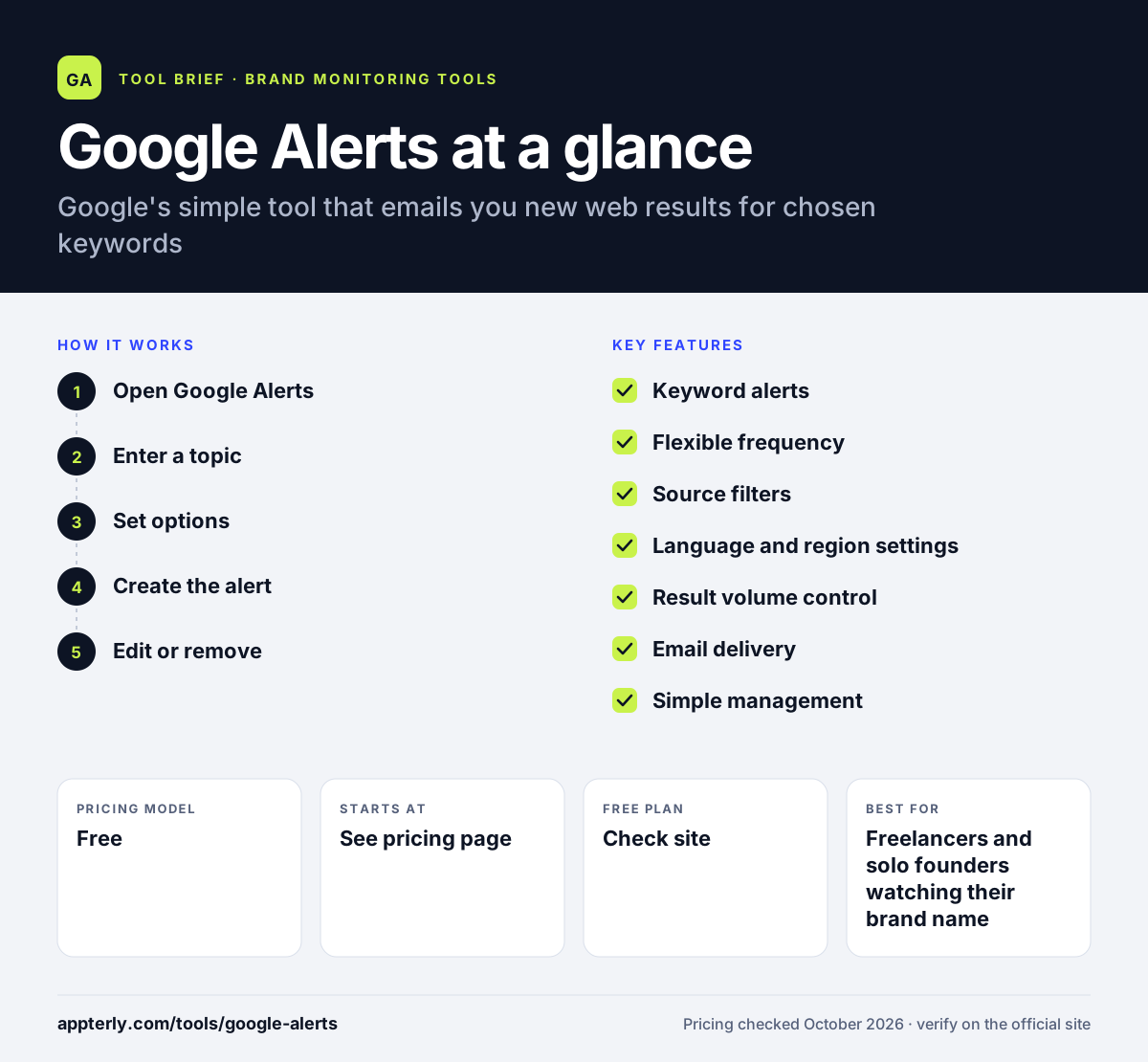
How does Google Alerts work?
- Open Google Alerts
Go to the Google Alerts page and sign in with the Google account that should receive the emails.
- Enter a topic
Type a keyword or phrase, such as a brand name in quotes, into the box at the top.
- Set options
Click Show options to choose frequency, sources, language, region, result volume and the receiving account.
- Create the alert
Click Create Alert, and Google starts emailing new matching results based on your settings.
- Edit or remove
Change an alert from the Google Alerts page, or delete it there or with the unsubscribe link in any alert email.
Google Alerts key features
Keyword alerts
Track any word or phrase, including brand names, people, products and topics.
Flexible frequency
Get results as they happen, at most once a day, or at most once a week.
Source filters
Choose automatic sources or limit alerts to news, blogs, web, video, books, discussions or finance.
Language and region settings
Restrict results to one of dozens of languages or a specific country.
Result volume control
Pick only the best results to reduce noise, or all results for complete coverage.
Email delivery
Alerts arrive in your inbox, and you can pick which signed-in account receives each one.
Simple management
Edit, update or delete alerts from one page, and change delivery settings from the settings menu.
Why use Google Alerts?
- It takes about a minute to set up an alert with no software to learn.
- It runs in the background and delivers new mentions straight to email.
- Frequency settings let you balance timeliness against inbox clutter.
- Source and region filters help focus alerts on relevant coverage.
- It is a quick way to watch competitors, industry news or your own name.
Who is Google Alerts best for?
A good fit for
- Freelancers and solo founders watching their brand name
- Small businesses tracking competitors and industry news
- Content marketers looking for topic and link opportunities
- Anyone testing brand monitoring before buying a paid tool
Less suited to
- PR teams that need sentiment analysis and coverage reports
- Brands that must monitor social media conversations closely
- Organizations needing complete, guaranteed coverage of every mention
Google Alerts pricing
| Pricing model | Free |
|---|---|
| Free plan | Not confirmed |
| Free trial | Not confirmed |
| Starting price | See the official pricing page |
Google's alert and help pages show no paid tiers or plans; cost and usage limits are not stated on the official pages reviewed.
Prices checked October 2026. Vendors change plans often, so confirm on the official website before you buy.
Google Alerts pros and cons
Pros
- Very fast to set up
- Useful filters for frequency, sources, language and region
- No paid plans to manage
- Easy to edit or unsubscribe from alerts
Cons
- No dashboards, sentiment analysis or reports
- Coverage depends on what Google indexes and chooses to send
- Limited value for tracking social media
Google Alerts integrations and platforms
Available on
Google Alerts alternatives
See the full shortlist in Best Brand Monitoring Tools.
Google Alerts FAQ
How do I set up Google Alerts?
Go to the Google Alerts page, sign in to your Google account, and type a topic in the box at the top. Click Show options to set how often you get emails, which sources to include, language, region, how many results you want and which account receives them. Then click Create Alert to start receiving emails.
What is Google Alerts used for?
Google Alerts is used to keep track of new online mentions of a keyword. People use it to watch their brand or name, follow competitors, monitor industry news, find content ideas and spot sites that mention them. It sends matching results by email, so you do not have to search manually each day. Many marketers also use alerts to find new mentions they can turn into links or partnerships.
Why am I not getting Google Alerts emails?
First, check that you are signed into the correct Google account and that your alerts are not disabled. Confirm the email address in Show options, make sure your inbox is not full, and look in your spam folder. In Gmail, adding [email protected] to your contacts helps alert emails reach your inbox.
Google Alerts vs Determ: which should I use?
Google Alerts is a basic keyword alert service that emails you new search results. Determ is a paid media monitoring platform with real-time tracking, sentiment analysis, AI summaries, alerts for spikes and exportable reports. Use Google Alerts for simple tracking on a zero budget and Determ when you need analysis and reporting for a team.
Can Google Alerts monitor social media?
Google Alerts monitors content that appears in Google's search results, with source options such as news, blogs, web, video, books, discussions and finance. It is not designed to track posts inside social networks in real time. For social listening, brands usually pair Google Alerts with a dedicated monitoring tool.
Sources
This overview is based on Google Alerts's official website and documentation, checked October 2026.