What is Dash?
Dash is a digital asset management (DAM) tool built for growing consumer and ecommerce brands that need one home for their product photos, videos, logos and campaign files. It covers the basics of a DAM, from collecting and storing assets to searching, sharing and publishing them, with an emphasis on being quick to learn. Dash is made by Dash for Brands Ltd., a company registered in England.
What sets Dash apart is its focus on ecommerce workflows. Teams can resize and crop images, then push them straight to channels such as Shopify, and they can give retailers and stockists branded portals to download approved content. Every plan includes all features and unlimited users, so pricing changes mainly with download volume rather than with seats or feature gates.
Dash at a glance
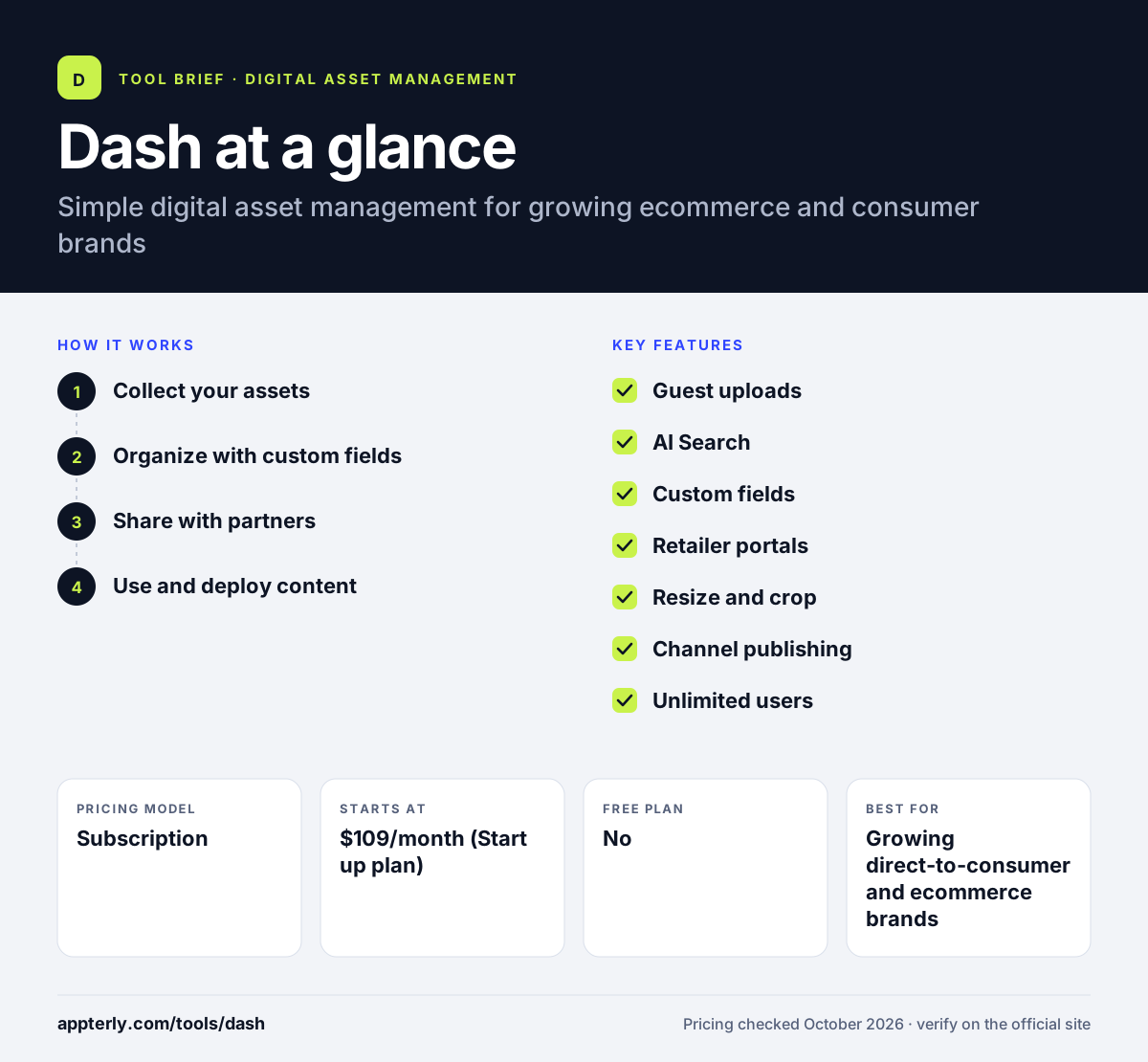
How does Dash work?
- Collect your assets
Upload files yourself or send guest upload links so photographers and content creators can submit work for your approval.
- Organize with custom fields
Add custom fields and let AI Search help teammates find files across a large library without knowing folder names.
- Share with partners
Create custom-branded portals for retailers, share collections or send files directly to people outside the company.
- Use and deploy content
Resize, crop and download assets in the right format, or push them to connected channels such as Shopify. Files can also go out through Canva, Adobe Express or Klaviyo for design and email work.
Dash key features
Guest uploads
Upload links let external creators send content into Dash, where your team approves it before it goes live in the library.
AI Search
Helps people locate the right file in a large library even when they do not know how it was tagged.
Custom fields
Add your own metadata, such as product codes or campaign names, to make filtering more precise.
Retailer portals
Custom-branded portals give stockists and partners self-serve access to approved assets.
Resize and crop
Prepare images in the right dimensions for each channel without opening a separate editor.
Channel publishing
Push content to destinations such as Shopify, with integrations for WooCommerce, Canva, Klaviyo and Figma.
Unlimited users
Every plan allows unlimited users and includes free personalized onboarding.
API access
An API lets teams connect Dash to other systems, such as a product catalog or website, without manual uploads.
Why use Dash?
- All features are included on every plan, so there are no hidden feature tiers.
- Unlimited users mean the whole company and its partners can access the library.
- Shopify and WooCommerce integrations suit product-led brands.
- Retailer portals cut down on emails asking for product images.
- A 14-day free trial with no card makes it easy to test.
Who is Dash best for?
A good fit for
- Growing direct-to-consumer and ecommerce brands
- Brands that supply product imagery to retailers and stockists
- Small marketing and design teams that want a simple DAM
- Shopify and WooCommerce stores with large product photo libraries
Less suited to
- Large enterprises that need complex governance and workflow modules
- Teams that need lots of storage without paying for add-on bundles
- Individuals looking for a free plan
Dash pricing
| Pricing model | Subscription |
|---|---|
| Free plan | No |
| Free trial | 14 days |
| Starting price | $109/month (Start up plan) |
Plans are Start up, Small Team, Growing Brand and Established Brand, listed in USD at $109, $239, $389 and $589 a month. Every plan includes all features, unlimited users and 10 GB of storage; tiers differ mainly in monthly downloads, and annual billing saves about 10%.
Prices checked October 2026. Vendors change plans often, so confirm on the official Dash pricing page before you buy.
Dash pros and cons
Pros
- Every feature and unlimited users on all plans
- Built around ecommerce and retailer workflows
- Free trial needs no credit card
- Personalized onboarding included
Cons
- No free plan
- Base storage is 10 GB, with extra storage sold in add-on bundles
- Fewer enterprise workflow and governance tools than larger DAMs
Dash integrations and platforms
Works with
Available on
Dash alternatives
See the full shortlist in Best Digital Asset Management Software.
Dash FAQ
How much does Dash cost?
Dash's plans start at $109 a month for the Start up plan, with Small Team at $239, Growing Brand at $389 and Established Brand at $589 a month in USD. Prices are also shown in GBP, EUR, AUD and CAD. Annual billing gives a discount of about 10 percent.
Does Dash have a free plan?
No. Dash states that it does not offer free plans. It does offer a 14-day free trial with access to every feature and no credit card required, which gives teams time to upload assets, test search and try integrations before committing.
What is Dash DAM used for?
Dash is used by growing brands to store, organize and share their product photos, videos and brand files in one place. It is especially useful for ecommerce work, since teams can resize images, publish to Shopify and give retailers branded portals where they can download approved content. Its retailer portals are a common reason growing brands choose it over shared drives.
Dash vs Bynder: what's the difference?
Dash is a straightforward DAM for growing brands, with published prices, all features on every plan and a free trial. Bynder is an enterprise platform sold through custom quotes, with modules for content creation, workflows and AI compliance. Dash is simpler and cheaper to start, while Bynder suits large organizations.
Does Dash integrate with Shopify?
Yes. Dash integrates with Shopify and can push content to it, which helps ecommerce teams keep product images up to date. It also connects with WooCommerce, Klaviyo, Canva, Figma, Adobe Creative Cloud, Slack, Dropbox and Google Drive, and offers an API.
Sources
This overview is based on Dash's official website and documentation, checked October 2026.