What is CoSchedule?
CoSchedule is a marketing calendar and social media management platform that puts social posts, content and campaigns on one drag-and-drop calendar. Teams plan a full month at a glance, schedule posts to major networks and keep other marketing work alongside them. A social inbox handles comments, mentions and messages, and analytics show how each network performs.
CoSchedule also includes CoSchedule AI for drafting posts and campaigns, ReQueue for resharing evergreen content, and Headline Studio for writing and scoring headlines. Professional adds approvals, agency tools and AI insights, while Suite targets larger teams with content and campaign planning, permissions, intake forms, an asset library and SSO. A free plan covers basic scheduling, and paid plans include a 14-day trial.
Pricing is flat per plan rather than per seat, with a set number of users and social profiles included. Teams pay extra for additional profiles, X accounts and seats on Professional. That structure keeps costs predictable for solo marketers and small teams, while Suite pricing is quoted for larger organizations that need custom users, profiles and workspaces.
CoSchedule at a glance
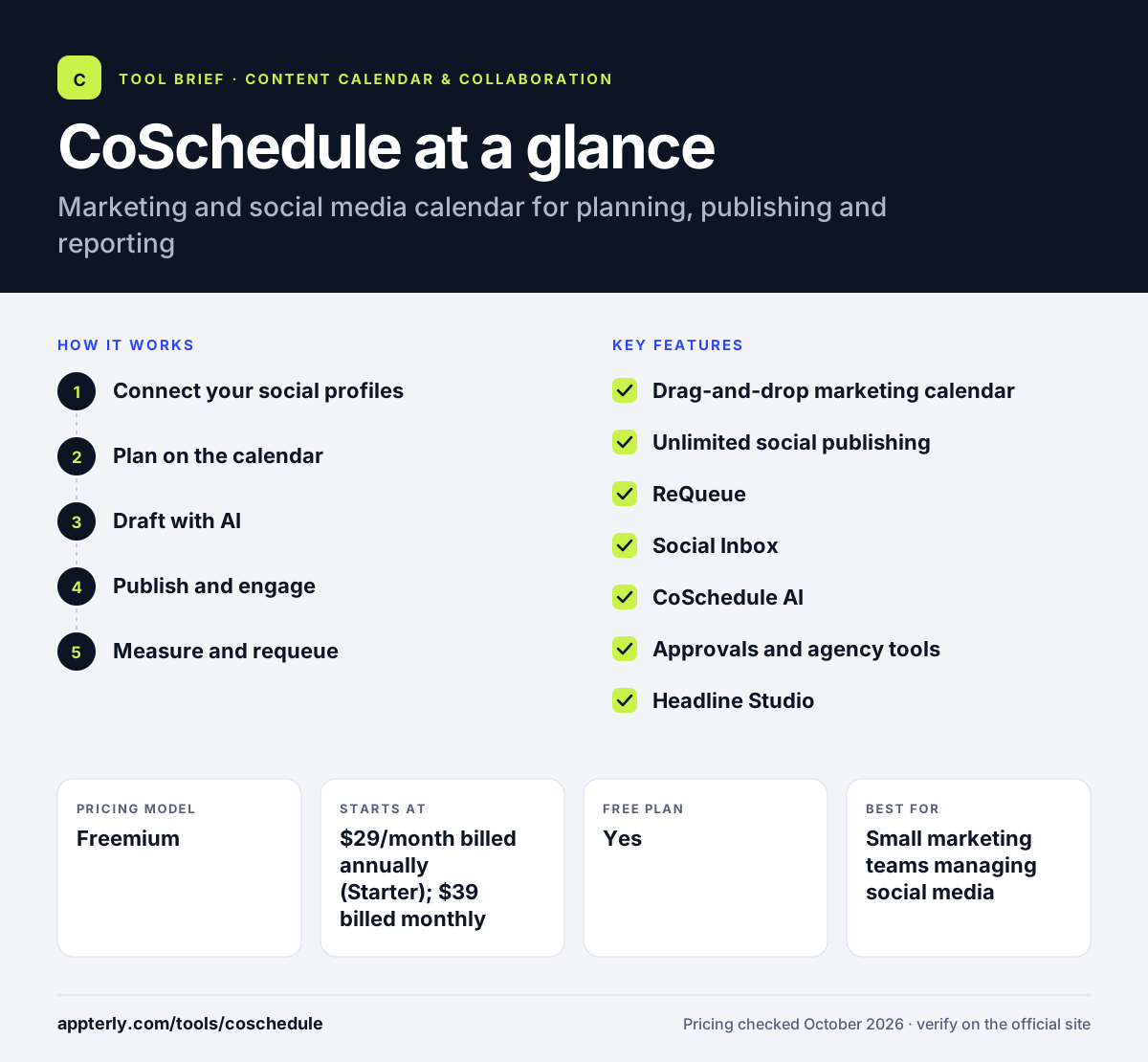
How does CoSchedule work?
- Connect your social profiles
Link accounts such as Instagram, TikTok and LinkedIn, then see all of them on one shared calendar.
- Plan on the calendar
Drag and drop posts and campaigns across the month to balance timing and avoid gaps.
- Draft with AI
Use the AI Social and Campaign Assistants to write posts, space them out and add images for your review.
- Publish and engage
Schedule posts, Reels, Stories and Shorts, then reply to comments and messages from the social inbox.
- Measure and requeue
Review analytics by network and let ReQueue reshare top evergreen posts to fill empty slots.
CoSchedule key features
Drag-and-drop marketing calendar
Shows social posts and other marketing work together so teams see the whole plan in one view.
Unlimited social publishing
All paid plans include unlimited scheduling and publishing to major social networks.
ReQueue
Automatically reshares evergreen posts to keep calendars full, with more groups on Professional. It is useful for blogs and resources that stay relevant for months.
Social Inbox
Starter covers Facebook and Instagram, and Professional's Advanced Inbox covers nine networks with AI replies.
CoSchedule AI
AI assistants draft posts and campaigns, and Professional adds AI insights on analytics.
Approvals and agency tools
Professional adds social approvals, read-only calendar sharing, white labeling and client calendars.
Headline Studio
A separate tool that scores and helps write headlines for blog posts and emails.
Why use CoSchedule?
- A single calendar makes it easy to see social posts and campaigns together.
- Unlimited publishing on paid plans removes per-post limits.
- ReQueue keeps evergreen content working without manual rescheduling.
- Agency features on Professional help manage multiple clients.
- A free plan and a 14-day trial lower the risk of trying it.
Who is CoSchedule best for?
A good fit for
- Small marketing teams managing social media
- Solo marketers and creators who want a visual calendar
- Agencies handling social for several clients
- Content marketers coordinating campaigns
Less suited to
- Large teams on Starter, which is limited to one user
- Heavy X (Twitter) users, since X profiles cost extra
- Teams needing in-depth social listening
CoSchedule pricing
| Pricing model | Freemium |
|---|---|
| Free plan | Yes |
| Free trial | 14 days |
| Starting price | $29/month billed annually (Starter); $39 billed monthly |
Starter includes one user and three profiles. Professional is $49 per month billed annually with two users and five profiles, and Suite is custom priced from $69 per month; extra profiles cost $5 each and X profiles $16.
Prices checked October 2026. Vendors change plans often, so confirm on the official CoSchedule pricing page before you buy.
CoSchedule pros and cons
Pros
- Clear, easy drag-and-drop calendar
- Unlimited publishing on paid plans
- Useful ReQueue automation
- Agency and approval tools on Professional
Cons
- Starter allows only one user
- X profiles and extra profiles add cost
- Advanced inbox and AI insights need Professional or higher
CoSchedule integrations and platforms
Works with
Available on
CoSchedule alternatives
See the full shortlist in Best Content Calendar Tools.
CoSchedule FAQ
Is CoSchedule free?
Yes. CoSchedule has a free plan that lets you schedule up to 15 posts at a time on one social profile. Paid plans start at $29 per month billed annually for Starter, which adds unlimited publishing, three profiles, analytics and AI assistants. All paid plans come with a 14-day free trial.
What is CoSchedule used for?
CoSchedule is used to plan, schedule and analyze social media and marketing work on a shared calendar. Marketers draft posts with AI, publish to major networks, reply to messages from a social inbox and reshare evergreen content automatically. Larger teams also use it to plan campaigns and content. It suits teams that want social and campaign work in the same view.
CoSchedule vs Hootsuite: what's the difference?
Both schedule and publish social posts. CoSchedule is built around a marketing calendar that shows posts alongside other campaign work and includes ReQueue for evergreen content. Hootsuite focuses more on broad social management and listening. Teams that plan by calendar often prefer CoSchedule.
Is CoSchedule good for agencies?
Yes, on the Professional plan or higher. Professional adds white labeling, client calendars, read-only calendar sharing and social approvals, which help agencies manage several clients. Starter is limited to one user, so it suits freelancers more than agencies. Suite adds team permissions and SSO. Comparing included profiles and seats per plan helps clarify total cost.
Does CoSchedule integrate with Canva and HubSpot?
CoSchedule shows Canva and HubSpot among its integrations, along with social networks such as Instagram, TikTok and LinkedIn. That lets teams bring designs into posts and connect marketing work with their CRM. Check the integrations list for the full current set. Social publishing covers all major networks on paid plans.
Sources
This overview is based on CoSchedule's official website and documentation, checked October 2026.