What is Loomly?
Loomly is a social media management platform that helps teams plan, create, approve, schedule and measure posts from one shared content calendar. Each brand gets its own calendar, and team members can draft posts, leave comments and pass content through approval steps before anything goes live. An AI assistant suggests topics and timing, writes captions and drafts replies to comments and messages.
The platform connects to Facebook, Instagram, LinkedIn, TikTok, YouTube, Pinterest, Threads and Google Business Profile. Beyond publishing, Loomly includes a unified inbox, social listening for brand mentions and competitors, post sponsoring with audience targeting, and reports you can schedule or export. Loomly is now operated by Bending Spoons, the Milan-based company that owns several well-known apps, and it offers iOS and Android apps.
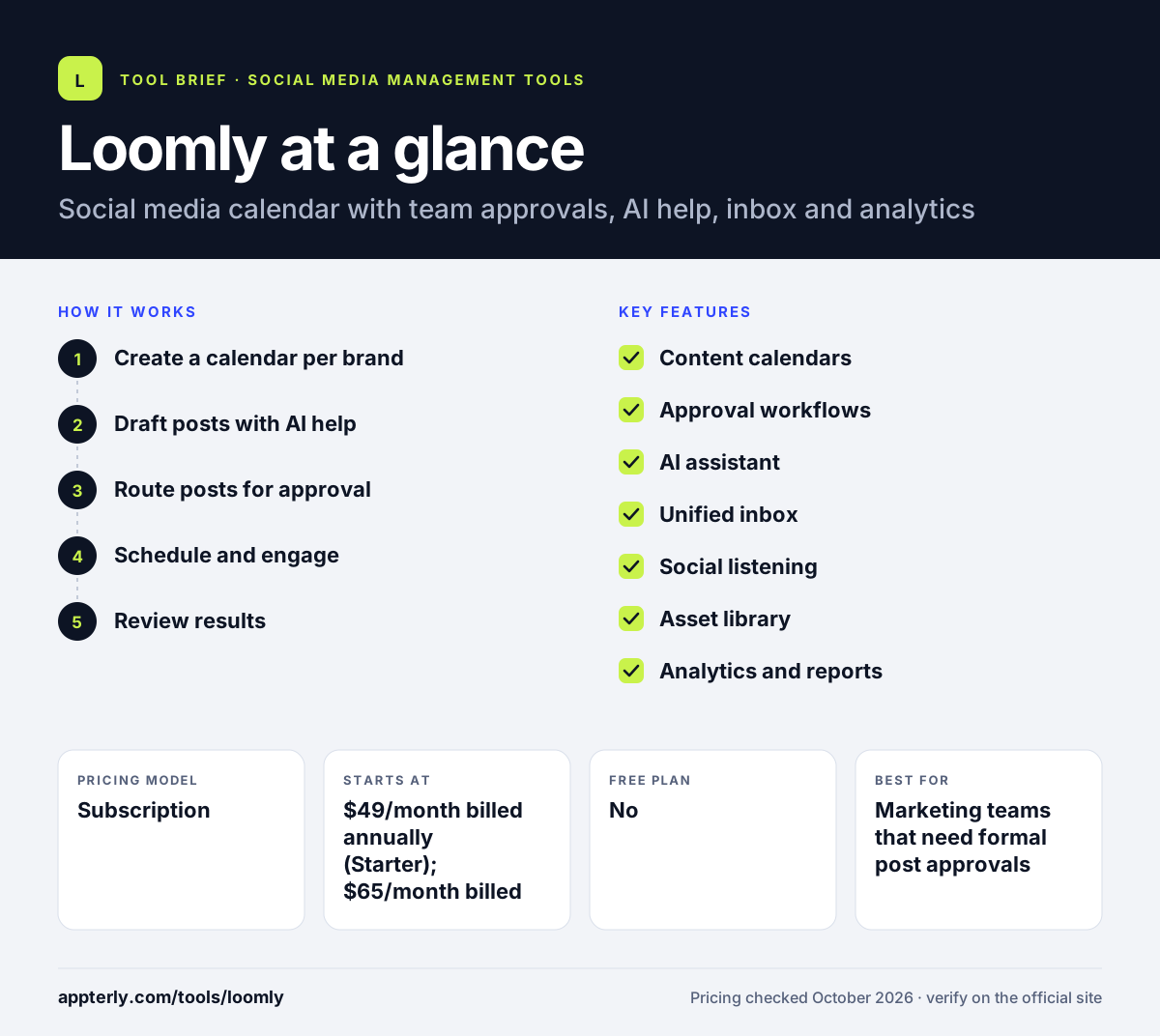
Loomly at a glance
How does Loomly work?
- Create a calendar per brand
Set up a calendar for each brand or client and connect its social accounts. Unlimited calendars mean agencies can give every client its own space.
- Draft posts with AI help
Use post ideas and the AI assistant to write captions and adapt them for each network.
- Route posts for approval
Teammates and clients review post mockups, leave comments and approve based on custom roles and workflows. Beyond adds custom roles and workflows for more complex review chains.
- Schedule and engage
Approved posts publish automatically, and replies to comments and DMs are handled in the inbox.
- Review results
Track post and account performance, then send scheduled reports or export PDF and CSV files.
Loomly key features
Content calendars
Unlimited calendars on every plan, with calendar and list views for each brand. Teams can switch views to scan upcoming posts quickly.
Approval workflows
Roles, permissions and post mockups let reviewers see exactly how a post will look before approving it.
AI assistant
Suggests topics and posting times, writes captions and drafts replies, with usage limits by plan.
Unified inbox
Collects comments, mentions and messages from connected channels in one place.
Social listening
Tracks brand mentions, sentiment, trends and competitors, with a set number of listening uses per month.
Asset library
Pulls visuals from Google Drive, Unsplash, Canva and GIPHY into your posts.
Analytics and reports
Shows audience and post performance, with scheduled reports and PDF or CSV export. Beyond adds scheduled reports for stakeholders.
Why use Loomly?
- Approval workflows keep clients and managers in the loop before posts go live.
- Unlimited calendars make it easy to separate brands or clients.
- Post mockups show reviewers a realistic preview of each post.
- The AI assistant speeds up captions, ideas and replies.
- Nonprofits can get a 50% lifetime discount.
Who is Loomly best for?
A good fit for
- Marketing teams that need formal post approvals
- Small agencies managing a handful of client brands
- Businesses that want calendar-first content planning
- Nonprofits looking for a discounted team tool
Less suited to
- Solo creators who want a free plan
- Large agencies needing many accounts on a budget, since the next tier jumps to $249 a month
- Teams that need deep social listening, which is capped at a few uses per month
Loomly pricing
| Pricing model | Subscription |
|---|---|
| Free plan | No |
| Free trial | Free trial, no credit card required (length not stated) |
| Starting price | $49/month billed annually (Starter); $65/month billed monthly |
Starter covers 12 social accounts and 3 users. Beyond ($249/month billed annually) adds 60 accounts, unlimited users, custom branding, custom workflows and the hashtag manager, while Enterprise is custom priced.
Prices checked October 2026. Vendors change plans often, so confirm on the official Loomly pricing page before you buy.
Loomly pros and cons
Pros
- Strong approval and collaboration workflow
- Unlimited calendars on all plans
- Clear post mockups for reviewers
- Inbox and listening included in paid plans
Cons
- No free plan
- Large price gap between Starter and Beyond
- Annual plans are charged upfront and cannot be canceled early
Loomly integrations and platforms
Works with
Available on
Loomly alternatives
See the full shortlist in Best Social Media Management Tools.
Loomly FAQ
Is Loomly free?
No. Loomly does not have a free plan, but it offers a free trial with no credit card required. After the trial, the Starter plan costs $49 per month billed annually or $65 billed monthly, and covers 12 social accounts and 3 users. Nonprofits can request a 50% lifetime discount.
What is Loomly used for?
Loomly is used to plan, create, approve and schedule social media posts across networks such as Facebook, Instagram, LinkedIn and TikTok. Teams also use it to answer comments and messages in one inbox, track brand mentions and review analytics reports for each brand or client. Agencies often create one calendar per client to keep work separate.
Who owns Loomly?
Loomly is operated by Bending Spoons Operations S.p.A., a company within Bending Spoons, which is based in Milan, Italy. The product still runs under the Loomly name with the same core focus on content calendars, approvals and scheduling for social media teams.
Loomly vs Planable: what's the difference?
Both tools focus on team collaboration and approvals. Loomly prices by social accounts and users, and includes listening and an inbox on its base plan. Planable prices per workspace with unlimited users, and sells analytics, inbox and listening as add-ons. Agencies with many reviewers often compare the two closely.
Does Loomly have a mobile app?
Yes. Loomly has apps for iOS and Android, so you can review, approve and schedule posts from your phone. It also connects to Slack and Microsoft Teams for notifications, and to Canva, Google Drive, Unsplash and GIPHY for adding visuals to posts.
Sources
This overview is based on Loomly's official website and documentation, checked October 2026.