What is Cloudinary?
Cloudinary is an image and video platform that automates the full media lifecycle, from upload and storage to transformation, optimization and delivery through a CDN. Developers use its Image and Video APIs to resize, crop, compress and convert media on the fly with simple URL parameters, so websites and apps load the right file for every device. The company says it has worked this way since its founding in 2012.
Alongside the developer APIs, Cloudinary offers Assets, an AI-powered digital asset management (DAM) product for marketing and creative teams. It also includes MediaFlows for low-code media automation, generative AI editing such as background replacement and generative fill, and a moderation agent that checks assets against brand standards. This mix makes Cloudinary a fit for organizations where developers and marketers share the same media library.
Cloudinary at a glance
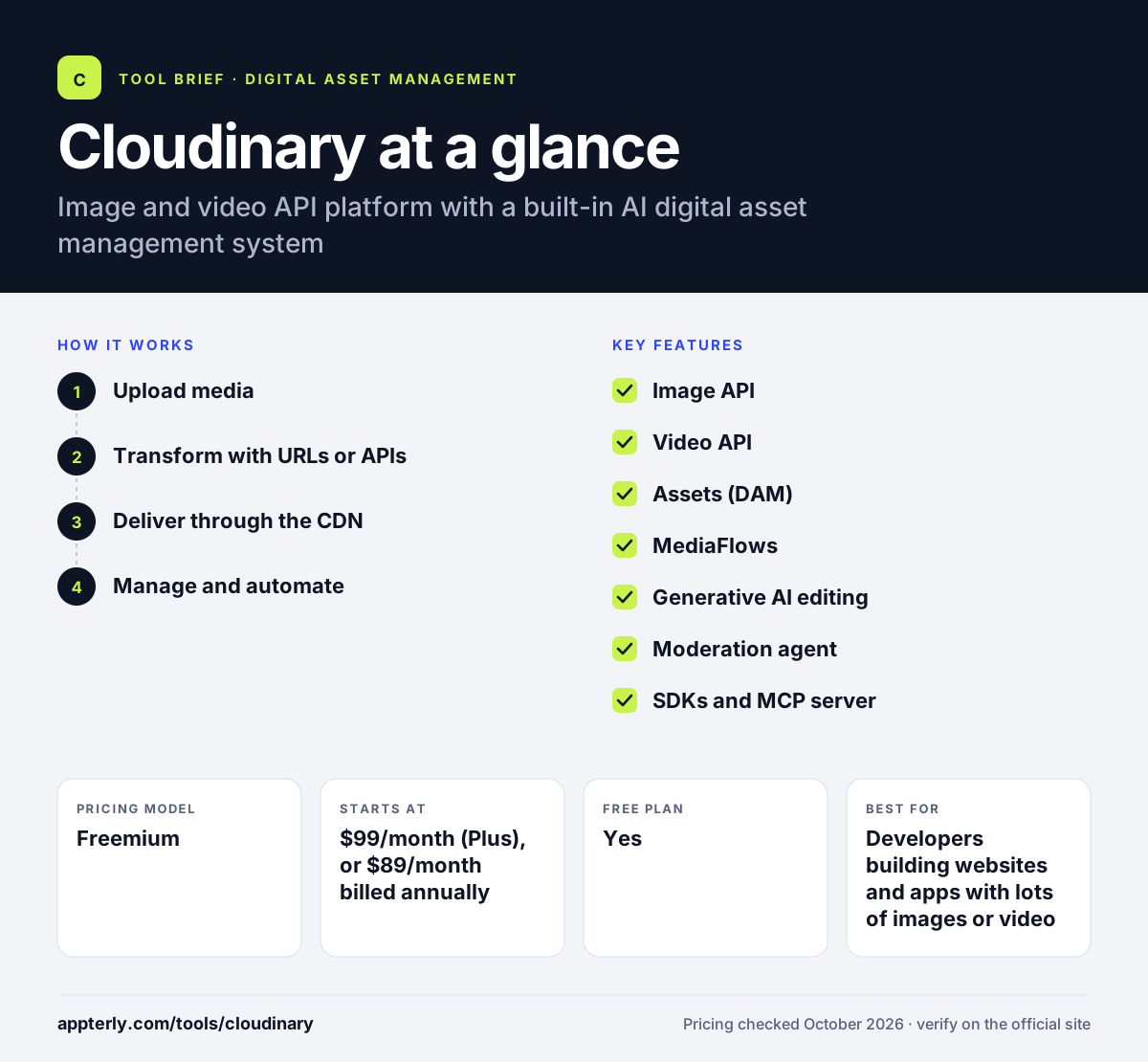
How does Cloudinary work?
- Upload media
Send images and videos to Cloudinary through the console, an SDK, the API or a connected app such as Shopify or WordPress.
- Transform with URLs or APIs
Add parameters to an asset's URL or call the API to resize, crop, format, compress or apply AI edits without touching the original file.
- Deliver through the CDN
Cloudinary serves optimized versions from its CDN, picking efficient formats and sizes for each visitor's device.
- Manage and automate
Marketing teams organize, tag and govern assets in the DAM, while MediaFlows and AI agents automate repetitive media tasks.
Cloudinary key features
Image API
Automated transformations, format optimization and generative AI editing applied on the fly through URLs or code.
Video API
AI-powered transcoding, smart cropping, automatic subtitles and adaptive delivery for video content.
Assets (DAM)
An AI digital asset management system for organizing, searching, moderating and governing a shared media library.
MediaFlows
Low-code workflow automation with templates and a workflow agent for repetitive image and video jobs.
Generative AI editing
Tools such as Generative Fill and Background Replace create new variations from existing assets.
Moderation agent
Checks uploaded media against brand standards before it is published.
SDKs and MCP server
Developer SDKs, a Video Player API and an MCP server make it easy to plug Cloudinary into apps and AI tools.
Free add-ons and role-based admin
Paid plans unlock auto-tagging search, S3 backup and role-based admin, while Advanced adds custom domains and authentication options.
Why use Cloudinary?
- Automatic format and size optimization can make pages load faster.
- URL-based transformations remove the need to export many versions of each image by hand.
- One platform serves both developers and marketing teams.
- The free plan is generous enough to build and test a real project.
- Credits work across storage, bandwidth and transformations, which keeps billing flexible.
Who is Cloudinary best for?
A good fit for
- Developers building websites and apps with lots of images or video
- Ecommerce teams serving many product images across devices
- Media and publishing companies handling large video libraries
- Enterprises that want one media pipeline shared by tech and marketing
Less suited to
- Non-technical users who only want a simple file library
- Small sites with very little media, where a basic CDN is enough
- Teams that need predictable flat pricing without tracking credit usage
Cloudinary pricing
| Pricing model | Freemium |
|---|---|
| Free plan | Yes |
| Free trial | 30 days (DAM product) |
| Starting price | $99/month (Plus), or $89/month billed annually |
Image and Video API plans run on monthly credits: 25 on Free, 225 on Plus and 600 on Advanced at $249/month, where one credit equals 1,000 transformations, 1 GB storage or 1 GB image bandwidth. The DAM product offers a 30-day trial, then custom Enterprise pricing.
Prices checked October 2026. Vendors change plans often, so confirm on the official Cloudinary pricing page before you buy.
Cloudinary pros and cons
Pros
- Powerful on-the-fly image and video transformations
- Free plan with no time limit
- Combines developer APIs and a marketer-friendly DAM
- Wide range of SDKs and integrations
Cons
- Credit-based billing takes effort to forecast
- Developer-focused features have a learning curve
- The DAM product has no published self-serve price
Cloudinary integrations and platforms
Works with
Available on
Cloudinary alternatives
See the full shortlist in Best Digital Asset Management Software.
Cloudinary FAQ
Is Cloudinary free?
Yes. Cloudinary has a free plan with no time limit and no credit card required. It includes 25 monthly credits, 3 users and core features such as uploads, transformations, video transcoding and CDN delivery. Paid plans start with Plus at $99/month, or $89/month when billed annually.
What is Cloudinary used for?
Cloudinary is used to upload, store, transform, optimize and deliver images and videos for websites and apps. Developers use it to resize and compress media automatically, while marketing teams use its DAM to organize and govern a shared library. It also offers AI editing, automated subtitles and workflow automation. Teams that already host on AWS can also connect it directly.
How do Cloudinary credits work?
Cloudinary plans include a monthly pool of credits that can be spent on any service. One credit covers 1,000 transformations, 1 GB of managed storage or 1 GB of image bandwidth, and on paid plans 2 GB of video bandwidth. Your dashboard shows how credits are used.
Cloudinary vs Canto: what's the difference?
Cloudinary started as a developer platform for transforming and delivering images and video through APIs and a CDN, and it adds a DAM on top. Canto is a DAM first, built for marketing teams, with portals, style guides and retail and brand suites. Cloudinary suits teams that need automated media delivery on websites and apps, while Canto suits teams focused on organizing and sharing brand files.
Does Cloudinary work with Shopify?
Yes. Cloudinary lists Shopify among its app integrations, along with WordPress, Contentful, Figma and AWS. Ecommerce teams use it to serve optimized product images and videos on their storefront without manually creating versions for each screen size. Optimized delivery can also help product pages load faster on mobile.
Sources
This overview is based on Cloudinary's official website and documentation, checked October 2026.