What is Wordtune?
Wordtune is an AI writing and reading assistant that rewrites sentences, changes tone and adjusts length so your message reads the way you intend. It also checks grammar and spelling, continues drafts and summarizes long documents, web pages and YouTube videos. Wordtune is built by AI21 Labs and is popular with professionals, students and non-native English writers.
Wordtune works as a Chrome and Edge extension, a web editor and an iOS app. It runs in Google Docs, Gmail, Slack, LinkedIn, Outlook on the web and WhatsApp Web. Newer tools include a Humanize AI feature that refines AI-generated text and Smart Translate, which turns text in languages such as Spanish or Hindi into polished English.
Wordtune at a glance
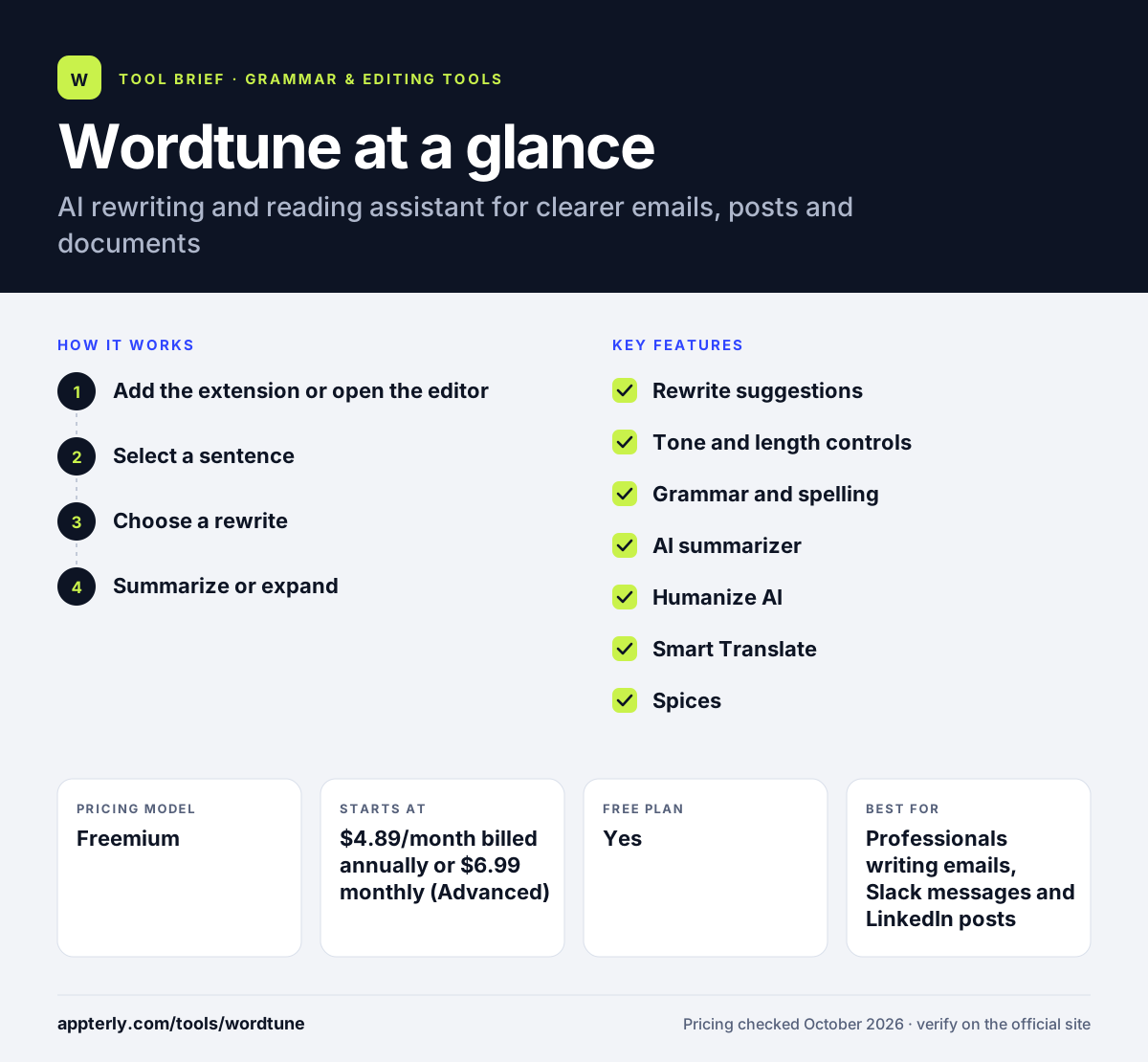
How does Wordtune work?
- Add the extension or open the editor
Install Wordtune for Chrome or Edge, or write in the web editor or iOS app.
- Select a sentence
Highlight text in Gmail, Google Docs or another supported site.
- Choose a rewrite
Pick from suggested versions, or switch to casual, formal, shorter or longer.
- Summarize or expand
Use summaries for long content and AI suggestions to continue or explain a paragraph.
Wordtune key features
Rewrite suggestions
Offers several alternative versions of a sentence based on context. You can cycle through options until one fits your meaning and voice.
Tone and length controls
Switches text between casual and formal, or shortens and expands it. This helps the same idea work in a client email or a casual chat.
Grammar and spelling
Unlimited corrections on every plan, including the free one. Basic corrections never count against your rewrite limit.
AI summarizer
Summarizes documents, web pages and YouTube videos. It is useful for research, meeting prep and catching up on long reports.
Humanize AI
Makes AI-generated drafts read more naturally. This feature is helpful when an AI draft sounds stiff or generic.
Smart Translate
Converts text written in several languages into natural English. It suits people who think more clearly in their first language.
Spices
Adds explanations, examples or conclusions to a paragraph in Google Docs and the editor. These additions help when a paragraph feels thin or incomplete.
Why use Wordtune?
- It helps fix awkward phrasing without rewriting whole messages.
- Tone controls make it easier to match formal or casual settings.
- Summaries save time on long reports and videos.
- Plans are inexpensive compared with full AI writing suites.
- Non-native speakers can write in their own language and refine in English.
Who is Wordtune best for?
A good fit for
- Professionals writing emails, Slack messages and LinkedIn posts
- Non-native English speakers who want natural-sounding text
- Students summarizing articles, PDFs and lecture videos
- Marketers polishing social captions and short copy
Less suited to
- Teams that need long-form article generation with SEO features
- Writers who work mainly in the Microsoft Word desktop app
- Android users, since only an iOS mobile app is listed
Wordtune pricing
| Pricing model | Freemium |
|---|---|
| Free plan | Yes |
| Free trial | 3 days (paid plans) |
| Starting price | $4.89/month billed annually or $6.99 monthly (Advanced) |
The free plan allows 10 rewrites per day and 3 summaries per month. Unlimited costs $6.99/month billed annually or $9.99 monthly and removes rewrite and summary limits.
Prices checked October 2026. Vendors change plans often, so confirm on the official Wordtune pricing page before you buy.
Wordtune pros and cons
Pros
- Strong, context-aware sentence rewrites
- Low-cost paid plans with a 3-day trial
- Summaries for documents, web pages and YouTube videos
- Unlimited grammar and spelling checks even on the free plan
Cons
- Daily rewrite caps on the free and Advanced plans
- No refunds once a paid plan is charged
- Limited native app coverage beyond browsers and iOS
Wordtune integrations and platforms
Works with
Available on
Wordtune alternatives
See the full shortlist in Best Grammar Checkers.
Wordtune FAQ
Is Wordtune free?
Yes. Wordtune has a free Basic plan with 10 rewrites and AI suggestions per day, 3 summaries per month, and unlimited grammar and spelling checks. Paid plans start at $4.89 per month billed annually for Advanced, and both paid tiers include a 3-day free trial.
What is Wordtune used for?
Wordtune is used to rewrite sentences, change tone, shorten or expand text, and check grammar. People use it to polish emails, social posts and documents, and to summarize long articles, PDFs or YouTube videos. Non-native speakers also use it to translate and refine text into English.
Who makes Wordtune?
Wordtune is made by AI21 Labs, an AI company that builds large language models. AI21 Labs holds the Wordtune copyright, and developers who want similar capabilities can access them through the AI21 Studio platform rather than a separate Wordtune API.
Wordtune vs QuillBot: what's the difference?
Both tools paraphrase and summarize text. QuillBot offers more paraphrasing modes plus a citation generator and Word integration. Wordtune focuses on context-aware rewrites inside apps like Gmail and Google Docs, with tone controls, Smart Translate and video summaries. Wordtune suits everyday business writing, while QuillBot suits academic work.
Does Wordtune work with Google Docs?
Yes. Wordtune works in Google Docs through its Chrome and Edge extensions, along with Gmail, Slack, LinkedIn, Outlook on the web and WhatsApp Web. Its Spices feature, which adds examples or explanations to paragraphs, is available in Google Docs and the Wordtune editor.
Sources
This overview is based on Wordtune's official website and documentation, checked October 2026.