What is LanguageTool?
LanguageTool is a grammar, spelling and style checker that supports more than 30 languages and dialects, including English, Spanish, German, French, Dutch and Portuguese. It began in 2003 as an open-source project and has grown into an AI-assisted writing tool used by individuals and organizations. It suits anyone who writes in more than one language.
LanguageTool runs as a browser add-on, a web editor, desktop apps for Windows and macOS, and an iOS app. It plugs into Google Docs, Microsoft Word, Apple Pages, LibreOffice, Gmail, Outlook and Thunderbird. The free version catches spelling and basic punctuation errors, while Premium adds thousands of extra checks, AI paraphrasing and style guides. A Proofreading API serves developers.
LanguageTool at a glance
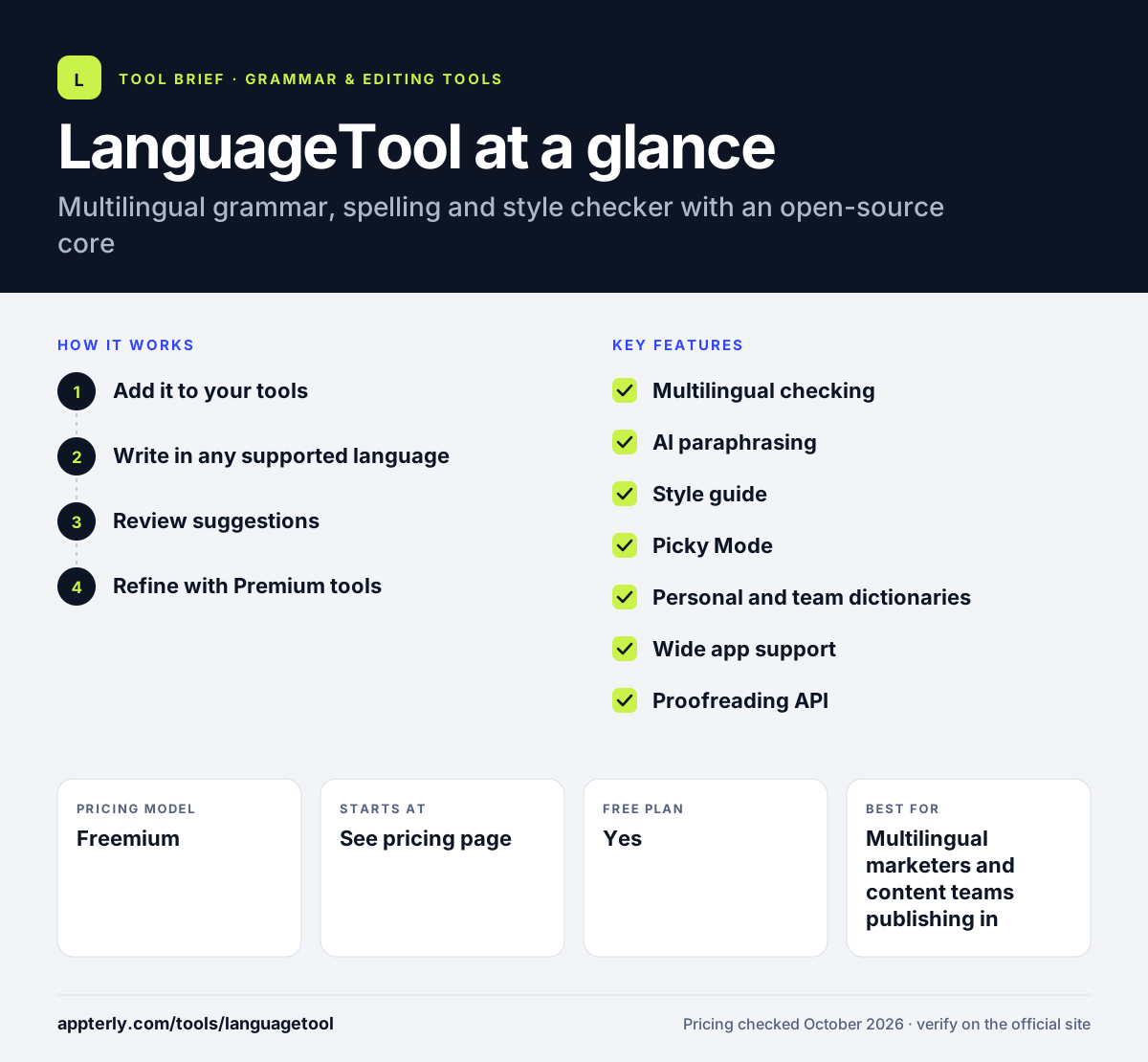
How does LanguageTool work?
- Add it to your tools
Install the browser add-on, the desktop app or the add-in for Word or Google Docs.
- Write in any supported language
LanguageTool detects the language and checks text as you type.
- Review suggestions
Accept fixes for spelling, grammar, punctuation and style, or add words to your personal dictionary.
- Refine with Premium tools
Use AI rephrasing, Picky Mode and custom style rules for more polished text.
LanguageTool key features
Multilingual checking
Checks more than 30 languages and dialects, with six regional varieties of English. This makes it one of the broadest multilingual checkers available.
AI paraphrasing
Rewrites sentences, with unlimited use on Premium and a small daily limit on the free plan. It helps vary sentences and fix awkward wording quickly.
Style guide
Lets users and teams set custom wording rules. Shared rules help teams use the same product names and terms.
Picky Mode
Turns on stricter style checks for formal or professional text. It is useful for contracts, academic papers and other formal writing.
Personal and team dictionaries
Stores names and terms so they are not flagged. Team dictionaries sync across members, so everyone sees the same results.
Wide app support
Works in browsers, Word, Google Docs, Apple Pages, LibreOffice and major email clients. This reduces the gaps where text goes out unchecked.
Proofreading API
Developers can add LanguageTool checks to their own products. It is also open-source at its core, with code available on GitHub.
Why use LanguageTool?
- One tool covers many languages, which helps teams writing for several markets.
- The free plan is useful for everyday spelling and punctuation checks.
- Broad app coverage means fewer gaps in where text gets checked.
- Team style guides keep company wording consistent.
- The open-source roots offer transparency for technical users.
Who is LanguageTool best for?
A good fit for
- Multilingual marketers and content teams publishing in several markets
- Freelancers writing for clients in different countries
- Students and academics writing in a second language
- Companies that need shared dictionaries and a team style guide
Less suited to
- Users who want an AI tool that generates long-form content from scratch
- Free-plan users with long documents, given the 2,000-character limit per text field
- Buyers who need exact public pricing before committing
LanguageTool pricing
| Pricing model | Freemium |
|---|---|
| Free plan | Yes |
| Free trial | Not confirmed |
| Starting price | See the official pricing page |
Premium is billed monthly, quarterly, yearly or every two years, and Team pricing scales by user count from 2 to 1,000 seats. Exact prices did not load on the official pricing page when checked, and Premium includes a 14-day money-back guarantee.
Prices checked October 2026. Vendors change plans often, so confirm on the official LanguageTool pricing page before you buy.
LanguageTool pros and cons
Pros
- Supports far more languages than most grammar checkers
- Generous free plan for everyday spelling and punctuation checks
- Works across browsers, office suites and email clients
- Team features include shared style guides and dictionaries
Cons
- The free plan limits text length and AI rephrasing
- Extra checks are strongest in a handful of main languages
- Android is not listed among the available apps
LanguageTool integrations and platforms
Works with
Available on
LanguageTool alternatives
See the full shortlist in Best Grammar Checkers.
LanguageTool FAQ
Is LanguageTool free?
Yes. LanguageTool has a free plan that checks spelling, simple punctuation and some style issues, with up to 2,000 characters per text field and three AI rephrases per day. Premium raises the limit to 150,000 characters and adds thousands of extra checks, unlimited paraphrasing and style guides.
What languages does LanguageTool support?
LanguageTool supports more than 30 languages and dialects. Its main languages are English, Spanish, German, French, Dutch and Portuguese, and English comes in six regional varieties including US, UK, Canadian and Australian. Premium extra checks also cover Polish. This makes it a strong option for multilingual writers.
Is LanguageTool good for beginners?
Yes. LanguageTool underlines mistakes as you type and explains each suggestion, so beginners can learn from corrections. Installing the browser add-on or Word add-in takes a few minutes, and the free plan is enough to start. Language learners benefit from support for many languages.
LanguageTool vs Grammarly: what's the difference?
Grammarly focuses mainly on English, with strong tone and generative AI features. LanguageTool checks more than 30 languages and has an open-source core, which suits multilingual users. Both offer browser extensions and Word support, but LanguageTool is usually the better pick when you write in several languages.
Does LanguageTool work with Google Docs and Word?
Yes. LanguageTool integrates with Google Docs and Microsoft Word, as well as Apple Pages and LibreOffice. It also works in Gmail, Outlook, Apple Mail and Thunderbird, and in most websites through browser add-ons for Chrome, Edge, Firefox, Opera and Safari.
Sources
This overview is based on LanguageTool's official website and documentation, checked October 2026.