What is Hemingway Editor?
Hemingway Editor is a readability tool that highlights long, hard-to-read sentences, passive voice, adverbs and complex words so you can make writing clearer. Paste or type text and it color-codes problem spots and shows a reading grade level. Marketers, bloggers, students and business writers use it to tighten copy before publishing.
The product comes in three forms. The free web editor shows highlights online. Hemingway Editor Plus adds AI sentence rewrites, grammar fixes, tone and length adjustments, synonym suggestions and a style guide. Hemingway Editor Classic is a one-time desktop app for Mac or Windows that works offline but does not include the AI features.
Hemingway Editor at a glance
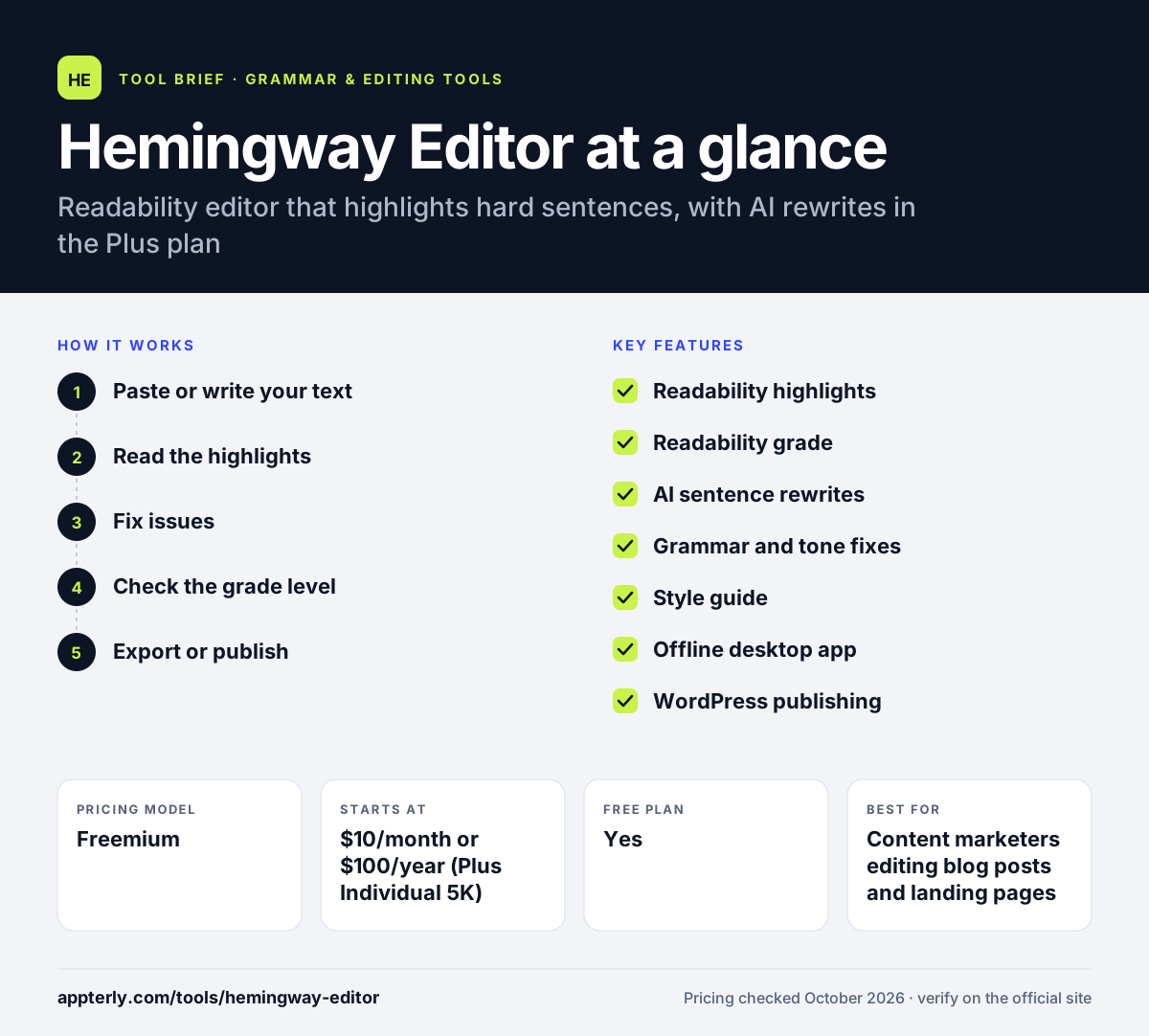
How does Hemingway Editor work?
- Paste or write your text
Open the web editor, Plus or the desktop app and add your draft.
- Read the highlights
Yellow and red marks flag hard and very hard sentences, while other colors mark adverbs, passive voice and complex words.
- Fix issues
Edit manually or, with Plus, accept AI rewrites for wordy sentences and grammar fixes.
- Check the grade level
Use the readability score to aim for a level that suits your audience.
- Export or publish
Export to Word, PDF, HTML or Markdown, or publish straight to WordPress from the desktop app.
Hemingway Editor key features
Readability highlights
Color-coded marks for hard sentences, passive voice, adverbs and complicated words.
Readability grade
Shows the reading level of your text so you can match your audience.
AI sentence rewrites
Plus users get monthly AI rewrites of wordy sentences, from 5,000 to 20,000 depending on plan.
Grammar and tone fixes
Plus checks grammar and can adjust tone, length and style.
Style guide
Lets individuals and teams set wording rules for consistent writing.
Offline desktop app
Classic runs offline on Mac or Windows with formatting tools and file export.
WordPress publishing
The desktop app can send drafts or live posts to WordPress in one click.
Why use Hemingway Editor?
- It makes long, dense copy easier to scan and understand.
- The free web version covers the core highlights at no cost.
- Plus adds AI fixes without turning the tool into a content generator.
- Readability scores help match copy to your target reader.
- The one-time desktop license suits people who avoid subscriptions.
Who is Hemingway Editor best for?
A good fit for
- Content marketers editing blog posts and landing pages
- Bloggers who want simpler, scannable writing
- Business writers drafting emails and reports
- Students working on clarity in essays
Less suited to
- Writers who want a full grammar checker inside every app, as the free version has no browser extension
- Fiction writers who prefer long, stylistic sentences
- Users who need multilingual checks
Hemingway Editor pricing
| Pricing model | Freemium |
|---|---|
| Free plan | Yes |
| Free trial | 14 days (Plus) |
| Starting price | $10/month or $100/year (Plus Individual 5K) |
Individual 10K costs $150 per year and Team 10K costs $150 per user per year, with enterprise pricing on request. Hemingway Editor Classic is a $19.99 one-time license per platform without AI features.
Prices checked October 2026. Vendors change plans often, so confirm on the official Hemingway Editor pricing page before you buy.
Hemingway Editor pros and cons
Pros
- Clear visual feedback that is easy to act on
- Free web editor for basic readability checks
- Affordable one-time desktop option
- AI rewrites focus on editing rather than generating content
Cons
- Rules can push writing toward overly short sentences
- AI features require a subscription
- Desktop Classic app lacks the newer AI tools
Hemingway Editor integrations and platforms
Works with
Available on
Hemingway Editor alternatives
See the full shortlist in Best Grammar Checkers.
Hemingway Editor FAQ
Is Hemingway Editor free?
Yes. The online Hemingway Editor is free and highlights readability issues in your text. Hemingway Editor Plus is a paid upgrade with AI rewrites and grammar fixes, starting at $10 per month or $100 per year after a two-week free trial. The Classic desktop app is a one-time $19.99 purchase.
What is Hemingway Editor used for?
Hemingway Editor is used to make writing clearer and easier to read. It flags long sentences, passive voice, adverbs and complex words, and shows a reading grade level. Marketers, bloggers and students use it to tighten drafts before publishing or submitting them.
Is Hemingway Editor good for beginners?
Yes. The color-coded highlights make it easy to see what to change, even without editing experience. Beginners can paste text into the free web editor, fix the flagged sentences and watch the grade level improve. No setup or account is needed for the basic web version.
Hemingway Editor vs Grammarly: what's the difference?
Grammarly focuses on grammar, spelling and tone across many apps through extensions. Hemingway Editor focuses on readability, pointing out sentences that are hard to read and wordy phrasing. Many writers use Hemingway for clarity edits and a grammar checker for correctness, though Hemingway Plus now adds grammar fixes too.
Does Hemingway Editor work offline?
The Hemingway Editor Classic desktop app works offline on Mac and Windows and costs $19.99 per license. The free web editor and Hemingway Editor Plus run online. Classic does not include the AI rewrite and grammar features that come with the Plus subscription.
Sources
This overview is based on Hemingway Editor's official website and documentation, checked October 2026.