What is Outwrite?
Outwrite is an AI writing assistant that checks grammar, spelling and punctuation and suggests style improvements to make sentences stronger. It also paraphrases text, flags passive voice and tracks readability scores in real time. Students, bloggers and business writers use it to polish emails, essays and documents.
Outwrite is built by a small team in Sydney, Australia, and launched in 2015. It works in Google Docs, Microsoft Word, Outlook, Gmail, LinkedIn and WordPress through extensions and add-ins, and checks English, French and Spanish. A free plan covers core corrections, while Pro and Teams plans add style suggestions, rewriting and plagiarism checks.
Outwrite at a glance
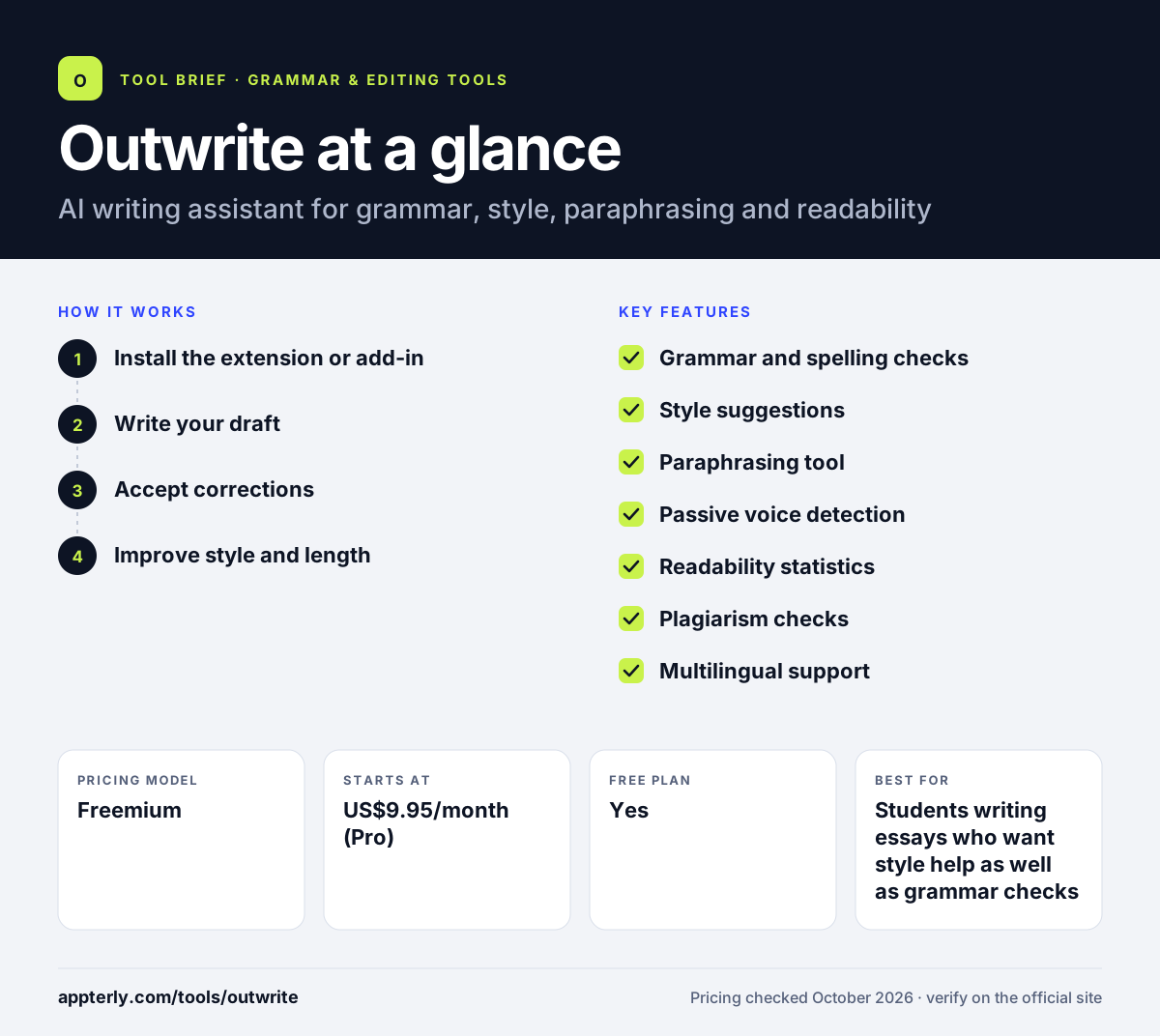
How does Outwrite work?
- Install the extension or add-in
Add Outwrite to Chrome or Edge, or install it for Microsoft Word or Google Docs so it runs where you already write.
- Write your draft
Outwrite checks text in real time and shows readability and grade-level statistics as the draft grows.
- Accept corrections
Fix spelling, grammar and punctuation issues with a click, and review passive voice warnings.
- Improve style and length
On Pro, use style tips and the paraphraser to shorten, lengthen or reword sentences, then run a plagiarism check before submitting.
Outwrite key features
Grammar and spelling checks
Corrects grammar, spelling and punctuation as you type. Mistakes are underlined in place so you can fix them while drafting.
Style suggestions
Recommends changes that improve flow and sentence quality. This helps writing sound more confident and varied.
Paraphrasing tool
Rewrites sentences to be shorter, longer or different. It is useful when you need to hit a word count or simplify a long sentence.
Passive voice detection
Spots passive sentences and suggests active alternatives. Active sentences tend to be clearer and more direct, especially in business writing.
Readability statistics
Shows readability and grade-level scores while you write. This helps you match the reading level your audience expects.
Plagiarism checks
Pro includes 50 plagiarism checks per month. Students can check essays for originality before submitting them.
Multilingual support
Checks writing in English, French and Spanish. Users can switch languages without installing a separate tool.
Why use Outwrite?
- Pro is priced lower than many larger grammar tools.
- It works inside common apps like Google Docs, Word and Gmail.
- Readability scores help writers aim for a clear level.
- The paraphraser helps fix awkward or wordy sentences.
- Teams get a per-user discount and central billing.
Who is Outwrite best for?
A good fit for
- Students writing essays who want style help as well as grammar checks
- Bloggers and content writers working on a budget
- Professionals writing emails and LinkedIn posts
- Small teams that need simple shared billing and access management
Less suited to
- Teams that expect frequent product updates and new generative AI features
- Writers who need languages beyond English, French and Spanish
- Authors who want deep, report-style analysis of long manuscripts
Outwrite pricing
| Pricing model | Freemium |
|---|---|
| Free plan | Yes |
| Free trial | Not confirmed |
| Starting price | US$9.95/month (Pro) |
The free Essential plan covers spelling, grammar and a thesaurus. Pro adds style, rewriting and plagiarism checks, and Teams costs US$7.95 per user per month with team management and consolidated billing.
Prices checked October 2026. Vendors change plans often, so confirm on the official Outwrite pricing page before you buy.
Outwrite pros and cons
Pros
- Pro and Teams plans cost less than many larger grammar tools
- The free plan covers spelling, grammar and a thesaurus
- Paraphrasing, readability scores and plagiarism checks sit in one place
- Works inside Google Docs, Word, Outlook and Gmail
Cons
- Parts of the website appear dated, including a 2022 copyright
- Style suggestions and plagiarism checks are locked behind Pro
- Only three languages are supported
Outwrite integrations and platforms
Works with
Available on
Outwrite alternatives
See the full shortlist in Best Grammar Checkers.
Outwrite FAQ
Is Outwrite free?
Yes. Outwrite has a free Essential plan with spelling and grammar checks, a thesaurus, and access in Google Docs, Word, browser extensions and the web app. Pro costs US$9.95 per month and adds style suggestions, sentence rewriting and 50 plagiarism checks each month.
What is Outwrite used for?
Outwrite is used to fix grammar and spelling errors, improve sentence style, paraphrase text and check readability. Students use it for essays, while professionals use it in email, LinkedIn and documents. It also detects passive voice and offers plagiarism checks on paid plans.
Is Outwrite still available?
Outwrite's website is live, with working sign-up and sign-in links and a pricing page listing Essential, Pro and Teams plans. There is no shutdown notice. However, the site footer still shows a 2022 copyright, so it is worth confirming current features and prices when you sign up.
Outwrite vs Grammarly: what's the difference?
Grammarly is a larger platform with more apps, tone detection and generative AI features. Outwrite is a smaller, lower-cost alternative that covers grammar, style, paraphrasing and plagiarism checks. Outwrite suits budget-conscious students and writers, while Grammarly suits users who want broader features and integrations.
Does Outwrite work with Google Docs?
Yes. Outwrite works in Google Docs, Microsoft Word, Outlook, Gmail, LinkedIn and WordPress. It is available through Chrome and Edge extensions and a web app, so you can check writing in most places you work online.
Sources
This overview is based on Outwrite's official website and documentation, checked October 2026.