What is Whatagraph?
Whatagraph is a marketing intelligence platform that brings cross-channel marketing data into one governed layer for reporting, monitoring and analysis. It connects to sources like Google Ads, Facebook Ads, LinkedIn Ads, Klaviyo and Semrush, standardizes metrics and currencies, and uses AI agents to build reports, watch accounts and suggest fixes.
Whatagraph now positions itself as an agentic platform rather than only a reporting tool. Its IQ Agents handle tasks such as client reporting, budget pacing and PPC benchmarking, while users approve or automate fixes with a full change log. It serves marketing agencies, ecommerce businesses and multi-location operators, and it can also transfer data to BigQuery and Looker Studio.
Whatagraph at a glance
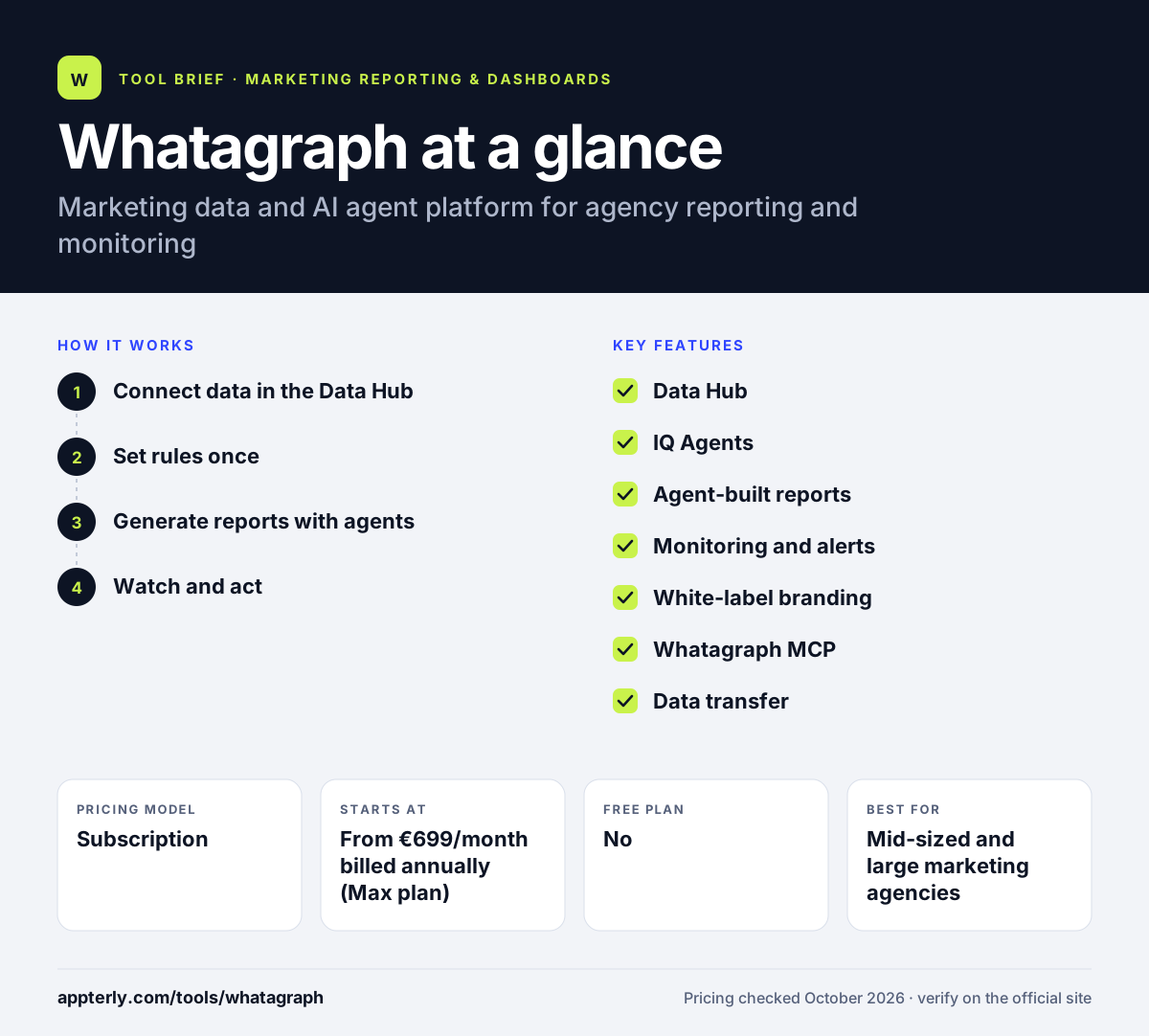
How does Whatagraph work?
- Connect data in the Data Hub
Link native integrations or describe a new source so an agent can build the connection. Each connected account uses one credit.
- Set rules once
Define metric, blending and currency rules so every report and dashboard uses consistent data.
- Generate reports with agents
Describe the report you need, and an agent builds it from a template in your brand style, with optional written commentary.
- Watch and act
Agents check accounts on a schedule, post issues to Slack or email, and apply fixes you approve, with every change logged and reversible.
Whatagraph key features
Data Hub
Central place to connect sources and manage blending, custom transformations and currency exchange rules.
IQ Agents
Prebuilt and custom AI agents for reporting, budget pacing, monitoring and benchmarking, included on every plan at a base usage level.
Agent-built reports
Reports are created from a plain-language request using your templates and branding, with automated commentary.
Monitoring and alerts
Goals and alerts, plus scheduled agent checks that flag issues via Slack or email.
White-label branding
Reports carry your agency's branding, and automated PDF emails go out on schedule.
Whatagraph MCP
Connects your data and agents to AI tools like Claude and ChatGPT, and to apps such as Slack, HubSpot and Asana.
Data transfer
Move data to Looker Studio on the Prime plan, with BigQuery transfer available as a Prime add-on.
Why use Whatagraph?
- It combines data management, reporting and monitoring in one platform.
- AI agents reduce the routine work of building reports and checking accounts.
- Unlimited users and reports mean costs scale with connected accounts, not team size.
- Consistent metric and currency rules help agencies with international clients.
- Every plan includes a dedicated customer success manager.
- Agents can build new data connections for sources that lack a native integration.
Who is Whatagraph best for?
A good fit for
- Mid-sized and large marketing agencies
- Ecommerce brands running many paid channels
- Multi-location operators with global teams
- Agencies wanting AI-assisted client reporting
Less suited to
- Freelancers and small agencies, since plans start around 699 euros per month
- Teams that want to try a tool on their own before talking to sales
- Analysts needing full BI modeling and SQL control
Whatagraph pricing
| Pricing model | Subscription |
|---|---|
| Free plan | No |
| Free trial | Not confirmed |
| Starting price | From €699/month billed annually (Max plan) |
Max starts at 50 credits, with one credit per connected data account, while Prime is custom priced and adds premium integrations, Looker Studio transfer and an enterprise SLA. Heavier AI agent usage tiers are priced on request.
Prices checked October 2026. Vendors change plans often, so confirm on the official Whatagraph pricing page before you buy.
Whatagraph pros and cons
Pros
- Strong cross-channel data blending and currency handling, useful for agencies with clients in several countries
- AI agents for reporting, monitoring and fixes with an audit log
- Unlimited users and reports
- Dedicated customer success manager on every plan
Cons
- High entry price for smaller teams
- No free trial or free plan is listed
- Billed annually only on published plans
Whatagraph integrations and platforms
Works with
Available on
Whatagraph alternatives
See the full shortlist in Best Marketing Reporting Tools.
Whatagraph FAQ
How much does Whatagraph cost?
Whatagraph's Max plan starts at 699 euros per month, billed annually, and includes 50 credits, where each connected data account uses one credit. The Prime plan is custom priced and adds premium integrations, Looker Studio transfer, priority support and an enterprise SLA. Both plans include unlimited users and reports, and extra AI agent usage is quoted separately.
Does Whatagraph have a free trial?
Whatagraph's website does not list a free trial or free plan. The main path is booking a demo with the sales team, which lets you see the platform with your use case. Smaller teams that want a self-serve trial may look at tools such as DashThis, Swydo or Databox, which offer 14-day trials.
What is Whatagraph used for?
Whatagraph is used to collect marketing data from many channels, build automated client reports and monitor campaign performance. Agencies use it to send branded reports and catch issues like overspending, while ecommerce and multi-location brands use it to track results across platforms. Its AI agents can build reports and recommend or apply fixes.
Whatagraph vs AgencyAnalytics: what's the difference?
Both serve marketing agencies with client reporting and white-label branding. AgencyAnalytics offers lower-priced, self-serve plans with built-in SEO tools and a client portal. Whatagraph sits higher in price and focuses on governed cross-channel data, blending, currency rules and AI agents that monitor and act on accounts. Larger agencies with complex data often lean toward Whatagraph.
Can Whatagraph send data to BigQuery or Looker Studio?
Yes. Whatagraph can transfer data to Looker Studio on its Prime plan, and BigQuery transfer is available as a Prime add-on. This lets agencies keep using Whatagraph for data collection and blending while building some reports in Google's tools or storing data in a warehouse for deeper analysis.
Sources
This overview is based on Whatagraph's official website and documentation, checked October 2026.