What is DashThis?
DashThis is a marketing reporting and dashboard platform that pulls data from your marketing tools into automated, shareable reports. Instead of copying numbers from Google Analytics, ad accounts and SEO tools into slides each month, you connect the accounts once and DashThis keeps the dashboards up to date. It is designed to make client reporting faster and more consistent.
The tool is popular with marketing agencies, but freelancers, franchises, small businesses and in-house teams use it too. Every plan includes unlimited users, white-label branding and AI Insights, so the main difference between tiers is how many dashboards and data sources you need. An AI connector also lets Claude and ChatGPT read your DashThis dashboards.
DashThis at a glance
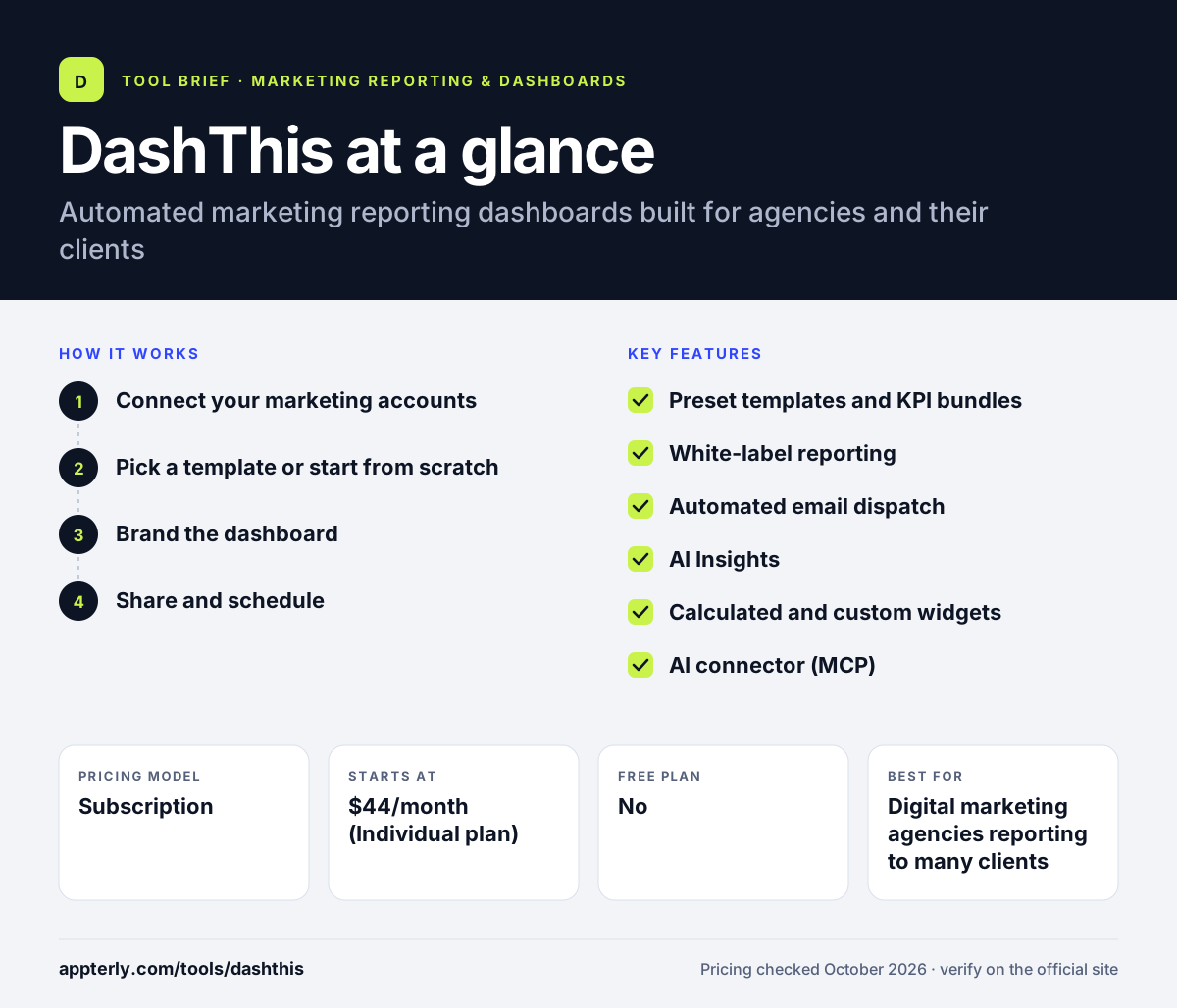
How does DashThis work?
- Connect your marketing accounts
Link platforms such as Google Analytics 4, Google Ads, Meta, LinkedIn Ads, Search Console or Semrush. You can also import custom data from a CSV file.
- Pick a template or start from scratch
Choose a preset report template or KPI bundle for SEO, PPC or social, then add, remove or rearrange widgets.
- Brand the dashboard
Apply your logo, colors and a custom domain so clients see a report that looks like your own.
- Share and schedule
Send a live link, export a PDF or schedule automatic email delivery. Data refreshes on its own each reporting period.
DashThis key features
Preset templates and KPI bundles
Ready-made report layouts and metric groups for common channels help you build a dashboard in minutes. Dashboards can be cloned for new clients.
White-label reporting
Custom URLs, custom email addresses, color themes and branded widgets are included on every plan.
Automated email dispatch
Schedule reports to land in client inboxes on a set cadence, with no manual exporting.
AI Insights
One click scans a dashboard and highlights wins, drops and opportunities. The paid AI Insights Pro add-on adds a chat mode for follow-up questions.
Calculated and custom widgets
Build calculated metrics, add section headers and comments, and import CSV data for sources without a native integration.
AI connector (MCP)
Lets Claude and ChatGPT read your DashThis dashboards so you can ask questions about the data in an AI assistant.
Why use DashThis?
- It cuts the hours agencies spend building monthly client reports by hand.
- Unlimited users on every plan means the whole team and every client can access dashboards without extra seat fees.
- White-label features are included at all price points, not locked behind an expensive tier.
- Templates and dashboard cloning make onboarding a new client fast.
- AI Insights gives you a quick written summary of what changed, which helps when writing client commentary.
Who is DashThis best for?
A good fit for
- Digital marketing agencies reporting to many clients
- Freelance marketers who want professional branded reports
- In-house marketing teams sharing results with leadership
- Franchises and multi-location businesses
Less suited to
- Data teams that need SQL access, data modeling or a warehouse
- Businesses needing deep BI analysis beyond marketing KPIs
- Teams that rely on niche platforms outside its integration list and do not want to use CSV imports
DashThis pricing
| Pricing model | Subscription |
|---|---|
| Free plan | No |
| Free trial | 14 days |
| Starting price | $44/month (Individual plan) |
Plans scale by dashboards and connected sources: Individual ($44/mo, 3 dashboards), Professional ($139/mo, 10), Business ($279/mo, 25) and Standard (from $429/mo, 50+). Yearly billing saves money, and nonprofits get 30% off.
Prices checked October 2026. Vendors change plans often, so confirm on the official DashThis pricing page before you buy.
DashThis pros and cons
Pros
- Simple setup with templates and preset KPI bundles
- Unlimited users and white-label branding on every plan
- Low entry price for freelancers and small agencies
- Built-in AI summaries and an AI assistant connector
Cons
- Smaller integration catalog than data-pipeline tools like Supermetrics
- Costs rise quickly as you add dashboards and sources
- Limited data transformation compared with full BI platforms
DashThis integrations and platforms
Works with
Available on
DashThis alternatives
See the full shortlist in Best Marketing Reporting Tools.
DashThis FAQ
Is DashThis free?
DashThis does not have a free plan. It offers a 14-day free trial that includes 10 dashboards and does not require a credit card. After the trial, paid plans start at $44 per month for the Individual plan, which covers three dashboards and 15 sources. Nonprofit organizations can request a 30% discount on regular prices.
What is DashThis used for?
DashThis is used to build automated marketing reports and dashboards. Agencies and marketers connect sources such as Google Analytics 4, Google Ads, Meta and Semrush, then share branded dashboards with clients by link, PDF or scheduled email. It replaces manual monthly reporting in spreadsheets or slides and keeps numbers refreshed automatically.
DashThis vs AgencyAnalytics: what's the difference?
Both are reporting tools for agencies. AgencyAnalytics bundles reporting with extra client tools such as SEO rank tracking and a client portal, and prices per client. DashThis focuses on dashboards and reporting only, includes unlimited users on every plan and prices by the number of dashboards and sources. Teams that just need clean reports often find DashThis simpler.
Does DashThis offer white-label reports?
Yes. Every DashThis plan includes white-label features, including custom domains, custom sender emails, color themes and branded widgets. That means even the entry-level Individual plan lets freelancers and small agencies send reports that carry their own brand instead of the DashThis name.
Is DashThis good for beginners?
DashThis is one of the easier reporting tools to learn. Preset templates and KPI bundles let a beginner build a working dashboard without designing anything from scratch, and integrations connect with a few clicks. It does not require SQL or data modeling skills, which makes it a practical choice for small teams and freelancers.
Sources
This overview is based on DashThis's official website and documentation, checked October 2026.