What is Databox?
Databox is a business analytics platform that brings performance data from marketing, sales and finance tools into dashboards, reports and goal tracking. It connects to sources like HubSpot, Google Analytics 4 and Facebook Ads, then lets teams monitor key metrics in one place. Its AI analyst, called Genie, answers plain-language questions about the data and explains how it reached each answer.
Databox targets agencies, growing businesses and consultants who want reporting without a data team. It offers a free forever plan, fixed user limits instead of per-seat pricing, and an Agency plan built around client accounts. Newer features include agents that handle recurring analysis, an MCP server for AI tools, and a metrics layer that keeps definitions consistent.
Databox at a glance
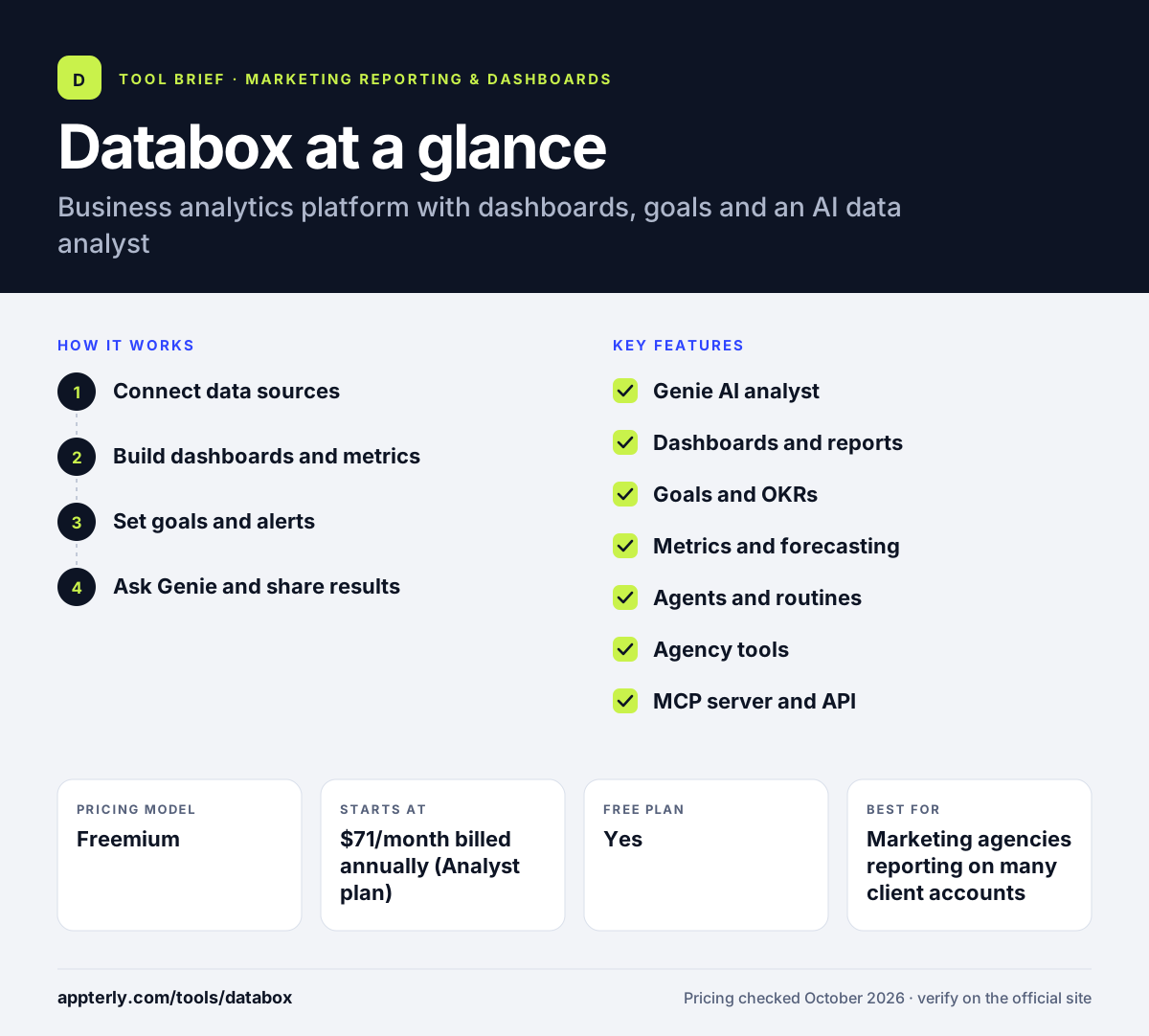
How does Databox work?
- Connect data sources
Link one-click integrations such as HubSpot, GA4, Google Sheets or Facebook Ads. Paid plans also support custom integrations and API access.
- Build dashboards and metrics
Start from templates or build your own dashboards, and define custom metrics that the whole team uses the same way.
- Set goals and alerts
Link targets and OKRs to metrics so progress updates automatically, and use anomaly detection to flag unusual changes.
- Ask Genie and share results
Ask questions in plain English, generate performance summaries, and share reports or dashboards with your team or clients.
Databox key features
Genie AI analyst
Answers natural-language questions about your data using your metrics, goals and history, and shows its reasoning. It is available even on the free plan with monthly AI credits.
Dashboards and reports
Visual dashboards and shareable reports, including views that viewers can open without logging in on plans that include sharing.
Goals and OKRs
Tie strategic goals to measurable targets and track them automatically. OKRs are also offered as a low-cost add-on.
Metrics and forecasting
Build, monitor and forecast KPIs, with a semantic layer and governance so metric definitions stay consistent.
Agents and routines
Hand recurring analysis and follow-up work to automated routines and agents that run under your supervision.
Agency tools
The Agency plan adds unlimited users, bulk actions, custom templates and cross-account reporting for managing many clients.
MCP server and API
Paid plans include API access and an MCP server so AI assistants and other tools can work with your Databox data.
Why use Databox?
- A genuine free plan lets you test dashboards and the AI analyst before paying.
- Pricing is not per seat, so adding teammates does not automatically increase costs.
- Genie makes it easier for non-analysts to get answers without building charts.
- Goal tracking keeps teams focused on targets instead of just watching numbers.
- Agencies can manage many clients from one account with cross-account reporting.
Who is Databox best for?
A good fit for
- Marketing agencies reporting on many client accounts
- Small and mid-sized businesses without a dedicated data team
- HubSpot users who want richer dashboards
- Founders tracking company KPIs and goals
Less suited to
- Enterprises that need full BI modeling and governed data warehouses
- Teams wanting heavy custom visualizations or pixel-perfect report design
- Users who need sharing and CSV export but want to stay on the free plan
Databox pricing
| Pricing model | Freemium |
|---|---|
| Free plan | Yes |
| Free trial | 14 days |
| Starting price | $71/month billed annually (Analyst plan) |
The free plan covers 1 user, 3 data sources and 1 dashboard. Paid tiers (Analyst, Team Core, Team Scale, Agency and Custom) add users, data sources, AI credits and hourly sync, and annual billing saves 20%. Agency plans grow through account packs.
Prices checked October 2026. Vendors change plans often, so confirm on the official Databox pricing page before you buy.
Databox pros and cons
Pros
- Free forever plan with an AI analyst included
- No per-seat pricing, and unlimited users on the Agency plan
- Strong goal tracking and KPI governance
- Deep HubSpot coverage across marketing, CRM and service data
Cons
- Pricing page shows conflicting figures in places, so confirm quotes before buying
- Sharing and CSV export require a Team plan or higher
- Branding and white-labeling cost extra as an add-on
Databox integrations and platforms
Works with
Available on
Databox alternatives
See the full shortlist in Best Marketing Reporting Tools.
Databox FAQ
Is Databox free?
Yes. Databox has a free forever plan with 1 user, 3 data sources, 1 dashboard, 10 custom metrics, daily sync and 50 AI credits per month for Genie. It does not include sharing, CSV export, API access or custom integrations. You can also trial any paid plan for 14 days without a credit card.
What is Databox used for?
Databox is used to track business performance in one place. Teams connect marketing, sales and finance tools, build dashboards, set goals and get alerts when metrics change. Its AI analyst answers questions about the data in plain language. Agencies use it to report on many clients, while small businesses use it to monitor company KPIs.
Databox vs Looker Studio: what's the difference?
Looker Studio, now called Data Studio, is a free Google reporting tool that is strongest with Google data sources and gives you a flexible canvas. Databox is a freemium platform focused on KPI tracking, goals, alerts and an AI analyst, with many non-Google integrations like HubSpot. Databox is more guided, while Google's tool offers more design freedom.
Does Databox integrate with HubSpot?
Yes. HubSpot is among Databox's most popular integrations, with separate connectors for HubSpot Marketing, HubSpot CRM, HubSpot Service and HubSpot Custom Objects. This makes Databox a common choice for teams that want more flexible dashboards and goal tracking than HubSpot's built-in reports provide.
Does Databox have a mobile app?
Databox offers a downloadable app so you can check dashboards and metrics away from your desk. The website links to an app download, which makes it handy for founders and managers who want quick KPI checks on their phone. Most dashboard building and setup work is still done in the web app.
Sources
This overview is based on Databox's official website and documentation, checked October 2026.