What is TinyURL?
TinyURL is a URL shortener that turns long web addresses into short links you can share in emails, texts, social posts and print. It is one of the most familiar names in link shortening, and many people use it without an account for quick, permanent links on the tinyurl.com domain. Free links can also use a custom alias so the shortened address is easier to read.
Paid tiers turn TinyURL into a fuller link management tool. They add branded domains, editable destination URLs, click tracking with geographic and device data, link tagging, bulk link creation and API access. Higher tiers target teams that create large numbers of short-term campaign links, such as SMS marketers, and organizations that need access controls and support agreements.
Because the basic service needs no signup, TinyURL works well for quick everyday sharing. Businesses that outgrow that can move to a paid tier for branded domains, analytics and team features, which makes it a straightforward option for anyone who wants a familiar tool without a complex setup.
TinyURL at a glance
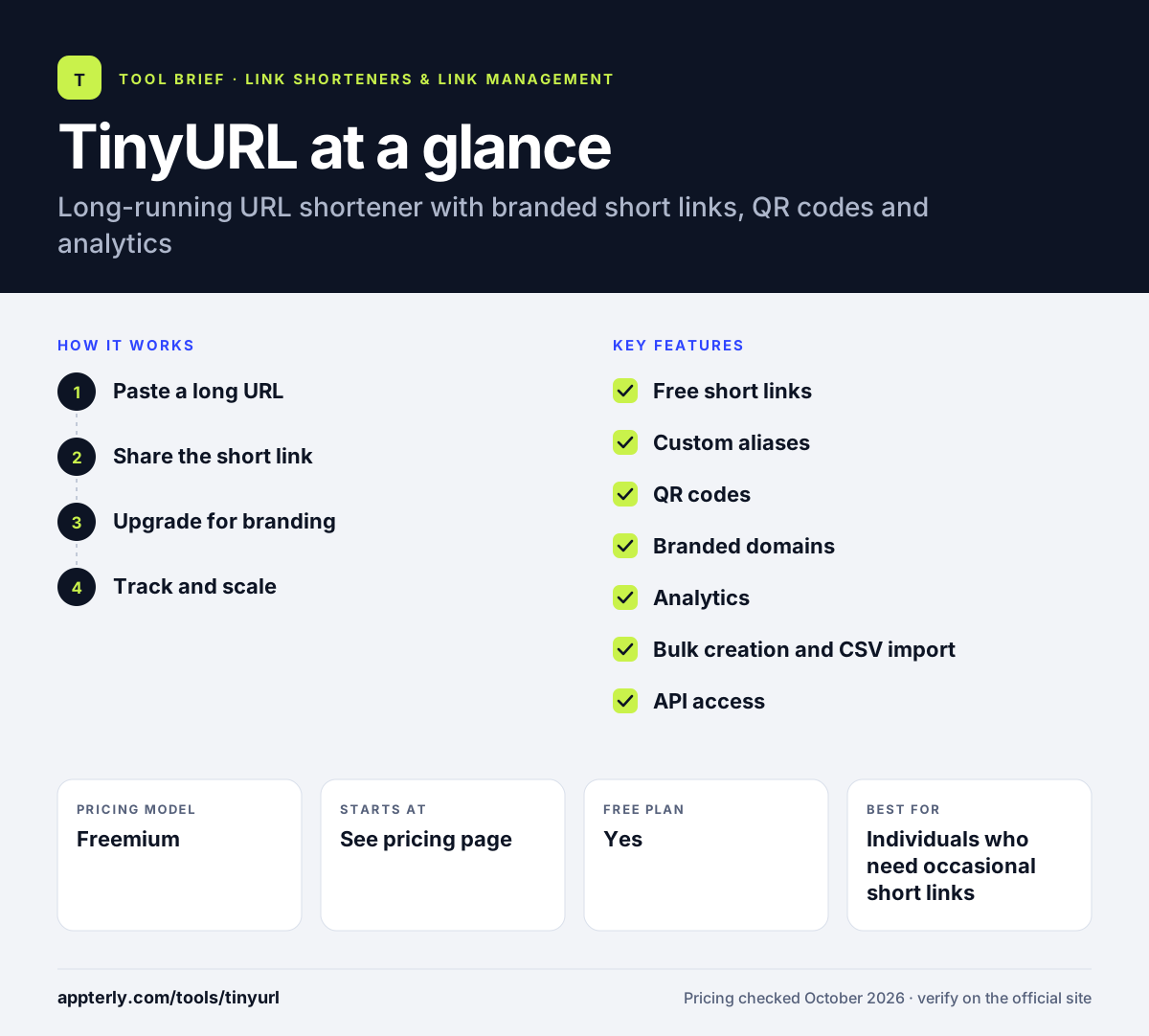
How does TinyURL work?
- Paste a long URL
Enter the address you want to shorten on the TinyURL site, and optionally choose a custom alias for the end of the link.
- Share the short link
Copy the result or generate a QR code, then use it in posts, messages or printed materials.
- Upgrade for branding
On a paid plan, connect a branded domain and edit link destinations after sharing.
- Track and scale
Review click, location and device data, organize links with tags, and create links in bulk or through the API.
TinyURL key features
Free short links
Create permanent short links with no expiration by default, using the public TinyURL domain.
Custom aliases
Choose readable endings for links so they are easier to remember and recognize.
QR codes
Generate QR codes for short links to bridge printed materials and online pages.
Branded domains
Paid plans let you shorten links on your own domain instead of tinyurl.com.
Analytics
Click tracking with geographic and device insights shows how links perform on paid tiers.
Bulk creation and CSV import
Higher tiers support bulk upload, CSV import and default expiration controls for short-term campaigns.
API access
Developers can create and manage short links programmatically, with custom rate limits for enterprise customers.
Team and governance controls
Enterprise plans add role-based access, workspace management, security controls, SLAs and dedicated support.
Why use TinyURL?
- Basic shortening is free and quick, with no learning curve.
- The TinyURL name is widely recognized by everyday users.
- Custom aliases make links readable even on the free tier.
- Bulk tools suit SMS and other high-volume campaigns.
- Paid plans add branding and analytics when needs grow.
Who is TinyURL best for?
A good fit for
- Individuals who need occasional short links
- Small businesses sharing links in print
- SMS marketers creating many short-term links
- Teams that want a familiar, simple shortener
Less suited to
- Marketers who need retargeting pixels or CTA overlays
- Users wanting detailed analytics without paying
- Teams that need affiliate or conversion attribution tools
TinyURL pricing
| Pricing model | Freemium |
|---|---|
| Free plan | Yes |
| Free trial | Not confirmed |
| Starting price | See the official pricing page |
The official pricing page could not be loaded for this review. Third-party listings show Free, Pro, Bulk and Enterprise tiers, so confirm current prices on TinyURL's site.
Prices checked October 2026. Vendors change plans often, so confirm on the official TinyURL pricing page before you buy.
TinyURL pros and cons
Pros
- Free, fast and familiar
- Permanent links with custom aliases
- Bulk tools for high-volume sending
- Simple upgrade path to branded domains
Cons
- Analytics and branding require a paid plan
- Fewer marketing extras than specialist link tools
- Pricing details are not easy to find without signing in
TinyURL integrations and platforms
Available on
TinyURL alternatives
See the full shortlist in Best URL Shorteners.
TinyURL FAQ
Is TinyURL free?
Yes. TinyURL lets you shorten links for free, with permanent links, custom aliases, QR codes and basic link history on the public tinyurl.com domain. Branded domains, editable destinations, analytics, bulk creation and API access are part of the paid plans, so free use suits occasional sharing rather than tracked campaigns.
Do TinyURL links expire?
Free TinyURL links do not expire by default and are meant to be permanent. Paid plans for high-volume senders add default expiration controls, which are useful for short-term campaign links such as SMS promotions that you do not want to stay live after an offer ends.
What is TinyURL used for?
TinyURL is used to shorten long web addresses so they fit neatly into emails, texts, social posts and printed materials. Individuals use it for quick one-off links, while businesses use paid plans to brand links on their own domain, track clicks and create links in bulk for campaigns.
TinyURL vs Bitly: what's the difference?
Both are well-known URL shorteners with free and paid tiers. TinyURL is known for simple, permanent links that anyone can create quickly, with paid options for branding, analytics and bulk use. Bitly positions itself as a broader marketing platform with more campaign features, so it tends to suit larger marketing teams. Compare current plan limits on both official sites before deciding.
Can I customize a TinyURL link?
Yes. You can choose a custom alias for the end of a TinyURL link so it reads as something meaningful instead of random characters. To use your own branded domain or change where a link points after sharing, you need one of TinyURL's paid plans.
Sources
This overview is based on TinyURL's official website and documentation, checked October 2026.