What is Rebrandly?
Rebrandly is a link management platform that creates short links on your own custom domain and tracks how people interact with them. Instead of a generic short URL, a brand can share something like go.yourbrand.com/offer, which tends to look more trustworthy in emails, texts and social posts. Links can be edited after sharing, tagged with UTM parameters, password protected or set to expire.
Rebrandly also covers QR codes, link galleries for social bios, conversion tracking and traffic routing by location or time. A REST API, webhooks and mobile apps for iOS and Android support both marketers and developers. For larger organizations, the Enterprise plan adds SSO, SCIM provisioning and compliance options including SOC 2 Type II, GDPR and HIPAA.
Rebrandly at a glance
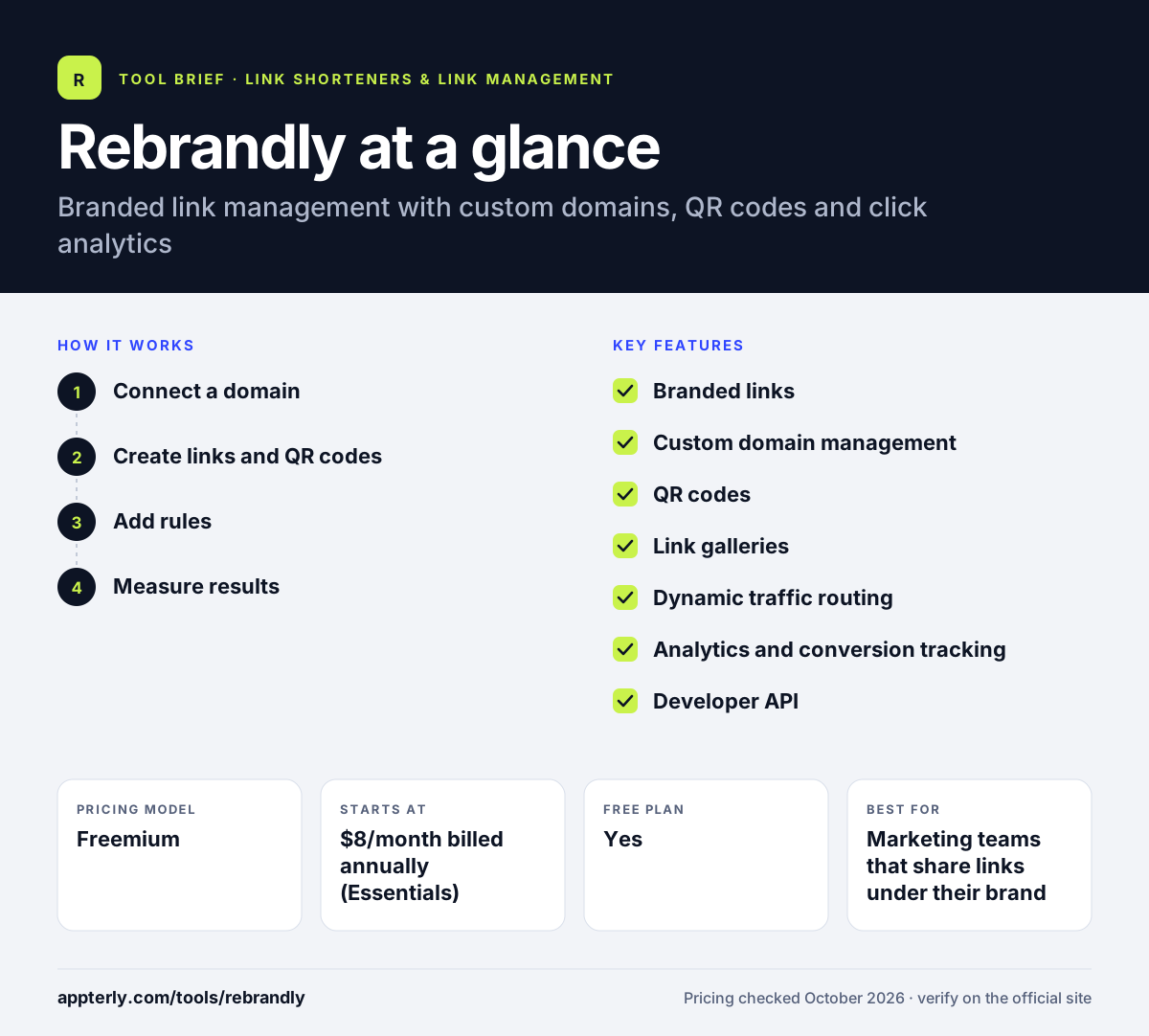
How does Rebrandly work?
- Connect a domain
Link a domain you already own or buy a new one through Rebrandly, then set it as the default for your workspace.
- Create links and QR codes
Shorten URLs one at a time, in bulk or through the API. Each link can get a custom slug, UTM tags and a QR code.
- Add rules
On higher plans, set password protection, expiration dates or dynamic routing so visitors land on the right page by location or time.
- Measure results
Track clicks, scans, locations and devices in real-time reports, and use conversion tracking on Professional and above.
Rebrandly key features
Branded links
Short links run on your own domain, with custom back-halves and the option to change the destination after a link is shared.
Custom domain management
Connect existing domains or buy new ones, with free domains included on the free plan for testing.
QR codes
Generate QR codes for links, customize colors and download them in several sizes or as SVG.
Link galleries
Build link-in-bio pages for social profiles, with more galleries available on higher tiers.
Dynamic traffic routing
Send visitors to different destinations based on location or time, which helps with regional and time-limited campaigns.
Analytics and conversion tracking
See clicks over time, geography and devices, with conversion tracking and audience data from the Professional plan.
Developer API
A REST API and webhooks let teams create and manage links from their own apps, plus an MCP connector for AI assistants.
Enterprise security
SSO, SCIM, audit logs and compliance options support regulated industries and large teams.
Why use Rebrandly?
- Branded links on your own domain can look more credible than generic short URLs.
- Destinations can be changed after sharing, which protects printed QR codes and old posts.
- A free plan with unlimited clicks lets you test the product.
- High Volume plans suit bulk link creation for SMS or app use.
- Enterprise compliance options suit healthcare and other regulated teams.
Who is Rebrandly best for?
A good fit for
- Marketing teams that share links under their brand
- Developers generating links inside apps
- Businesses sending SMS campaigns with short links
- Enterprises with SSO and compliance needs
Less suited to
- Free users who need to edit link destinations, since the free plan does not allow it
- Teams wanting many custom domains on a small budget, as lower plans allow only two or three
- Users who need built-in affiliate program management
Rebrandly pricing
| Pricing model | Freemium |
|---|---|
| Free plan | Yes |
| Free trial | Not confirmed |
| Starting price | $8/month billed annually (Essentials) |
Free includes 10 links per month. Essentials, Professional and Growth raise link, QR and domain limits, with High Volume variants for bulk use; monthly billing costs more than annual, and Enterprise is quoted by sales.
Prices checked October 2026. Vendors change plans often, so confirm on the official Rebrandly pricing page before you buy.
Rebrandly pros and cons
Pros
- Strong focus on branded custom domains
- Editable links and dynamic routing
- Mobile apps and a well-documented API
- Enterprise-grade compliance and SSO
Cons
- Free plan is very limited at 10 links per month
- Destination edits are capped per month on paid tiers
- Higher tiers get expensive for small teams
Rebrandly integrations and platforms
Works with
Available on
Rebrandly alternatives
See the full shortlist in Best URL Shorteners.
Rebrandly FAQ
Is Rebrandly free?
Yes. Rebrandly has a free plan with 10 links and 10 watermarked QR codes per month, one custom domain, one free Rebrand.ly domain and unlimited clicks. It does not allow destination edits, password protection, link expiration or bulk import, which are reserved for paid plans starting with Essentials.
What is Rebrandly used for?
Rebrandly is used to create short links on a company's own domain, generate QR codes, build link-in-bio galleries and track clicks across campaigns. Marketing teams use it for consistent branded URLs, while developers use its API to create links automatically inside apps, SMS systems or internal tools.
Rebrandly vs Bitly: what's the difference?
Both tools shorten links, create QR codes and track clicks. Rebrandly has long focused on branded custom domains and offers High Volume plans for bulk link creation, plus enterprise compliance options such as HIPAA. Bitly is a larger general-purpose platform. Pricing, domain limits and destination-edit allowances differ, so compare plans against your link volume.
Can I edit a Rebrandly link after sharing it?
Yes, on paid plans. Essentials includes 10 destination edits per month, Professional includes 50 and Growth includes 150, while Enterprise limits are custom. The free plan does not allow destination edits, so links created there always point to their original URL.
Does Rebrandly have a mobile app?
Yes. Rebrandly offers mobile apps on the Apple App Store and Google Play, so you can create and share branded links from your phone. The web dashboard and REST API are still the main ways to manage links in bulk or connect Rebrandly to other systems.
Sources
This overview is based on Rebrandly's official website and documentation, checked October 2026.