What is The SEO Framework?
The SEO Framework is a free WordPress SEO plugin that generates meta tags automatically by reading your site structure, then flags issues on each page through a compact SEO Bar. It is built for developers and site owners who want strong technical SEO with no ads, no tracking and minimal performance overhead.
The plugin is developed by CyberWire B.V. in the Netherlands. Its core is free, and an optional Extension Manager adds modules such as Focus for keyword writing guidance, Articles for article schema and Google News sitemaps, Local for business details, Honeypot for comment spam, Cord for tracking scripts and Monitor for site checks. Paid tiers unlock premium extensions across a set number of sites.
The SEO Framework at a glance
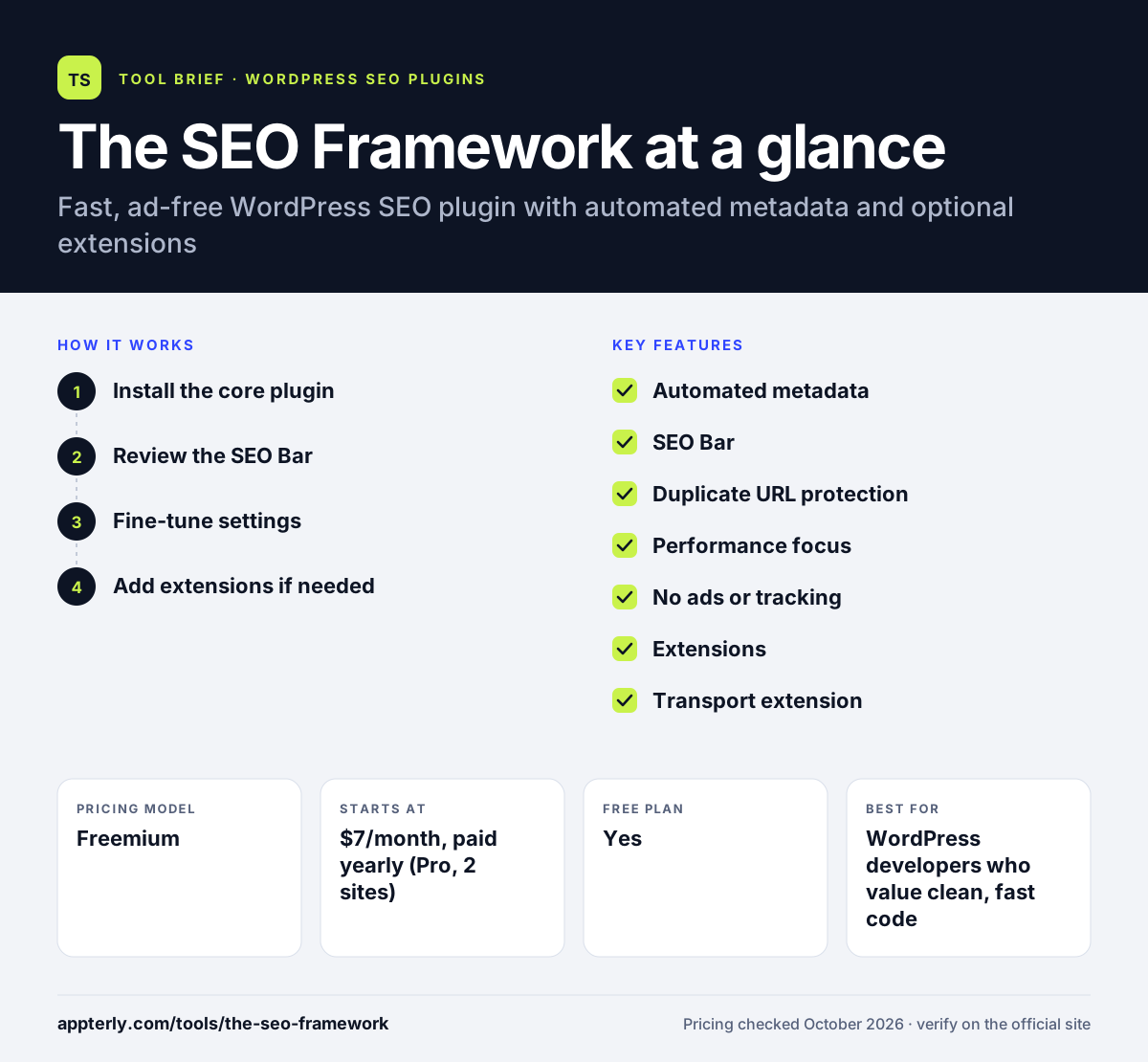
How does The SEO Framework work?
- Install the core plugin
Add The SEO Framework from WordPress.org. It starts outputting titles, descriptions, canonical URLs and schema based on your content.
- Review the SEO Bar
Check the colored SEO Bar in post lists and editors, which runs dozens of checks on each page and term.
- Fine-tune settings
Adjust title formats, social defaults, robots rules and sitemap options in a single settings screen.
- Add extensions if needed
Install the Extension Manager to enable free or premium extensions such as Focus, Articles, Local or Transport.
The SEO Framework key features
Automated metadata
Builds titles, descriptions, social tags and canonical URLs from the WordPress environment.
SEO Bar
Shows the results of more than 70 checks per page or term at a glance.
Duplicate URL protection
Points search engines to the preferred version of each page to limit indexing of duplicate URLs.
Performance focus
Uses caching and lean code to keep database load and page weight low.
No ads or tracking
Avoids admin advertisements, data collection and third-party calls in the core plugin.
Extensions
Optional modules add focus keyword guidance, article schema, local SEO, spam protection and migration tools.
Transport extension
Migrates SEO metadata from other plugins so you can switch without losing settings.
Local and Articles extensions
Local adds business details for local search, and Articles adds article structured data plus a Google News sitemap.
Why use The SEO Framework?
- The core plugin is fully free and has no upsell banners.
- It is light, which suits performance-minded sites.
- Automatic metadata means few pages are left without titles or descriptions.
- Extensions let you add only the features you need.
- A 30-day refund window lowers the risk of paid tiers.
Who is The SEO Framework best for?
A good fit for
- WordPress developers who value clean, fast code
- Privacy-conscious site owners
- Agencies managing many lightweight sites
- Users switching from heavier SEO plugins
Less suited to
- Writers who want readability scoring by default
- Owners of a single site who want a one-site license
- Users who need guided content scoring without installing extensions
The SEO Framework pricing
| Pricing model | Freemium |
|---|---|
| Free plan | Yes |
| Free trial | Not confirmed |
| Starting price | $7/month, paid yearly (Pro, 2 sites) |
Business is $17/month paid yearly for 20 sites and Agency is $27/month paid yearly for 200 sites, with higher API limits and support levels. Refunds are available within 30 days.
Prices checked October 2026. Vendors change plans often, so confirm on the official The SEO Framework pricing page before you buy.
The SEO Framework pros and cons
Pros
- Free core with no ads
- Very lightweight
- Strong automated technical SEO
- Modular extensions
Cons
- Paid tiers start at two sites, with no single-site license
- Premium writing guidance requires the Focus extension
- Interface is plain and developer-oriented
The SEO Framework integrations and platforms
Works with
Available on
The SEO Framework alternatives
See the full shortlist in Best WordPress SEO Plugins.
The SEO Framework FAQ
Is The SEO Framework free?
Yes. The SEO Framework core plugin is free on WordPress.org and includes automated metadata, sitemaps, schema and the SEO Bar. Free extensions are also available. Paid plans start at $7 per month billed yearly and unlock all premium extensions on two sites, plus private support and API requests.
What is The SEO Framework used for?
The SEO Framework is used to handle technical SEO on WordPress sites automatically. It writes titles and descriptions, sets canonical URLs, outputs structured data, builds a sitemap and checks each page for issues. Developers often choose it for fast, clean sites where they want few settings to manage.
The SEO Framework vs Yoast SEO: what's the difference?
Yoast SEO offers content and readability analysis, training material and paid AI tools. The SEO Framework focuses on automated technical SEO, speed and privacy, with no ads in the dashboard. Writers who want detailed content feedback may prefer Yoast, while developers often prefer The SEO Framework.
Can I switch to The SEO Framework from another SEO plugin?
Yes. The free Transport extension moves SEO metadata such as custom titles and descriptions from other plugins into The SEO Framework. This lets you change plugins without rewriting metadata for each page. Test the migration on a staging site first to confirm everything carried over.
Is The SEO Framework good for beginners?
The SEO Framework is fairly easy for beginners because most metadata is generated automatically and the SEO Bar highlights problems with simple colors. However, it offers less hand-holding than plugins with writing scores and wizards. Beginners who want step-by-step writing advice can add the Focus extension on a paid plan.
Sources
This overview is based on The SEO Framework's official website and documentation, checked October 2026.