What is Redirection?
Redirection is a free WordPress plugin that lets you create and manage 301 redirects and monitor 404 errors without editing server files. It is developed by John Godley and has more than 2 million active installations on WordPress.org. Site owners, developers and SEO specialists use it to keep traffic and link value when URLs change, pages are deleted or a site moves to a new structure.
The plugin goes beyond basic redirects. It supports regular expressions, conditional redirects based on login status, browser, referrer, cookies or IP address, and automatic redirects when a post's permalink changes. Redirection logs hits and 404s, can store rules in Apache .htaccess or export Nginx rewrite rules, and imports from several other redirect plugins. There is no premium version, and all features are free.
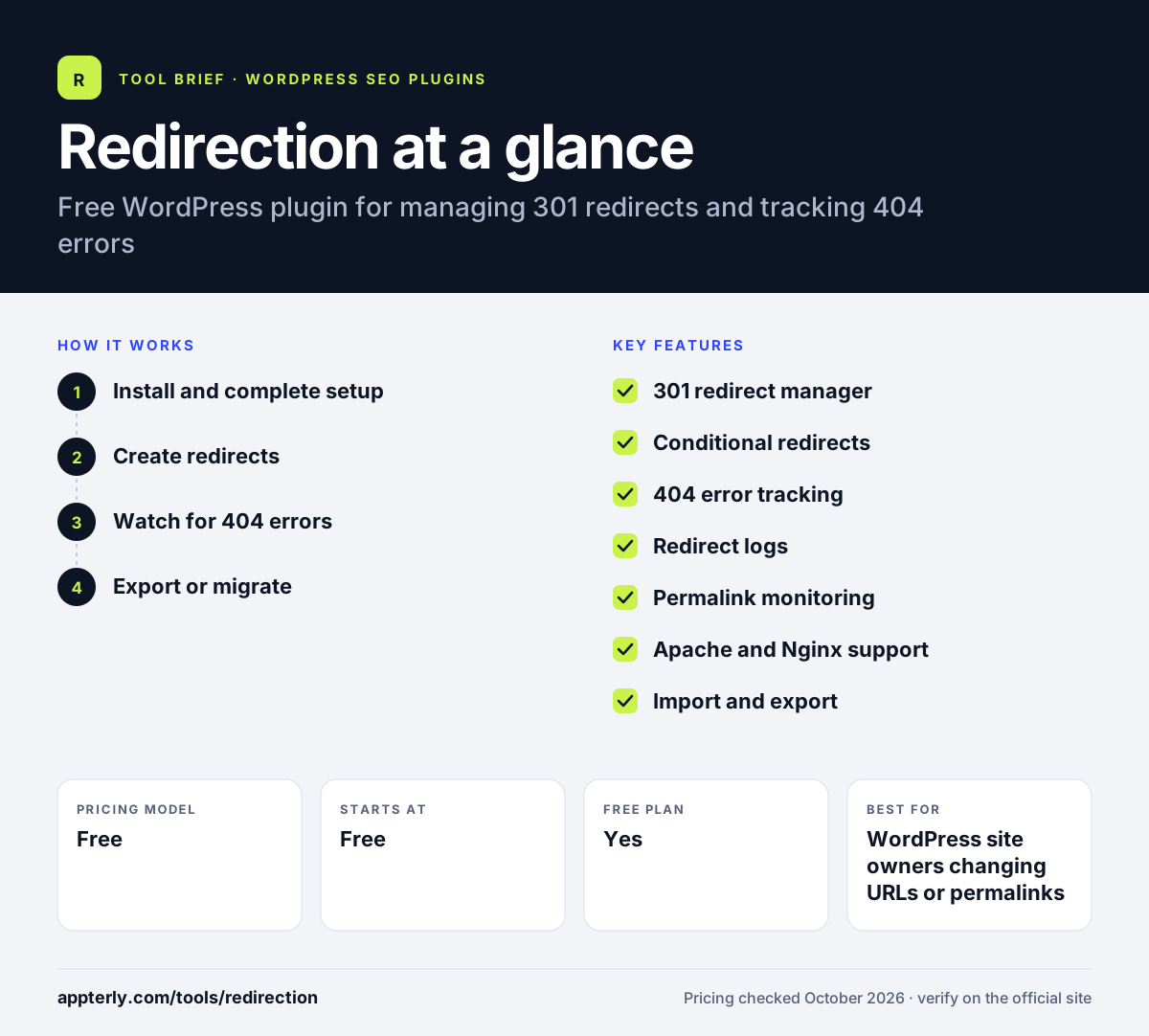
Redirection at a glance
How does Redirection work?
- Install and complete setup
Add the plugin from WordPress.org and choose whether to monitor permalink changes and keep logs.
- Create redirects
Enter a source URL and a target URL, or use regular expressions to match many URLs at once.
- Watch for 404 errors
Review the 404 log, group similar errors and redirect them in bulk.
- Export or migrate
Export rules as CSV, JSON, .htaccess or Nginx, or import from other plugins and WP-CLI.
Redirection key features
301 redirect manager
Creates and organizes redirects in groups, with regular expression and query parameter support.
Conditional redirects
Redirects based on login status, user role, browser, referrer, cookies, HTTP headers or IP.
404 error tracking
Logs missing pages so you can find broken URLs and fix them in bulk.
Redirect logs
Records hits with visitor, browser and referrer details, and supports search and export.
Permalink monitoring
Creates redirects automatically when a post or page URL changes.
Apache and Nginx support
Saves rules to .htaccess or exports Nginx rewrite rules for server-level redirects.
Import and export
Moves rules with CSV, JSON, .htaccess and Nginx formats and imports from other redirect plugins.
Why use Redirection?
- It is completely free, with no upsell or premium tier.
- It protects rankings and traffic during site migrations and URL changes.
- 404 logs reveal broken links visitors are hitting.
- Advanced conditions give developers fine control without server access.
- It is widely used and actively maintained.
- WP-CLI support lets developers script imports and exports during deployments.
Who is Redirection best for?
A good fit for
- WordPress site owners changing URLs or permalinks
- SEO specialists handling site migrations
- Developers who need conditional or regex redirects
- Agencies cleaning up 404 errors on client sites
- Site owners consolidating or deleting old content
Less suited to
- Sites not built on WordPress
- Users wanting an all-in-one SEO plugin with meta tags and sitemaps
- Teams that prefer to manage all redirects at the CDN or server level only
Redirection pricing
| Pricing model | Free |
|---|---|
| Free plan | Yes |
| Free trial | Not confirmed |
| Starting price | Free |
All features are free and there is no premium version. The plugin requires WordPress 6.7 or later and PHP 7.4 or later.
Prices checked October 2026. Vendors change plans often, so confirm on the official website before you buy.
Redirection pros and cons
Pros
- Free with no paid tier
- Powerful regex and conditional redirect options
- Detailed 404 and redirect logs
- Imports from other redirect plugins
Cons
- Interface can feel technical for beginners
- Logs can grow large on busy sites if left unchecked
- Covers redirects only, not wider SEO tasks
Redirection integrations and platforms
Works with
Available on
Redirection alternatives
See the full shortlist in Best WordPress SEO Plugins.
Redirection FAQ
Is the Redirection plugin free?
Yes. Redirection is free on WordPress.org and has no premium version, so every feature is available without paying. This includes 301 redirects, regular expressions, conditional redirects, 404 tracking, logs and import and export tools. It is developed by John Godley and the source code is on GitHub.
What is the Redirection plugin used for?
Redirection is used to send visitors and search engines from old URLs to new ones in WordPress. It is common during site migrations, permalink changes and content cleanups. It also logs 404 errors, so you can find broken links and redirect them to working pages.
Redirection vs Rank Math redirects: what's the difference?
Rank Math includes a redirection manager inside a full SEO plugin. Redirection is a dedicated redirect tool with deeper options such as conditional rules by cookie, header or IP, detailed hit logs, Nginx export and imports from other plugins. Sites that need only redirects, or advanced rules, often prefer the Redirection plugin.
Does Redirection slow down WordPress?
Redirection runs redirects through WordPress by default, which adds a small amount of processing to each matching request. For heavy traffic you can save rules to an Apache .htaccess file or export them as Nginx rewrite rules, so the server handles redirects directly. Trimming logs also keeps the database lean.
Can Redirection create redirects automatically?
Yes. When enabled, Redirection monitors posts and pages and creates a redirect automatically if a permalink changes. This prevents broken links after you edit a slug. It can also migrate old permalink structures and redirect 404 errors in bulk.
Sources
This overview is based on Redirection's official website and documentation, checked October 2026.