What is Schema Pro?
Schema Pro is a premium WordPress plugin that adds schema.org structured data to your site without writing code, so search engines can better understand pages and may show rich results. It supports more than 20 schema types, including Article, Product, Review, Local Business, Recipe, Event, FAQ, Job Posting and Course. It is made by Brainstorm Force, the team behind the Astra theme.
Instead of filling in markup on every page, you set up a schema once and choose where it applies, such as all posts in a category or a specific page type. Schema Pro maps existing fields like title, featured image, author and date automatically, and you can map custom fields when needed. Every license covers unlimited websites, which makes it practical for agencies and freelancers working on many client sites.
Schema Pro at a glance
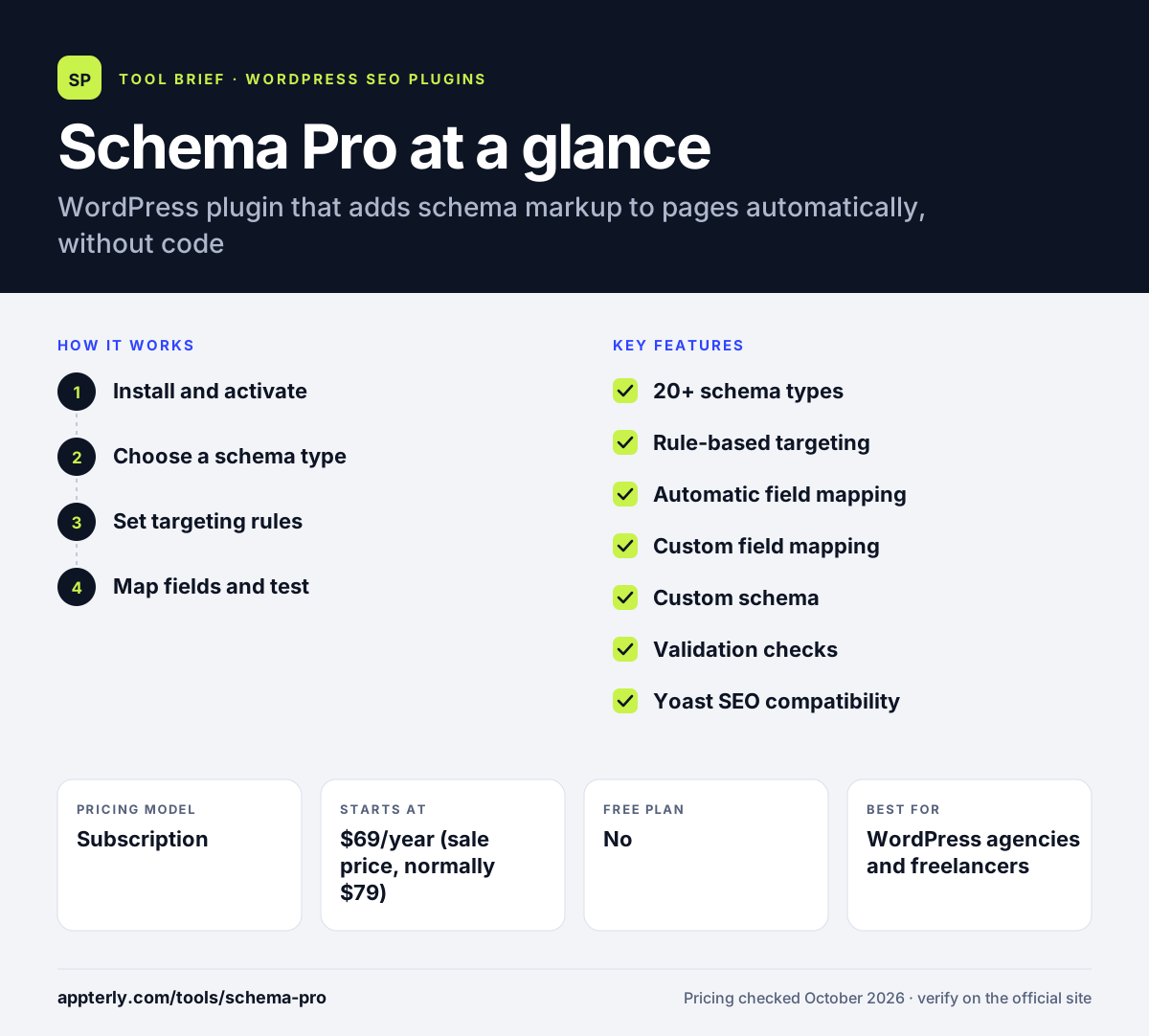
How does Schema Pro work?
- Install and activate
Upload the plugin to WordPress and activate your license.
- Choose a schema type
Pick the markup you need, such as Article, Product, Recipe or Local Business.
- Set targeting rules
Select which posts, pages or categories get the schema, or apply it site-wide. You can also limit when a schema appears with exclusion rules.
- Map fields and test
Accept the automatic field mapping or link custom fields, then check the output with Google's testing tools.
Schema Pro key features
20+ schema types
Covers common rich result types like Product, Review, FAQ, Event, Recipe, Video and Software Application. Podcast, dataset and vehicle listing types are also included.
Rule-based targeting
Applies a schema to selected posts, pages, categories or the whole site at once.
Automatic field mapping
Fills schema fields from existing data such as title, image, author and date.
Custom field mapping
Lets you pull values from custom fields or override defaults.
Custom schema
Adds markup for types outside the built-in list.
Validation checks
Flags required fields and links to Google's testing tools.
Yoast SEO compatibility
Works alongside Yoast SEO and lets you decide which plugin controls each feature.
Why use Schema Pro?
- It adds structured data without touching code.
- One setup can mark up hundreds of pages automatically.
- Unlimited-site licenses keep costs low for agencies.
- A lifetime license avoids yearly renewals.
- It comes from an established WordPress developer.
- Defaults are filled from existing post data, so there is little manual entry.
Who is Schema Pro best for?
A good fit for
- WordPress agencies and freelancers
- Recipe, review and event sites seeking rich results
- Local businesses adding Local Business markup
- Site owners who want schema without code
- Online stores marking up products and reviews
- Course, job and software sites that need niche schema types
Less suited to
- Sites not built on WordPress
- Users whose SEO plugin already covers all the schema they need
- Anyone expecting schema alone to raise rankings without strong content
Schema Pro pricing
| Pricing model | Subscription |
|---|---|
| Free plan | No |
| Free trial | Not confirmed |
| Starting price | $69/year (sale price, normally $79) |
The annual plan includes a year of updates and support, while the lifetime plan costs $229 (normally $249) once. Both allow unlimited websites, and a 14-day money-back guarantee applies. If a license lapses, existing markup keeps working, but updates and support stop until renewal.
Prices checked October 2026. Vendors change plans often, so confirm on the official Schema Pro pricing page before you buy.
Schema Pro pros and cons
Pros
- Unlimited site usage on every license
- Lifetime option available
- Rule-based setup saves time on large sites
Cons
- No free version
- Overlaps with schema features in plugins like Rank Math
- Rich results are never guaranteed by any schema tool
- Lifetime and annual licenses differ only in update and support duration
Schema Pro integrations and platforms
Works with
Available on
Schema Pro alternatives
See the full shortlist in Best WordPress SEO Plugins.
Schema Pro FAQ
Is Schema Pro free?
No. Schema Pro is a paid WordPress plugin. The annual plan costs $69 on sale and normally $79, and the lifetime plan costs $229 on sale and normally $249. Both allow unlimited websites, and there is a 14-day money-back guarantee if it does not suit your needs.
What is Schema Pro used for?
Schema Pro is used to add structured data to WordPress sites so search engines understand content and may display rich results like star ratings, recipe details or event dates. It applies schema automatically to selected pages, which saves time compared with adding markup by hand.
Schema Pro vs Rank Math: what's the difference?
Rank Math is a full SEO plugin with built-in schema, sitemaps, redirects and rank tracking. Schema Pro focuses only on structured data, with rule-based targeting and field mapping across many pages. Site owners who use another SEO plugin or need flexible schema rules often add Schema Pro.
Does Schema Pro guarantee rich results?
No. Schema Pro adds valid structured data, but Google decides whether to show rich results for any page. Correct markup makes a page eligible, yet display depends on content quality, search type and Google's own policies. The plugin includes checks to help keep markup valid.
Can I use Schema Pro on client sites?
Yes. Every Schema Pro license allows unlimited website usage, including client sites. If a license expires, the plugin keeps working on existing sites, but you stop receiving updates and support until you renew.
Sources
This overview is based on Schema Pro's official website and documentation, checked October 2026.