What is All in One SEO?
All in One SEO, often shortened to AIOSEO, is a WordPress plugin that lets site owners handle on-page and technical SEO from the WordPress dashboard. It manages titles, meta descriptions, XML sitemaps and schema markup, and scores each post with its TruSEO content analysis. A free Lite version is available on WordPress.org, and paid plans add advanced tools for businesses, online stores and agencies.
Paid tiers of All in One SEO add Local Business SEO for multiple locations, a Redirection Manager with 404 tracking, an Internal Link Assistant, video and news sitemaps, and WooCommerce SEO. The Elite plan includes Search Statistics, which brings Google Search Console data, keyword rank tracking and content decay alerts into WordPress. The plugin is owned by Semper Plugins and reports more than 3 million users.
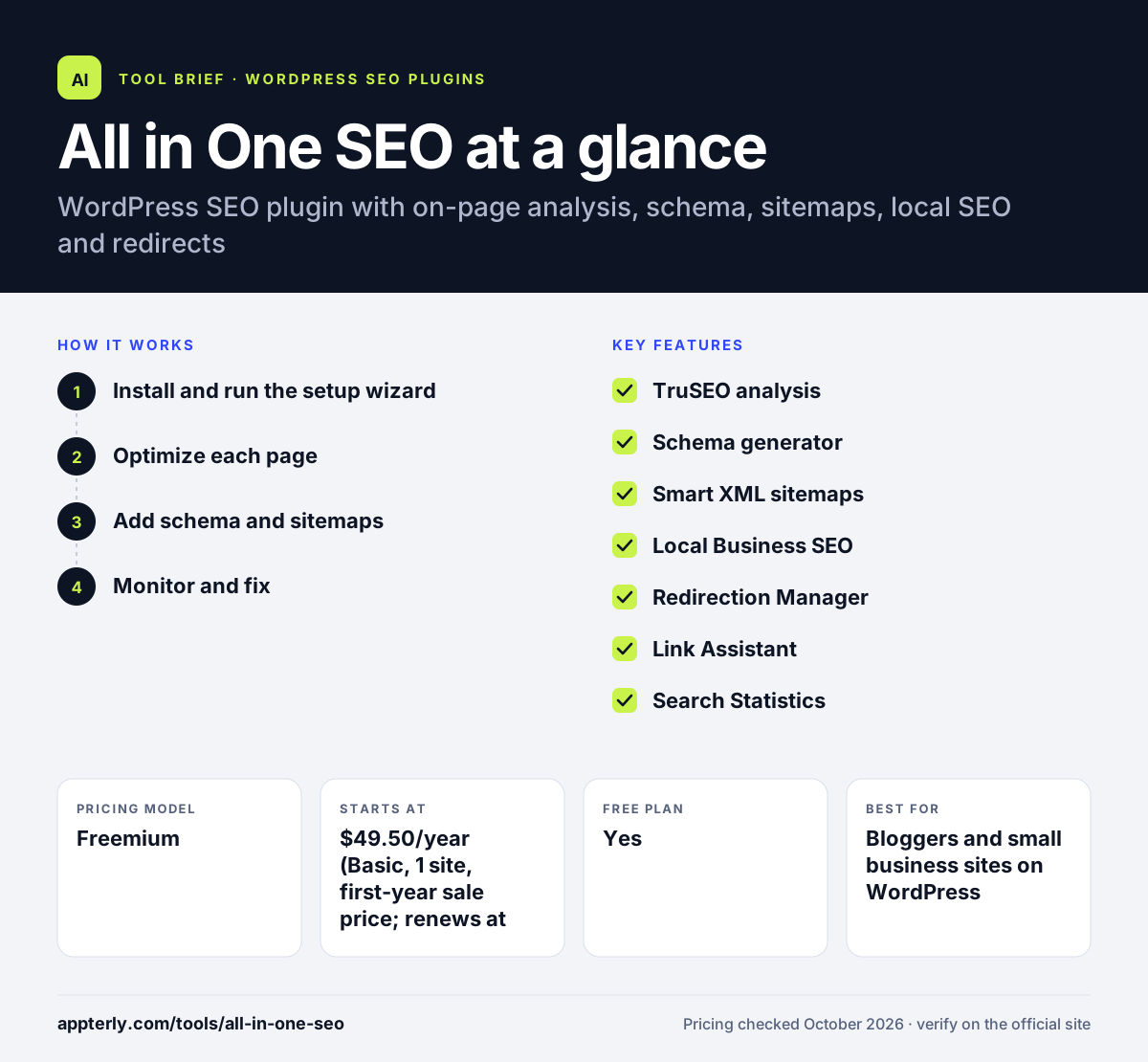
All in One SEO at a glance
How does All in One SEO work?
- Install and run the setup wizard
Add the free plugin or a paid license, then answer a few questions about your site type and business.
- Optimize each page
Use TruSEO scores and checklists in the editor to improve titles, descriptions and focus keywords.
- Add schema and sitemaps
Pick schema types for rich results and let the plugin generate and update XML sitemaps automatically.
- Monitor and fix
Track rankings and Search Console data, fix 404s with redirects and add internal links on higher plans.
All in One SEO key features
TruSEO analysis
Scores posts and pages with an on-page checklist, including inside Elementor, Divi and WPBakery.
Schema generator
Adds structured data for rich results such as reviews, recipes and products without code.
Smart XML sitemaps
Builds and updates sitemaps automatically, with video and news sitemaps on Pro and Elite.
Local Business SEO
Adds business hours, multiple locations, local schema and Google Maps embeds from the Plus plan.
Redirection Manager
Tracks 404 errors and creates redirects, including full site redirects, on Pro and above.
Link Assistant
Suggests internal links while you edit content.
Search Statistics
Shows Search Console keywords, clicks, rankings and content decay inside WordPress on Elite.
WooCommerce SEO
Optimizes product and category pages for online stores.
Why use All in One SEO?
- It covers most WordPress SEO needs in one plugin.
- The free version handles the basics for new sites.
- Guided checklists help non-experts improve each page.
- Agencies can manage up to 100 sites on the Elite plan.
- Search Console data inside WordPress saves switching between tools.
Who is All in One SEO best for?
A good fit for
- Bloggers and small business sites on WordPress
- WooCommerce store owners
- Local businesses with one or more locations
- Agencies managing many WordPress client sites
Less suited to
- Sites not built on WordPress
- Users who want advanced features without paying, since many tools are Pro-only
All in One SEO pricing
| Pricing model | Freemium |
|---|---|
| Free plan | Yes |
| Free trial | Not confirmed |
| Starting price | $49.50/year (Basic, 1 site, first-year sale price; renews at $99/year) |
Plans scale by site count and features: Basic covers 1 site, Plus 3, Pro 10 and Elite 100. Renewals are charged at full list price, and a 14-day money-back guarantee applies.
Prices checked October 2026. Vendors change plans often, so confirm on the official All in One SEO pricing page before you buy.
All in One SEO pros and cons
Pros
- Free Lite version covers core SEO
- Beginner-friendly setup wizard and TruSEO checklist
- Broad feature set including local SEO and redirects
- Plans for 1 to 100 sites
Cons
- Renewals cost noticeably more than first-year sale prices
- Search Statistics and rank tracking require the top plan
- Many useful features are locked behind paid tiers
All in One SEO integrations and platforms
Works with
Available on
All in One SEO alternatives
See the full shortlist in Best WordPress SEO Plugins.
All in One SEO FAQ
Is All in One SEO free?
Yes, there is a free Lite version on WordPress.org. It covers SEO titles and meta descriptions, XML sitemaps, schema markup, Google Search Console connection and TruSEO content analysis. Features such as the redirection manager, local SEO, keyword rank tracking, automatic internal linking and WooCommerce SEO require a paid plan.
How much does All in One SEO cost?
AIOSEO paid plans are billed yearly. List prices are $99 for Basic on one site, $199 for Plus on three sites, $399 for Pro on 10 sites and $599 for Elite on 100 sites. First-year sale prices are often lower, but renewals are charged at full price.
All in One SEO vs Yoast SEO: what's the difference?
Both are popular WordPress SEO plugins with free versions. All in One SEO packs more features into its paid plans, such as local SEO, a redirection manager, link suggestions and Search Console statistics. Yoast SEO is known for its readability analysis and simple interface. The best fit depends on which extras you need.
Is All in One SEO good for beginners?
Yes. AIOSEO includes a setup wizard that configures core settings for you, and its TruSEO checklist gives clear suggestions for each post. Beginners can start with the free version and upgrade later if they need local SEO, redirects or WooCommerce tools.
Does All in One SEO work with WooCommerce?
Yes. All in One SEO includes WooCommerce SEO on paid plans, helping you optimize product and category pages with titles, descriptions and product schema. It also generates sitemaps that include store pages, so search engines can discover new products.
Sources
This overview is based on All in One SEO's official website and documentation, checked October 2026.