What is Tableau?
Tableau is a visual analytics platform that lets people connect to data, explore it with drag-and-drop tools and share interactive dashboards. Owned by Salesforce, it is one of the most established business intelligence products, known for flexible visual exploration. It connects to a wide range of databases, files and cloud apps, and it can be deployed as a hosted service or on your own servers.
The Tableau family includes Tableau Desktop, which is now offered free for local analysis, Tableau Cloud for hosted sharing, Tableau Server for self-hosting and Tableau Public for publishing visualizations openly. Tableau Next adds agentic analytics inside Salesforce CRM and Slack. AI features include conversational analytics, Tableau Agent and Tableau Pulse, which delivers proactive metric insights.
Tableau at a glance
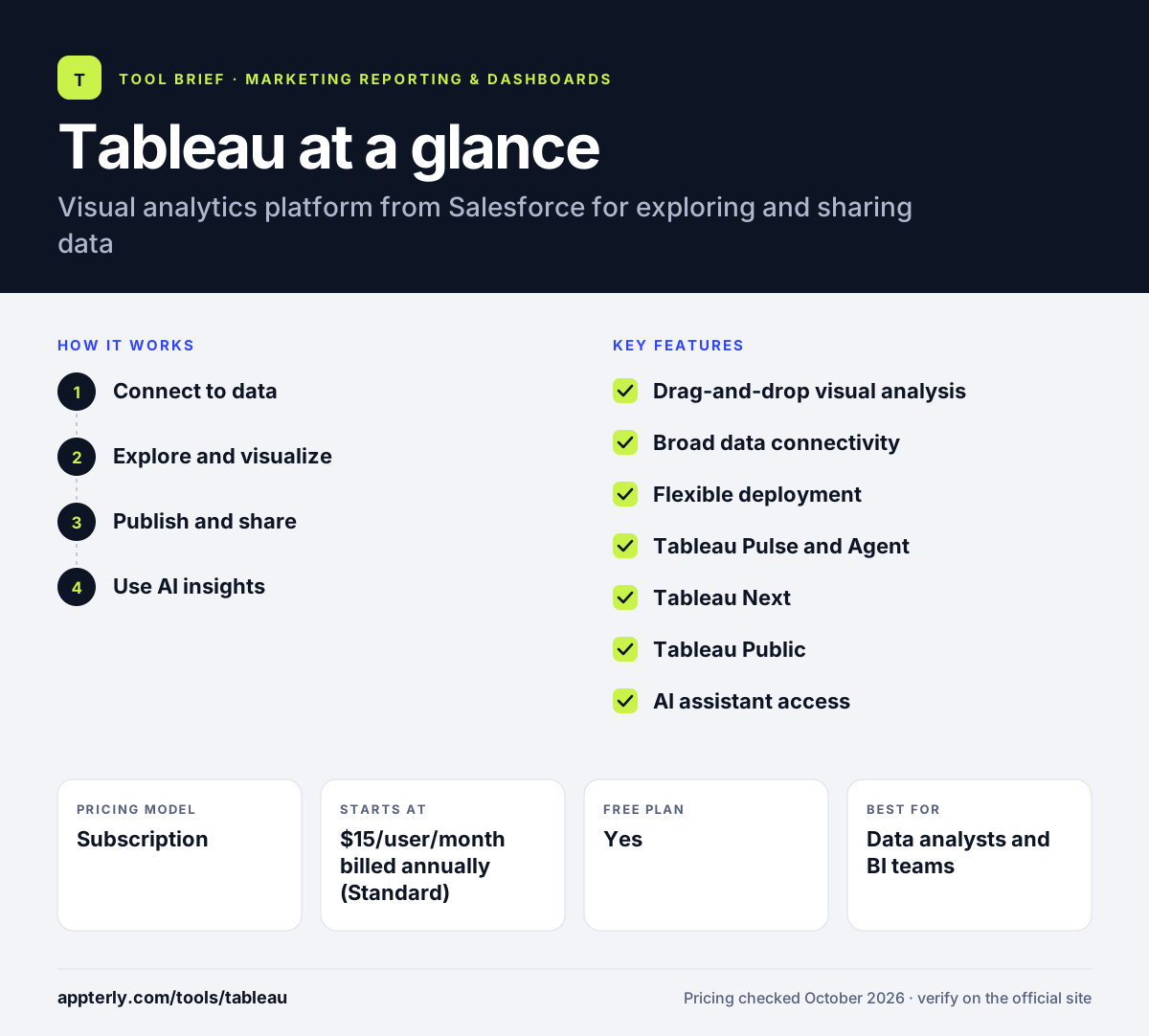
How does Tableau work?
- Connect to data
Link Tableau to databases, spreadsheets, cloud data warehouses or apps. Tableau Prep Builder can clean and shape data first.
- Explore and visualize
Drag fields onto a canvas to build charts and maps, then combine them into interactive dashboards.
- Publish and share
Publish to Tableau Cloud or Tableau Server so licensed Creators, Explorers and Viewers can access and interact with dashboards.
- Use AI insights
Ask questions in natural language, get proactive metric updates through Pulse, and use dashboards in Slack, Teams and AI assistants.
Tableau key features
Drag-and-drop visual analysis
Build charts, maps and dashboards by dragging fields, with strong support for exploring data in an ad-hoc way.
Broad data connectivity
Connects to most common databases, files and cloud platforms, with a semantic layer for consistent metrics.
Flexible deployment
Choose fully hosted Tableau Cloud, self-hosted Tableau Server or Salesforce-integrated Tableau Next.
Tableau Pulse and Agent
Pulse surfaces metric changes proactively, while Tableau Agent assists with authoring and data preparation using AI.
Tableau Next
Agentic analytics for Salesforce customers, delivered inside CRM and Slack with Tableau Semantics.
Tableau Public
A free community platform for publishing visualizations publicly and learning from others' work.
AI assistant access
A Tableau MCP integration lets dashboards and data be used in tools like Claude and ChatGPT.
Tableau Studio
Lets users build analytics and data apps by describing what they want in their preferred AI tools.
Why use Tableau?
- Its visual exploration is flexible enough for complex, custom analysis.
- Free Tableau Desktop and Tableau Public make it easy to learn before buying.
- Strong governance and data management suit large organizations.
- Close ties to Salesforce and Slack help CRM-centric teams.
- A large community provides templates, examples and training resources.
- Dashboards can be used inside Slack, Teams and AI assistants, which brings data into daily workflows.
Who is Tableau best for?
A good fit for
- Data analysts and BI teams
- Enterprises with large or complex datasets
- Salesforce customers wanting analytics inside CRM
- Marketing analysts who need deep custom analysis
Less suited to
- Small businesses wanting low-cost, month-to-month reporting
- Marketers who just need ready-made ad platform reports
- Teams without anyone comfortable with data analysis
Tableau pricing
| Pricing model | Subscription |
|---|---|
| Free plan | Yes |
| Free trial | Not confirmed |
| Starting price | $15/user/month billed annually (Standard) |
Standard starts at $15 and Enterprise at $35 per user per month, with annual contracts only. Cloud+, Server+ and the Tableau+ bundle require a sales quote, and Tableau Next starts at $40 per user per month.
Prices checked October 2026. Vendors change plans often, so confirm on the official Tableau pricing page before you buy.
Tableau pros and cons
Pros
- Industry-leading visual exploration and dashboard flexibility
- Free Desktop edition and Tableau Public for learning
- Cloud, self-hosted and CRM-integrated deployment options
- Growing AI features through Pulse, Agent and Next
Cons
- Annual contracts only, with no monthly billing
- Learning curve is steep for non-analysts
- Total cost can climb with many Creator licenses and premium editions
Tableau integrations and platforms
Works with
Available on
Tableau alternatives
See the full shortlist in Best Marketing Reporting Tools.
Tableau FAQ
Is Tableau free?
Parts of Tableau are free. Tableau Desktop Free Edition lets you analyze local files at no cost, though it cannot publish to Tableau Cloud or Server or share packaged workbooks. Tableau Public is a free community platform for publishing visualizations openly. Sharing dashboards securely within an organization requires a paid Tableau Cloud or Server subscription.
How much does Tableau cost?
Tableau Standard starts at $15 per user per month and Enterprise at $35 per user per month, billed annually. Every deployment needs at least one Creator license, with other users on Creator, Explorer or Viewer licenses. Premium editions such as Cloud+ and the Tableau+ bundle require a sales quote, and monthly plans are not offered.
What is Tableau used for?
Tableau is used to analyze and visualize data and share interactive dashboards across an organization. Analysts use it to explore sales, finance, operations and marketing data, find trends and present results. Its AI features help users ask questions in plain language and get proactive updates when key metrics change.
Tableau vs Power BI: which is better?
Neither is better for every team. Tableau is known for flexible visual exploration, runs on Windows and macOS, and fits well with Salesforce and Slack. Power BI is cheaper per user and integrates deeply with Microsoft 365, Excel and Fabric. Companies built around Microsoft usually choose Power BI, while Salesforce users or visualization-heavy teams often choose Tableau.
Is Tableau good for beginners?
Tableau's drag-and-drop interface lets beginners build basic charts quickly, and the free Desktop edition and Tableau Public make it easy to practice. Mastering calculations, data modeling and dashboard design takes longer. Beginners who only need simple marketing reports may find lighter tools faster, but Tableau is a strong skill to learn for analytics careers.
Sources
This overview is based on Tableau's official website and documentation, checked October 2026.