What is T.ly?
T.ly is a URL shortener and QR code platform that turns long links into short ones and tracks how they perform. Quick short links are free and do not require an account, and links redirect without ad interstitials. Paid plans add custom domains, private stats, OneLinks pages and higher monthly limits for links and QR codes, with unlimited clicks on every plan.
Much of T.ly's audience comes through its free browser extension, which works in Chrome, Firefox, Edge and Opera. The extension shortens the current page in one click and copies the result to your clipboard. For teams and developers, T.ly offers an API for creating and updating links from other apps, and Business plans add webhooks for automation.
T.ly suits people who want a no-fuss shortener that stays out of the way. Casual users can stick with free quick links, while businesses can step up to a paid tier when they need their own domain, private statistics or several team members working from one account.
T.ly at a glance
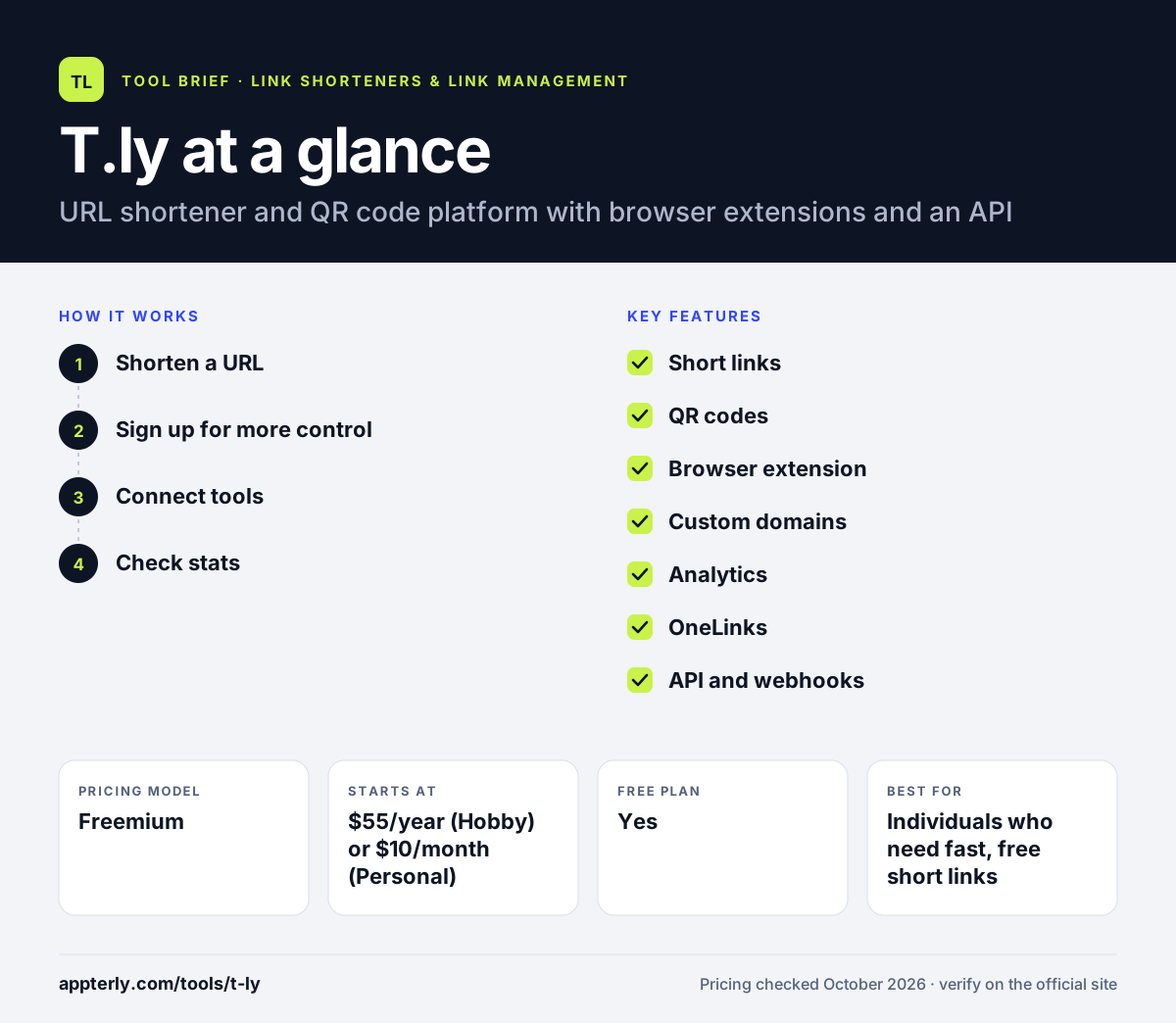
How does T.ly work?
- Shorten a URL
Paste a link on the T.ly site or click the browser extension to get a short link and QR code right away, with no account needed for quick links.
- Sign up for more control
Create an account and choose a plan to unlock custom domains, editable destinations, private stats and higher limits.
- Connect tools
Link the extension to your account with an API token, or use the API to create and manage links from your own systems.
- Check stats
Review clicks, referrers, devices, locations and QR scans, or add a plus sign to the end of a short link to view its stats.
T.ly key features
Short links
Create short links for texts, emails, social posts and print, with editable destinations on paid plans.
QR codes
Every short link can generate a trackable QR code for packaging, menus, flyers and campaigns.
Browser extension
Shorten the current page or any right-clicked link in Chrome, Firefox, Edge or Opera, with keyboard shortcut support.
Custom domains
Use your own domain with SSL, from one domain on Hobby up to 100 on Business.
Analytics
Track clicks, referrers, devices, locations and QR scans, with private stats pages on paid plans.
OneLinks
Paid plans include OneLinks, a T.ly product listed alongside short links, with one to 100 included depending on the tier.
API and webhooks
Create, update and manage links programmatically, with webhook endpoints on the Business plan.
Editable destinations
Paid plans let you change where a short link points after sharing, so printed QR codes and old posts stay useful.
Why use T.ly?
- Quick links are free and need no signup.
- Links redirect without ad pages in between.
- Every paid plan includes unlimited clicks.
- The extension makes shortening fast while browsing.
- The Hobby plan offers an inexpensive yearly option.
Who is T.ly best for?
A good fit for
- Individuals who need fast, free short links
- Creators sharing links on social media
- Small businesses printing QR codes
- Developers who want a simple link API
Less suited to
- Teams needing long log retention, since paid plans keep logs for 3 to 20 days
- Marketers who want retargeting pixels or CTA overlays
- Large teams on mid tiers, as Basic includes only one team member
T.ly pricing
| Pricing model | Freemium |
|---|---|
| Free plan | Yes |
| Free trial | 5 days |
| Starting price | $55/year (Hobby) or $10/month (Personal) |
Basic is $20/month, Pro $50/month and Business $100/month. Tiers raise monthly link and QR limits, custom domains, team members and log retention, and Custom plans are quoted.
Prices checked October 2026. Vendors change plans often, so confirm on the official T.ly pricing page before you buy.
T.ly pros and cons
Pros
- Free quick links with no account
- Unlimited clicks on paid plans
- Lightweight multi-browser extension
- Clear, affordable entry pricing
Cons
- Short log retention on all plans
- Few native marketing integrations listed
- Limited team seats below Pro
T.ly integrations and platforms
Available on
T.ly alternatives
See the full shortlist in Best URL Shorteners.
T.ly FAQ
Is T.ly free?
Yes, for basic use. T.ly lets you create quick short links for free without an account, and its browser extension is free too. Paid plans unlock custom domains, private stats, editable links and higher limits, starting with Hobby at $55 per year or Personal at $10 per month, and a five-day free trial is available.
What is T.ly used for?
T.ly is used to shorten long URLs for texts, emails, social posts and print, and to create trackable QR codes. People use it for quick one-off links, while businesses use paid plans to run links on their own domains, track clicks and scans, and manage links through the API.
Does T.ly have a browser extension?
Yes. T.ly offers a free link shortener extension for Chrome, Firefox, Edge and Opera. It shortens the page you are on in one click, copies the link to your clipboard, creates links from right-clicked URLs and generates QR codes. Connecting it to your account with an API token unlocks premium features.
T.ly vs TinyURL: what's the difference?
Both are long-running URL shorteners with free quick links. T.ly emphasizes its multi-browser extension, ad-free redirects, unlimited clicks on paid plans and a low-cost yearly Hobby plan. TinyURL is one of the oldest shorteners and offers its own paid tiers for branded domains and analytics. Compare domain needs and pricing before choosing.
Can I use my own domain with T.ly?
Yes, on paid plans. T.ly supports custom domains with SSL, from one domain on Hobby to two on Personal, ten on Basic, 20 on Pro and 100 on Business. Custom plans allow even more domains for organizations with larger link programs.
Sources
This overview is based on T.ly's official website and documentation, checked October 2026.