What is Sniply?
Sniply is a link shortener that places your own call-to-action on top of any web page you share. When you post a link to a third-party article, readers see that article as usual, plus a small message or button from you that points back to your site, offer or signup form. It works like a regular short link but turns curated content into a way to promote your brand.
The product is now owned by UpContent, a content curation company, and still runs under the Sniply name. It includes customizable CTA designs, click and conversion analytics, A/B testing, retargeting pixels, custom domains and team management with multiple brand profiles. Sniply has no free plan, but every paid tier can be tried free for 14 days.
Sniply is most useful for brands that share a lot of third-party content but struggle to turn that activity into traffic. Each shared article becomes a chance to promote a webinar, product or newsletter, and analytics show which messages people actually click.
Sniply at a glance
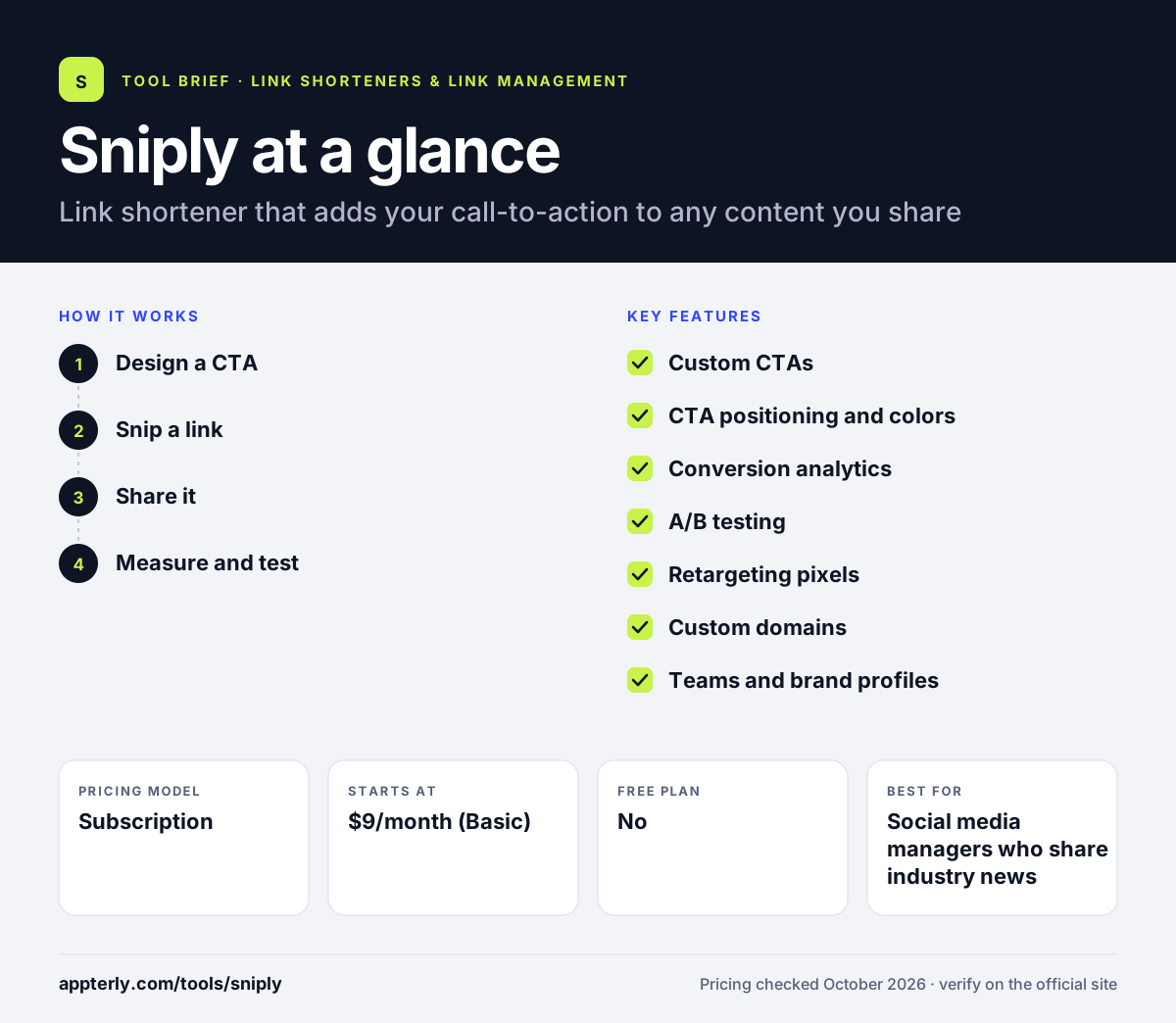
How does Sniply work?
- Design a CTA
Choose a CTA type such as a button, text link, email capture form or banner image, then set your message, colors and placement.
- Snip a link
Paste the URL of an article or page you want to share, attach your CTA and create a Sniply short link, optionally on your own domain.
- Share it
Post the link on social media, in newsletters or in messages. Visitors see the original page with your CTA layered on top.
- Measure and test
Track clicks, bounces and conversions in the dashboard and run A/B tests to see which CTAs perform best.
Sniply key features
Custom CTAs
Overlay buttons, text links, email forms or banner images on shared pages, with control over design and wording.
CTA positioning and colors
Pro and higher plans allow custom colors and placement so CTAs match your brand.
Conversion analytics
A dashboard reports clicks, bounces and CTA conversions so you can see which shared content drives action.
A/B testing
Compare CTA versions to find the message or design that converts best.
Retargeting pixels
Add Facebook, Twitter or Google Ads pixels to build ad audiences from people who click your links.
Custom domains
Host Sniply links on your own domain, from one domain on Basic to 20 on Business.
Teams and brand profiles
Manage multiple workspaces and team members with permissions, and add custom JavaScript or CSS.
Email capture CTAs
Email capture CTAs collect subscriber addresses directly on shared content, so curation can grow your list.
Why use Sniply?
- It turns content curation into traffic and leads for your own site.
- Retargeting pixels let you build ad audiences from links to other websites.
- A/B testing shows which CTA wording works best.
- Workspaces make it practical for agencies with several brands.
- Annual billing gives roughly two months free.
Who is Sniply best for?
A good fit for
- Social media managers who share industry news
- Content curators and newsletter writers
- Agencies running social channels for clients
- B2B marketers building retargeting audiences
Less suited to
- Users who want a free plan, since Sniply only offers a trial
- Teams that need full link management features such as QR codes or bio pages
- Very high-traffic accounts on Basic, where CTAs stop after 5,000 impressions per month
Sniply pricing
| Pricing model | Subscription |
|---|---|
| Free plan | No |
| Free trial | 14 days |
| Starting price | $9/month (Basic) |
Pro is $29/month and Business $59/month, with annual plans priced at ten months. Tiers differ by CTAs, CTA impressions, team members, workspaces and custom domains.
Prices checked October 2026. Vendors change plans often, so confirm on the official Sniply pricing page before you buy.
Sniply pros and cons
Pros
- Unique CTA overlay approach for curated links
- Built-in conversion tracking and A/B testing
- Affordable entry plan
- Team and workspace support
Cons
- No free plan
- CTA impressions are capped per month
- API access is reserved for Enterprise
Sniply integrations and platforms
Available on
Sniply alternatives
See the full shortlist in Best URL Shorteners.
Sniply FAQ
Is Sniply free?
No. Sniply does not offer a free plan, but you can try any plan free for 14 days. After the trial, Basic costs $9 per month, Pro costs $29 per month and Business costs $59 per month, with annual billing priced at ten months for twelve. Enterprise pricing is custom.
What is Sniply used for?
Sniply is used to add a call-to-action to links you share that point to other websites. A marketer might share an industry article and overlay a button inviting readers to book a demo or join a newsletter. This lets curated content send traffic and leads back to your own site.
Who owns Sniply?
Sniply was acquired by UpContent, a company that builds content curation software. The Sniply website announces the acquisition, and the product continues to operate under its own name with its existing plans. The site does not state the date of the acquisition.
Sniply vs Replug: what's the difference?
Both add call-to-action overlays to shared links. Sniply concentrates on CTAs, conversion analytics and A/B testing. Replug offers CTAs as part of a broader link management toolkit that also includes bio pages, QR codes, traffic routing and a free plan, so it suits teams wanting more features in one tool.
What happens when Sniply CTA impressions run out?
Your links continue to work after you reach the monthly CTA impression limit for your plan. However, the CTA stops displaying, and visitors are sent straight to the target URL until the limit resets. Upgrading raises the cap, from 5,000 impressions on Basic to 50,000 on Business.
Sources
This overview is based on Sniply's official website and documentation, checked October 2026.