What is SavvyCal?
SavvyCal is a scheduling tool that lets invitees overlay their own calendar on your booking link so both sides can see a mutually free time at a glance. It is designed for founders, consultants, executives, recruiters and small teams who care about a respectful booking experience for the people they invite.
Beyond the overlay, SavvyCal gives you fine control over your time with preferred times, buffers, daily and weekly limits, and time blocking. It supports meeting polls, round-robin and collective team links, reminders and workflows, plus an API and webhooks. The Premium plan adds custom domains, branded emails, Stripe payments and delegated access for assistants. SavvyCal also connects to AI assistants such as Claude and ChatGPT through MCP.
SavvyCal at a glance
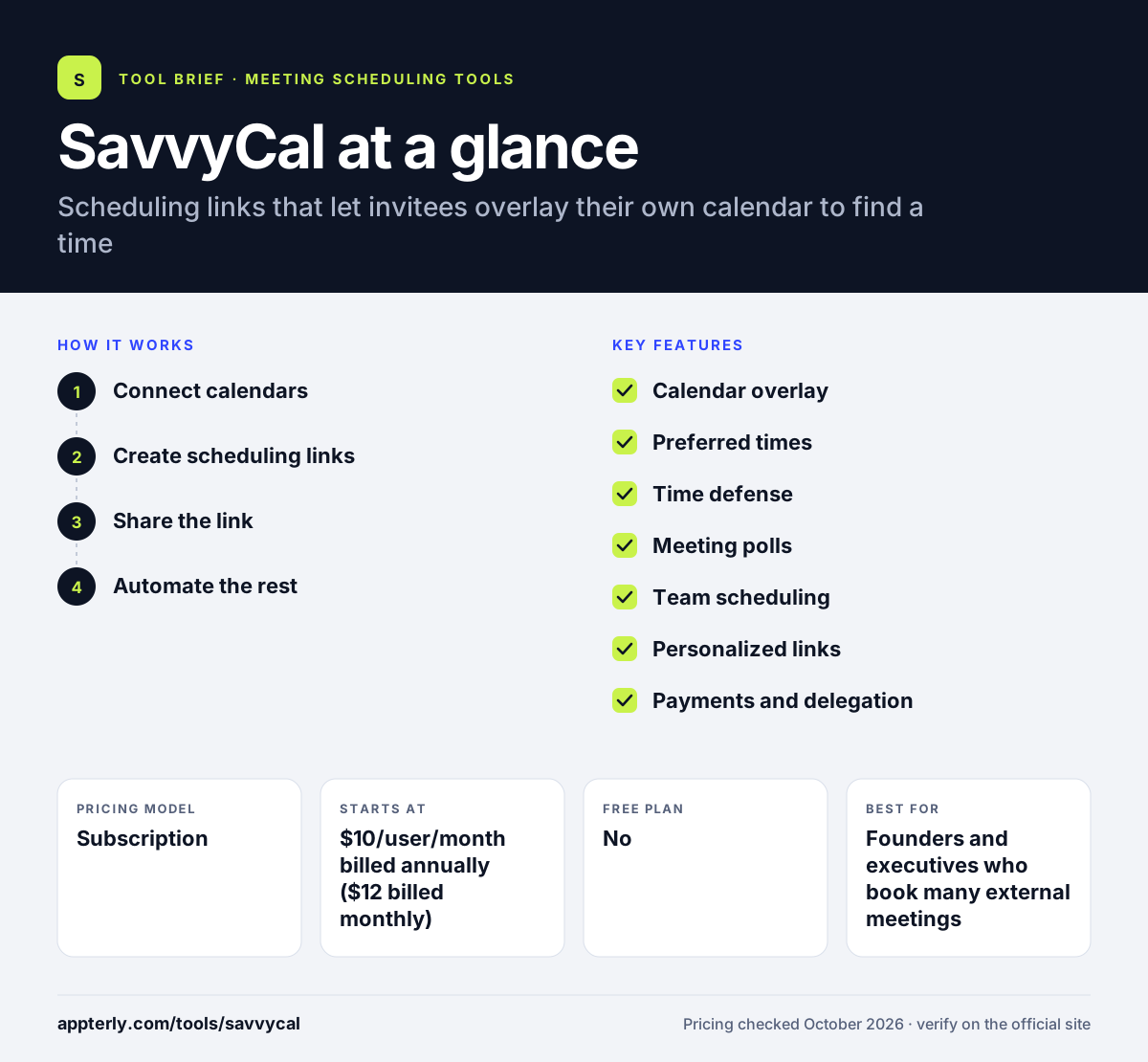
How does SavvyCal work?
- Connect calendars
Link Google, Microsoft 365, iCloud or Fastmail calendars so SavvyCal knows when you are busy.
- Create scheduling links
Set durations, preferred times, buffers and limits, and personalize the link with colors, a banner and an avatar.
- Share the link
Invitees open the link, optionally overlay their own calendar, and pick a time that suits both people.
- Automate the rest
SavvyCal adds video links, sends reminders and runs workflows, and team links handle round-robin or group meetings.
SavvyCal key features
Calendar overlay
Invitees can lay their own calendar over your availability to find a shared free slot quickly.
Preferred times
Highlight the times you would rather meet so invitees are nudged toward them.
Time defense
Buffers, daily, weekly and monthly limits and time blocking protect focus time.
Meeting polls
Offer several options to a group and let them vote, included on the Basic plan.
Team scheduling
Round-robin, collective and group links share availability across teammates.
Personalized links
Customize colors, banners and avatars, and on Premium use your own domain and email address.
Payments and delegation
Premium adds Stripe payments at booking and delegated access for an assistant.
API, webhooks and MCP
Connect SavvyCal to other tools through its API and webhooks, or to AI assistants through MCP.
Why use SavvyCal?
- The overlay makes booking easier for invitees, who can compare calendars without guessing.
- Preferred times and limits keep your calendar shaped around how you like to work.
- Even the Basic plan includes team scheduling, polls, workflows and the API.
- Branding options on Premium make links feel like part of your own business.
- Discounts for students, educators and nonprofits lower the cost.
Who is SavvyCal best for?
A good fit for
- Founders and executives who book many external meetings
- Consultants and coaches who want a polished booking experience
- Recruiters coordinating with candidates
- Small teams that need round-robin without enterprise pricing
Less suited to
- Users who want a free plan for receiving bookings, since that requires a paid plan
- Businesses that need native mobile apps for managing bookings
- Sales organizations needing advanced CRM-based lead routing
SavvyCal pricing
| Pricing model | Subscription |
|---|---|
| Free plan | No |
| Free trial | Not confirmed |
| Starting price | $10/user/month billed annually ($12 billed monthly) |
Basic is $10/user/month annually and includes unlimited links, polls and team scheduling. Premium is $17/user/month annually ($20 monthly) and adds custom domains, branding removal and Stripe payments. A 30-day money-back guarantee replaces a trial.
Prices checked October 2026. Vendors change plans often, so confirm on the official SavvyCal pricing page before you buy.
SavvyCal pros and cons
Pros
- Calendar overlay is a genuinely different booking experience
- Strong controls for protecting your time
- Team scheduling and API included on the entry plan
- Education and nonprofit discount stacks with annual billing
Cons
- No free plan for accepting bookings and no self-serve trial
- Custom domains and payments require Premium
- No native mobile apps mentioned
SavvyCal integrations and platforms
Works with
Available on
SavvyCal alternatives
See the full shortlist in Best Scheduling Software.
SavvyCal FAQ
Is SavvyCal free?
Not fully. You can sign up for SavvyCal free, connect calendars, set up links and use meeting polls, but you need the Basic or Premium plan before people can book from your links. Basic costs $10 per user per month billed annually, and every plan comes with a 30-day money-back guarantee. Annual billing gives two months free, and students, educators and nonprofits get 25% off.
What makes SavvyCal different?
SavvyCal's main difference is the calendar overlay, which lets invitees place their own calendar over your availability to spot a shared free time. It also lets you mark preferred times, set limits and buffers, and personalize links. Most scheduling tools only show a list of open slots. Invitees who prefer not to connect a calendar can still pick from the standard list of open times.
SavvyCal vs Calendly: which is better?
SavvyCal focuses on the invitee experience, with calendar overlay, preferred times and team features included from the entry plan. Calendly has a free plan, a larger integration catalog, routing forms and AI add-ons. People who book many external meetings often like SavvyCal, while sales teams often choose Calendly.
Does SavvyCal support team scheduling?
Yes. Both SavvyCal plans include team scheduling with round-robin links, collective links that require several people to be free, and group meetings. Teams of more than 50 users can ask SavvyCal for volume pricing. Premium adds delegated access so an assistant can manage scheduling on someone's behalf. Team links work on both plans, so even small teams can share meetings fairly without upgrading.
Can I take payments with SavvyCal?
Yes, on the Premium plan. SavvyCal Premium lets you collect payment through Stripe when someone books. Premium also adds booking pages on your own domain, removal of SavvyCal branding and emails sent from your own address. The Basic plan does not include payments. Stripe fees apply to each payment as usual.
Sources
This overview is based on SavvyCal's official website and documentation, checked October 2026.