What is Power BI?
Power BI is Microsoft's business intelligence platform for connecting to data, modeling it and turning it into interactive reports and dashboards. Analysts build reports in the free Power BI Desktop app, then publish them to the cloud service so colleagues can view and interact with them on the web, in Microsoft Teams or on mobile devices. It handles everything from small Excel files to large enterprise datasets.
Power BI is also the business intelligence layer of Microsoft Fabric, which adds data engineering, data science and real-time analytics on a shared data lake called OneLake. Copilot brings AI features such as generating visuals from plain-language prompts and writing summaries of trends. For marketing teams, it is a powerful option when campaign data needs to sit alongside sales, finance and operations data.
Power BI at a glance
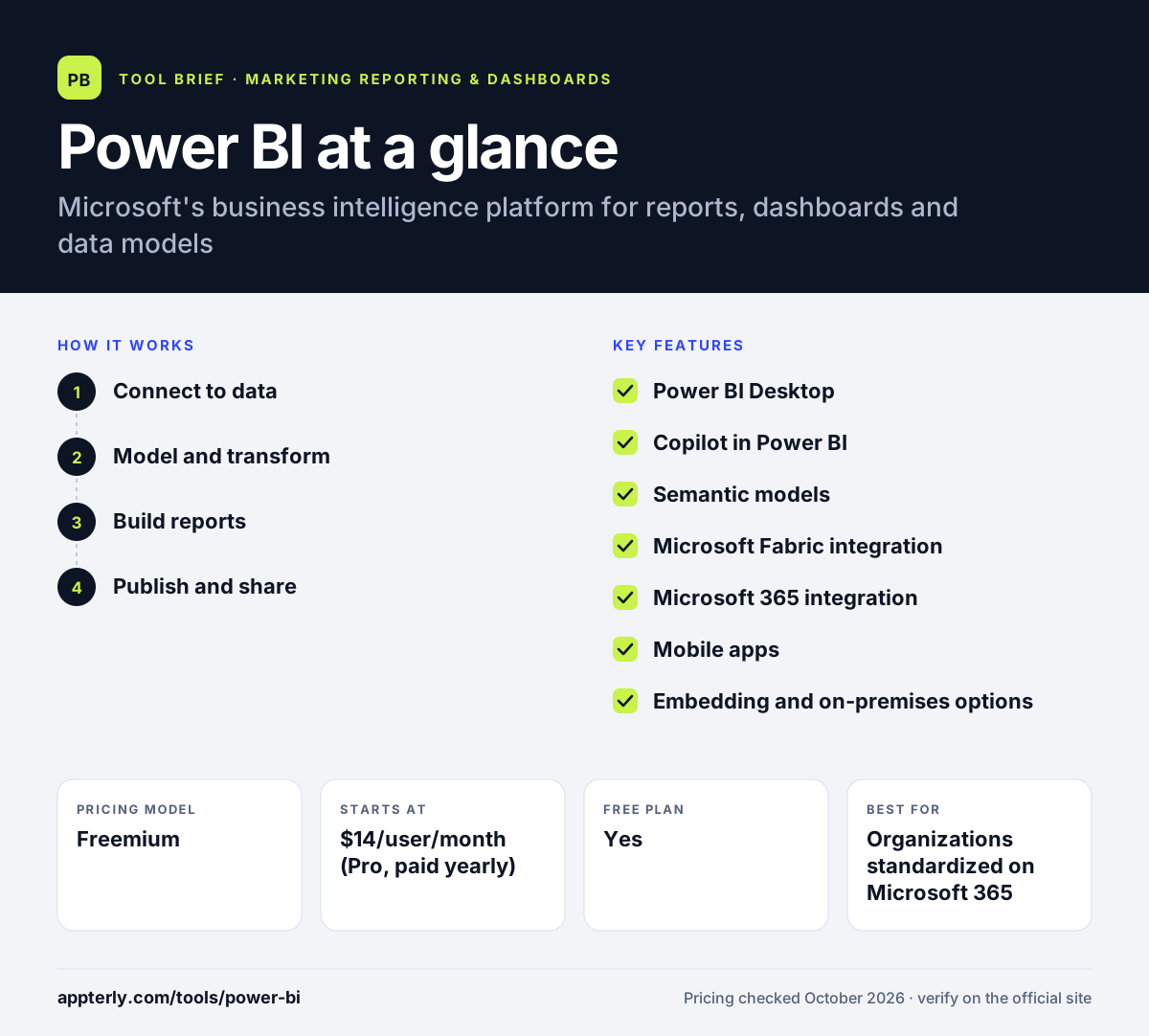
How does Power BI work?
- Connect to data
Pull data from Excel, SharePoint, databases, Azure services and many other cloud or on-premises sources in Power BI Desktop.
- Model and transform
Clean and shape the data, define relationships between tables and create calculated measures in a semantic model.
- Build reports
Drag visuals onto report pages or ask Copilot to generate visuals and summaries from a description.
- Publish and share
Publish to the Power BI service with a Pro or higher license, then share in apps, Teams, SharePoint or embedded in your own products.
Power BI key features
Power BI Desktop
A free Windows app for connecting to data, building models and designing interactive reports.
Copilot in Power BI
Generates visuals and reports from natural-language prompts and writes AI summaries that highlight trends.
Semantic models
Governed, reusable data models give teams consistent metric definitions across reports and apps.
Microsoft Fabric integration
Connects Power BI to Fabric workloads for data engineering, data science and real-time analytics on OneLake.
Microsoft 365 integration
Reports work inside Teams, Excel, PowerPoint, Outlook and SharePoint, and connect to Power Apps and Power Automate.
Mobile apps
Native apps for Windows, iOS and Android let people check dashboards on the go.
Embedding and on-premises options
Power BI Embedded places reports inside your own applications, and Power BI Report Server supports on-premises deployments.
Why use Power BI?
- Pro licenses are affordable for a full enterprise BI tool.
- It fits naturally into organizations already using Microsoft 365 and Teams.
- Data modeling capabilities are far deeper than marketing-only dashboard tools.
- Copilot helps non-experts create visuals and summaries faster.
- It scales from personal reports to company-wide analytics through Fabric capacity.
Who is Power BI best for?
A good fit for
- Organizations standardized on Microsoft 365
- Data analysts and BI teams building company-wide reporting
- Marketing teams that need to combine campaign data with sales and finance
- Enterprises that need governance, security and scale
Less suited to
- Marketers who want plug-and-play ad platform reporting without data modeling
- Mac-only teams, since Power BI Desktop runs on Windows
- Small teams that need to share reports with outside clients without per-user licenses
Power BI pricing
| Pricing model | Freemium |
|---|---|
| Free plan | Yes |
| Free trial | Not confirmed |
| Starting price | $14/user/month (Pro, paid yearly) |
The free account lets you build reports in Power BI Desktop but not share them. Pro costs $14 per user per month and Premium Per User $24, both paid yearly, while Fabric capacity and Embedded are priced by usage or contract.
Prices checked October 2026. Vendors change plans often, so confirm on the official Power BI pricing page before you buy.
Power BI pros and cons
Pros
- Powerful data modeling and analysis features
- Low per-user cost for Pro
- Deep integration with the Microsoft ecosystem
- Copilot AI features for building and summarizing reports
Cons
- Steeper learning curve, especially for data modeling and DAX formulas
- Desktop authoring is Windows-only
- Sharing with many viewers requires paid licenses or capacity
Power BI integrations and platforms
Works with
Available on
Power BI alternatives
See the full shortlist in Best Marketing Reporting Tools.
Power BI FAQ
Is Power BI free?
Power BI has a free account that lets you build reports in Power BI Desktop at no cost and without a credit card. However, publishing and sharing reports with others requires a paid license. Power BI Pro costs $14 per user per month and Premium Per User costs $24 per user per month, both paid yearly. Pro is also included in Microsoft 365 E5.
What is Power BI used for?
Power BI is used to connect data from many sources, model it and build interactive reports and dashboards. Companies use it for sales, finance, operations and marketing reporting, often combining several data sources in one place. Reports can be shared in the Power BI service, Microsoft Teams, SharePoint, mobile apps or embedded in other applications.
Power BI vs Tableau: what's the difference?
Both are leading BI platforms. Power BI is cheaper per user, integrates tightly with Microsoft 365 and Fabric, and its Desktop app runs on Windows. Tableau, owned by Salesforce, is known for flexible visual exploration, runs on Windows and macOS, and connects closely with Salesforce and Slack. Microsoft-centric companies often pick Power BI, while Salesforce users often lean to Tableau.
Is Power BI good for marketing reporting?
Power BI works well for marketing teams that need to blend campaign results with sales, CRM or finance data and have some analytics skills. It does not offer the same plug-and-play ad platform templates as marketing reporting tools, so teams often use connectors like Supermetrics or Porter Metrics to bring ad data into Power BI first.
Does Power BI work on Mac?
Power BI Desktop, the main report-building app, is designed for Windows. Mac users can view and interact with reports in the Power BI service through a web browser and edit some content online, and mobile apps are available for iOS and Android. Teams that need full desktop authoring on Mac often run Windows through virtualization.
Sources
This overview is based on Power BI's official website and documentation, checked October 2026.