What is OnceHub?
OnceHub is an online scheduling and engagement platform that combines booking pages, routing forms, chatbots and phone routing so visitors reach the right person and book a meeting. It serves sales, customer service, support and recruiting teams, with a strong presence in regulated fields such as financial advice, healthcare, coaching and academic services.
OnceHub is organized into tiers that build on each other. Schedule covers booking links and team meetings, Route adds routing forms and meeting distribution, and Engage adds AI chatbots with live chat and instant meeting handoff. A Security and Compliance add-on brings SSO, SCIM and HIPAA agreements. The platform also supports branded booking hubs, room scheduling and phone numbers for voice routing.
OnceHub at a glance
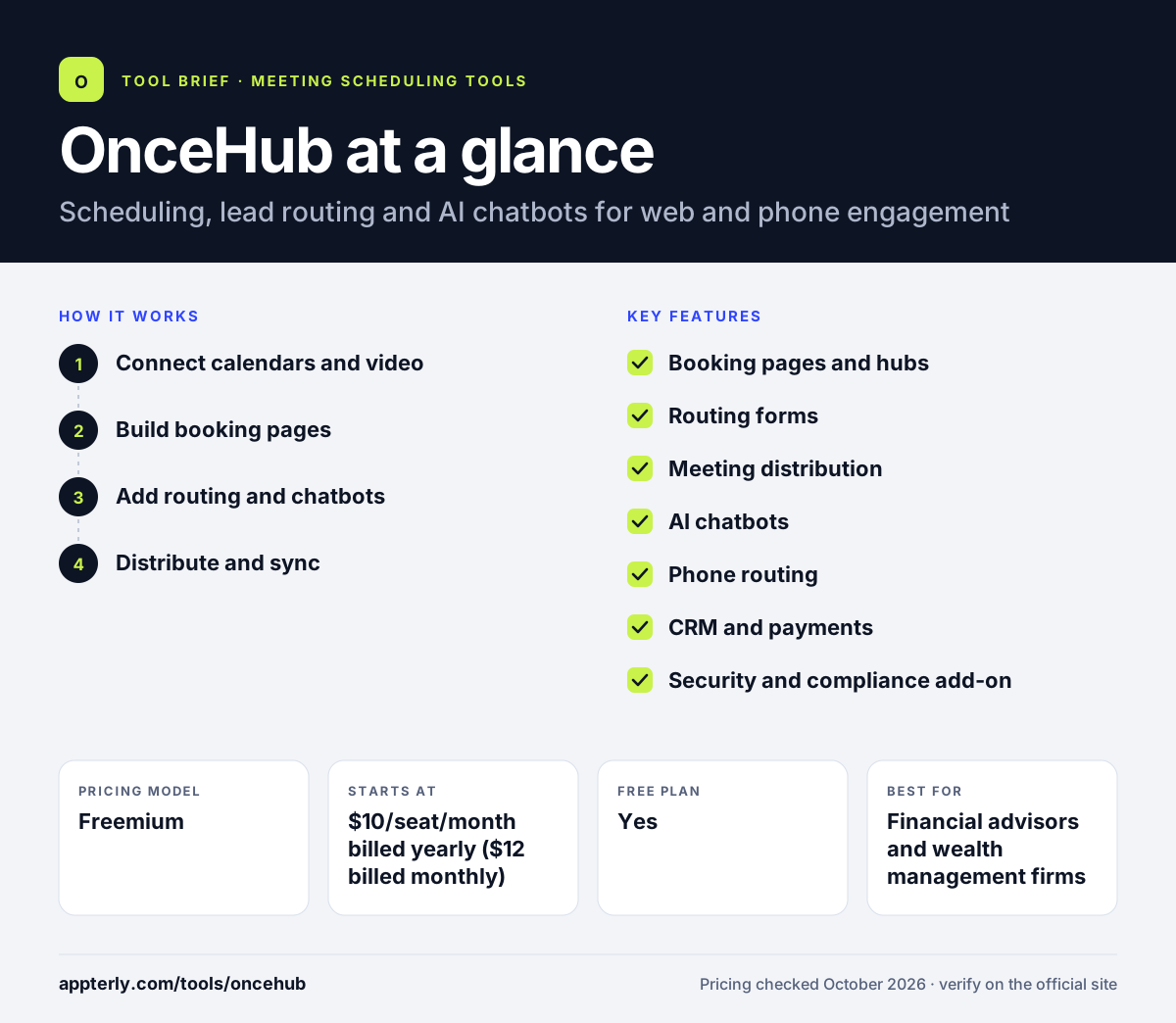
How does OnceHub work?
- Connect calendars and video
Link Google Workspace or Microsoft 365 calendars and choose Zoom, Teams, Google Meet or Webex for online meetings.
- Build booking pages
Design branded pages for one-on-one, multi-host or group sessions, then embed them on your site or share links.
- Add routing and chatbots
On higher tiers, create routing forms or AI chatbots that qualify visitors and send them to the right person.
- Distribute and sync
Use round-robin, priority or availability-based distribution and sync bookings and contacts to Salesforce or HubSpot.
OnceHub key features
Booking pages and hubs
Branded pages for single-host, multi-host and group sessions, with booking hubs that collect several pages in one place.
Routing forms
Route visitors based on form answers and contact properties, including assignment to the CRM contact owner.
Meeting distribution
Round-robin, maximum availability and priority rules spread meetings across a team.
AI chatbots
Web chatbots with natural language processing and custom AI instructions qualify visitors and offer live chat or instant meetings.
Phone routing
Paid plans include phone numbers so calls can be routed alongside web bookings.
CRM and payments
Salesforce and HubSpot integrations plus Stripe payments start on the Schedule plan.
Security and compliance add-on
Adds SSO, SCIM provisioning, corporate calendar connection, spam protection and HIPAA BAA agreements.
APIs and webhooks
Developers can connect booking data to other systems through the API and webhooks.
Why use OnceHub?
- One platform handles booking, lead routing, chatbots and phone routing.
- Compliance options make it practical for financial and healthcare teams.
- Routing by CRM contact owner keeps existing clients with their own advisor or rep.
- Per-seat pricing is far lower than enterprise-only routing tools.
- A free Basic plan and 14-day trial let teams test before buying.
Who is OnceHub best for?
A good fit for
- Financial advisors and wealth management firms
- Healthcare providers, therapists and coaches that need HIPAA options
- Sales teams that need routing without enterprise pricing
- Universities and academic service teams
Less suited to
- Individuals who just need a single simple booking link and nothing more
- Teams that want built-in class packages and memberships for a studio business
OnceHub pricing
| Pricing model | Freemium |
|---|---|
| Free plan | Yes |
| Free trial | 14 days (Engage plan) |
| Starting price | $10/seat/month billed yearly ($12 billed monthly) |
Schedule starts at $10/seat/month yearly, Route at $19, and Engage at $39, with yearly billing saving up to 18%. The Security and Compliance add-on is $5-$6/seat/month, extra phone numbers are $4/month, and Enterprise (30+ users) is custom.
Prices checked October 2026. Vendors change plans often, so confirm on the official OnceHub pricing page before you buy.
OnceHub pros and cons
Pros
- Combines scheduling, routing and chatbots in one product
- Free Basic plan plus a trial without a credit card
- Strong compliance options, including HIPAA BAA
- Clear per-seat pricing across tiers
Cons
- Security features cost extra unless you are on Enterprise
- The many products and tiers take time to understand
- Free plan is limited to one user, one calendar and one booking link
OnceHub integrations and platforms
Works with
Available on
OnceHub alternatives
See the full shortlist in Best Scheduling Software.
OnceHub FAQ
Is OnceHub free?
Yes. OnceHub has a free Basic plan with one user, one connected calendar and one booking link, plus a booking page designer and calendar and video integrations. New signups also get a 14-day trial of the Engage plan without a credit card, and can then pay or move to Basic. This makes it easy to test routing and chatbots before committing to a paid tier.
What is OnceHub used for?
OnceHub is used to schedule meetings and route people to the right staff member. Teams use booking pages for appointments, routing forms to qualify leads, chatbots to engage website visitors and phone numbers to route calls. It is common in sales, financial advice, healthcare, coaching and higher education. Because every paid tier builds on the one below, teams can start small and add routing or chatbots later.
Does OnceHub integrate with Salesforce and HubSpot?
Yes. OnceHub's Schedule plan and higher include Salesforce and HubSpot CRM integrations, so bookings and contacts sync to your CRM. The Route plan can also assign meetings to the CRM contact owner, which keeps existing clients with their own advisor or rep. OnceHub also connects with Zapier and offers an API and webhooks.
OnceHub vs Calendly: what's the difference?
Both offer booking links, team scheduling and routing forms. OnceHub adds AI chatbots, phone routing, room scheduling and a security add-on with HIPAA agreements, making it popular with regulated industries. Calendly has a larger integration catalog and AI meeting notes. OnceHub's free plan and Calendly's free plan are both limited to basic use.
Is OnceHub HIPAA compliant?
OnceHub offers HIPAA BAA agreements as part of its Security and Compliance add-on, which can be added to any paid plan and is included in Enterprise. The add-on also brings single sign-on, SCIM provisioning, corporate mailbox email and spam protection. Healthcare teams should confirm details with OnceHub before handling patient data. The add-on is priced per seat and can be added to Schedule, Route or Engage.
Sources
This overview is based on OnceHub's official website and documentation, checked October 2026.