What is Mouseflow?
Mouseflow is a behavior analytics platform that records website sessions and turns them into heatmaps, funnels, journey maps and form reports. It is built for marketers, UX designers and ecommerce teams who want to see why visitors leave pages or abandon forms. Mouseflow records all sessions within your plan limit, so you can go back to any visit rather than relying on a small sample.
A central idea in Mouseflow is friction. The platform detects signs of struggle, such as rage clicks, broken elements and confusing flows, and ranks them by impact so you know what to fix first. Mina AI adds a conversational layer: you can ask questions about your behavior data in plain language and get weekly insights on top friction points. An MCP server also lets AI assistants read Mouseflow data.
Mouseflow at a glance
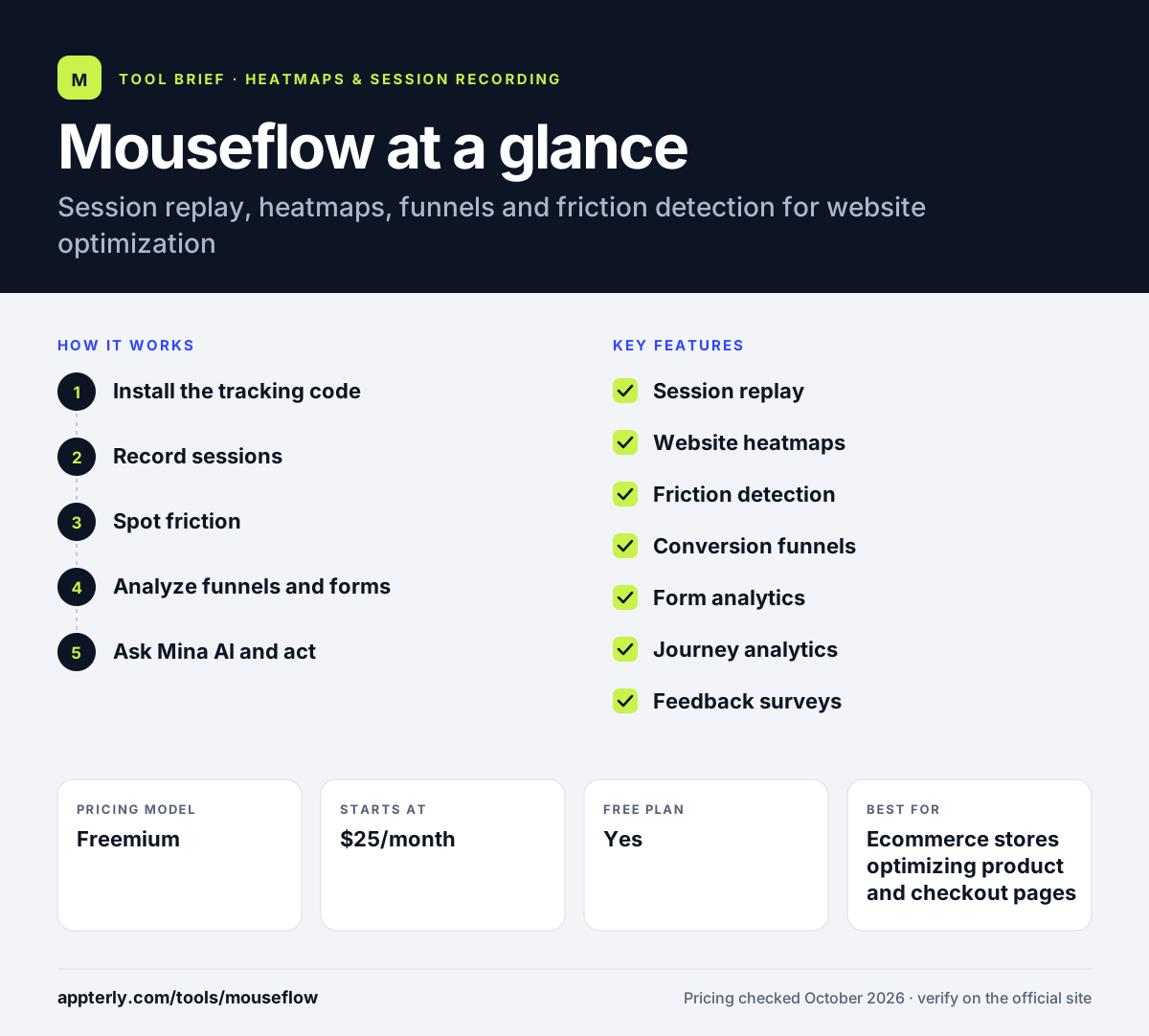
How does Mouseflow work?
- Install the tracking code
Add the Mouseflow script to your site directly or through an integration such as Google Tag Manager or Shopify.
- Record sessions
Mouseflow captures each visitor's full journey across pages, including clicks, scrolls, hesitation and rage clicks.
- Spot friction
Friction detection and friction heatmaps flag where users struggle and rank issues by impact.
- Analyze funnels and forms
Build conversion funnels, review journey analytics and use form analytics to find where users drop out.
- Ask Mina AI and act
Ask Mina AI questions about your data, review its suggestions, then fix pages and compare heatmaps over time.
Mouseflow key features
Session replay
Recordings of real user sessions showing clicks, scrolls, hesitations and rage clicks across a full visit.
Website heatmaps
Click and attention heatmaps, with side-by-side comparison across time periods, devices and segments, plus interactive and friction heatmaps.
Friction detection
Automatically flags moments of struggle such as broken elements and confusing flows, ranked by their impact.
Conversion funnels
Show where users drop out of a conversion path and link directly to the related recordings.
Form analytics
Shows which form fields cause trouble and why users abandon forms before submitting.
Journey analytics
Visualize the paths people take across the site, including routes that lead to conversion or bounce.
Feedback surveys
Collect direct feedback from visitors on specific pages.
Mina AI and MCP server
Ask questions about behavior data in plain language, get weekly friction insights and connect data to AI assistants.
Why use Mouseflow?
- Friction scoring tells you which problems matter most instead of leaving you to scan recordings.
- A permanent free plan lets small sites try the core tools at no cost.
- Heatmap comparisons across devices and time periods make it easy to measure a redesign.
- Unlimited users on every plan make it simple to share data with designers and developers.
- Integrations with analytics, ecommerce and testing tools fit into common marketing stacks.
Who is Mouseflow best for?
A good fit for
- Ecommerce stores optimizing product and checkout pages
- Marketing teams improving landing pages and forms
- UX designers looking for usability problems
- Agencies running conversion research for clients
Less suited to
- Engineering teams that need console and network logs for debugging
- Very high-traffic sites on a tight budget, since pricing scales with sessions
- Teams that need native mobile app analytics
Mouseflow pricing
| Pricing model | Freemium |
|---|---|
| Free plan | Yes |
| Free trial | 14 days |
| Starting price | $25/month |
Plans scale by monthly sessions, website projects, funnels and data retention, from 500 sessions on Free to 100,000 on Premium and custom Enterprise volumes. Annual billing saves up to 35%.
Prices checked October 2026. Vendors change plans often, so confirm on the official Mouseflow pricing page before you buy.
Mouseflow pros and cons
Pros
- Strong friction detection and impact ranking
- Free plan with no time limit
- Detailed form and journey analytics
- Unlimited users on all plans
Cons
- Free plan is limited to 500 sessions a month and one month of data
- Tracking stops when monthly sessions run out unless you upgrade or buy a refill
- Focused on websites rather than native apps
Mouseflow integrations and platforms
Works with
Available on
Mouseflow alternatives
See the full shortlist in Best Heatmap Tools.
Mouseflow FAQ
Is Mouseflow free?
Yes, Mouseflow has a free-forever plan with 500 sessions a month, one website project, one funnel and one month of data retention. It is meant for low-traffic sites. There is also a 14-day trial with full feature access and no credit card, after which you can upgrade or drop to the free plan.
What is Mouseflow used for?
Mouseflow is used to understand and fix website user experience problems. Teams watch session replays, review heatmaps, track funnels and analyze forms to find where visitors struggle. Its friction detection highlights issues like rage clicks and broken elements, which helps marketers and ecommerce teams improve conversion rates.
Mouseflow vs Hotjar: what's the difference?
Both tools record sessions, show heatmaps and collect feedback. Mouseflow puts more focus on friction detection, form analytics, journey analytics and conversion funnels, which suits conversion-focused teams. Hotjar is broader in user research, with surveys and interview tools. Pricing for both scales with session volume.
Does Mouseflow integrate with Shopify?
Yes. Shopify is one of Mouseflow's most popular integrations, alongside Google Analytics, Adobe Analytics, Google Tag Manager and Google Ads. Store owners can connect Mouseflow to Shopify to record shopper sessions and build heatmaps of product, cart and checkout pages without heavy manual setup.
What happens when I run out of Mouseflow sessions?
When you use up your monthly session allowance, Mouseflow stops tracking new sessions until your allowance refills at the start of the next month. You can request a refill or upgrade to a larger plan if you need to keep recording. Existing recordings stay available within your plan's retention period.
Sources
This overview is based on Mouseflow's official website and documentation, checked October 2026.