What is Crazy Egg?
Crazy Egg is a website behavior analytics and conversion optimization tool that shows where visitors click, scroll and drop off, then lets you test changes. It was founded in 2005 by Neil Patel, Hiten Shah and others, and it was one of the early products to make website heatmaps easy for marketers. You install a single snippet, and the tool starts building heatmaps, recordings and traffic reports for your pages.
Over time Crazy Egg has added A/B testing, on-site surveys, popup CTAs, error tracking and funnel reports, so one account covers both research and testing. Plans are priced by tracked pageviews, every plan allows unlimited domains and team members, and there are no overage fees. When you hit your limit, data collection simply pauses until the next month.
Crazy Egg at a glance
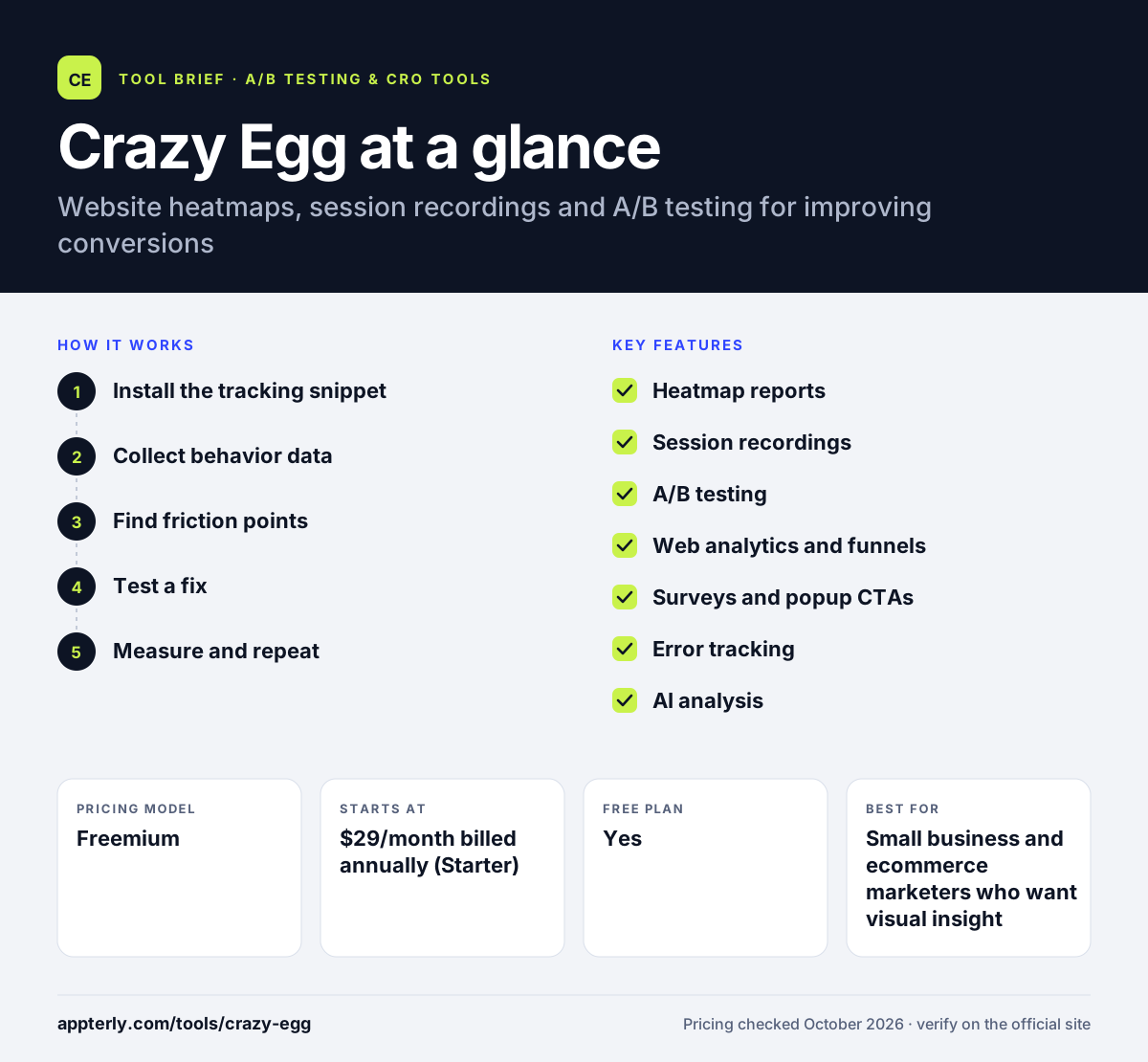
How does Crazy Egg work?
- Install the tracking snippet
Add one code snippet to your site header, or use a platform integration such as WordPress, Shopify or Google Tag Manager.
- Collect behavior data
Crazy Egg records pageviews, clicks and scrolling, then turns them into heatmaps, recordings and traffic reports.
- Find friction points
Review heatmaps, watch session recordings and check error and funnel reports to see where visitors get stuck.
- Test a fix
Build an A/B test with the editor, target an audience and split traffic between the original page and your variant.
- Measure and repeat
Track conversions per variant, keep the winner and move on to the next page or idea.
Crazy Egg key features
Heatmap reports
Five views of the same data: heatmap, scrollmap, confetti, overlay and list. Confetti lets you split clicks by traffic source or other segments.
Session recordings
Replays of real visits with privacy controls, so you can see the path a visitor took before leaving or converting.
A/B testing
Unlimited tests from the Plus plan, with audience targeting by device, country, UTM parameters and more on higher tiers.
Web analytics and funnels
Traffic reporting, conversion tracking and funnel reports sit in the same dashboard as your heatmaps.
Surveys and popup CTAs
On-site surveys with templates, plus buttons, popups and sticky bars that report clicks and conversions.
Error tracking
Front-end errors are logged and tied to recordings, which helps you see how a bug affected real visitors.
AI analysis
AI summaries of heatmaps and recordings, plus an MCP server that lets AI assistants read your analytics data.
Why use Crazy Egg?
- Crazy Egg combines heatmaps, recordings and A/B testing, so you can move from spotting a problem to testing a fix in one tool.
- Unlimited domains and team members on every plan make it practical for agencies and businesses with several sites.
- There are no overage charges, so a traffic spike will not create a surprise bill.
- Setup is a single snippet, with integrations for common platforms like Shopify and WordPress.
- A free plan and a 30-day trial on paid plans let you try the tool before you commit.
Who is Crazy Egg best for?
A good fit for
- Small business and ecommerce marketers who want visual insight into page performance
- Agencies managing several client websites under one account
- Founders running landing page and pricing page tests without a developer
- Teams starting their first conversion optimization program
Less suited to
- Product teams that need deep in-app product analytics or feature flags
- Very high traffic sites that would need large pageview allowances
- Teams that only need a free heatmap with no testing features
Crazy Egg pricing
| Pricing model | Freemium |
|---|---|
| Free plan | Yes |
| Free trial | 30 days |
| Starting price | $29/month billed annually (Starter) |
Paid plans are Starter, Plus, Pro and Enterprise, priced by tracked pageviews, from 5,000 up to 1,000,000 a month. A/B testing, CTAs and error tracking start on Plus, and SAML SSO is on Enterprise.
Prices checked October 2026. Vendors change plans often, so confirm on the official Crazy Egg pricing page before you buy.
Crazy Egg pros and cons
Pros
- Several heatmap views, including segment-based confetti reports
- Heatmaps, recordings and A/B testing in one product
- Unlimited domains and seats on every plan
- No overage fees
Cons
- The Starter plan has no A/B testing or error tracking
- Plans are billed annually, so there is no month-to-month option
- Low pageview limits on Starter can pause data on busier sites
Crazy Egg integrations and platforms
Works with
Available on
Crazy Egg alternatives
See the full shortlist in Best A/B Testing Tools.
Crazy Egg FAQ
Is Crazy Egg free?
Crazy Egg has a free plan that does not require a credit card. It covers web analytics, instant heatmaps, conversion analytics and surveys. Paid plans start with Starter at $29 per month billed annually, and each paid plan includes a 30-day free trial. A/B testing and error tracking require the Plus plan or higher.
What is Crazy Egg used for?
Crazy Egg is used to understand how visitors behave on a website and to improve conversion rates. Marketers use its heatmaps and recordings to find confusing layouts, ignored buttons or broken elements. They then use its A/B testing, surveys and popup CTAs to test changes and collect feedback from visitors.
Is Crazy Egg good for beginners?
Yes. Crazy Egg is one of the simpler conversion tools to start with. You install a single snippet, and heatmaps begin to fill in as visitors arrive. The reports are visual and easy to read. Its A/B testing editor also lets you make basic page changes without writing code. The free plan is also a simple way to learn the reports before you pay for testing features.
Crazy Egg vs Hotjar: what's the difference?
Both tools offer heatmaps, session recordings and surveys. Crazy Egg also includes A/B testing and popup CTAs, so you can test changes in the same account. Hotjar is now part of Contentsquare and focuses on behavior analytics and feedback, with no built-in A/B testing on its entry plans. Crazy Egg prices by pageviews, while Contentsquare prices by sessions.
Does Crazy Egg integrate with Shopify?
Yes. Crazy Egg lists Shopify among its supported platforms, along with WordPress, Wix, Squarespace, Magento and Google Tag Manager. Once connected, it tracks store pages so you can view heatmaps and recordings for product and checkout pages and run A/B tests on them.
Sources
This overview is based on Crazy Egg's official website and documentation, checked October 2026.