What is Matomo?
Matomo is a privacy-focused web analytics platform that tracks pages, traffic sources, events and conversions while letting you keep full ownership of your data. You can run it on your own servers for free with the open-source On-Premise edition, or pay for Matomo Cloud, where data is stored in Frankfurt, Germany. It offers unsampled reports, cookieless tracking options and data anonymization for GDPR compliance.
Matomo goes beyond basic traffic stats. It includes funnels, heatmaps, session recordings, A/B testing and a built-in Tag Manager, plus reports on visits from AI assistants and chatbots. You can import Google Analytics history and keep going from there. Matomo holds ISO 27001:2022 certification, which matters for public sector, healthcare, education and other organizations with strict compliance needs.
Matomo at a glance
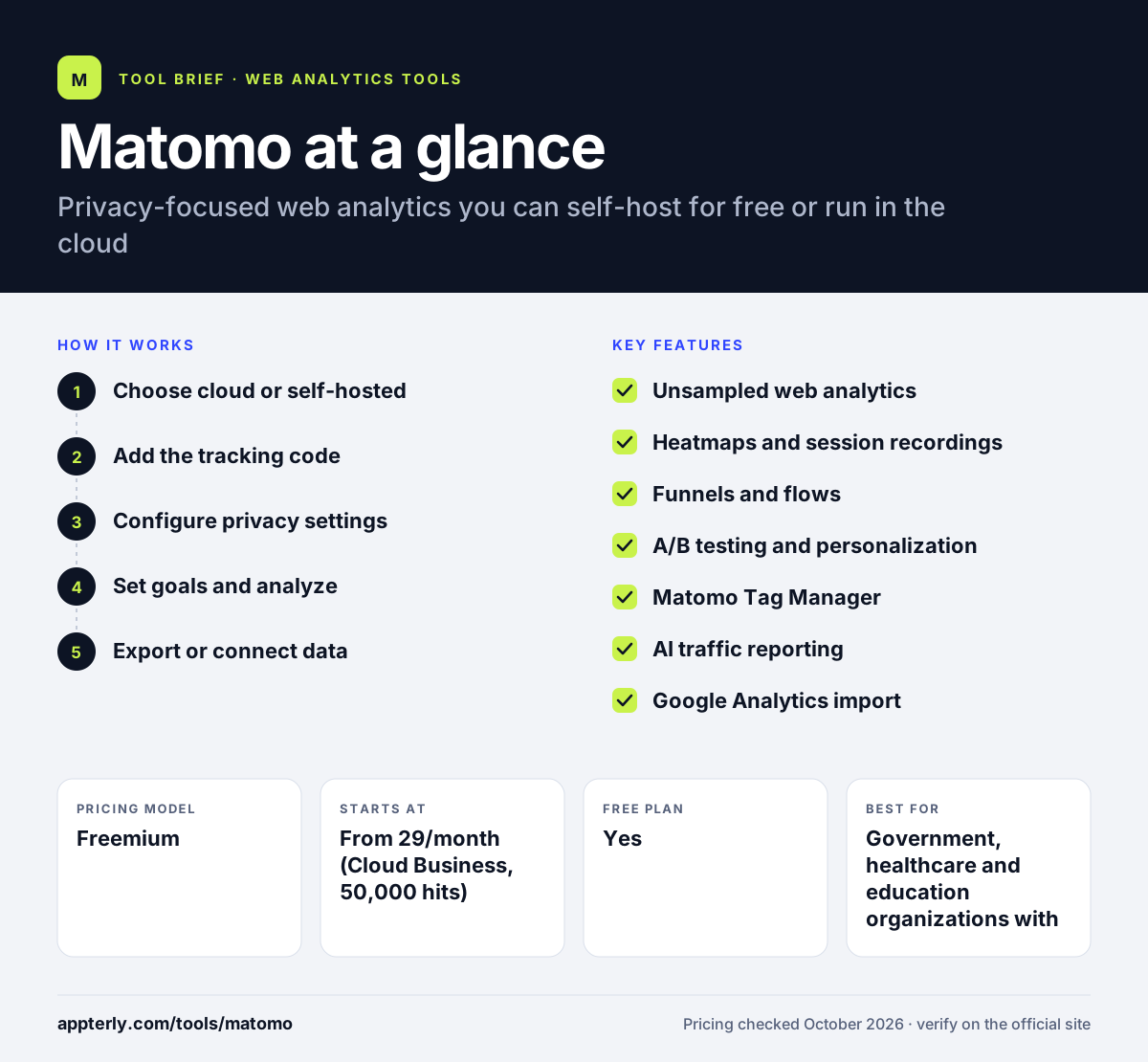
How does Matomo work?
- Choose cloud or self-hosted
Start a 21-day Matomo Cloud trial with no card, or download the free On-Premise version and install it on your own server.
- Add the tracking code
Insert the JavaScript tracker on your site, use the WordPress plugin, or deploy it through Matomo Tag Manager or Google Tag Manager.
- Configure privacy settings
Enable cookieless tracking, IP anonymization and consent options to match the privacy rules that apply to your visitors.
- Set goals and analyze
Define goals, funnels and events, then review unsampled reports, heatmaps and recordings to find where visitors drop off.
- Export or connect data
Use the API, raw data export or the Data Warehouse Connector to send data to BigQuery and other tools.
Matomo key features
Unsampled web analytics
Reports on pages, sources, events and conversions use all collected data, with segmentation for deeper analysis.
Heatmaps and session recordings
See where visitors click and scroll, and replay sessions to understand behavior on key pages.
Funnels and flows
Visualize the steps users take toward a conversion and spot where they leave.
A/B testing and personalization
Run experiments on your pages and personalize content without a separate testing tool.
Matomo Tag Manager
A built-in tag manager lets you deploy tracking and marketing tags without editing site code each time.
AI traffic reporting
Track visits from AI assistants, agents and chatbots, including which pages they access.
Google Analytics import
Bring your existing Google Analytics history into Matomo to keep long-term trends.
Marketplace and plugins
Extend Matomo with premium plugins such as Cohorts, Activity Log and White Label, plus more than 100 integrations.
Why use Matomo?
- You own your data completely, with no lock-in and an option to host it yourself.
- Cookieless tracking and anonymization help you meet GDPR without losing all insight.
- Heatmaps, recordings, funnels and A/B tests are available in one platform.
- Reports are unsampled, so numbers stay accurate on busy sites.
- The self-hosted Community edition is free with unlimited users and hits.
Who is Matomo best for?
A good fit for
- Government, healthcare and education organizations with strict privacy rules
- European businesses that want EU data storage
- Developers and IT teams comfortable running their own servers
- Agencies replacing Google Analytics for privacy-conscious clients
Less suited to
- Non-technical users who want a no-maintenance setup but a tiny budget
- Teams that only need a simple traffic counter
- Advertisers who rely on native Google Ads audience sharing
Matomo pricing
| Pricing model | Freemium |
|---|---|
| Free plan | Yes |
| Free trial | 21 days (Cloud) |
| Starting price | From 29/month (Cloud Business, 50,000 hits) |
Matomo Cloud is priced by monthly hits, from 50,000 up to 10 million, with two months free on annual billing. Self-hosted Community is free, while paid On-Premise bundles with support and premium plugins start around 230 euros per month.
Prices checked October 2026. Vendors change plans often, so confirm on the official Matomo pricing page before you buy.
Matomo pros and cons
Pros
- Full data ownership with a free self-hosted option
- Broad feature set including heatmaps and A/B testing
- Strong privacy and compliance credentials
- Unsampled reports
Cons
- Self-hosting requires server upkeep and security updates
- Interface is denser than simple analytics tools
- Many advanced features are paid plugins or higher tiers
Matomo integrations and platforms
Works with
Available on
Matomo alternatives
See the full shortlist in Best Google Analytics Alternatives.
Matomo FAQ
Is Matomo free?
Matomo On-Premise Community is free forever with unlimited users and hits, but you host and maintain it yourself. Matomo Cloud is a paid hosted service that starts at 29 per month for 50,000 hits, with a 21-day trial and no card needed. Premium plugins and paid On-Premise bundles add features and support.
What is Matomo used for?
Matomo is used to measure website traffic, conversions and visitor behavior while keeping data private and owned by you. Teams use Matomo for standard analytics, plus funnels, heatmaps, session recordings and A/B tests. It is popular with organizations that cannot or prefer not to send visitor data to Google.
Matomo vs Google Analytics: what's the difference?
Google Analytics 4 is free and hosted by Google, with tight Google Ads links. Matomo can be self-hosted or run in an EU cloud, gives you full data ownership, supports cookieless tracking and offers unsampled reports. Matomo also bundles heatmaps, recordings and A/B testing, which Google Analytics does not include natively.
Does Matomo work with WordPress?
Yes. Matomo offers a WordPress plugin that lets you run analytics inside your WordPress site, and you can also add the standard tracking code or deploy it through Google Tag Manager or Matomo Tag Manager. Both Matomo Cloud and self-hosted installations can track WordPress sites.
Where is Matomo Cloud data stored?
Matomo Cloud stores data in Frankfurt, Germany, which helps European organizations meet data residency expectations. If you need data in a specific location or on your own infrastructure, you can self-host Matomo On-Premise on servers you choose, which gives you complete control over where data lives.
Sources
This overview is based on Matomo's official website and documentation, checked October 2026.