What is Google Analytics 4?
Google Analytics 4 (GA4) is Google's web and app analytics platform that measures how people find and use your site or app, using an event-based data model instead of the older session-based approach. It is part of Google Marketing Platform and is free to use. GA4 combines website and app data in one property, so you can follow a customer journey across both.
Google Analytics 4 adds machine learning on top of standard reporting. It can surface insights automatically and offer predictive guidance about what users are likely to do next, without you building models. It also includes privacy features such as cookieless measurement and modeling for behavior and key events when consent is limited. Large enterprises can upgrade to Analytics 360, the paid tier with advanced tools and service levels.
Google Analytics 4 at a glance
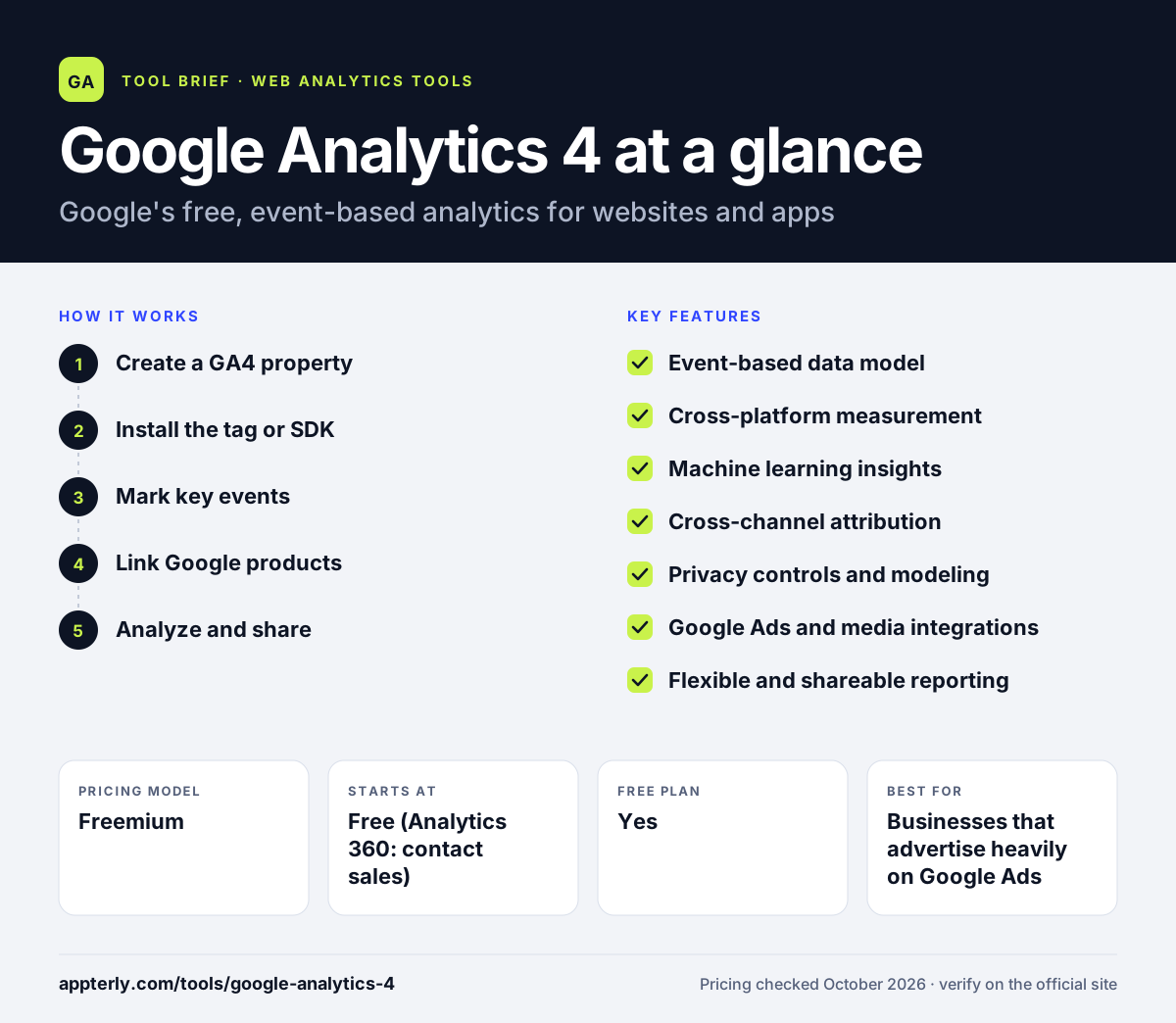
How does Google Analytics 4 work?
- Create a GA4 property
Set up a property in your Google Analytics account and add data streams for your website, iOS app or Android app.
- Install the tag or SDK
Add the Google tag to your website, or add the analytics SDK to your apps, so events start flowing into the property.
- Mark key events
Choose which events count as key events, such as purchases or sign-ups, so GA4 can report conversions and attribution.
- Link Google products
Connect Google Ads, Search Console and other Google tools so campaign and search data flow into your reports and audiences flow back to ads.
- Analyze and share
Use standard reports, flexible custom reports and shareable dashboards to review acquisition, engagement and monetization.
Google Analytics 4 key features
Event-based data model
Every interaction, from a pageview to a video play, is an event with parameters, which gives more flexible tracking than the old session model.
Cross-platform measurement
Web and app data live in one property, so you can see how users move between your site and apps across the customer lifecycle.
Machine learning insights
Google's models surface notable changes and offer predictive guidance about future customer actions.
Cross-channel attribution
Built-in attribution reporting shows how different channels contribute to key events across the journey.
Privacy controls and modeling
Cookieless measurement and behavioral and key event modeling help fill gaps when visitors decline tracking.
Google Ads and media integrations
Direct links to Google Ads, Search Ads 360 and Display & Video 360 let you build audiences and improve campaign performance.
Flexible and shareable reporting
Customize reports, automate insights and share results with teammates without exporting data.
Why use Google Analytics 4?
- The standard version costs nothing, which suits businesses of any size.
- It connects tightly with Google Ads, so ad spend and site behavior can be analyzed together.
- One property covers both websites and mobile apps.
- Predictive and machine learning features are built in without extra tools.
- Most agencies, freelancers and marketing hires already know how to use it.
Who is Google Analytics 4 best for?
A good fit for
- Businesses that advertise heavily on Google Ads
- Companies with both a website and a mobile app
- Marketing teams that need free, full-featured analytics
- Agencies standardizing reporting across many clients
Less suited to
- Site owners who want a very simple dashboard with little setup
- Organizations that want analytics without cookies or sending data to Google
- Beginners who need answers fast, since the interface has a learning curve
Google Analytics 4 pricing
| Pricing model | Freemium |
|---|---|
| Free plan | Yes |
| Free trial | Not confirmed |
| Starting price | Free (Analytics 360: contact sales) |
The standard Google Analytics 4 is free of charge. Analytics 360, the enterprise tier with advanced tools, is sold through Google sales and partners, and its price is not published.
Prices checked October 2026. Vendors change plans often, so confirm on the official website before you buy.
Google Analytics 4 pros and cons
Pros
- Free for most businesses
- Deep integration with Google Ads and Search Console
- Covers web and apps in one property
- Built-in machine learning and attribution
Cons
- Steeper learning curve than simple analytics tools
- Relies on cookies and consent setup in many regions
- Enterprise features require costly Analytics 360
Google Analytics 4 integrations and platforms
Works with
Available on
Google Analytics 4 alternatives
See the full shortlist in Best Google Analytics Alternatives.
Google Analytics 4 FAQ
Is Google Analytics 4 free?
Yes. The standard version of Google Analytics 4 is free of charge and includes cross-platform tracking, reporting, attribution and machine learning insights. Large organizations that need advanced tools, higher limits and service agreements can buy Analytics 360, the paid enterprise tier, through Google sales or a certified partner. Its pricing is not listed publicly.
What is Google Analytics 4 used for?
Google Analytics 4 is used to measure how people find and use a website or app. Marketers use it to see traffic sources, track key events like purchases or sign-ups, compare channels with attribution reports, and build audiences for Google Ads. Product and content teams use it to understand engagement and where users drop off.
Is Google Analytics 4 good for beginners?
Google Analytics 4 is powerful but has a learning curve. The event-based model and report layout feel different from older tools, and setting up key events and consent correctly takes some effort. Beginners can start with the standard reports, then learn custom reports over time. A simpler tool may suit very small sites better.
Google Analytics 4 vs Matomo: what's the difference?
Google Analytics 4 is free, hosted by Google and closely tied to Google Ads. Matomo is a privacy-focused alternative you can self-host for free or use as a paid cloud service, which gives you full data ownership and cookieless options. GA4 suits ad-driven teams, while Matomo suits organizations with strict privacy or data residency needs.
Does Google Analytics 4 work with mobile apps?
Yes. Google Analytics 4 is built for cross-platform measurement. You add separate data streams for your website, iOS app and Android app within one property, and all of them report into the same place. This lets you analyze how users move between web and app in one set of reports instead of separate tools.
Sources
This overview is based on Google Analytics 4's official website and documentation, checked October 2026.