What is Cloudflare Web Analytics?
Cloudflare Web Analytics is a free website analytics service that reports page views, top pages, referrers, countries and page speed without using cookies or fingerprinting visitors. It suits bloggers, developers, small businesses and privacy-conscious site owners who want basic traffic insight without a cookie banner or a heavy tracking script.
You can use it with any website by pasting a small JavaScript beacon, or turn it on automatically for sites that already run through Cloudflare's proxy. Cloudflare Web Analytics does not use local storage or identify individuals by IP address or user agent. It does have limits: data covers the past six months, queries are sampled, and UTM parameters and custom events are not supported yet.
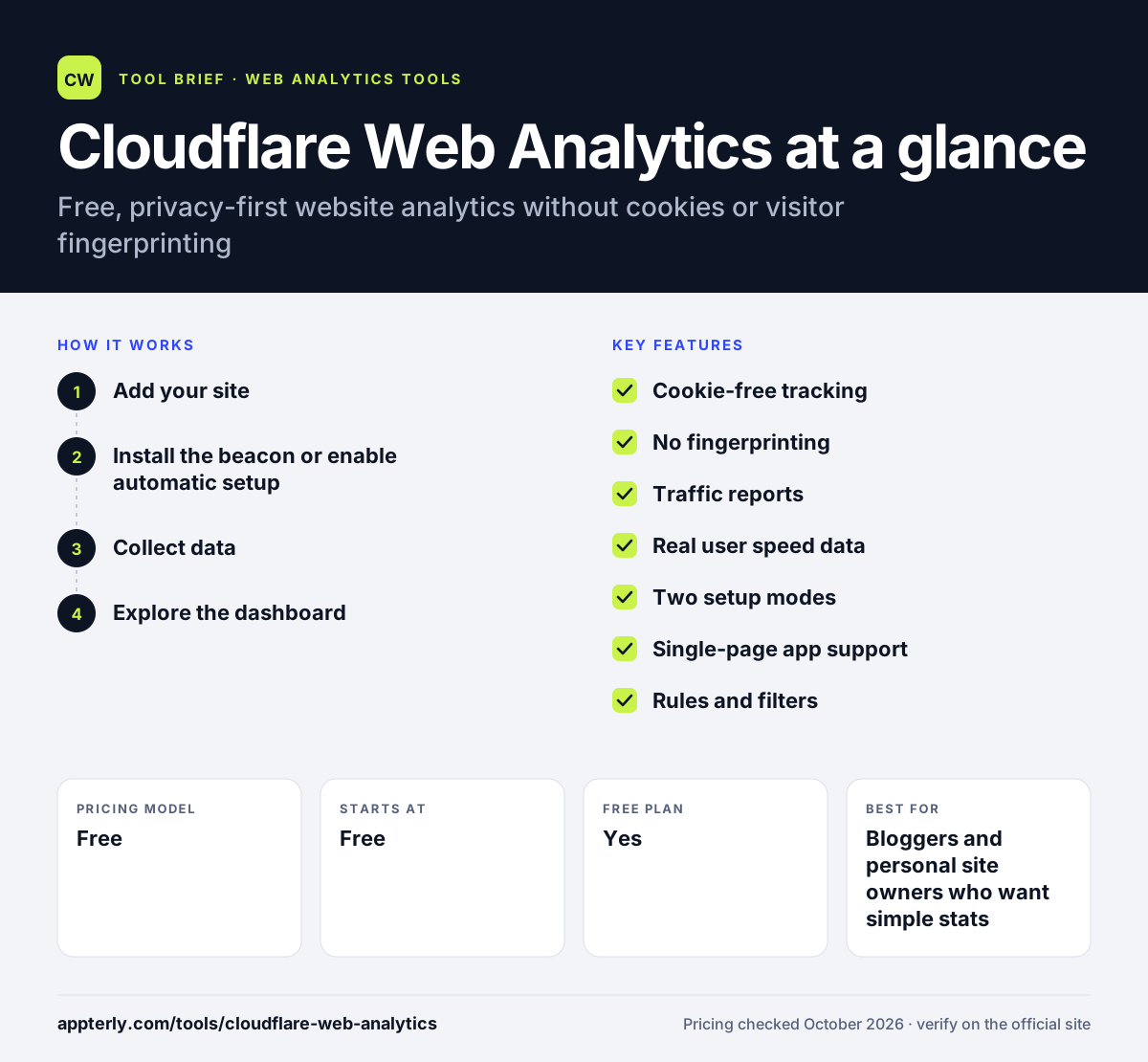
Cloudflare Web Analytics at a glance
How does Cloudflare Web Analytics work?
- Add your site
Open Web Analytics in the Cloudflare dashboard and add a hostname, using a free Cloudflare account if needed.
- Install the beacon or enable automatic setup
For sites not proxied by Cloudflare, paste the JavaScript snippet. For proxied sites, Cloudflare can inject the script on every page automatically.
- Collect data
The beacon sends a lightweight request on page load and when the visitor leaves, including route changes in single-page apps.
- Explore the dashboard
Filter by page, referrer, country or device, zoom into time ranges, and query data through the GraphQL API.
Cloudflare Web Analytics key features
Cookie-free tracking
Collects usage metrics without cookies, localStorage or other client-side state.
No fingerprinting
Does not identify individual visitors through IP address, user agent or similar signals.
Traffic reports
Shows views, top pages, hostnames, referrers, countries and status codes.
Real user speed data
The beacon measures how fast pages load for real visitors around the world.
Two setup modes
Use the JavaScript beacon on any site or automatic injection for sites proxied through Cloudflare.
Single-page app support
Sends a measurement on each route change so SPAs are tracked correctly.
Rules and filters
Configure tracking for specific sites or paths and slice reports with filters and dimensions.
GraphQL API
Query analytics data programmatically, with the applied sampling rate shown in results.
Why use Cloudflare Web Analytics?
- It is free and available on all Cloudflare plans.
- Privacy-first collection can reduce the need for cookie consent banners for analytics.
- The beacon is lightweight and does not noticeably slow pages.
- Sites already on Cloudflare can enable it without touching code.
- Real user speed data highlights slow pages and regions.
Who is Cloudflare Web Analytics best for?
A good fit for
- Bloggers and personal site owners who want simple stats
- Developers running static sites or single-page apps
- Privacy-focused businesses avoiding cookie-based tracking
- Sites already using Cloudflare DNS or proxy
Less suited to
- Marketers who need UTM campaign tracking, goals or custom events
- Teams that need unsampled long-term data beyond six months
- Businesses needing funnels, user journeys or ecommerce revenue reporting
Cloudflare Web Analytics pricing
| Pricing model | Free |
|---|---|
| Free plan | Yes |
| Free trial | Not confirmed |
| Starting price | Free |
Web Analytics is free and available on all Cloudflare plans. Advanced edge-log analytics for proxied traffic is a separate feature on Cloudflare's Pro, Business and Enterprise plans.
Prices checked October 2026. Vendors change plans often, so confirm on the official website before you buy.
Cloudflare Web Analytics pros and cons
Pros
- Completely free with no cookies or fingerprinting
- Quick setup with a single script or automatic injection
- Works on any site, not only those proxied by Cloudflare
- Includes real user page speed data
Cons
- No UTM parameters, goals or custom events yet
- Reports are sampled and history is limited to six months
- Ad blockers can block the JavaScript beacon
Cloudflare Web Analytics integrations and platforms
Works with
Available on
Cloudflare Web Analytics alternatives
See the full shortlist in Best Google Analytics Alternatives.
Cloudflare Web Analytics FAQ
Is Cloudflare Web Analytics free?
Yes. Cloudflare Web Analytics is free and available on all Cloudflare plans, including the free plan. You can use it on sites that are not proxied through Cloudflare by adding the JavaScript beacon. Advanced analytics based on edge logs is a separate feature on paid Cloudflare plans. Setup takes only a few minutes for most sites.
Does Cloudflare Web Analytics use cookies?
No. Cloudflare Web Analytics does not use cookies, localStorage or any other client-side state to collect metrics. It also does not fingerprint visitors using IP address or user agent. This privacy-first design is a main reason people choose it over cookie-based analytics tools. Because nothing is stored on the visitor's device, the tool collects only aggregate usage data.
Cloudflare Web Analytics vs Google Analytics: which should I use?
Cloudflare Web Analytics is simpler, free and cookie-free, showing page views, referrers, countries and speed. Google Analytics offers far more depth, including campaign tracking, events, conversions and audiences, but uses cookies and usually needs consent. Small sites wanting basic stats often prefer Cloudflare, while marketers needing attribution use Google Analytics. Some site owners run both tools side by side to compare numbers.
Do I need to use Cloudflare's CDN to use Web Analytics?
No. You can add Cloudflare Web Analytics to any website by pasting the JavaScript snippet, even if your DNS is elsewhere. If your site is proxied through Cloudflare, you can use automatic setup, which injects the script on every page without code changes. Sites set up automatically through the Cloudflare proxy send beacon data to their own domain rather than to a separate analytics host.
How long does Cloudflare Web Analytics keep data?
Cloudflare keeps unsampled beacon data for seven days, then aggregates it to roughly 10% for long-term storage. You can view data for the previous six months. Dashboard and API queries use dynamic sampling depending on traffic and filters. There is a soft limit of ten sites per account. Low-traffic sites are sampled at higher rates, so their reports stay close to complete.
Sources
This overview is based on Cloudflare Web Analytics's official website and documentation, checked October 2026.